Want more mods for Cat Quest? Explore our entire collection!
Time Bender
"Slow a boss to a crawl or fast-forward the grind."
How do I install Time Bender?
Download the free ProjectMods desktop app, then install Time Bender for Cat Quest in one click.
</>What does Time Bender do?
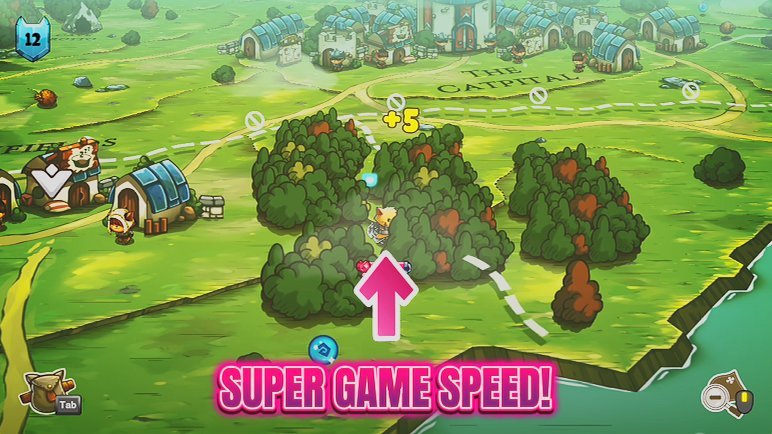
Cat Quest moves at one fixed pace, until you get your paws on Time Bender. A single slider stretches or squashes the speed of the entire game, from dreamy slow motion to a brisk fast-forward. Slow things right down when a boss unleashes a pattern you can't quite read at normal speed, giving yourself all the time in the world to dodge and counter. Or push the slider the other way to blast through overworld travel and stretches you've already seen, so the parts you've done a dozen times fly by. Handy for players who find combat a touch too twitchy, speedrunner-types skipping the boring bits, or anyone who just likes having a pace dial. Set it back to 1x, or flip the switch off, to return to normal any time.
</>What is Time Bender?
Time Bender puts the pace of Cat Quest on one slider. Drop into slow motion to read and dodge a nasty boss pattern, or speed everything up to blast through stretches you have already seen. One dial covers the whole game, from a crawl to a rush. A free-tier mod from ProjectMods, the community-first PC mod manager.
</>Common questions about Time Bender
What does Time Bender do in Cat Quest?
Time Bender lets you control the speed of the entire game in Cat Quest with one slider. Slow everything to a crawl to line up a perfect dodge against a brutal boss pattern, or speed the whole world up to rush through familiar areas and cut down on grinding. At 1x the game runs at its normal pace, and you can move above or below that whenever you like. Because the slider affects the whole game rather than just your cat, enemies, projectiles, and animations all slow down or speed up together, keeping fights fair and readable. Flip the master switch off to snap back to normal speed.
What does the Game Speed slider control in Time Bender?
The Game Speed slider is Time Bender's single dial, setting how fast Cat Quest runs, with 1x as the normal pace. Slide below 1x and the whole game eases into slow motion, giving you extra time to react; slide above it and everything speeds up, so travel and repetitive fights fly by. The change is global, meaning your cat and the enemies all move at the same adjusted rate, so a slow-motion boss fight still plays fairly, you just have more time to think. You can drag the slider live and feel the shift immediately, dialing in a gentle slowdown for a tricky moment or a big speed-up for a long trek across Felingard.
Can Time Bender help me dodge hard boss attacks in Cat Quest?
Yes, slow motion is one of Time Bender's best uses in Cat Quest. When a boss throws out a fast or tricky pattern, easing the Game Speed slider below 1x buys you extra reaction time to read the attack and roll through it cleanly. Because the slowdown applies to the whole game, the boss and its projectiles slow along with you, so the fight stays fair, you just gain more room to read and react. Once you have the pattern down, you can slide back toward normal speed for a fuller challenge, or keep it slow if a fight is simply too frantic to enjoy at full pace.
Can I use Time Bender to speed through the grind?
Definitely. In Time Bender, pushing the Game Speed slider above 1x makes Cat Quest run faster, which is perfect for the parts you would rather not linger on. Long treks between dungeons, repeat trips across Felingard, and familiar enemy packs on a replay all go by much quicker when the whole game is sped up. Because everything scales together, your cat still handles the same, you are just doing it in fast-forward. It pairs well with a movement-speed mod for even brisker travel. When you reach a moment you actually want to savor, a story beat or a fresh boss, slide back to 1x, or flip the master switch off entirely.
What does the Enabled switch do in Time Bender?
Enabled is the master switch for Time Bender. With it on, your Game Speed slider takes over and runs Cat Quest at whatever pace you have set, faster or slower than normal. Turn it off and the game snaps straight back to its regular 1x speed, with no lingering effect. That makes it simple to slow things down for one tough boss, then switch back to normal for the rest of your session, or to speed through a grind and return to standard pace the moment something interesting happens. Because the switch cleanly restores default speed, you can jump between bent time and normal time as often as you like.
What options does Time Bender include?
Enabled
Master switch. Turn it off to return to normal speed.
Game Speed
How fast the game runs (1x is normal, lower is slow-mo).
Time Bender is a free-tier Cat Quest mod from ProjectMods that bends the whole game's pace with one slider, from slow motion for dodging bosses to fast-forward through familiar stretches.
System Requirements
What features does Time Bender include?
- Bend the whole game's pace with one slider, from slow motion up to a brisk fast-forward
- Drop into slow-mo to read and dodge boss patterns that feel too fast at normal speed
- Speed everything up to blast through overworld travel and stretches you've already beaten
- Set the slider back to 1x, or flip the switch off, to return to normal pace instantly
Best For
- Players who find combat a little too twitchy and want breathing room to react in slow motion
- Speedrunner-types fast-forwarding through overworld travel and familiar story beats
- Learning a nasty boss pattern by slowing it to a crawl until the timing finally clicks
- Streamers slowing a big moment for the camera, then speeding through the grind after
More Mods for Cat Quest
Furocious
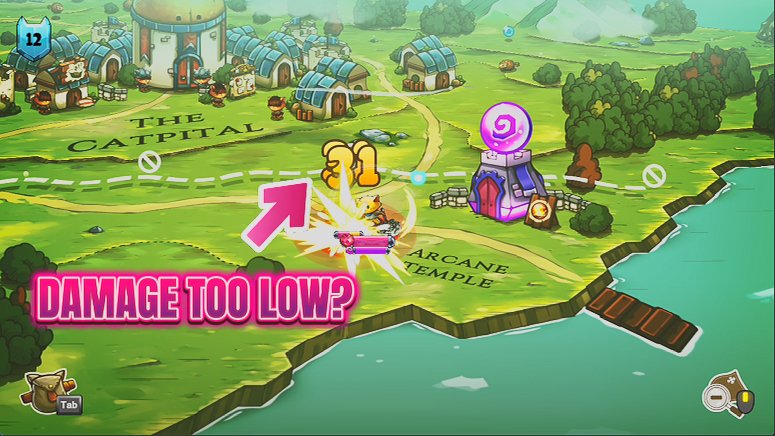
Add big bonuses to your attack, magic and defence with three sliders. Build a glass-cannon spellcaster, an unshakable tank, or a bit of both.
Fat Stacks
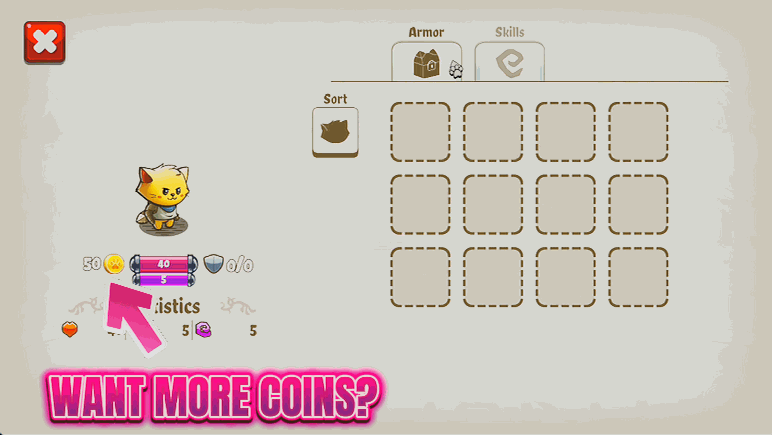
Top up your gold and gems whenever you want, then splurge on gear and spell upgrades. One button for gold, one for gems, one to wipe the wallet.
Trophy Cabinet
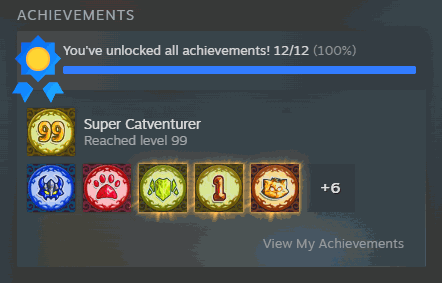
Pop every Cat Quest achievement to your Steam profile with a single button, including the tough New Game+ ones most players never finish.