Want more mods for Content Warning? Explore our entire collection!
Fly
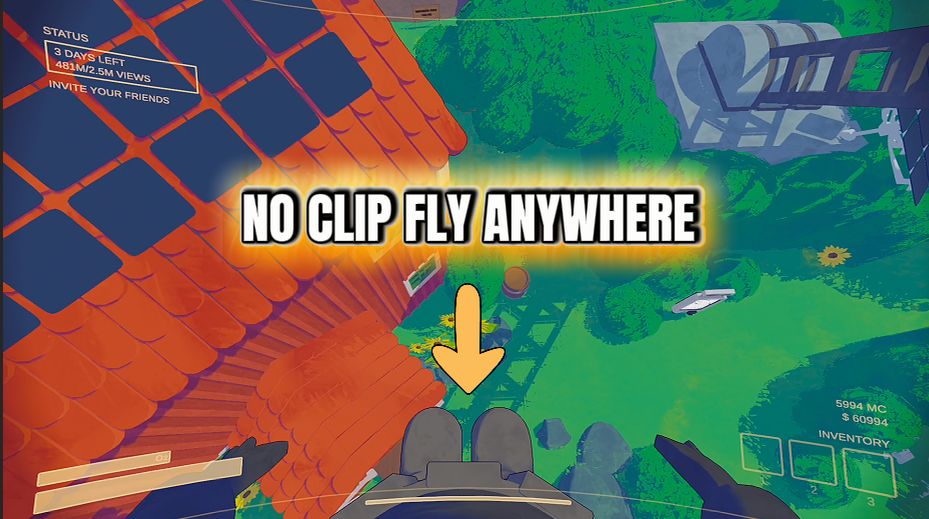
"Fly anywhere, hover at any height, and enable noclip to pass straight through walls, ceilings, and locked doors."
How do I install Fly?
Download the free ProjectMods desktop app, then install Fly for Content Warning in one click.
</>What does Fly do?
Fly removes gravity from your character and lets you move freely through the air in Content Warning. Hold jump to rise, hold crouch to descend, and release both to hover at your current height. Your usual movement controls continue working while airborne, so you can steer in any direction while exploring caves, scouting the map, escaping danger, or setting up better filming angles. Adjust the Fly Speed slider for slow, precise movement or fast climbs and rapid travel. Enable No Clip to pass directly through cave walls, ceilings, doors, and other solid surfaces. Leave it disabled when you want unrestricted flight while still colliding with the environment and landing normally. Switch the mod off whenever you are finished and gravity immediately returns to normal.
</>What is Fly?
Fly is a Content Warning movement mod with free flight, stationary hovering, adjustable speed, vertical controls, and optional noclip. It is ideal for exploration, filming, map scouting, fast travel, escaping caves, and reaching areas that are normally blocked or inaccessible.
</>Common questions about Fly
How do I control flight?
Hold jump to rise, hold crouch to descend, and use the normal movement controls to steer. Release the vertical controls to hover in place.
Can I fly without passing through walls?
Yes. Keep No Clip disabled to fly freely while retaining normal collision with the environment.
What options does Fly include?
Fly Speed
How fast you move in every direction — climbing, sinking and gliding around. Crank it up for speedy getaways, or keep it low for gentle, precise flying.
Enabled
Turn flight on or off. While it's on, gravity stops pulling you down and you're free to float, rise and soar.
No Clip
Phase straight through walls, floors and ceilings while flying. Leave it off to soar but still bump into solid surfaces; switch it on to drift through anything and go absolutely anywhere.
Turn off gravity to fly anywhere in Content Warning, hover in place, adjust your speed, and enable noclip to pass through solid surfaces.
System Requirements
What features does Fly include?
- Rise, descend, hover, and steer freely through the air with adjustable flight speed.
- Enable noclip to move through walls, ceilings, doors, and other solid level geometry.
Best For
- Scout caves and the surrounding map from above or quickly escape dangerous areas.
- Reach hidden locations and capture difficult camera angles for SpookTube footage.
More Mods for Content Warning
/ContentWarningSpotlightONSuperBright1.png)
Spotlight ON! (Super Bright)
Turn your dinky flashlight into a blazing floodlight. Light up whole caves and rooms so the dark has nowhere left to hide.
/ContentWarningTimeLordSetDay1.jpg)
Time Lord (Set Day)
Bend your run's calendar to your will. Pick any day from 1 to 30, tap the button, and your game snaps straight to it - skip the slow early days or leap right into the high-pressure late-game nights.
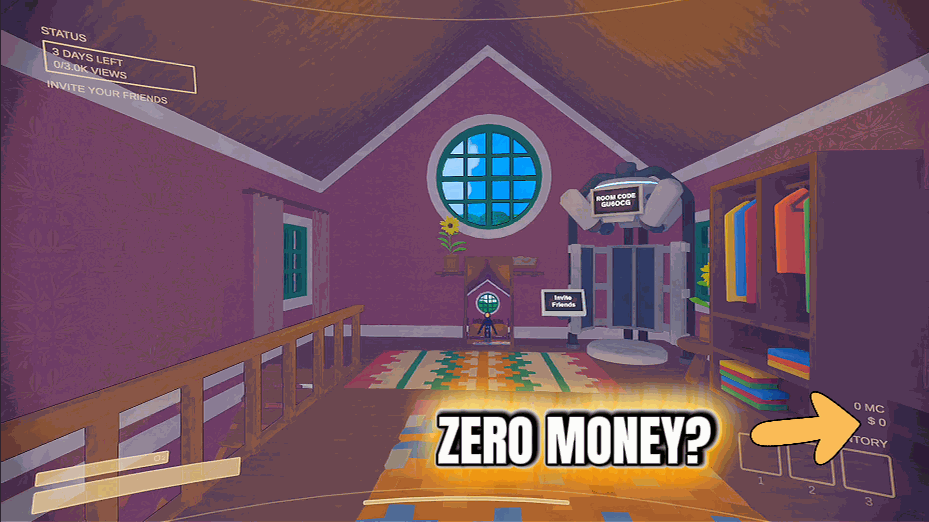
Give Money
Top up your team's cash whenever you want. Pick an amount, tap the button, and the money lands in your wallet instantly - no more scraping together dollars between dives.







