Want more mods for Crime Simulator? Explore our entire collection!
Loot Locker
"Shopping, but the shop is the entire game and nothing has a price tag."
How do I install Loot Locker?
Download the free ProjectMods desktop app, then install Loot Locker for Crime Simulator in one click.
</>What does Loot Locker do?
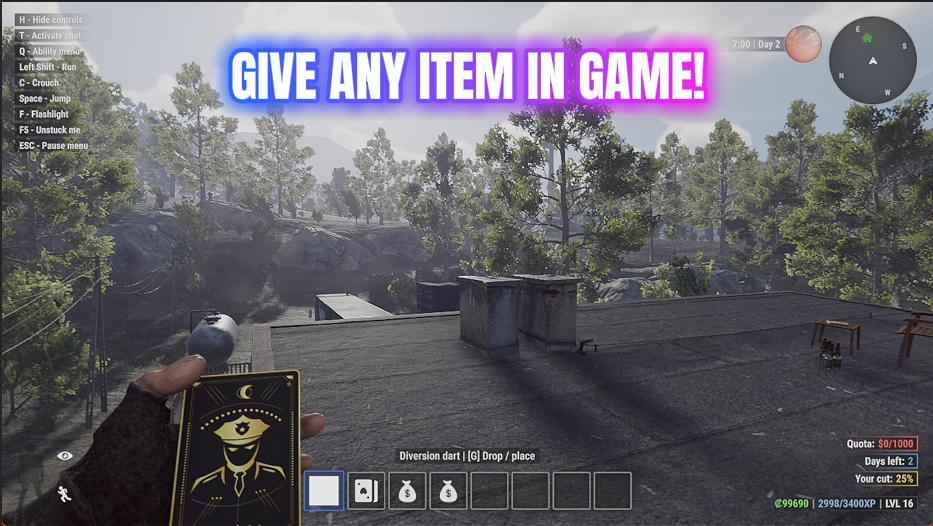
Loot Locker opens up the game's entire item catalogue and lets you take whatever you want from it. Press Refresh List and the dropdown fills with every item in Crime Simulator, sorted and grouped so related things sit together. Loot is filed under Loot, weapons under Weapon, and tools, ammo, armour, drones, skill books and cards each get their own heading - so you can find the whole family at a glance instead of hunting alphabetically for something you only half remember the name of. Pick what you want, set how many, and press Hand It Over. Kit yourself out with the perfect toolkit before a job, stock up on ammo, grab a drone you haven't unlocked yet, or simply fill your bag with gold bars and call it a night. It tells you exactly how many arrived rather than assuming, and if your hands are full the game handles it the way it normally would. Press Refresh List once each time you load into a save, so the list matches what's actually loaded.
</>What is Loot Locker?
Loot Locker turns Crime Simulator's whole item catalogue into a list you can shop from. Press Refresh List once after you load into a save, pick from a dropdown grouped by type, choose a quantity and press Hand It Over. Kit out the perfect toolkit before a job, stock up on ammo, grab a drone you haven't unlocked yet, or just fill the bag with gold bars and call it a night.
</>Common questions about Loot Locker
What does Loot Locker do in Crime Simulator?
Loot Locker opens Crime Simulator's entire item catalogue and lets you take whatever you want from it. Press Refresh List and a dropdown fills with every item in the game, grouped by type so related things sit together: loot under Loot, weapons under Weapon, and tools, ammo, armour, drones, skill books and cards each with their own heading. Pick what you want, set how many copies you need, and press Hand It Over. It tells you exactly how many arrived rather than assuming, so you always know what actually made it into your inventory.
Why is the item dropdown empty when I first load in?
Crime Simulator's item catalogue isn't ready the moment Loot Locker starts up, so the mod deliberately begins with an empty list rather than showing you a stale one. Press Refresh List once after you've loaded into a save and the dropdown fills with everything the game currently has available. Do this each time you load a save, not just the first time you ever run the mod, so the list always matches what's genuinely loaded. It takes one press and about a second, and it's the step worth remembering if you ever open the dropdown and find nothing in it.
How is the item list organised in Loot Locker?
Entries in Loot Locker are grouped by type rather than dumped in one alphabetical pile, which matters because Crime Simulator has a lot of items and you rarely remember the exact name of the one you want. Loot sits under Loot, weapons under Weapon, and tools, ammo, armour, drones, skill books and cards each get their own heading. Typing a group name into the dropdown shows you that entire family at once, so you can browse everything sellable, or every drone, and pick from what is there instead of hunting for a half-remembered name.
Can I take more than one copy of an item at a time?
Yes. The How Many box in Loot Locker sets how many copies arrive each time you press Hand It Over, so you can take a single specialist tool or twenty rounds of ammunition with the same number of clicks. It is the option that makes stocking up for a night in Crime Simulator practical rather than tedious, especially for consumables like ammo and lockpicks. You can also press Hand It Over repeatedly with the same settings if you decide you want more, and the confirmation tells you how many landed each time.
What happens if my inventory is full when I use Loot Locker?
Loot Locker hands items over the same way Crime Simulator would if you had picked them up, so a full bag behaves exactly as it normally does rather than doing anything strange. The important part is that it reports how many copies actually arrived instead of assuming they all fit, so if you asked for ten and only four made it, you will know. Drop or sell something and press Hand It Over again for the rest. In practice it means you can be careless with quantities without silently losing items you thought you had.
What options does Loot Locker include?
Select Item
Pick which item you want. Entries are grouped by type, so search 'Loot' or 'Weapon' to see the whole family.
Refresh List
Fills the list below with every item in the game. Press this once after loading into a save.
Hand It Over
Drops your chosen item into your inventory and tells you how many arrived.
How Many
How many copies to hand over each time you press the button below.
Loot Locker is a ProjectMods mod for Crime Simulator that opens the game's entire item catalogue and drops whatever you pick, from tools and weapons to ammo, armour, drones, skill books and loot, straight into your inventory. Press Refresh List once after loading a save to fill the dropdown.
System Requirements
What features does Loot Locker include?
- Refresh List fills the dropdown with every item in the game, sorted and grouped by type
- Search Loot, Weapon, Tool, Ammo, Armour, Drone or Skill Book to see a whole family at once
- Set how many copies you want and press Hand It Over to drop them into your inventory
- Tells you exactly how many arrived rather than assuming, so a full bag is never a mystery
- Give the list a quick refresh after loading a save so it matches what's actually there
Best For
- Kitting out with the perfect toolkit before a job instead of hoping the shop stocks it
- Grabbing a drone or gadget you haven't unlocked yet to see whether it suits your style
- Filling a bag with gold bars and calling it one enormous payday night
- Stocking ammo and armour before a house you already know is going to go loud
- Content creators who need one specific item on camera without a twenty-minute hunt for it
More Mods for Crime Simulator

Full Crew
Raise your online crew from four players up to sixteen. Set the size, host a new online game, and everyone piles in.
Mime Mode
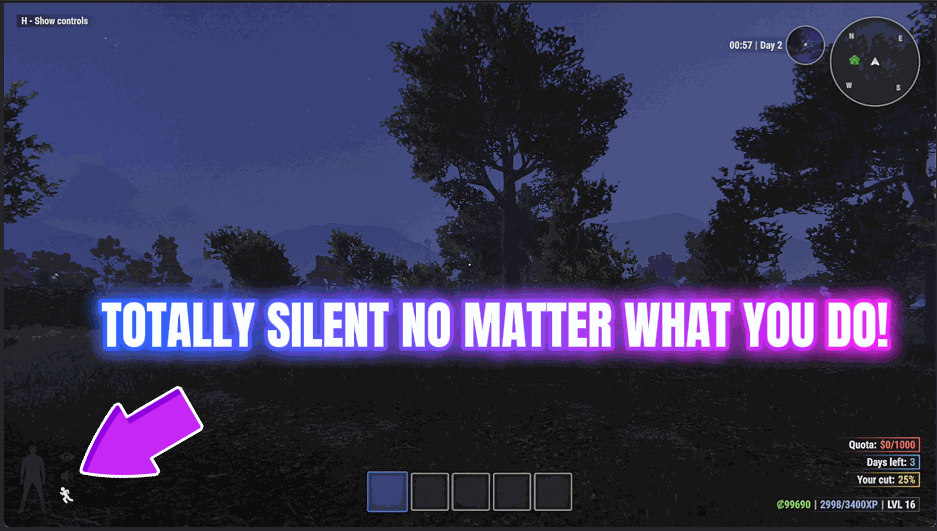
Move in complete silence. Footsteps, dropped loot and the racket of hauling something heavy all stop reaching anyone's ears.
Fence Markup
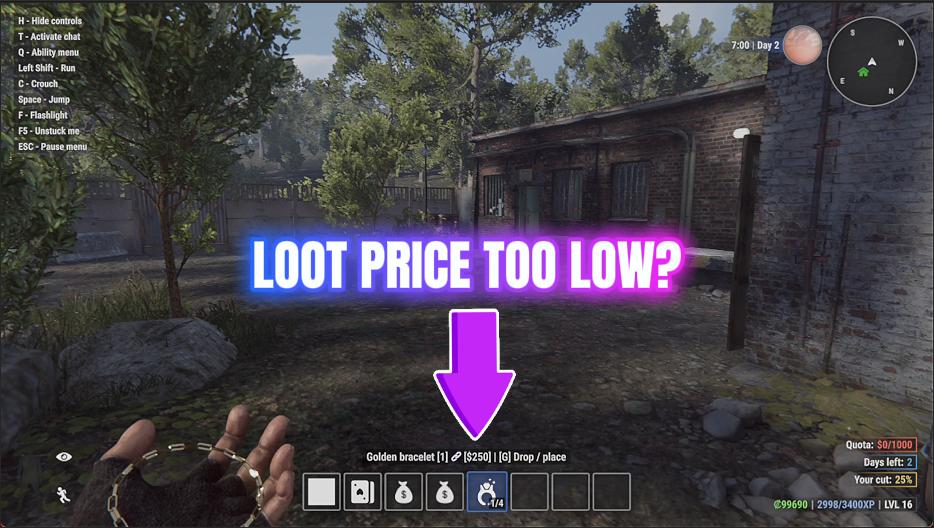
Multiply what everything pays out - the loot you carry home, the jobs you finish and the requests you fill.


























































































































































































