Want more mods for Cuphead? Explore our entire collection!
Fly
"Forget gravity and take platforming to new heights."
How do I install Fly?
Download the free ProjectMods desktop app, then install Fly for Cuphead in one click.
</>What does Fly do?
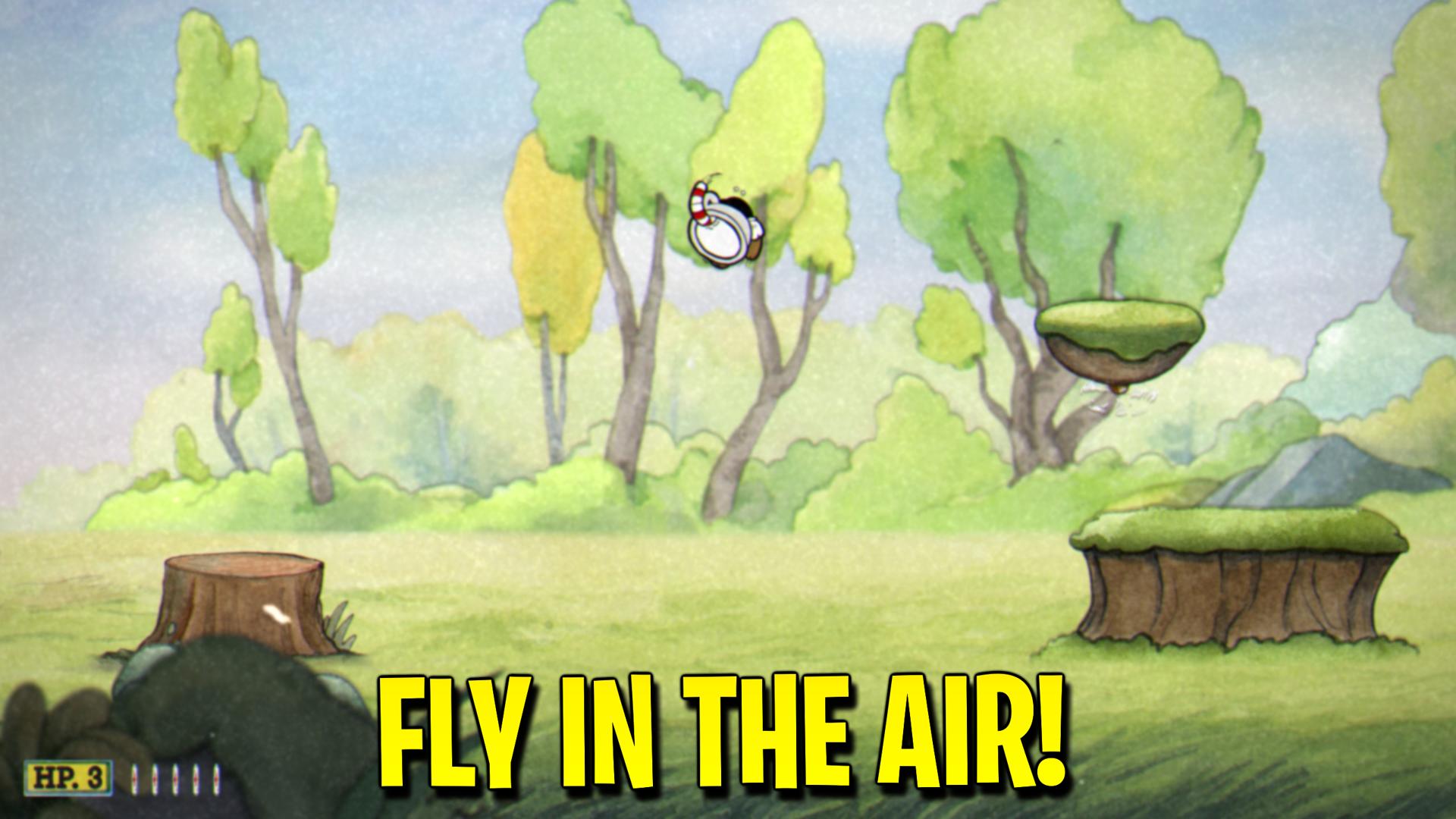
Break free from gravity and experience Cuphead's ground stages from a completely different perspective. Fly lets you rise above platforms, hover around boss arenas, and navigate challenging Run 'n Gun levels without relying on traditional jumping mechanics. Enable Fly Enabled during a ground stage and use your existing Up and Down aiming controls to change your altitude. Hold Up to rise, hold Down to descend, and release the controls when you reach your preferred height. Customise your movement using two adjustable speed settings. Fly Speed determines your normal vertical movement speed, while Shift Speed provides an alternative speed whenever you hold Left Shift. Move carefully around platforms and obstacles or increase your speed to cover vertical distances more quickly. Enable Noclip to pass through walls, floors, and ceilings while flying. Keep it disabled when you want to respect the stage's ordinary physical boundaries, or activate it to explore beyond obstacles. Always return to open space before disabling noclip after passing through scenery. Fly is intended for ground-based boss fights and platforming stages where your character normally jumps and lands. Airplane encounters retain their usual movement controls. Whether you're struggling with precise jumps, exploring unusual areas, avoiding difficult platforming sections, or experimenting with aerial movement during boss fights, Fly offers a new way to experience Cuphead's ground-based gameplay.
</>What is Fly?
The Fly mod for Cuphead is a PC character movement modification that introduces controllable vertical flight, hovering, adjustable movement speeds, and optional noclip during ground-based stages. Players can ascend and descend using their existing Up and Down aiming controls, removing the need to rely exclusively on jumping and landing to navigate platforms and boss arenas. The mod provides separate Fly Speed and Shift Speed settings, allowing players to switch between normal vertical movement and an alternative speed by holding Left Shift. Optional noclip allows characters to pass through solid walls, floors, and ceilings during flight. Players can leave collision enabled for conventional stage boundaries or activate noclip to bypass physical obstacles and experiment with unrestricted movement. The feature applies to ground-based boss encounters and Run 'n Gun platforming stages rather than airplane encounters, which already provide directional flight controls. Available through ProjectMods, Fly is useful for overcoming difficult platforming sections, exploring boss arenas, practising encounters, experimenting with movement, and making Cuphead's ground stages more accessible.
</>Common questions about Fly
What does the Fly mod do in Cuphead?
It lets you ascend, descend, and hover during ground-based stages, customise your vertical movement speed, and optionally pass through walls, floors, and ceilings using noclip.
How do I fly in Cuphead?
Enable Fly Enabled through ProjectMods during a ground stage. Use your existing Up aiming control to ascend and Down aiming control to descend.
Does the Fly mod include noclip?
Yes. Enable Noclip during flight to pass through solid walls, floors, and ceilings.
Can I fly through walls in Cuphead?
Yes. Activate Noclip while flying to pass through walls and other solid environmental geometry.
Can I fly without enabling noclip?
Yes. Flight and noclip are separate settings. Leave Noclip disabled to fly while respecting the stage's normal physical boundaries.
How do I change my flight speed?
Adjust Fly Speed to change your normal vertical movement speed. Use Shift Speed to configure the alternative speed activated by holding Left Shift.
How do I fly faster in Cuphead?
Increase Fly Speed or configure Shift Speed to a higher value and hold Left Shift while flying.
Can I hover in mid-air?
Yes. Ascend or descend to your preferred height, then release the vertical movement controls to hover.
Does Fly work in Run 'n Gun levels?
Yes. Fly works during ground-based platforming stages, allowing you to move above platforms and bypass difficult jumps.
Can I use Fly during boss fights?
Yes. Fly supports ground-based boss encounters where your character normally jumps and lands.
Does the Fly mod work during airplane fights?
No. Fly is intended for ground stages. Airplane encounters already provide directional flight through their standard movement controls.
What should I do before disabling noclip?
Move your character back into open space before disabling Noclip. This prevents you from restoring normal collision while positioned inside solid scenery.
Does Fly make my character invincible?
Fly changes character movement and optionally removes environmental collision. It does not provide unlimited health or invincibility.
What options does Fly include?
Shift Speed
Flight speed while holding Left Shift. Release Left Shift to return to Fly Speed.
Fly Speed
Vertical flight speed. Higher values make climbing and descending faster. Also controls horizontal speed with Noclip.
Noclip
Pass through walls, floors and ceilings while Fly Enabled is on. Return to open space before switching off.
Fly Enabled
Fly in ground stages. Use Up to rise and Down to descend.
Fly lets you freely ascend, descend, and hover during Cuphead's ground stages. Adjustable flight speeds and optional noclip allow you to bypass platforming obstacles and pass through walls, floors, and ceilings.
System Requirements
What features does Fly include?
- Fly freely above platforms during Cuphead's ground stages.
- Ascend and descend using your existing Up and Down aiming controls.
- Hover at your preferred height without relying on conventional jumping.
- Adjust normal vertical movement speed using Fly Speed.
- Configure an alternative flight speed using Shift Speed.
- Hold Left Shift to switch to your configured alternative speed.
- Enable noclip to pass through walls, floors, and ceilings.
- Keep normal environmental collision by leaving noclip disabled.
- Navigate ground-based boss arenas and Run 'n Gun platforming stages.
- Switch between standard movement and flight using Fly Enabled.
Best For
- Bypass difficult jumps during Run 'n Gun stages.
- Hover above platforms to navigate challenging sections.
- Explore ground-based boss arenas from unusual positions.
- Avoid ground-level obstacles by flying above them.
- Pass through walls, floors, and ceilings using noclip.
- Practise difficult boss encounters with greater vertical mobility.
- Adjust your altitude precisely around platforms and scenery.
- Experiment with alternative movement speeds during ground stages.
- Capture unusual gameplay footage from elevated positions.
- Make challenging platforming sections more accessible without automatically completing the stage.
More Mods for Cuphead

Infinite Super Meter
Refill both players' Super Meters after EX moves and Super Arts in Cuphead, with support for ground and airplane battles.
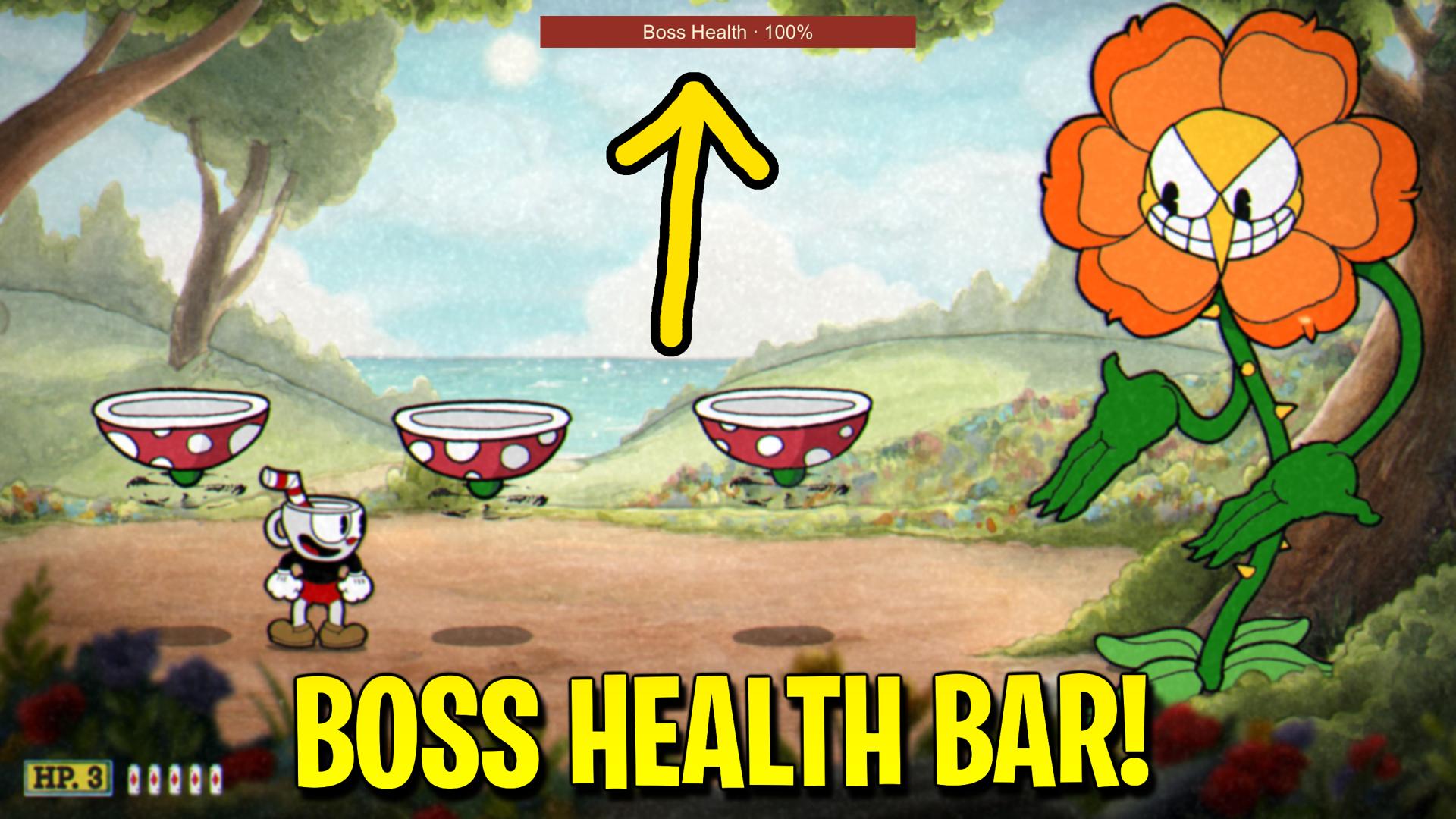
Boss Health Bar
Display a boss health bar and percentage above Cuphead's active fights, so you can see how close each attempt comes to a knockout.
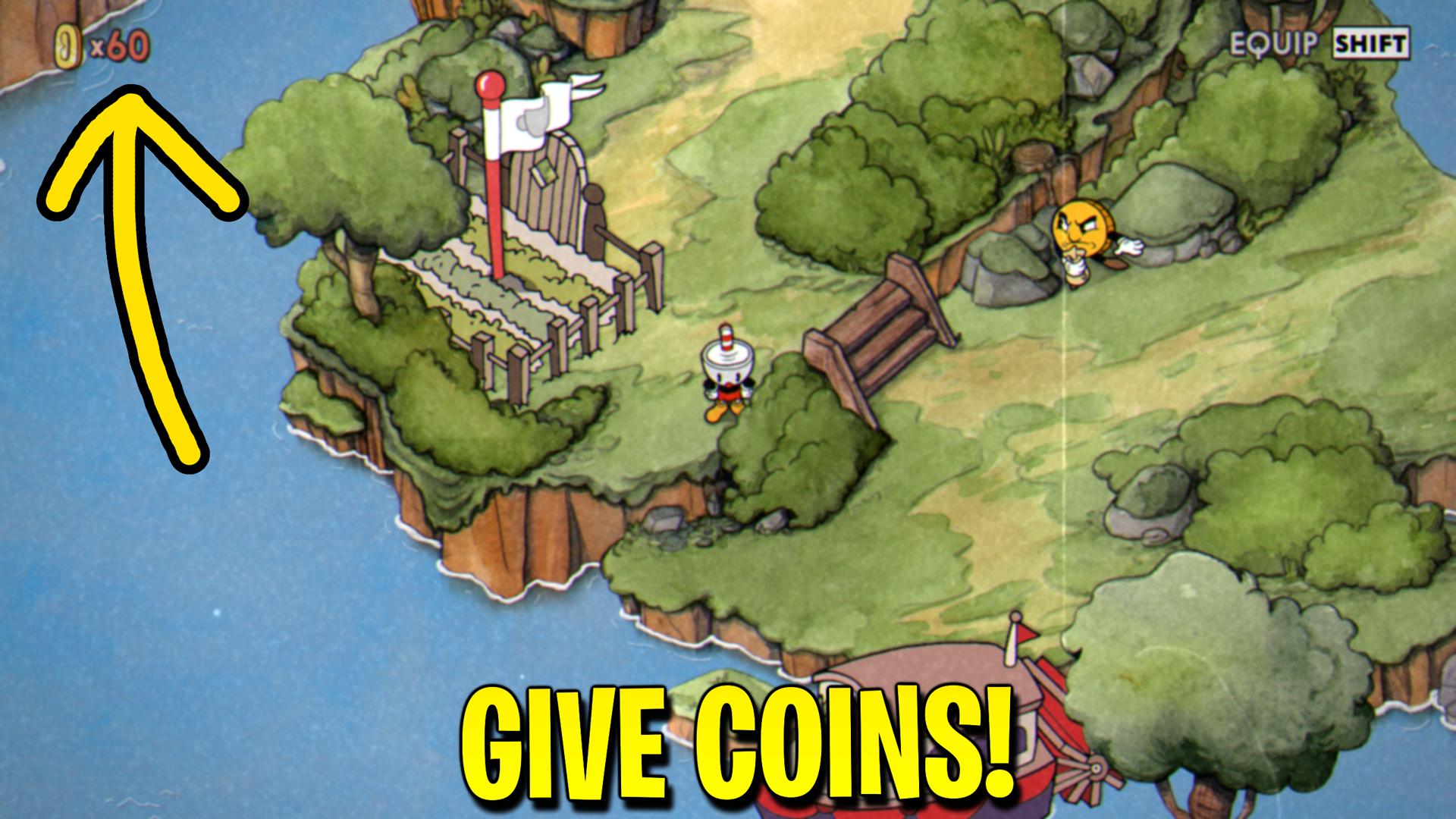
Give Coins
Top up Player 1's purse to the map counter's limit in Cuphead, or reset the balance to zero from the island map.







