Want more mods for DREDGE? Explore our entire collection!
Weather Control
"Clear skies or howling gale - you write the forecast now."
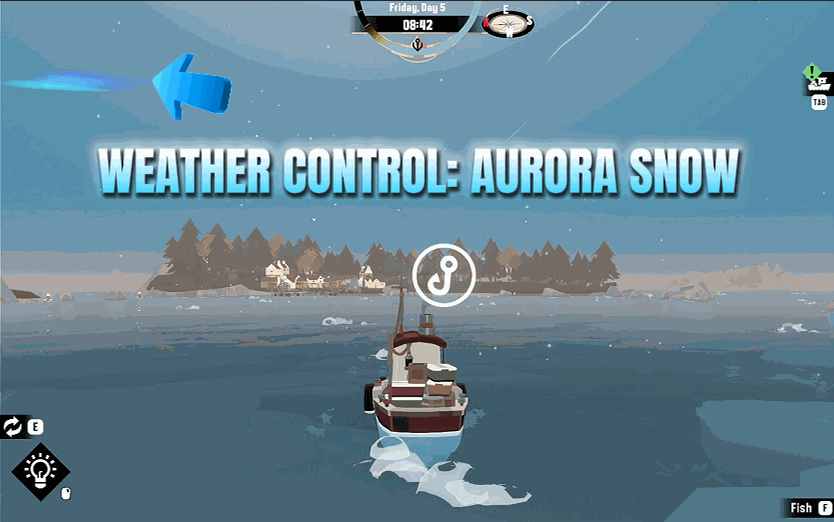
How do I install Weather Control?
Download the free ProjectMods desktop app, then install Weather Control for DREDGE in one click.
</>What does Weather Control do?
The weather in DREDGE sets the whole tone - a bright calm morning feels worlds apart from a black, wind-lashed night with something circling in the fog. Weather Control puts that dial in your hands. Refresh the list to pull in every sky your game has, pick the one you want, and lock it in. Then shape it: thicken the cloud cover, darken it into a brooding storm ceiling, and push the wind from a dead calm up to a howling gale that whips the waves. Chasing the perfect eerie screenshot, tired of being rained on, or just want to see what a full-on tempest looks like over the deep? Set the scene exactly how you like it - and hand the sky back to the game whenever you're done.
</>What is Weather Control?
Weather Control turns you into the weather-maker over DREDGE's Marrows. Refresh the list to pull every sky the game has, pick your conditions, and lock them in. Then shape the details: thicken cloud cover, darken skies into a brooding storm ceiling, and push wind from dead calm to howling gale. Build the perfect eerie screenshot backdrop, clear the skies for a peaceful voyage, or summon a full tempest to see what the deep looks like in a storm. Hand the weather back to the game whenever you are done. Available through ProjectMods.
</>Common questions about Weather Control
What does Weather Control do in DREDGE?
Weather Control is a DREDGE mod from ProjectMods that gives you full authority over the Marrows' weather. Tap Refresh Weather to pull in every sky condition your game has, select the one you want, and lock it in with Apply Weather. Beyond choosing a base weather state, you can fine-tune three parameters: cloud cover thickness, darkness level, and wind intensity. This lets you go far beyond simply picking clear or stormy and instead craft exactly the atmospheric conditions you want, from a bright calm morning to a pitch-dark howling tempest with everything in between.
Can I control cloud cover and darkness separately in Weather Control?
Yes. Weather Control separates cloud cover and darkness into independent sliders. Cloud cover controls how thick the clouds are across the sky, from thin wisps to a solid overcast ceiling. Darkness controls the overall light level independent of time of day, letting you darken a midday sky into something moody and oppressive or brighten a night scene slightly. This separation means you can create combinations the game never naturally produces, like heavy cloud cover with bright lighting for a dramatic but visible sky, or thin clouds with deep darkness for an unsettling clear-night effect.
How does the wind slider work in Weather Control?
The wind slider in Weather Control scales from dead calm to a howling gale. At the low end, the sea goes flat and your boat barely rocks. At the high end, waves whip up and the water becomes visibly rough and animated. Wind affects both the visual appearance of the sea surface and the atmospheric feel of your surroundings. Pairing high wind with heavy clouds and deep darkness creates a full storm experience, while setting wind low with clear skies gives you glassy, peaceful waters. The wind setting takes effect immediately alongside your other weather choices when you tap Apply Weather.
Can I use Weather Control for screenshots in DREDGE?
Weather Control is one of the best screenshot tools for DREDGE. Full control over sky conditions, cloud density, darkness, and wind means you can construct exactly the visual atmosphere you want for any shot. Stage a sunrise through parting storm clouds, lock in a perfectly foggy twilight, or summon dramatic storm lighting for an action shot. Pair it with Time Control to set the exact hour for your desired lighting angle, UI Toggle to clear the HUD, and you have complete compositional control. Many of DREDGE's most striking visual moments depend on weather, and this mod lets you summon them on demand.
Does Weather Control reset when I close the mod or end my session?
When you deactivate Weather Control or hand the weather back to the game, DREDGE's natural weather system resumes and begins cycling through its own conditions again. Your custom weather settings are not permanently baked into your save. This means you can use Weather Control to set conditions for a specific activity like a screenshot session or a calm fishing run, then release control and let the game surprise you with its own weather patterns again. The next time you activate the mod, your sliders will be available to set fresh conditions for whatever mood you want.
What options does Weather Control include?
Cloud Darkness
How dark and brooding the clouds look, from soft and pale (0) to a menacing storm ceiling (1).
Refresh Weather
Scan your loaded game and fill the sky picker with every weather it has. Do this once after you load your save.
Wind Speed
How hard the wind drives the waves and rain, from dead calm (0) to a howling gale (3).
Weather Name
Pick the sky to roll in. Hit Refresh Weather once you're in your save to fill this list with every kind of weather your game has, then hit Apply Weather to make it happen.
Cloudiness
How thick the cloud cover sits overhead, from clear skies (0) to a heavy overcast blanket (1).
Apply Weather
Lock in the sky you picked and push your cloud, darkness and wind settings live. Nudge the sliders afterwards and the sky follows along.
Weather Control is a ProjectMods mod for DREDGE that lets you choose any sky condition, then fine-tune cloud cover, darkness, and wind speed to craft the exact atmosphere you want over the Marrows.
System Requirements
What features does Weather Control include?
- Pick from every sky condition the game offers and lock it in as your permanent weather
- Dial cloud cover from clear blue to a thick, brooding storm ceiling with a single slider
- Push the wind from dead calm up to a screaming gale that whips the waves into chaos
- Darken or brighten the atmosphere independently to build exactly the mood you are after
Best For
- You are chasing the perfect eerie screenshot and need a specific sky to set the scene
- You are tired of storms ruining your fishing runs and want permanent calm water
- You want to see what a full tempest looks like over the deep just for the spectacle
- You are filming a moody video and need consistent dramatic weather across every shot
More Mods for DREDGE
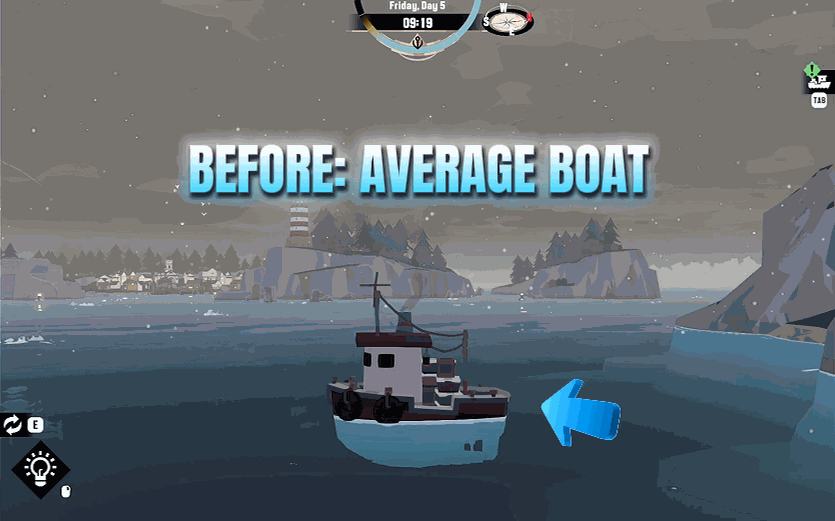
Boat Styler
Give your little boat a fresh look: repaint the hull and roof, fly a flag from the mast, drape it in festive bunting, and choose your foghorn's tone - then apply it all in one tap.
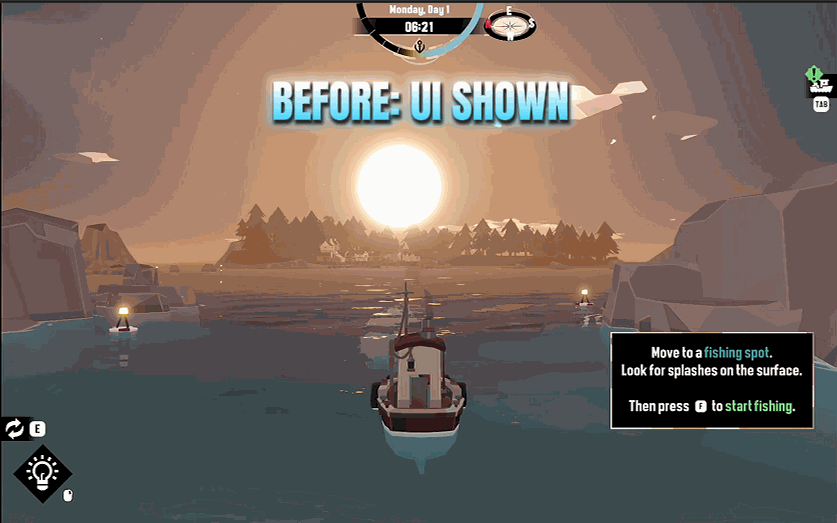
UI Toggle
Hide the entire on-screen interface with one tap for clean, clutter-free screenshots, then bring it all back when you're done.
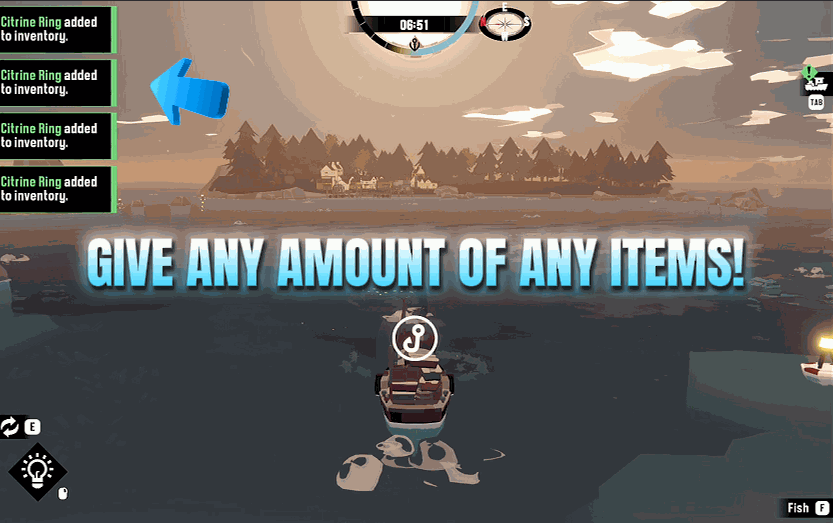
Item Spawner
Give yourself any item in DREDGE - fish, gear, gadgets, cargo, the lot. Refresh the list, pick what you want, choose how many, and it lands in your hold.







