Want more mods for Duck Life 8: Adventure? Explore our entire collection!
Warp Tag
"Pick a place. Be there."
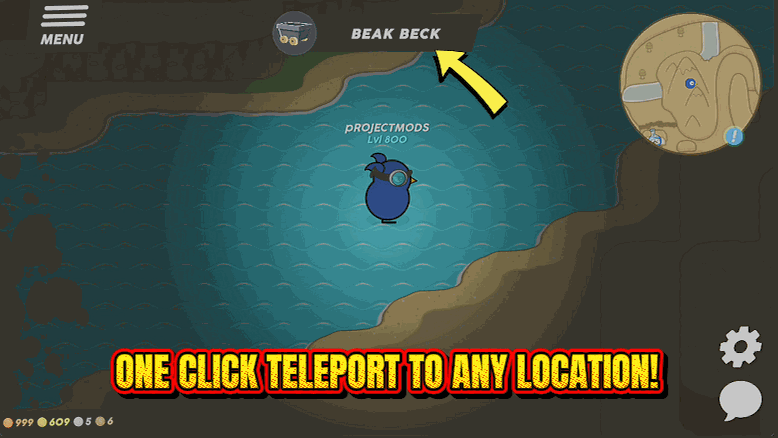
How do I install Warp Tag?
Download the free ProjectMods desktop app, then install Warp Tag for Duck Life 8: Adventure in one click.
</>What does Warp Tag do?
The world of Duck Life 8 is lovely and it is also very wide. Remembering that the dojo you want is three areas back the way you came is a normal part of playing it, and so is the walk. Warp Tag skips the walk. Press Refresh Places, pick a region from the list, and your duck is standing there. Good for hopping back to a shop, getting to a training dojo without crossing the map, or returning to a quest giver you left behind. If the spot it aims for turns out to be water, a cliff or a hole, you get put down on the nearest solid ground instead of stuck, and your position is saved so the game remembers where you ended up.
</>What is Warp Tag?
The world of Duck Life 8: Adventure is lovely and very wide, and remembering that the dojo you want is three areas back the way you came is a normal part of playing it. Warp Tag lists every region and puts your duck in the one you pick, landing you on solid ground and saving your new position. Free in the ProjectMods catalogue, the community-first PC mod manager for 400+ games.
</>Common questions about Warp Tag
What does Warp Tag do in Duck Life 8: Adventure?
Warp Tag is a list of every region in Duck Life 8: Adventure with a button that puts your duck there. The world is lovely and it is also very wide, so remembering that the dojo you want is three areas back the way you came is a normal part of playing it, and so is the walk. Press Refresh Places, pick a region from the list, press Warp There, and your duck is standing in it. It is free in the ProjectMods catalogue for Duck Life 8: Adventure.
How do I choose where to warp to?
The Place dropdown holds every region Warp Tag found, and you can type part of a name to narrow it down rather than scrolling the whole list, which is quicker once you know roughly where you are heading in Duck Life 8: Adventure. Pick your destination, press Warp There, and your duck arrives. Nothing else about the save changes, so quests, items and skills are exactly as you left them. You can warp again immediately if you picked the wrong place, so it doubles as a fast way to check what is actually in a region.
What happens if the destination turns out to be water or a cliff?
You get put down on the nearest solid ground instead of stuck. Warp Tag aims at a spot in the chosen Duck Life 8: Adventure region, and if that spot happens to be water, a cliff face or a hole, it finds you somewhere sensible nearby rather than dropping you somewhere you cannot get out of. Your new position is saved too, so the game remembers where you ended up rather than snapping you back on the next load. That means you can aim at a region you barely know yet and still count on standing on something solid when you arrive.
Why is the place list empty, and what does Places Found show?
The list starts empty on purpose, because Warp Tag can only show you regions once you are actually in a loaded game rather than sitting on the menu. Get out into the Duck Life 8: Adventure world, press Refresh Places once, and every region fills the dropdown. Places Found sits underneath and tells you how many the list is currently holding, which is the quickest way to confirm the refresh worked rather than guessing from an empty box. If you switch saves during a session, press Refresh Places again so the list matches the world you are actually in.
When is Warp Tag most useful?
Warp Tag earns its place any time the next thing you want to do is somewhere you have already been in Duck Life 8: Adventure. Hopping back to a shop for one purchase, reaching a training dojo without crossing the map, returning to a quest giver you walked away from, or getting to a tournament without a five-minute trek. It is also the natural partner to Cartographer from ProjectMods, which clears the fog so you can actually see which region you want before you jump to it. Together they turn map navigation into a couple of presses.
What options does Warp Tag include?
Warp There
Moves your duck to the chosen place.
Refresh Places
Fills the list below with every region in the world. Press this once you are out in the world.
Places Found
How many places the list is holding.
Place
Where you want to end up. Type part of a name to search the list.
Warp Tag is a free ProjectMods mod for Duck Life 8: Adventure that lists every region in the world and puts your duck in the one you choose, so shops, dojos and quest givers are one press away.
System Requirements
What features does Warp Tag include?
- Searchable list of every region in the world with a button that puts your duck there
- Refresh Places builds the list once you are out in the world, then you type to find a spot
- Aims for solid ground, so water, cliffs and holes drop you nearby instead of leaving you stuck
- Your new position is saved, so the game remembers where you ended up
Best For
- Hopping back to a shop three areas behind you without redoing the whole walk
- Getting to a training dojo that happens to sit on the far side of the map
- Returning to a quest giver you left behind two towns ago
- Clear the fog with Cartographer first, then pick the place off the map and go
More Mods for Duck Life 8: Adventure
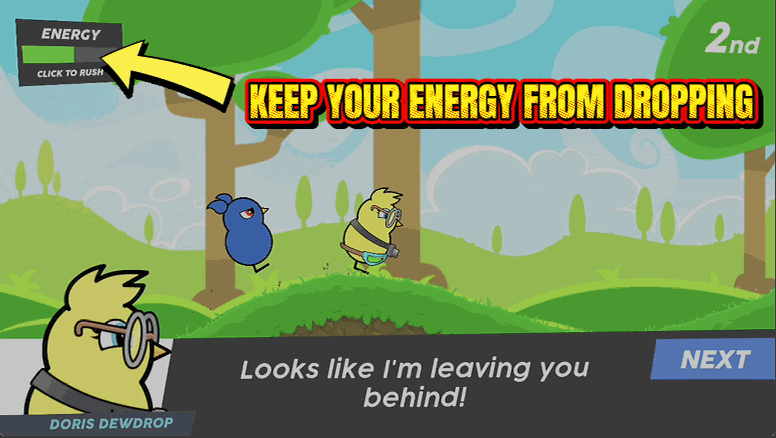
Marathon Duck
Holds your energy bar full for the whole race, so you never nod off halfway to the finish line.
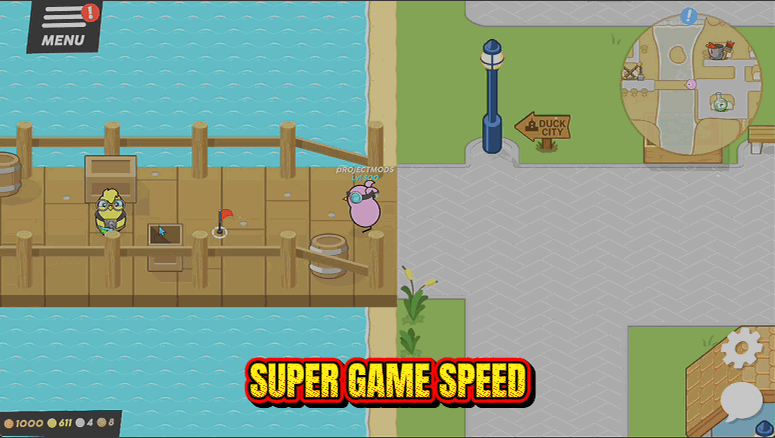
Time Warp
Speeds the game up or slows it down on a slider, so long walks and slow mini games take as long as you want them to.
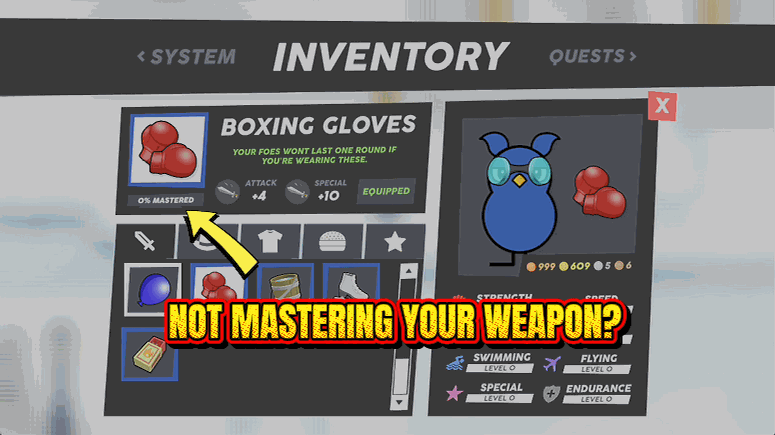
Weapon Whisperer
Finishes the hidden mastery bar on every weapon, hat and costume you own, so all of it hits at full strength.