Want more mods for Exit the Gungeon? Explore our entire collection!
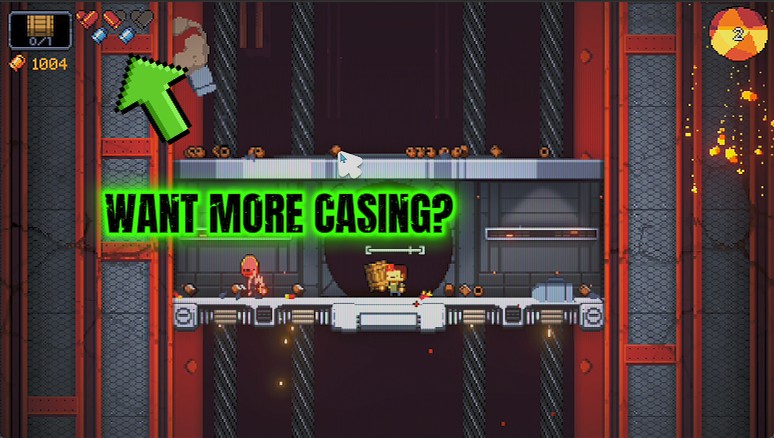
Casing Cache
"Print casings on demand. Every shop suddenly looks affordable."
How do I install Casing Cache?
Download the free ProjectMods desktop app, then install Casing Cache for Exit the Gungeon in one click.
</>What does Casing Cache do?
Casings are the currency you spend in the shops that show up as you climb. Grinding them out is slow, so Casing Cache lets you skip straight to the fun part: type how many you want, hit the button, and they land in your pocket ready to spend on guns, items and blanks. There's a reset button too, for when you want to wipe the slate clean.
</>What is Casing Cache?
Casing Cache lets you skip the slow grind for casings in Exit the Gungeon: type how many you want, hit the button, and they land in your pocket ready to spend on guns, items and blanks. A reset button wipes your casings back to zero whenever you want a clean slate. It is a premium mod in ProjectMods, the community-first PC mod manager and desktop app for 400+ games.
</>Common questions about Casing Cache
What does Casing Cache do in Exit the Gungeon?
Casing Cache lets you hand yourself any number of casings in Exit the Gungeon instead of grinding them out. Casings are the currency you spend at the shops that pop up between fights as you climb the tower, and earning enough for everything you want is slow. With Casing Cache you type the amount you want, press the button, and those casings drop straight into your pocket, ready to buy guns, items, blanks and keys. There is also a reset button that sets your casings back to zero when you want to start the ledger fresh again.
How do the Give Casings and Reset Casings buttons work?
Casing Cache gives you two buttons in Exit the Gungeon. Give Casings drops the number you set in the Amount box straight into your wallet, and you can press it again any time you want more. Reset Casings does the opposite, wiping your casing total back to zero for a clean slate. Between them you have full control over your spending money: top up before a promising shop appears, load a big pile for a wild shopping spree, or reset yourself back to nothing if you want to feel the pinch again. Nothing else about the run changes.
Can I spend Casing Cache casings on anything in the shops?
Yes. The casings Casing Cache gives you in Exit the Gungeon are ordinary casings, so they spend exactly like ones you earned from enemies and breakables. Walk into any of the shops that appear as you climb and you can buy whatever is in stock, from guns and active items to blanks, keys and armor. Because they are real casings, prices still apply normally, you just never run short. That makes it easy to grab that expensive gun you always walk past, or clear an entire shop shelf in one visit without agonizing over which single item you can afford.
What does the Amount box set?
The Amount box tells Casing Cache how many casings to hand over each time you press Give Casings in Exit the Gungeon. Set a small number for a modest top-up before a shop, or a big one to load your pockets for a full spending spree. There is no ceiling forcing you to grind in stages, so you can bankroll exactly the run you want. Pair the Amount box with the Reset Casings button and you control both directions: add as much as you like, or zero yourself out to feel the shop economy bite again the way the base game intends.
How is Casing Cache different from Hegemony Hoard?
Casing Cache and Hegemony Hoard cover two different currencies in Exit the Gungeon. Casing Cache tops up casings, the money you spend inside a run at the shops that appear as you climb, so it is about buying guns and items right now. Hegemony Hoard instead fills your Hegemony Credits, the currency that sticks around between runs and unlocks new guns and items permanently in the Breach. Use Casing Cache when you want a stacked shopping trip mid-climb, and reach for Hegemony Hoard when you want to widen the pool of gear that can even show up. Both are premium mods from ProjectMods.
What options does Casing Cache include?
Amount
How many casings to hand over.
Give Casings
Drop the chosen number of casings into your pocket.
Reset Casings
Set your casings back to zero.
Casing Cache is a premium ProjectMods mod that drops any number of casings into your pocket in Exit the Gungeon, ready to spend at the shops you pass on the climb.
System Requirements
What features does Casing Cache include?
- Type any number of casings and drop them straight into your pocket with one button
- Skip the slow grind and walk into every shop with more than enough to spend
- Reset your casings back to zero whenever you want a clean slate
- Buy the guns, items and blanks you actually want instead of scraping together spare change
Best For
- You spotted a gun you love in the shop but you're a couple hundred casings short — top up and grab it
- Testing which shop items are worth it without replaying ten floors to afford them
- Content creators showcasing every purchasable in one sitting for a guide video
- You just want a shopping-spree run where money never stops the fun
More Mods for Exit the Gungeon
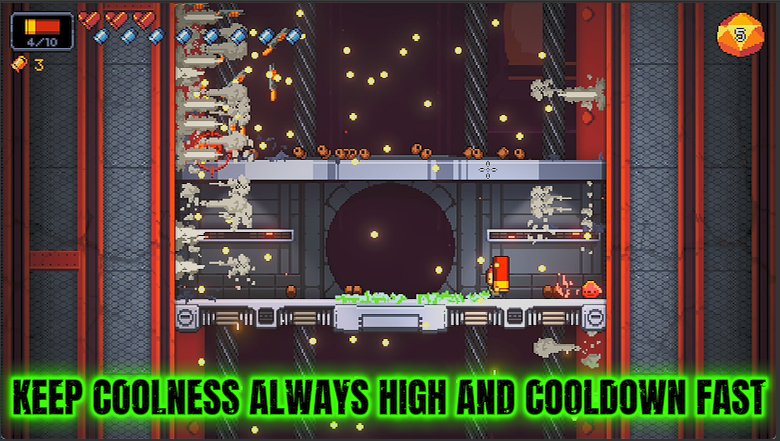
Cool Customer
Pile on Coolness so your active items recharge faster and the game hands you better drops.
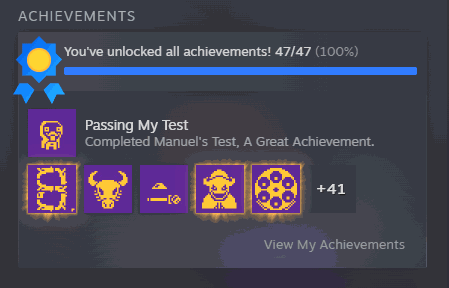
Wall of Fame
Unlock any Exit the Gungeon achievement, or the whole list in one click. Lock them back too.
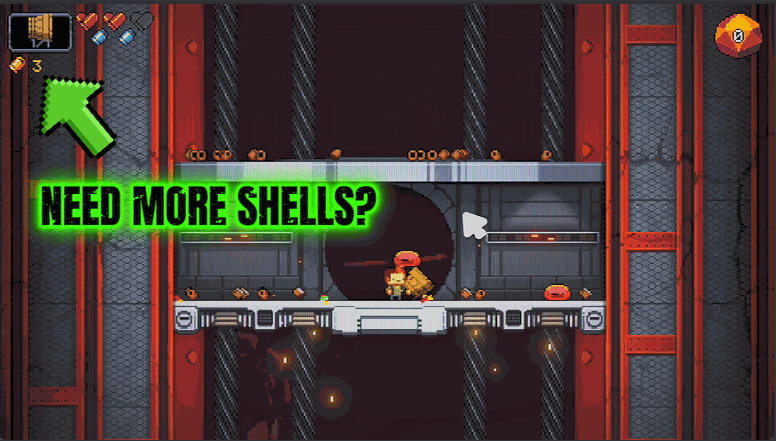
Blank Check
Keeps your blank stockpile topped up so you always have a screen-clearing panic button ready.







