Want more mods for Graveyard Keeper 2 Demo? Explore our entire collection!
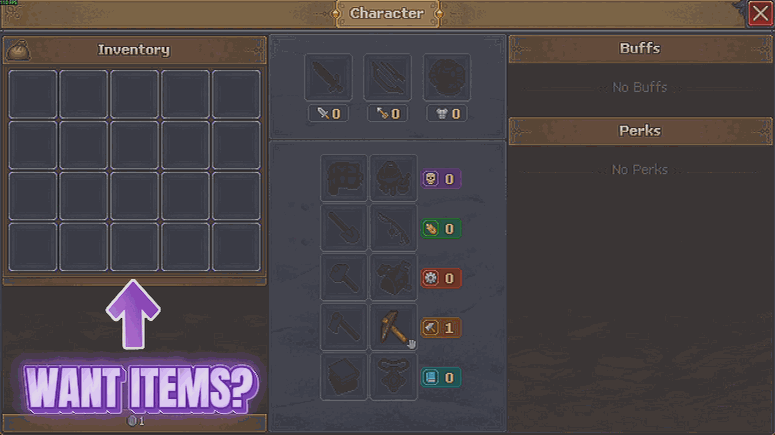
Grave Goods
"Every item in the game, one press away."
How do I install Grave Goods?
Download the free ProjectMods desktop app, then install Grave Goods for Graveyard Keeper 2 Demo in one click.
</>What does Grave Goods do?
Some runs stall on one missing ingredient. You have the recipe, you have the workbench, and you are one bundle of something tedious away from actually building the thing. Grave Goods hands it over instead. Press Refresh List, search the picker for what you need, set a number, and it is in your bag. The list holds everything the game has rather than a hand-picked shortlist, so nothing is left out - materials, tools, food, seeds, bodies and every odd little component in between. Entries are grouped by family, and each one is searchable by the everyday word you would use and by the name the game itself uses, so the search box finds what you are after either way. Every handover counts what was in your bag before and after and tells you the real number, so a full bag says so instead of quietly swallowing the request. Handy for testing a build, restocking after a bad run, or just skipping the fetch quest you have already done three times.
</>What is Grave Goods?
Grave Goods gives Graveyard Keeper 2 Demo a searchable item picker holding everything the game has - materials, tools, food, seeds, bodies and every odd component in between, grouped by family so related things sit together. Set a quantity, press Give Item, and it tells you how many actually fit in your bag. From ProjectMods, the community-first PC mod manager for 400+ games.
</>Common questions about Grave Goods
What does Grave Goods do in Graveyard Keeper 2 Demo?
Grave Goods lets you give yourself any item in Graveyard Keeper 2 Demo. Press Refresh List once you are in your save to fill the picker, search it for what you need, set a number in Amount, and press Give Item to put it in your bag. The list holds everything the game has rather than a hand-picked shortlist, so nothing is missing - materials, tools, food, seeds, bodies and every odd little component in between. Each handover counts what was in your bag before and after and reports the real number, so you always know exactly how much arrived.
Why is the item picker empty when I first load in?
Because the full item list is not ready the moment you load in, and Grave Goods waits rather than showing you a half-built picker. The fix is one press: get into your Graveyard Keeper 2 Demo save, then press Refresh List and the dropdown fills with everything the game has. This is the single quirk worth knowing about the mod, and it is why Refresh List sits at the top of the options rather than buried at the bottom. You only need to do it once per session, and the picker stays populated afterwards.
What kinds of items are actually in the list?
Everything Graveyard Keeper 2 Demo ships with, because the list is everything the game has rather than a hand-written selection. That covers building materials, tools, food, seeds, bodies and the long tail of odd components you normally have to go and make. Entries are grouped by family so related things sit together, and they are searchable by both the everyday word you would use and the name the game itself uses, which means the search box finds what you want either way. Grave Goods does not filter the list down, so if the demo has it, you can have it.
What happens if my bag is full when I press Give Item?
Grave Goods tells you. It counts what was in your bag before and after the handover in Graveyard Keeper 2 Demo and reports the real number that fit, so a full bag says so plainly instead of quietly swallowing the request and leaving you to wonder whether the button worked. If you asked for fifty and only twelve fit, twelve is what it reports. The practical answer is to make room and press again, or to pair it with Hoarder's Habit, which raises your bag and tool belt slot counts so large handovers land in one go.
When would I actually use Grave Goods?
Mostly when a run stalls on one missing ingredient. You have the recipe, you have the workbench, and you are one bundle of something tedious away from building the thing you wanted, so Grave Goods hands it over rather than sending you back out. It is also handy for restocking after a bad trip, for skipping a fetch errand you have already done three times, and for testing a build in Graveyard Keeper 2 Demo before you commit materials to it. Because you pick the exact item and quantity, you can stay as close to a normal run as you like.
What options does Grave Goods include?
Item
The item you want. Press Refresh List first to fill this in, then type to narrow it down - entries are grouped by family, so related things sit together.
Refresh List
Loads every item the game has into the picker below. Press this once after you are in your save.
Give Item
Puts the picked item in your bag and tells you how many actually fit.
Amount
How many of the picked item you get each time you press Give Item.
Grave Goods is a Graveyard Keeper 2 Demo mod from ProjectMods with a searchable picker holding every item in the game, so you can choose a quantity and drop materials, tools, food, seeds or components straight into your bag.
System Requirements
What features does Grave Goods include?
- Press Refresh List once you are in your save and the picker fills with everything the game has.
- Search the picker for materials, tools, food, seeds, bodies and every odd component in between.
- Set an amount and send the picked item straight to your bag with one press.
- Get told how many actually fit each time, so a full bag says so instead of quietly swallowing the request.
- Find things faster with entries grouped by family, so related items sit together in the list.
Best For
- Builders one tedious bundle of something away from the workbench project they already planned.
- Players restocking after a bad run underground instead of repeating a gathering trip they have done three times.
- Anyone testing what a recipe actually produces without sourcing all the ingredients first.
- Demo players curious about an item they have heard about but have not found anywhere on the map yet.
- Creators staging a shot that needs one specific prop in hand right now.
More Mods for Graveyard Keeper 2 Demo
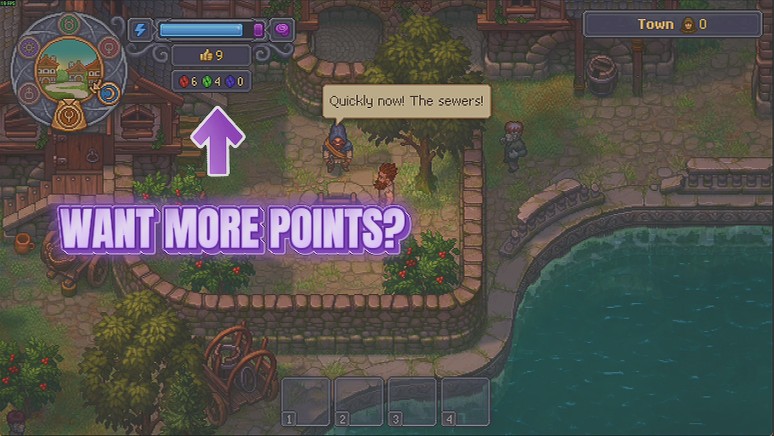
Flash of Genius
Hand yourself red, green and blue tech points on demand, one colour at a time or all three at once, so you can go straight to the part of the tech tree you actually care about.
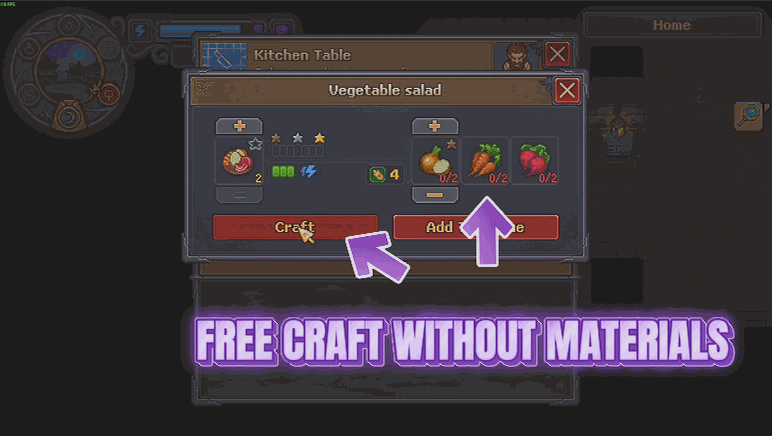
Thin Air
Recipes and buildings stop charging you for materials, and everything still comes out exactly as it always did. Craft and build what you want without the shopping trip first.
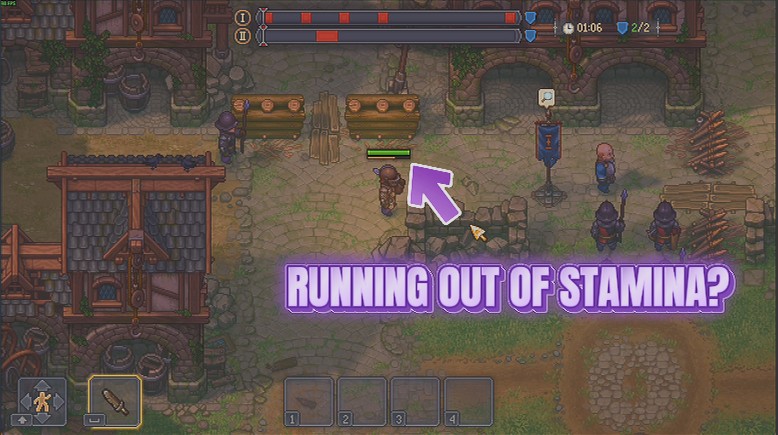
Endless Swing
Your stamina stays full, so sword, spear and bow keep going for as long as you hold the button. No more standing still mid-fight waiting for the bar to creep back up.







