Want more mods for Happy Room? Explore our entire collection!
Give Money
"Add dollars or euros whenever your laboratory needs them."
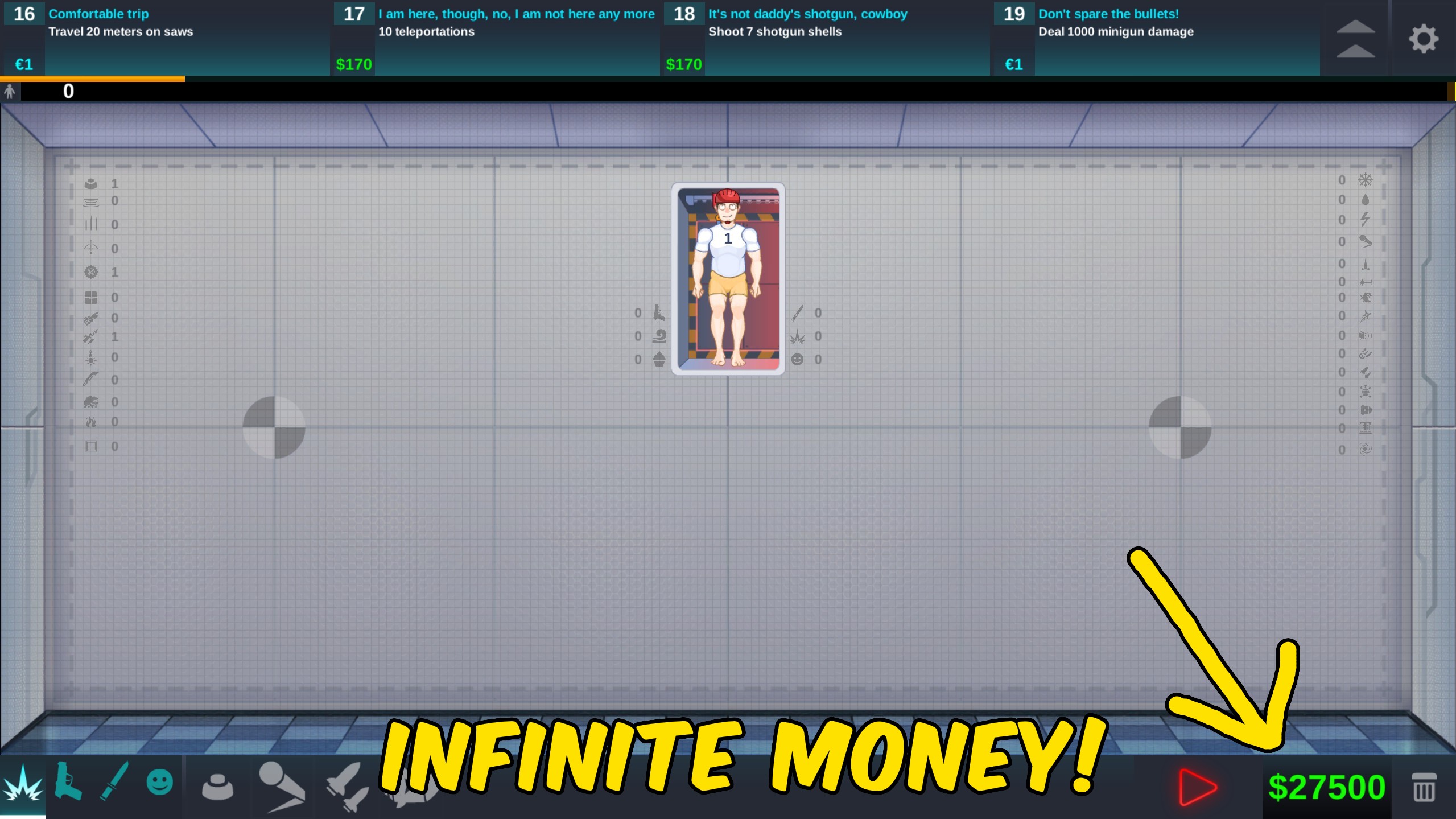
How do I install Give Money?
Download the free ProjectMods desktop app, then install Give Money for Happy Room in one click.
</>What does Give Money do?
Give Money puts Happy Room's two currencies under your control. Set a dollar amount for weapons and upgrades, or choose an euro amount for special purchases, then add it with the matching button. A separate reset action sets both balances to zero. Values stay within practical ranges so you can fund large laboratory builds without accidentally entering an unusable number.
</>What is Give Money?
Give Money provides separate Happy Room controls for dollars and euros. Each currency has its own amount and action, while Reset Money clears both balances for a clean testing session.
</>Common questions about Give Money
What does Give Money do in Happy Room?
Give Money for Happy Room adds either dollars or euros in amounts you choose through ProjectMods. Dollars cover the main laboratory economy, while euros are the scarcer currency used for special purchases. Each currency has a separate amount box and action button, so adding one never forces you to change the other. A third action resets both balances to zero when you want to start another experiment from a clean economy.
How do the dollar and euro controls differ?
Give Money for Happy Room separates the two currencies because they serve different parts of progression. Dollars can be added in larger quantities for weapons, placement costs, and upgrades. Euros use a smaller practical range suited to their rarer role. Set Dollars Amount before pressing Give Dollars, or set Euros Amount before pressing Give Euros. The unused amount stays untouched, making each action predictable during a laboratory session.
Can Give Money fund a room that is already open?
Give Money for Happy Room can add currency while you are actively using the game, so you can fund a room without restarting your session. After pressing the matching action, the new balance is also saved. Some sandbox-style modes deliberately ignore normal currency rules, so a displayed balance may matter less there. In story progression and purchasing screens, the added dollars or euros are available for the next eligible purchase.
What amount limits can I choose?
Give Money for Happy Room accepts dollar amounts from 1 to 999,999 and euro amounts from 1 to 500. These ranges provide enough room for expensive builds while keeping the controls convenient and readable. You can press an action repeatedly if you need more. ProjectMods reads the amount belonging to the button you choose, so changing Dollars Amount does not alter the value used by Give Euros, and vice versa.
Why would I reset both balances to zero?
Give Money for Happy Room includes Reset Money for challenge runs and controlled testing. After trying a large weapon layout, you may want to compare normal progression without carrying the extra funds forward. Reset Money sets dollars and euros to zero together and saves the result. It does not remove purchased weapons, completed achievements, unlocked modes, or upgrades, so it is best viewed as an economy reset rather than a complete profile reset.
What options does Give Money include?
Dollars Amount
Choose how many dollars to add.
Reset Money
Set both currency balances to zero.
Euros Amount
Choose how many euros to add.
Give Euros
Add the selected euro amount.
Give Dollars
Add the selected dollar amount.
Give Money for Happy Room by ProjectMods adds your chosen dollars or euros and can reset both balances to zero.
System Requirements
What features does Give Money include?
- Add a custom amount of Happy Room dollars
- Add scarce euros without waiting for rewards
- Reset both balances to zero in one action
Best For
- Funding expensive weapon and upgrade experiments
- Trying premium laboratory items without currency grinding
- Returning to a zero-balance challenge after testing
More Mods for Happy Room
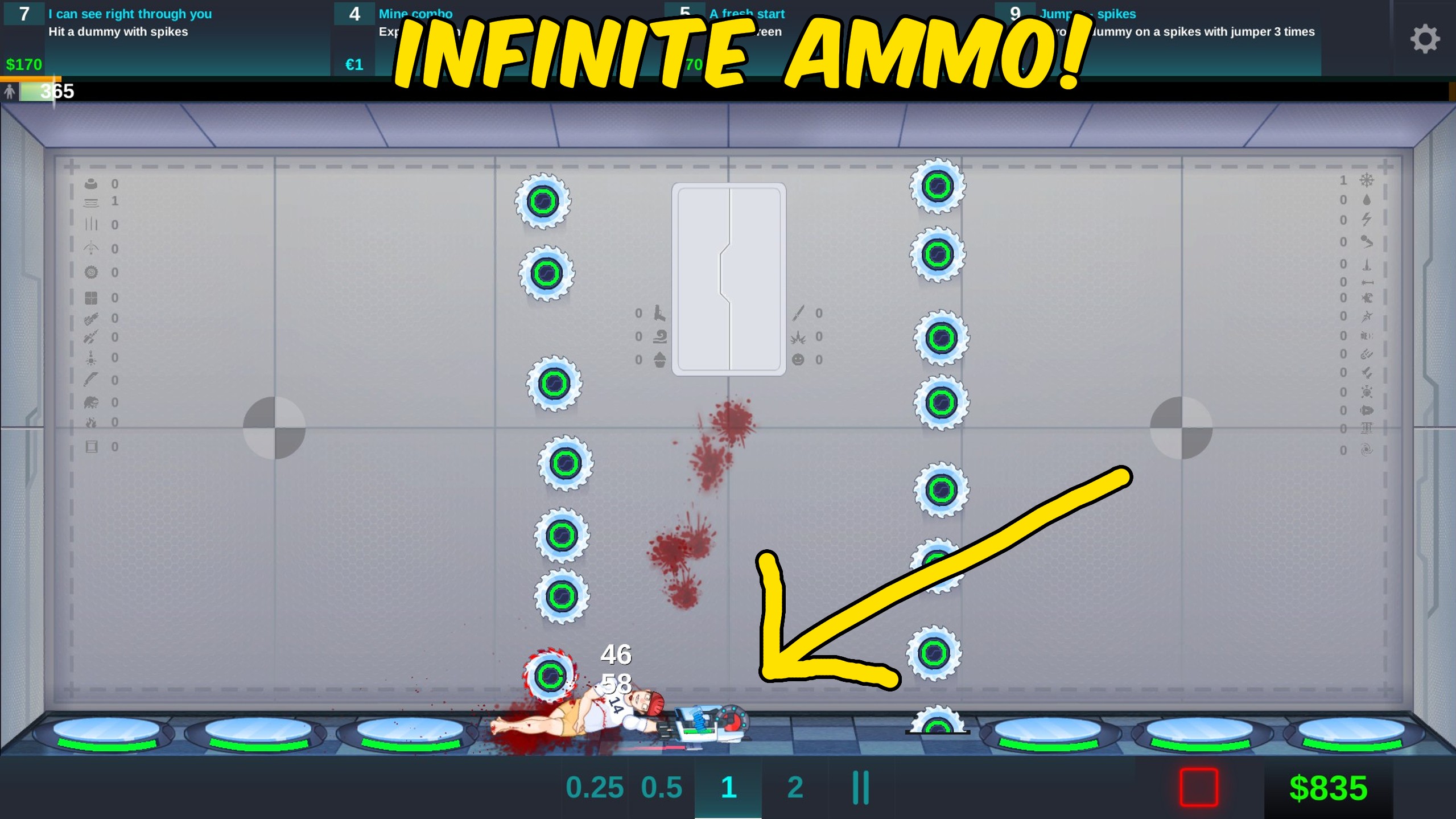
Infinite Ammo
Keep placed weapons at full ammunition and bypass ordinary ammo checks while the option is enabled.
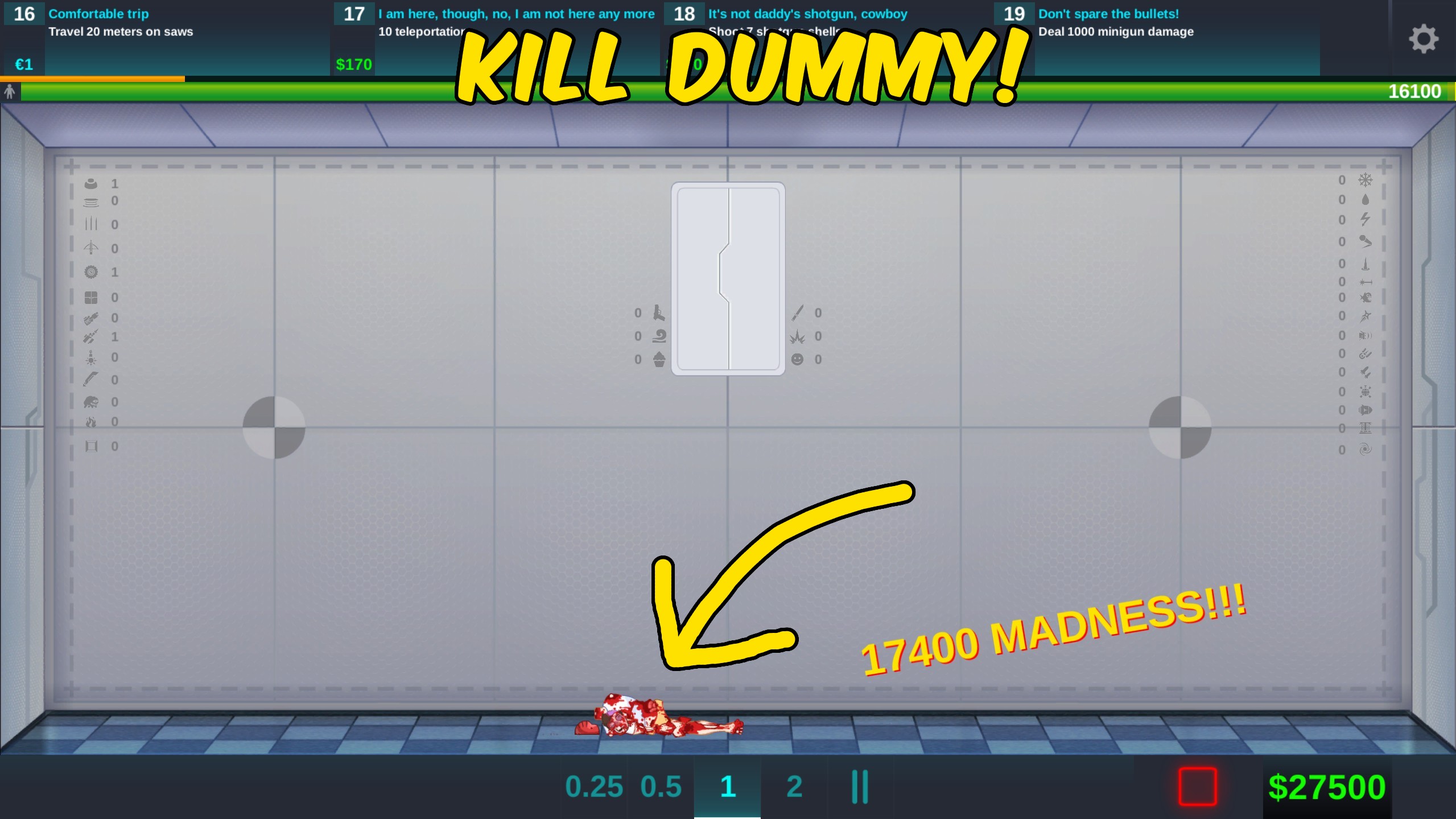
Kill Dummy
Eliminate the active Happy Room dummy with one action so you can finish tests and move on faster.
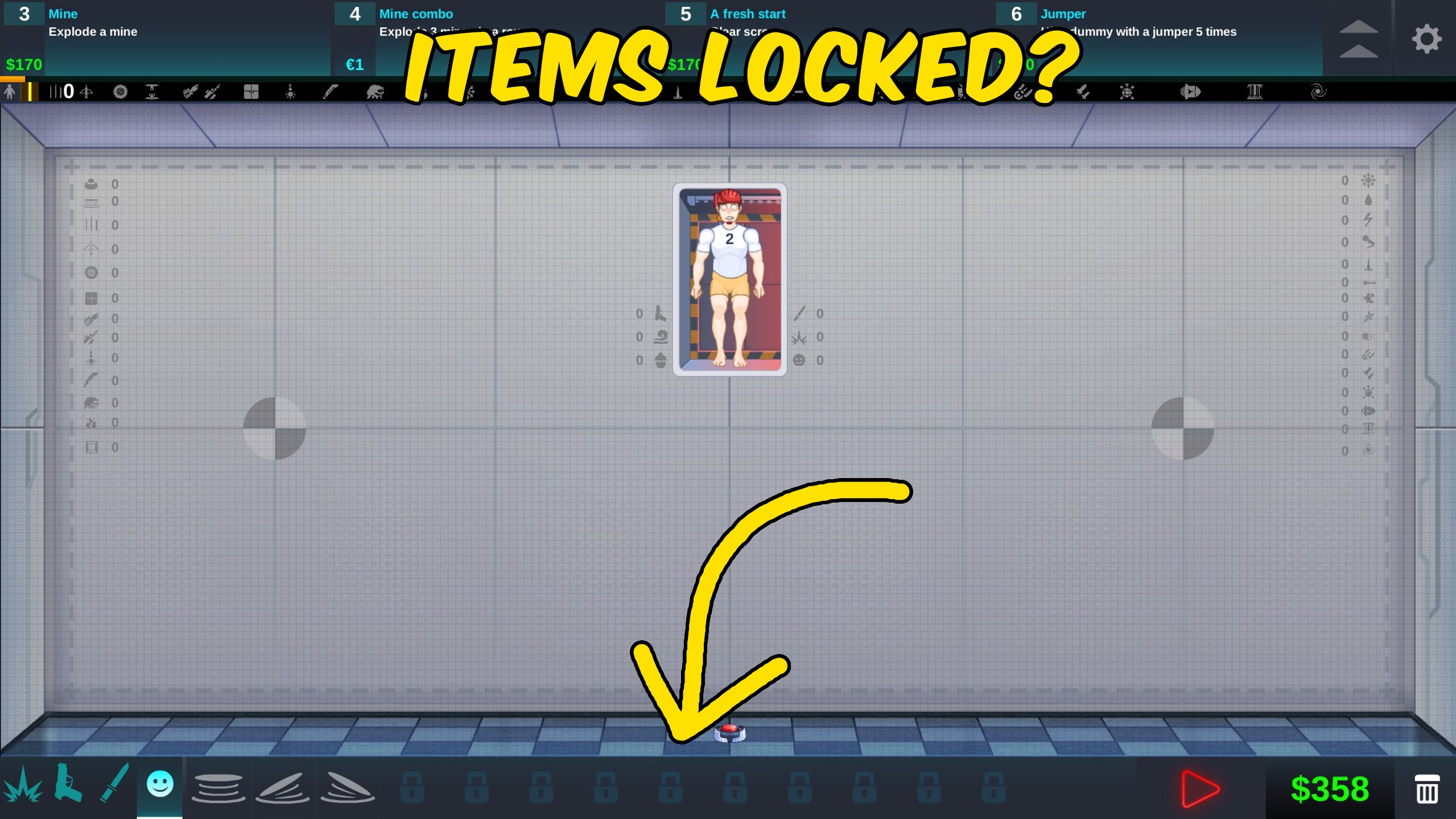
Unlock Everything
Unlock every weapon, maximum upgrades, extra modes, skins, hats, and Hand Mode features at once.