Want more mods for Happy Room? Explore our entire collection!
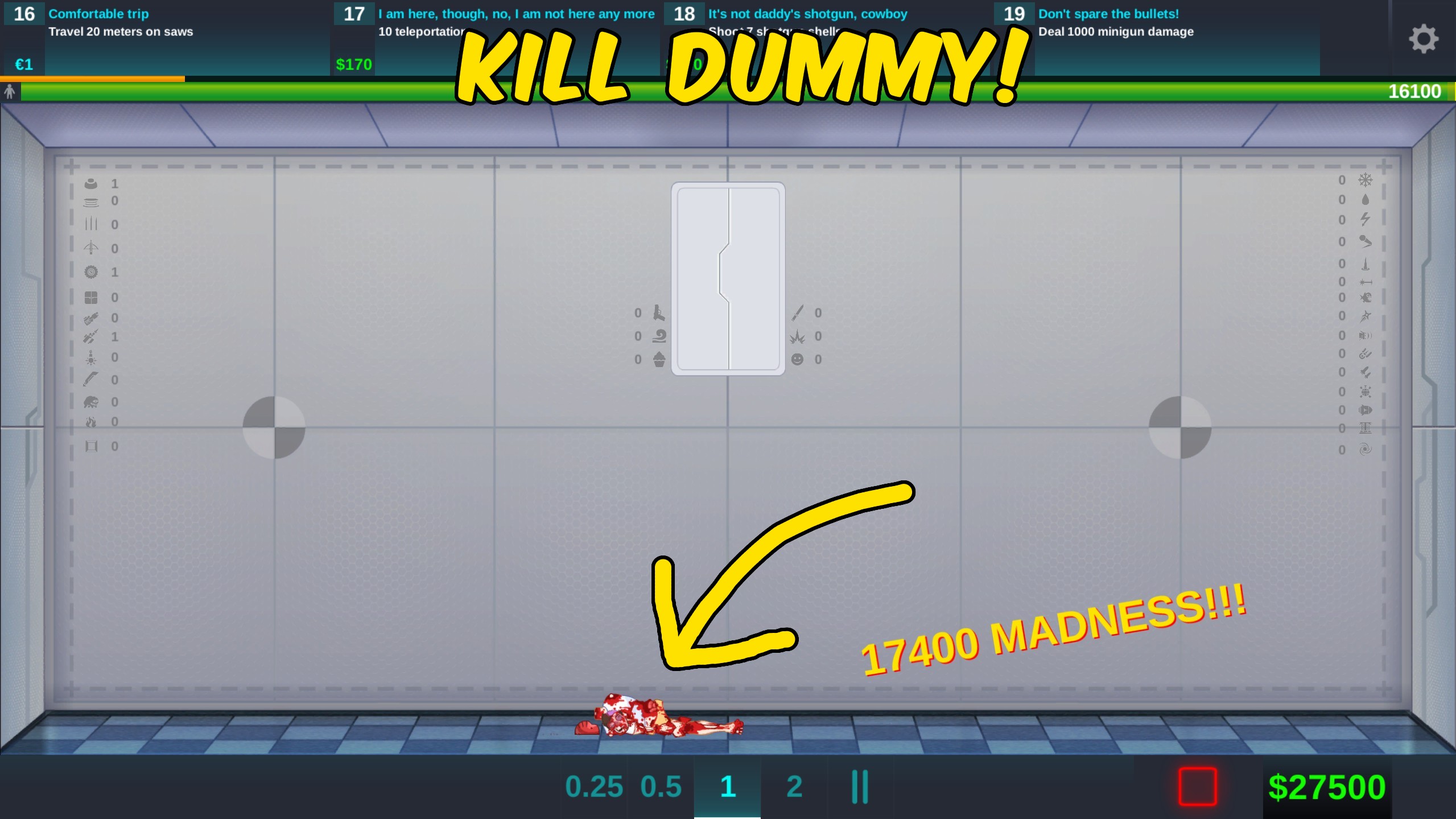
Kill Dummy
"End the current dummy test immediately."
How do I install Kill Dummy?
Download the free ProjectMods desktop app, then install Kill Dummy for Happy Room in one click.
</>What does Kill Dummy do?
Kill Dummy gives Happy Room experiments an immediate finish button. Start a laboratory test, press the action, and the active dummy receives the game's complete elimination sequence without waiting for a slow weapon combination to finish. The action requires a live dummy and fatality manager, so it politely warns when used from a menu or before a test begins. It does not create a replacement dummy automatically.
</>What is Kill Dummy?
Kill Dummy is a focused Happy Room test utility for immediately eliminating the active ragdoll. It is ideal for ending stalled experiments, checking end-state behaviour, and speeding up repeated room tests.
</>Common questions about Kill Dummy
What does Kill Dummy do in Happy Room?
Kill Dummy for Happy Room immediately eliminates the active laboratory dummy when you press its ProjectMods action. It uses the complete body-part elimination sequence expected by the current test, allowing the run to reach its defeated state without waiting for placed weapons to finish. This is useful for stalled rooms, timing checks, repeated setup tests, or any experiment where the final result matters more than watching the remaining damage accumulate.
When can I use the Kill Dummy action?
Kill Dummy for Happy Room works after a laboratory test has created an active dummy and the test manager is ready. If you press it from an early menu, during loading, or before the dummy exists, ProjectMods shows a short reminder instead of attempting the action. Start or resume the test, wait until the dummy is visible, and press Kill Dummy again for an immediate result.
Does Kill Dummy choose a particular weapon fatality?
Kill Dummy for Happy Room performs the general elimination action rather than pretending a specific placed weapon earned the final hit. It damages the required body parts through the current test manager and ends the dummy quickly. Weapon-specific Steam achievements still depend on their matching conditions, so use the Achievement Unlocker when your goal is controlling a particular fatality achievement rather than simply finishing the current dummy.
Does the action create a new dummy afterward?
Kill Dummy for Happy Room only eliminates the dummy that is currently active. It does not clear your room, replace the ragdoll, restart weapons, or begin another round automatically. This keeps the action predictable and lets Happy Room display its normal defeated state. Use the regular new-dummy or reset controls when you are ready for the next attempt, keeping your chosen room layout intact.
Why use Kill Dummy during setup testing?
Kill Dummy for Happy Room saves time when a laboratory layout has already shown what you needed to learn. Instead of waiting for low-damage weapons, delayed traps, or an awkwardly positioned dummy, you can end the test and move to the next adjustment. It is also helpful when checking result screens, room reset behaviour, fatality timing, or video transitions that begin only after the active dummy has been eliminated.
What options does Kill Dummy include?
Kill Dummy
Eliminate the active laboratory dummy immediately.
Kill Dummy for Happy Room by ProjectMods immediately eliminates the active laboratory dummy with one action.
System Requirements
What features does Kill Dummy include?
- Eliminate the active test dummy in one action
- Use the complete dummy elimination sequence
- Receive a clear reminder when no live test is ready
Best For
- Ending a room where weak weapons would take too long
- Checking what happens after the dummy is eliminated
- Speeding up repeated setup and reset experiments
More Mods for Happy Room
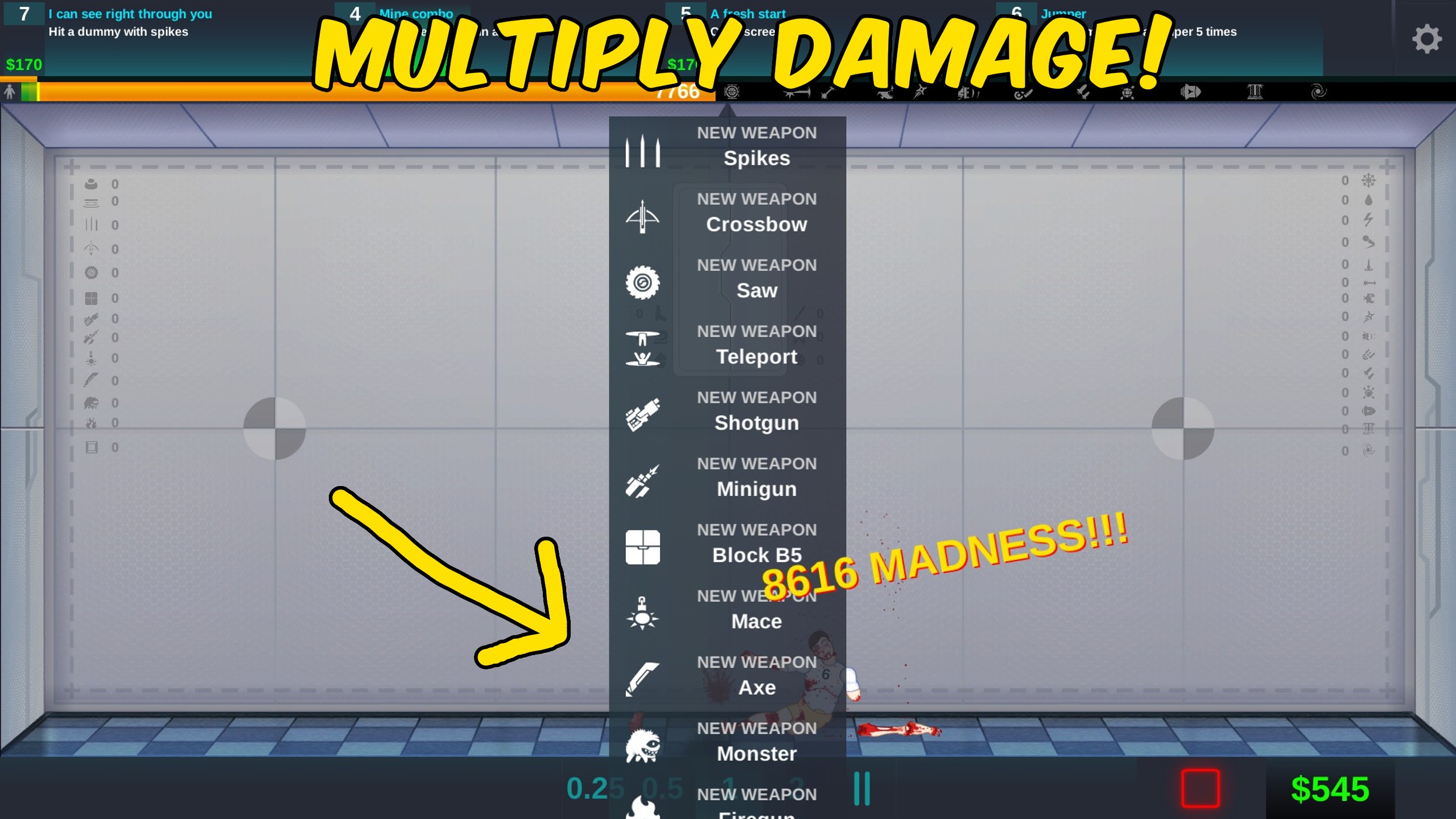
Damage Multiplier
Choose a 0× to 100× damage multiplier for weapons and traps, then toggle the effect whenever needed.
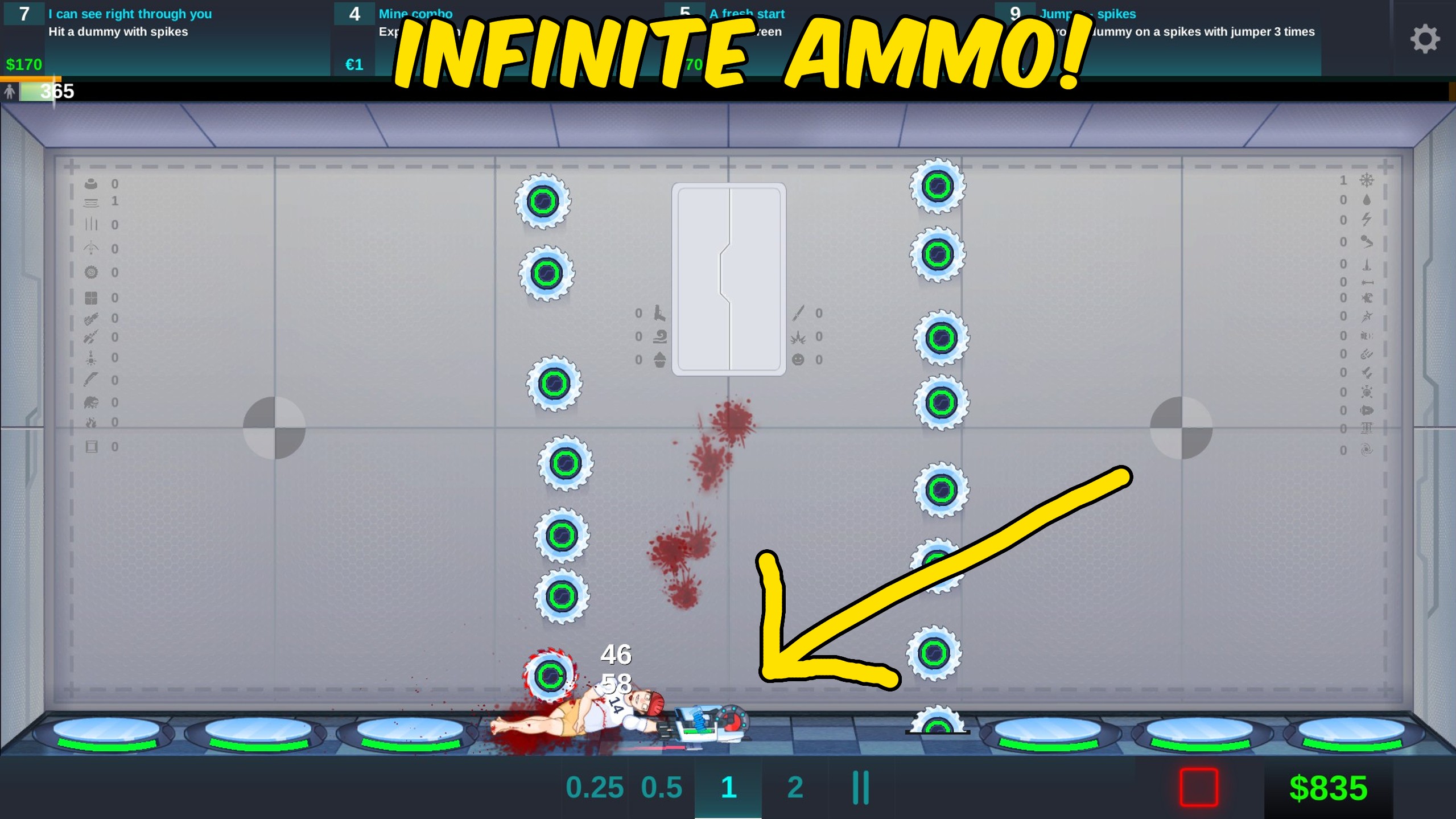
Infinite Ammo
Keep placed weapons at full ammunition and bypass ordinary ammo checks while the option is enabled.
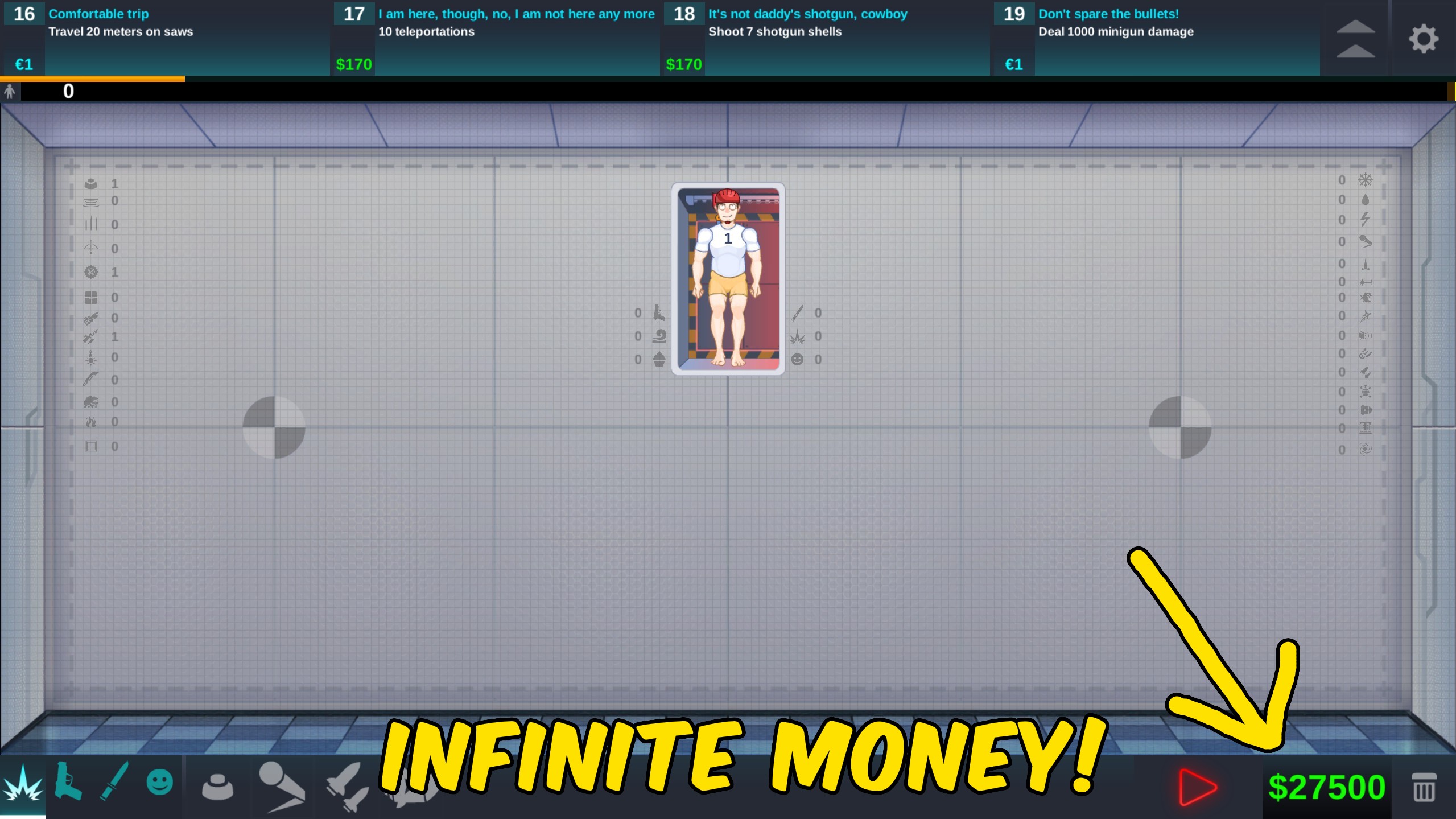
Give Money
Choose custom dollar and euro amounts, add either currency instantly, or reset both balances to zero.