Want more mods for Liquor Store Simulator? Explore our entire collection!
Automatic Price Manager
"Price every unlocked product with recommended, fixed, or percent markup rules."
How do I install Automatic Price Manager?
Download the free ProjectMods desktop app, then install Automatic Price Manager for Liquor Store Simulator in one click.
</>What does Automatic Price Manager do?
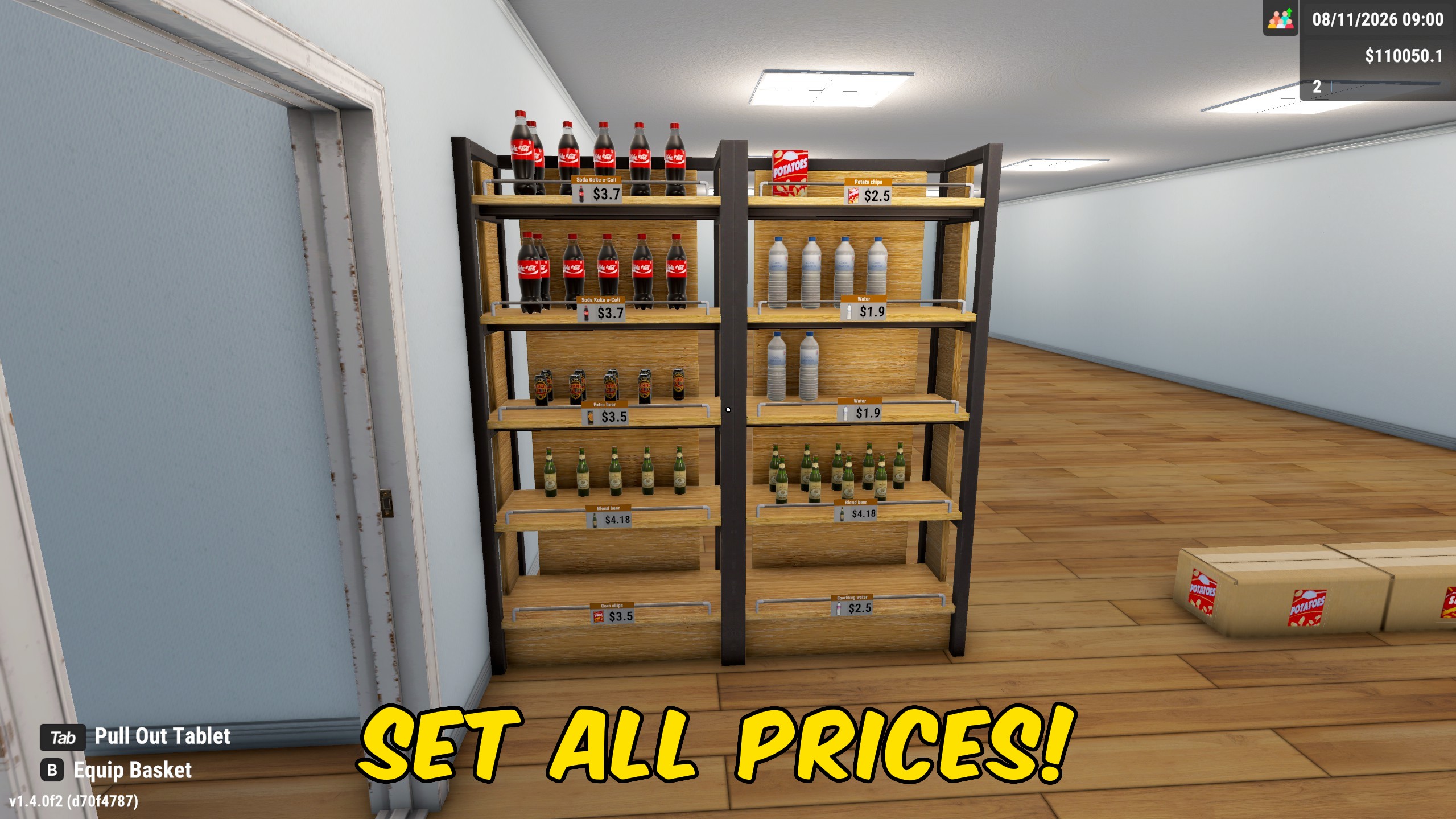
Automatic Price Manager keeps your Liquor Store Simulator catalog on one pricing rule instead of editing products one shelf at a time. Pick Recommended Price to match the current market suggestion, Fixed Amount Above to add a flat dollar markup, or Percentage Above to scale from the recommended price. Markup Amount feeds both markup modes: dollars for Fixed Amount Above, and percent for Percentage Above. Apply Prices Now updates every unlocked product immediately, while Update Prices Automatically reapplies your rule while the store is loaded. Turn automatic updates off when you want to hand-tune a few bestsellers, then run Apply Prices Now again after a market swing or a big license unlock.
</>What is Automatic Price Manager?
Automatic Price Manager is a Liquor Store Simulator pricing mod for bulk updates across unlocked products. It supports recommended market prices, fixed dollar markups, and percentage markups, with optional automatic reapplication. Players use it to keep large catalogs consistent after market changes, expansions, or new license unlocks.
</>Common questions about Automatic Price Manager
Which products get updated?
Every product under licenses you already own. Locked licenses are left alone.
How does Markup Amount work?
In Fixed Amount Above it adds dollars to the recommended price. In Percentage Above it adds that percent above the recommended price.
Does Recommended Price use Markup Amount?
No. Recommended Price follows the current market suggestion and ignores Markup Amount.
How do I stop automatic repricing?
Turn Update Prices Automatically off. You can still press Apply Prices Now whenever you want a one-time update.
What options does Automatic Price Manager include?
Apply Prices Now
Update every unlocked product using the selected pricing mode and markup.
Markup Amount
For Fixed Amount Above, add this many dollars over the recommended price. For Percentage Above, add this percent over the recommended price.
Update Prices Automatically
Keep reapplying your pricing rule while the store is loaded. Turn this off to leave prices alone until you press Apply Prices Now.
Pricing Mode
Choose Recommended Price, Fixed Amount Above, or Percentage Above for unlocked products.
Choose a pricing mode and markup, then press Apply Prices Now or leave Update Prices Automatically on to keep unlocked products aligned.
System Requirements
What features does Automatic Price Manager include?
- Price all unlocked products with recommended, fixed-markup, or percentage-markup rules.
- Apply the chosen rule across the catalog in one action.
- Optionally reapply prices automatically while the store is loaded.
Best For
- Realign every unlocked product after market price swings.
- Keep a consistent markup across a large late-game catalog while you focus on customers and layout.
More Mods for Liquor Store Simulator
Time & Day Speed Controls
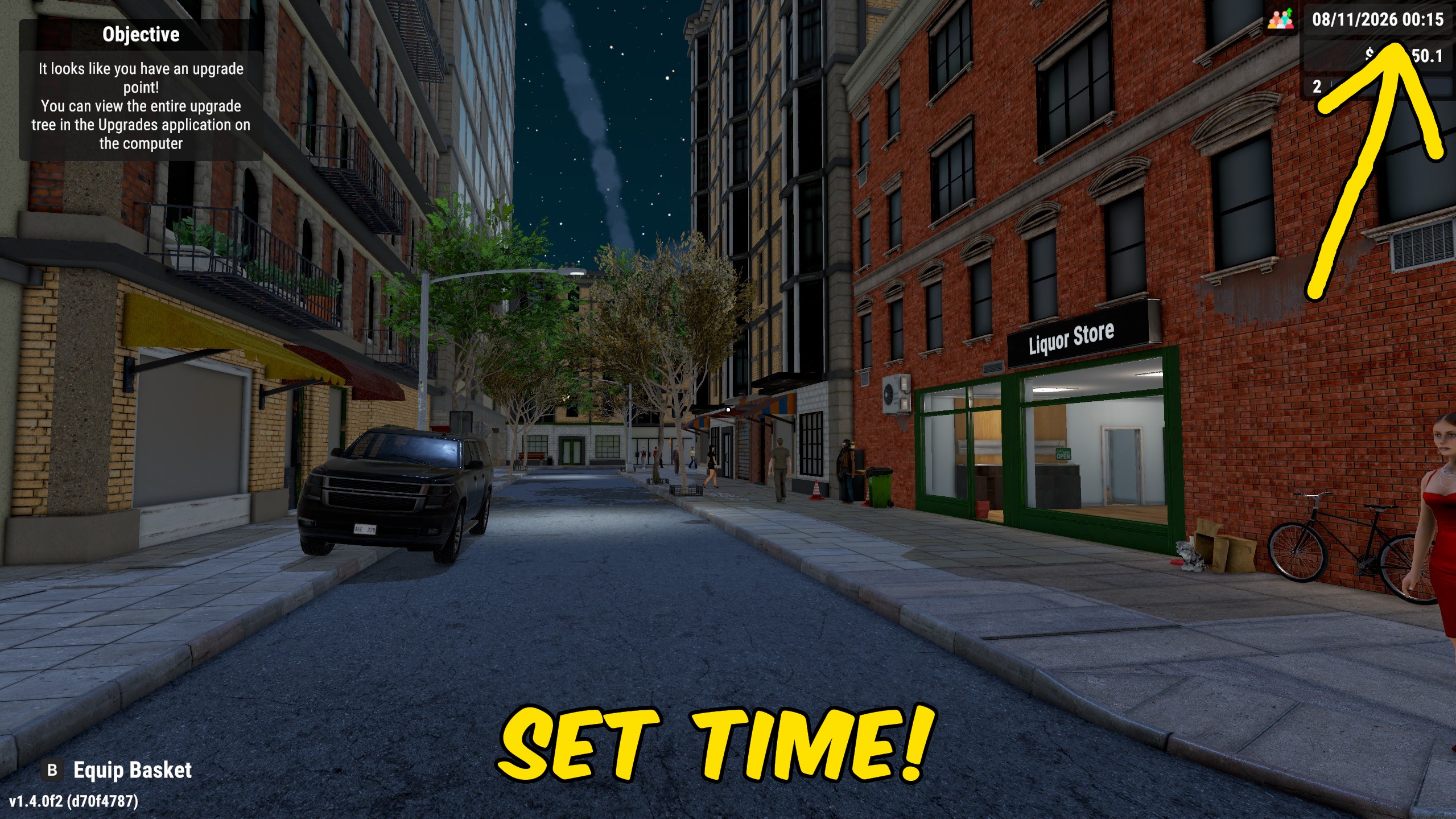
Pause store time, jump to a chosen hour and minute, or speed up and slow down the day while you manage the shop.
Store Automation: Prices, Stock & Checkouts
Toggle separate automations for pricing, shelf restocking, self-checkouts, returned stock, and rested staff, with a shared work-per-pass limit.
Give Upgrade Points
Add the exact number of upgrade points you want, or reset your available points to zero with a separate action.