Want more mods for Megastore: Tidy Up Together? Explore our entire collection!
Stockroom Spirit
"Float through the aisles. Walls are a suggestion."
How do I install Stockroom Spirit?
Download the free ProjectMods desktop app, then install Stockroom Spirit for Megastore: Tidy Up Together in one click.
</>What does Stockroom Spirit do?
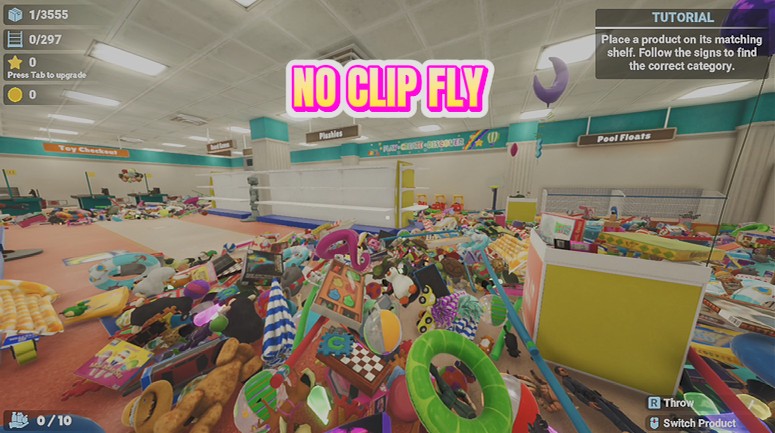
Sometimes you just want to hover over your handiwork. Stockroom Spirit lets you take off and fly anywhere in the store — glide over the aisles to plan your next department, or float up for the perfect screenshot of a freshly finished floor. Flip on Fly Enabled and steer with your normal movement keys — E to rise, Ctrl to sink, Shift to hurry. Add Noclip and nothing stops you: pass through shelving, ceilings and stockroom walls like a helpful ghost. Turn it off and you'll be set down safely on your feet.
</>What is Stockroom Spirit?
Hover over your handiwork: Stockroom Spirit adds free flight to Megastore: Tidy Up Together — E to rise, Ctrl to sink, Shift to hurry — plus no-clip for ghosting through shelving and stockroom walls. Great for planning departments and lining up perfect screenshots. It sits on the free tier of ProjectMods, the community-first PC mod manager for 400+ games.
</>Common questions about Stockroom Spirit
What does Stockroom Spirit do in Megastore: Tidy Up Together?
Stockroom Spirit lets you fly freely around your store in Megastore: Tidy Up Together, with an optional no-clip mode that carries you straight through shelves, walls and floors. Glide over the aisles to plan your next department, float up for the perfect screenshot of a finished floor, or ghost through the stockroom wall because doors are for the living. It's a free-tier ProjectMods mod with speed sliders for both cruising and hurrying, and it sets you down safely whenever you switch it off.
What are the flying controls?
Your normal movement keys steer, and three extras complete the kit in Megastore: Tidy Up Together: E rises, Ctrl sinks, and holding Shift speeds you up. Flip Fly Enabled on and you're airborne immediately — there's no separate flight stance or vehicle to manage, it simply extends the controls you already know. With height on E and Ctrl, you can spiral up the Megastore's two storeys or skim the floor hunting stray items without ever touching a settings menu mid-flight.
How does Noclip work, and can I use it without flying?
Noclip only works while Fly Enabled is on — it's a flight upgrade, not a standalone walk-through-walls mode. With both switched on in Megastore: Tidy Up Together, nothing stops you: shelving, ceilings, floors and stockroom walls all let you drift straight through like a helpful ghost. Turn Noclip off and you fly with normal collision again, which is handy when you'd rather perch on top of shelving than pass through it. Two switches, three ways to move: walk, fly, or phase.
Can I tune how fast I fly?
Yes — Stockroom Spirit has two speed sliders. Fly Speed sets your normal cruising pace around Megastore: Tidy Up Together, and Shift Speed sets how fast you go while holding Shift, so you can pair a gentle drift for framing screenshots with a genuine rocket burst for crossing the whole store. Most players keep cruise speed low and Shift speed high — precision when you're lining up a shot, pace when you just need to be at the far end of the building.
What happens when I turn flying off in mid-air?
You're set down safely on your feet — no plummeting, no crash landing. Stockroom Spirit handles the descent for you in Megastore: Tidy Up Together, so you can switch Fly Enabled off from anywhere, even hovering above the top floor of the Megastore, and carry on tidying where you land. That makes the mod genuinely worry-free to dip in and out of: fly up, take your screenshot or scout your route, flick it off, and you're a regular hard-working stocker again within seconds.
What options does Stockroom Spirit include?
Shift Speed
Your flying speed while holding Shift.
Fly Speed
Your normal flying speed.
Noclip
While flying, drift straight through shelves, walls and floors. Works only while Fly Enabled is on.
Fly Enabled
Master switch. Take off and steer with your movement keys — E rises, Ctrl sinks, Shift speeds up. Turn off to land safely.
Stockroom Spirit is a free-tier ProjectMods mod that lets you fly freely around your store in Megastore: Tidy Up Together, with an optional no-clip mode for passing straight through shelves, walls and floors.
System Requirements
What features does Stockroom Spirit include?
- Sends you airborne anywhere in the store — E rises, Ctrl sinks, Shift pours on speed
- Adds noclip while flying, drifting you straight through shelves, walls, ceilings and floors
- Offers separate sliders for cruising speed and your hold-Shift hurry
- Sets you back down safely on your feet the moment you switch flying off
Best For
- Planners hovering above the aisles to decide which department the crew tackles next
- Screenshot hunters lining up the perfect top-down shot of a freshly finished floor
- Players retrieving something that rolled behind shelving — float through instead of hiking around
- Content creators capturing smooth flyover footage for store tours and thumbnails
More Mods for Megastore: Tidy Up Together
Master Stocker
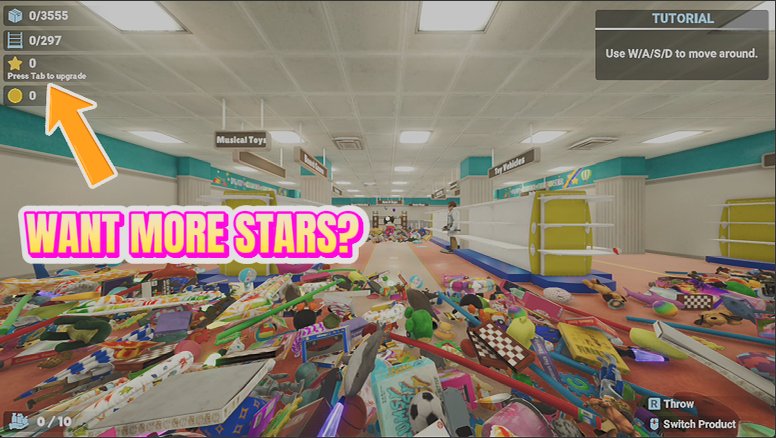
Unlock and max every skill in the tree — magnet pull, extra hands, long arms, auto-collect and all the rest — in one click.
Tidy Wave
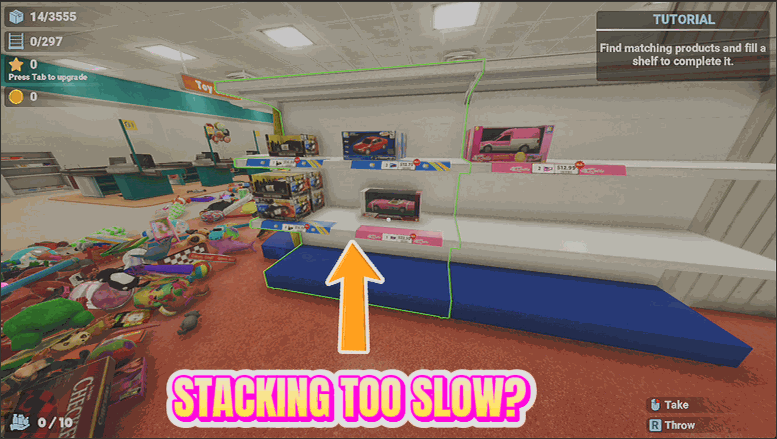
Send every loose item near you flying onto its correct shelf in one satisfying wave.
Grand Opening
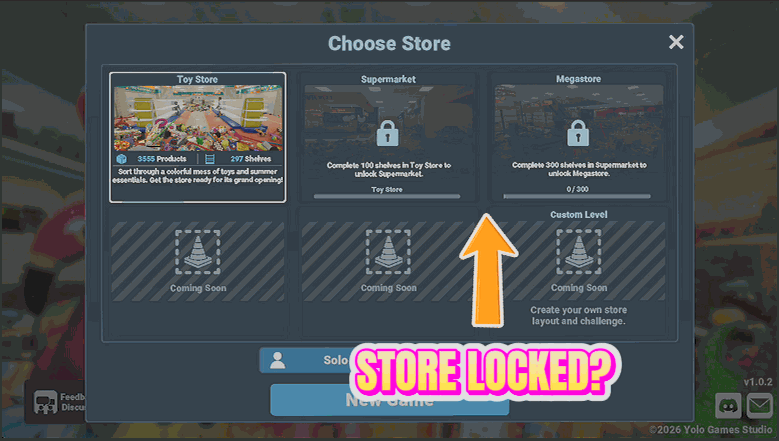
Unlock the Supermarket and the Megastore from the start, so you can play any store in any order.







