Want more mods for Minecraft Dungeons II? Explore our entire collection!
Free Camera
"Your hero waits. The camera goes sightseeing."
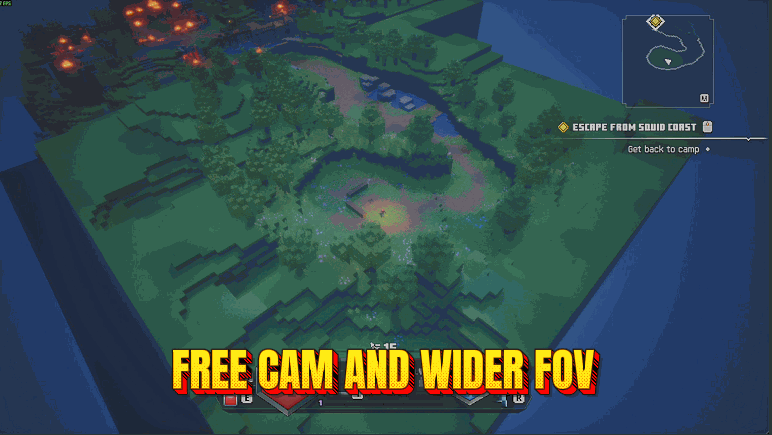
How do I install Free Camera?
Download the free ProjectMods desktop app, then install Free Camera for Minecraft Dungeons II in one click.
</>What does Free Camera do?
The game's camera follows your hero everywhere, so the angle you want for a screenshot is often one it never takes. Free Camera hands you a camera that flies on its own. Switch on Free Camera and take the controls: the arrow keys fly, Page Up rises, Page Down sinks, and Shift goes three times faster. Hold Ctrl and the arrow keys turn and tilt the view instead. Camera Speed sets how fast it flies, from 25% to 400% of its normal 15 m a second in steps of 5, with 100 as the default. While the camera is away, your hero stands still and can't move or attack. Switch Free Camera off, or turn the mod off, and the view comes back to your hero, who can move and attack again, even if the game briefly took your hero out of play while you were flying. Nothing about the flight goes into your save.
</>What is Free Camera?
Free Camera lifts the view off your hero for offline heroes. Switch on Free Camera, fly on the arrow keys with Page Up and Page Down for height, and set Camera Speed from 25% to 400%. Your hero waits in place while the world keeps running, so enemies can still reach them. It never moves your hero, has no mouse look, doesn't hide the HUD or take screenshots, and stays within 100 m.
</>Common questions about Free Camera
What does Free Camera do in Minecraft Dungeons II?
It parks your hero and lets you fly the camera around nearby to frame a picture. The mod doesn't take the screenshot itself or hide the HUD, so use your usual screenshot key once the view is exactly where you want it.
Is my hero safe while the camera is away?
No. The world keeps running while you fly, so enemies can still reach your hero, wherever the camera has gone. Free Camera doesn't protect your hero or move them out of the way. Pause Game freezes the enemies if you want them to wait.
Why does it fly on the arrow keys instead of W, A, S and D?
Because it sticks to keys the game leaves free during play. The keys are fixed, and there's no mouse look; you can still bind a key to the Free Camera switch itself with the launcher's Keybind button. The game's own menu keys still open their menus, and the camera waits while one is open. The flying keys only respond while the game window is in front.
What happens if a cutscene starts while I'm flying?
The cutscene takes the view and the flying camera lets go, so you watch the scene as the game frames it. Leave Free Camera switched on and it takes over again once the view is back on your hero. If the game pulls the view away again within 3 seconds of the camera starting, Free Camera stands down until you switch it off and on, so the view doesn't flicker back and forth.
Who flies the camera in couch co-op?
Player 1. On the couch, Free Camera takes player 1's view and holds player 1's hero, while the other heroes keep playing. It's made for offline heroes, playing alone or on the couch, and does nothing with an online hero: that game runs and saves on the game's servers.
What options does Free Camera include?
Free Camera
Lets the camera fly on its own for screenshots while your hero waits in place. The arrow keys fly, Page Up rises, Page Down sinks, holding Ctrl turns the arrow keys into turn and tilt, and Shift goes three times faster. Your hero can't move or attack until you switch it off, and the view comes back to your hero. Off by default. Works with offline heroes.
Camera Speed
How fast the free camera flies, from 25% to 400% of its normal 15 meters a second. Shift triples it. Default 100.
Free Camera is a ProjectMods mod for Minecraft Dungeons II that lets the camera leave your hero and fly nearby for screenshots while your hero waits, in offline play.
System Requirements
What features does Free Camera include?
- The flight starts exactly where the game's camera was, at the same width of view.
- Turning and tilting run at 90 degrees a second, and the view can tip as far as 89 degrees up or down.
- At 25% the camera drifts along at 3.75 m a second, and at 400% it covers 60 m a second.
- The camera stays within 100 m of your hero, however far you push it.
Best For
- You've found a view worth keeping, so switch on Free Camera, drop Camera Speed to 50 for small, careful moves and frame the shot before you take it.
- You want a shot of your hero from the front rather than from above, so fly round with Free Camera, then hold Ctrl and use the arrow keys to turn the view back toward them.
- You'd like a high, wide look over the area, so set Camera Speed to 300 and hold Page Up to climb above the scene.
More Mods for Minecraft Dungeons II
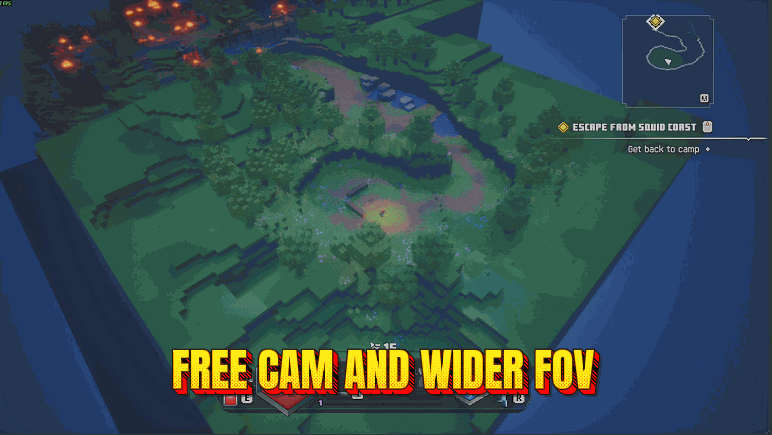
Camera Zoom & Angle
Sets the camera anywhere from half to twice its usual distance, tilts it from a low 20 degrees to a near top-down 85, and narrows or widens the view, each setting on its own.
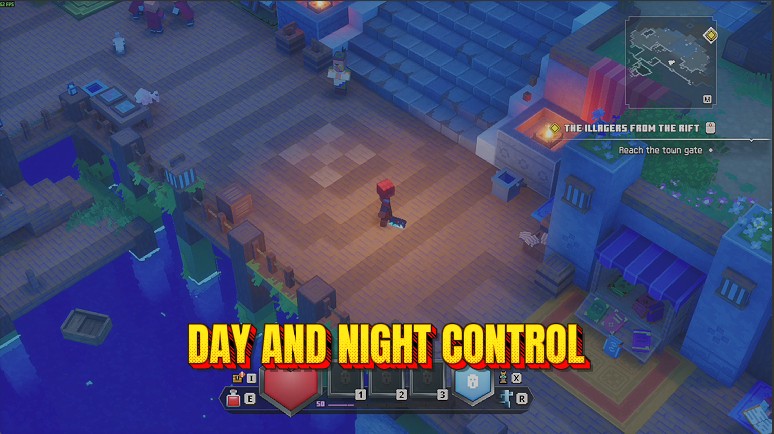
Day & Night Control
Set Time Of Day to Day or Night and the clock holds there, stop it at any hour with Freeze Time, or run each full cycle from 10 to 1000 percent of its normal length.

Custom Skin & Hide Armor
Puts a 64 x 64 skin picture from your own PC on player 1's hero, as crisp as the game's own skins, and can hide the armor's look while the armor keeps protecting you.







