Want more mods for One Million Coins? Explore our entire collection!
Field of View
"See more of the vault. Or zoom right in."
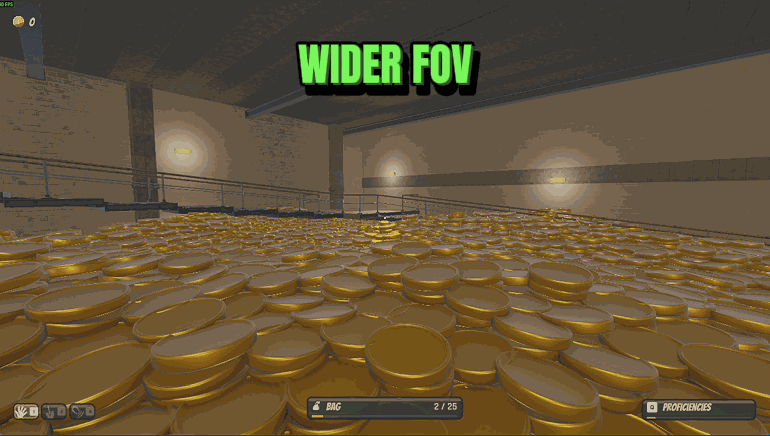
How do I install Field of View?
Download the free ProjectMods desktop app, then install Field of View for One Million Coins in one click.
</>What does Field of View do?
One Million Coins has no field of view setting, so you see the vault through a fixed 72 degrees all run long. Field of View hands you that setting. Switch on Change Field Of View and set Field Of View anywhere from 60 to 120, 90 by default. Go higher to fit more of the vault on screen, or lower to zoom in. The game's own camera moves still play: a terminal's close-up zooms in to 42 while you use it, and the scene when the vault is finished runs as normal, then both hand your view back. Your setting applies only while you play in the vault, since the main menu keeps its own camera. Switching Change Field Of View off puts the game's 72 back.
</>What is Field of View?
Field of View adds the view-width setting One Million Coins lacks. Switch on Change Field Of View, then pick Field Of View from 60 to 120 degrees, measured top to bottom like the game's own 72. Terminal close-ups and the end-of-vault scene still play before your view returns. It works only in the vault, never changes mouse sensitivity or the main menu, and runs stay on the leaderboards.
</>Common questions about Field of View
What does Field of View do in One Million Coins?
It sets how wide your view of the vault is, which the game itself has no option for. You change it in the launcher rather than in the game's own settings, using Change Field Of View to switch it on and Field Of View for the angle.
Does a custom view take my run off the leaderboards?
No. Field of View never touches the leaderboards, so a run you play with it stays on the fastest-run boards and Top hoarders, whichever Field Of View you pick and however often you change it. Switching the mod on partway through a run makes no difference either.
What happens if I switch it off during a terminal close-up?
The close-up plays out as normal, and the game's own 72 comes back as soon as it ends. Switching off during the scene when the vault is finished works the same way. At any other moment, the game's view is back instantly, whatever you're doing.
What options does Field of View include?
Field Of View
How wide your view is, in degrees from the top of the screen to the bottom: 60 to 120, 90 by default (the game's own is 72). Higher shows more of the vault, lower zooms in. Used while Change Field Of View is on.
Change Field Of View
Sets how wide your view is to Field Of View while you play in the vault. The game has no setting for this; its own view is 72. The close-up view at a terminal and the scene when the vault is finished still play, then come back to your view. Off puts the game's own view back.
Field of View is a ProjectMods mod for One Million Coins that sets how wide you see in the vault, anywhere between 60 and 120 degrees in place of the game's fixed 72, and never takes a run off the leaderboards.
System Requirements
What features does Field of View include?
- The angle runs from the top of the screen to the bottom, like the game's own 72, so on a widescreen you see more from side to side than the number says.
- Mouse sensitivity and the camera's position stay as they are; only the width of your view changes.
- Your save is left alone: the game keeps no view setting and the mod writes none.
Best For
- You want the edges of the coin pile in sight while you work it, so turn Change Field Of View on with Field Of View at 100.
- Something across the vault is too small to make out, so drop Field Of View to 60 and it fills more of the screen.
- You're recording a run and want more of the vault in the shot, so set Field Of View to 110.
More Mods for One Million Coins
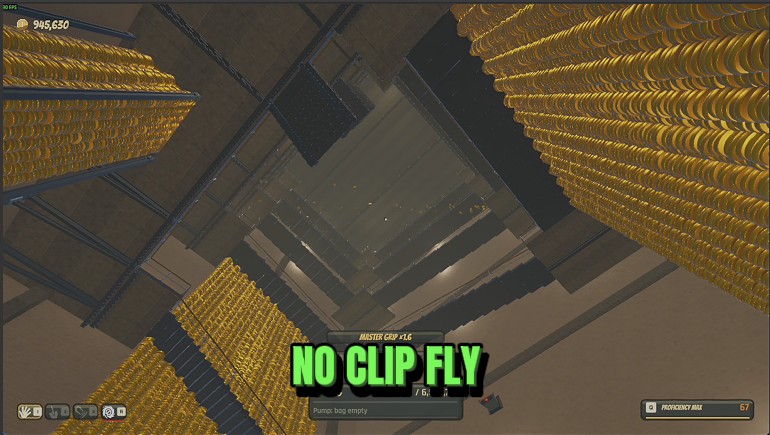
Fly & Noclip
Take off in the direction you look at 1 to 100 metres per second, or up to 300 with Shift held, and switch on Noclip to pass through walls, floors and the coin pile, down to about 3 m under the bottom floor.
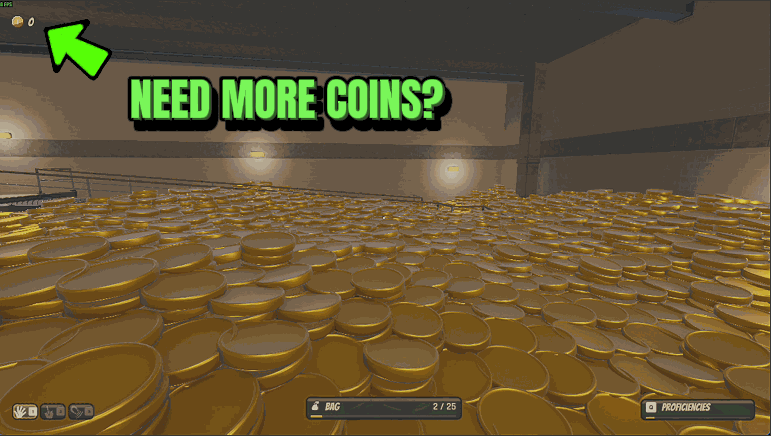
Give Coins
Set Money Amount, press Give Money, and that many coins move from the vault's pile into your bank, anywhere from 1 to 999,999 a press, with the final coin always left for you.
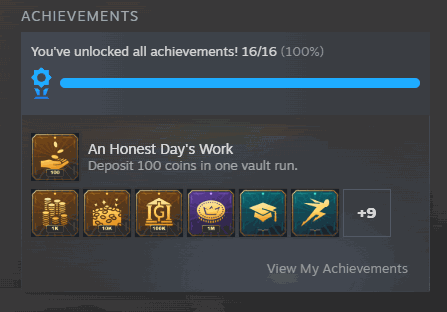
Achievement Unlocker
Unlocks any one of the game's 16 Steam achievements, or all of them in one press, from the main menu or inside a save, and can lock all 16 again when you'd rather earn them by play.







