Want more mods for One Million Coins? Explore our entire collection!
Fly & Noclip
"Fly where you look. Walls are optional."
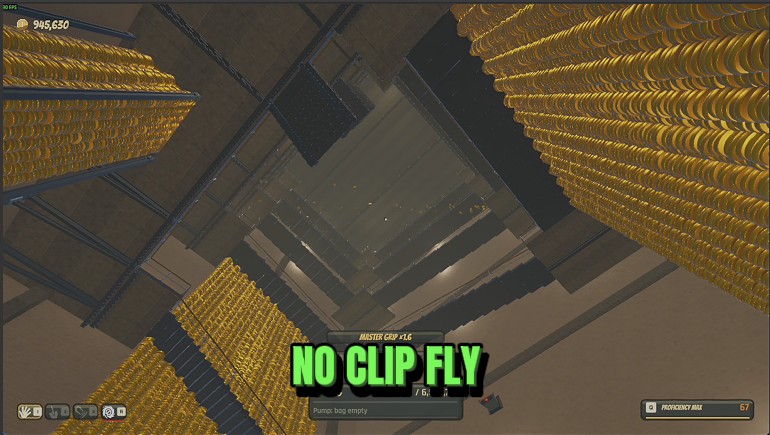
How do I install Fly & Noclip?
Download the free ProjectMods desktop app, then install Fly & Noclip for One Million Coins in one click.
</>What does Fly & Noclip do?
Crossing the vault on foot is slow: you walk at 6 metres per second before Proficiencies, and coin piles keep getting in the way. Fly & Noclip hands you flight that follows your view. Switch on Fly Enabled, steer with W A S D or the left stick, rise with Space and sink with Ctrl. Fly Speed sets your pace from 1 to 100 metres per second, 12 by default, and holding Shift flies at Shift Speed instead, from 1 to 300, 36 by default. With only Fly Enabled on, walls, floors and the coin pile still stop you. Noclip lets you pass through all three. It works without Fly Enabled: switching it on starts flying with the same keys and speeds. Switch Noclip off and walls stop you again. Switch both off and normal walking and gravity come back where you are, so you drop to the ground.
</>What is Fly & Noclip?
Fly & Noclip lifts you off the vault floor in One Million Coins. Fly Enabled steers you by the camera, with W A S D, Space and Ctrl, while Fly Speed and Shift Speed set how fast you go. Noclip lets you through anything solid, coin pile included, and starts flight by itself. It has no in-game key, never sinks you more than 3 m or so beneath the bottom floor, and takes any run you fly in off the leaderboards.
</>Common questions about Fly & Noclip
What does Fly & Noclip do in One Million Coins?
It lets you fly around the vault, steering by where you look, and with Noclip on, straight through the walls, the floors and even the coin pile. Flight is there once you're in a vault run rather than on the main menu, and as the game is single-player, your own run is the only one it changes.
Does flying take my run off the leaderboards?
Yes: the first time you fly in a run, with either switch, that run leaves the leaderboards and a note on screen tells you. That covers the fastest-run boards and Top hoarders. The game writes it into your save, so switching the mod off or removing it won't put the run back, and that run can no longer earn the Time Is Money achievement by playing it. Runs you haven't flown in are left alone.
Is there a key to switch flying on and off in the game?
No. Fly Enabled and Noclip are switched in the launcher, and the mod adds no key of its own. Flight also holds still while a menu, a terminal, the pause or the cargo lift's panel is open, or while the game window is in the background, so you stay put when you tab out.
Can I fly with a gamepad?
Yes, with one gap: the left stick moves you and the bottom face button rises, but Ctrl and Shift are keyboard keys, so a pad has no sink or fast-flight button. To go down, look down and push forward. On a pad alone you fly at Fly Speed.
Does it change how fast I walk or how high I jump?
No. Walking and jumping stay as the game and your Proficiencies set them; Speed & Jump is the mod for those. When you stop flying you fall to the ground, and the game has no fall damage, so coming down from any height costs you nothing.
What options does Fly & Noclip include?
Shift Speed
Flying speed in metres per second while you hold Shift, from 1 to 300, 36 by default.
Fly Speed
Flying speed in metres per second, from 1 to 100, 12 by default. Walking is 6 metres per second before your Proficiencies speed it up.
Noclip
You fly through walls, floors and the coin pile. It works on its own: switching it on starts flying too, with the same keys and speeds. You can't sink more than about 3 m below the vault's bottom floor. Off: walls stop you again, and you're lifted out of anything you're inside first; when flying ends too, you're set down on the floor or the coin pile below. The run you use it in is taken off the leaderboards, and a note on screen says so.
Fly Enabled
You fly where you look: W A S D (or the left stick) move you, Space rises, Ctrl sinks, and holding Shift flies at Shift Speed. Walls, floors and the coin pile still stop you. Off (with Noclip off too): normal walking and gravity come back and you drop to the ground. The run you use it in is taken off the leaderboards, and a note on screen says so.
Fly & Noclip is a ProjectMods mod for One Million Coins that lets you steer a flight by where you look, at a speed you choose, and pass through solid walls and floors with Noclip; any run you fly in leaves the leaderboards.
System Requirements
What features does Fly & Noclip include?
- Flight follows the camera, so pushing forward while you look up climbs, and mouse look and your tools keep working the whole time.
- Noclip goes no deeper than about 3 m below the vault's bottom floor, short of the depth where the game would put you back at the start.
- Switching Noclip off lifts you out of anything up to 60 m thick, then sets you on the floor or the top of the coin pile below once flying ends too.
- Flying waits while the Atlas cargo lift carries you or a Seismic Thumper slam or Jackhammer leap moves you, then carries on by itself.
Best For
- You want a look at the whole coin pile from above before you pick where to dig next, so switch on Fly Enabled and hover over it at the default Fly Speed of 12.
- The far side of the vault is a long walk away, so raise Shift Speed to 150 and hold Shift to get there at 25 times your starting walking speed.
- You've wedged yourself between a wall and the coin pile, so flick Noclip on, fly clear and switch it off again.
- You're curious what's on the other side of a wall, so drop Fly Speed to 4 and drift through it with Noclip.
More Mods for One Million Coins
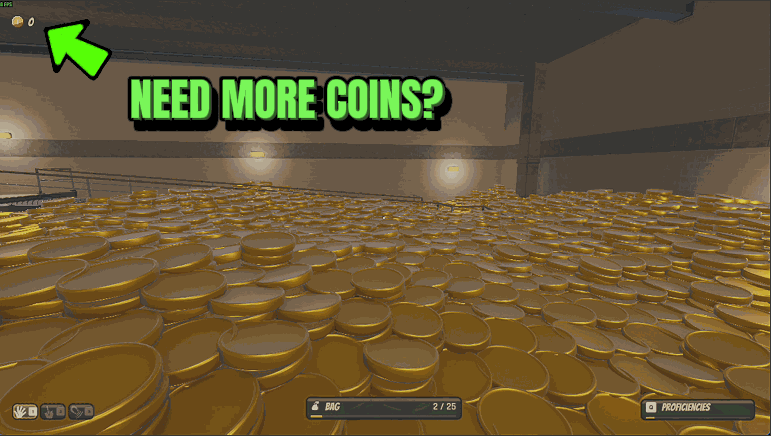
Give Coins
Set Money Amount, press Give Money, and that many coins move from the vault's pile into your bank, anywhere from 1 to 999,999 a press, with the final coin always left for you.
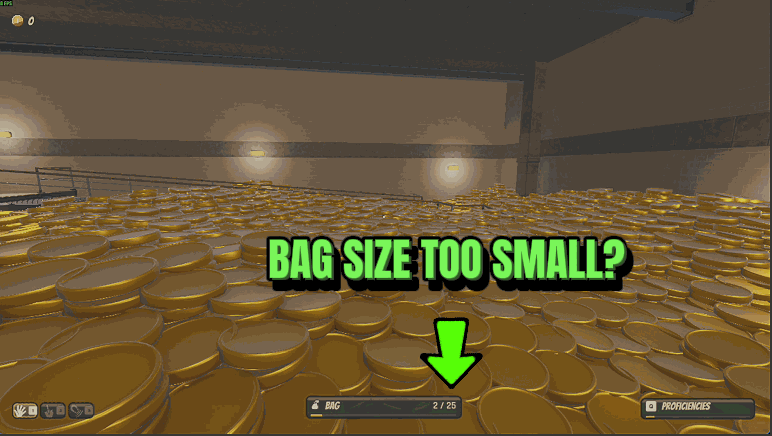
Bigger Bag & Faster Banking
Grow your bag up to ten times its normal size, make hoppers and Pocket Bank unloading up to twenty times faster, or send every coin you pick up straight into your bank, each switch on its own.
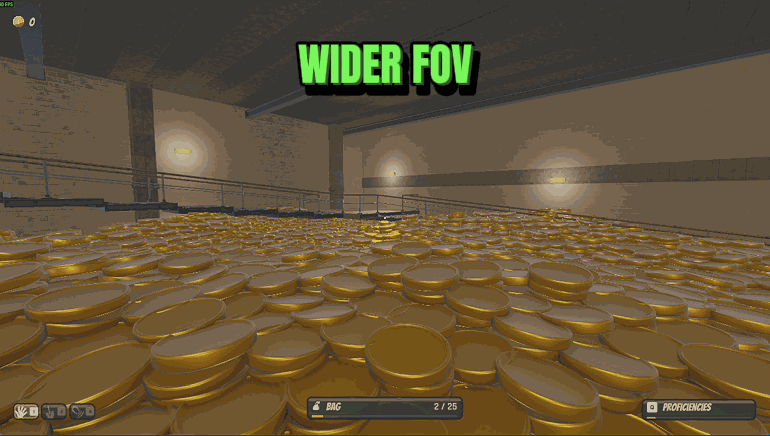
Field of View
Set how wide your view of the vault is, from 60 to 120 degrees rather than the fixed 72 the game uses, while terminal close-ups and the scene when the vault is finished still play as normal.







