Want more mods for Overcooked? Explore our entire collection!
Freeze the Clock
"The timer stops. The panic stops with it."
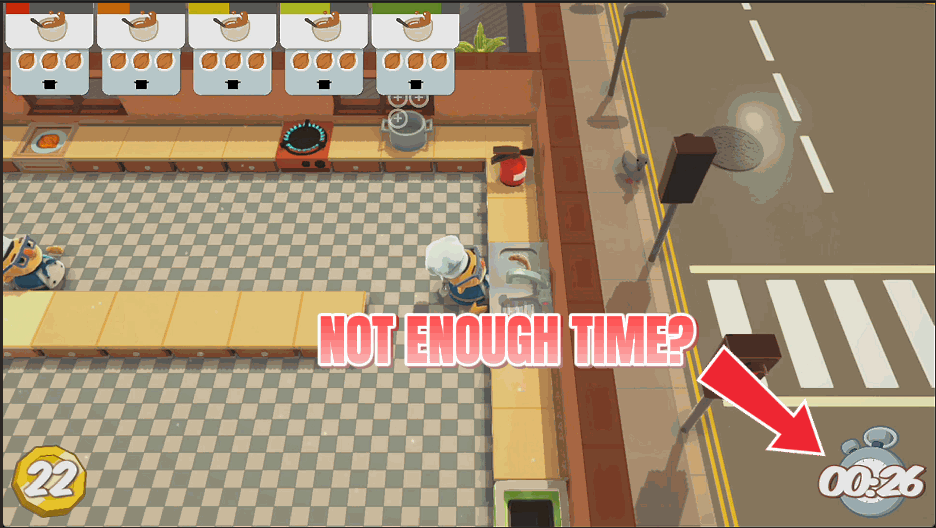
How do I install Freeze the Clock?
Download the free ProjectMods desktop app, then install Freeze the Clock for Overcooked in one click.
</>What does Freeze the Clock do?
Overcooked is a game about being rushed. That is the whole joke, and it is great fun right up until you are one plate short of three stars for the fifth time in a row. Freeze the Clock holds the level timer exactly where it is. The kitchen keeps running, orders keep arriving, and you keep cooking, but the countdown simply stops moving. Use it to learn a tricky layout, to practise a recipe order before you commit, or to play through the story with someone who is still finding the chopping board. If you would rather keep the pressure and just want a little breathing room, leave the freeze off and hit Add Two Minutes to drop two more minutes on the clock instead. Turn the freeze off and the countdown picks straight back up.
</>What is Freeze the Clock?
Overcooked hands you a new kitchen every few minutes and expects you to learn it while the orders pile up. Freeze the Clock holds the level countdown exactly where it is while orders keep arriving and the kitchen keeps running, or drops two extra minutes on the timer if you would rather keep the pressure. Free mod from ProjectMods, the community-first PC mod manager for 400+ games.
</>Common questions about Freeze the Clock
What does Freeze the Clock do in Overcooked?
Freeze the Clock holds the level countdown in Overcooked exactly where it is. The number on the timer simply stops moving. Everything else about the kitchen carries on as normal. Orders keep arriving, food keeps cooking, customers still get impatient and your score still counts, so you are playing the real level, just without the clock draining underneath it. There is also a separate option that adds two more minutes to the timer without stopping it, for when you want breathing room rather than an open-ended round. Turn the freeze off and the countdown picks straight back up from where it paused.
Does the kitchen keep running while the timer is frozen?
Yes, and that is the whole point. Freeze the Clock only stops the countdown, it does not pause Overcooked. Tickets keep appearing on the order board, pans keep cooking, your chefs keep moving, plates still need washing, and everything you serve still scores. What disappears is the deadline. That makes it very different from just pausing the game. You can actually play the level, work out a recipe order, learn where the sink and the bins are, and see how the kitchen behaves when it starts rotating, all without the round ending on you halfway through the lesson.
What happens when I switch the freeze off partway through a level?
The countdown resumes immediately from wherever it stopped, and the round carries on as normal. Freeze the Clock does not reset the timer or hand back the time you spent frozen, it just stops and starts the clock. That makes it useful as a temporary breather rather than an all or nothing setting. Freeze it while you talk a new player through where the plates are, unfreeze it and finish the level under real pressure. Because the kitchen never actually pauses, orders that arrived while the clock was still will be sitting on the board waiting for you when you unfreeze.
What does the Add Two Minutes button do?
Add Two Minutes drops two extra minutes onto the Overcooked timer without stopping it. The clock keeps ticking down, you keep working under pressure, you simply have more of it. It is the lighter-touch half of Freeze the Clock, meant for players who like the panic and just want the level to be a little less unforgiving. You can press it more than once if a round is going badly, and it works alongside the freeze rather than against it. You might freeze the clock while planning a tricky section, then unfreeze and top the timer up for the final push to the star line.
Why would I freeze the timer in Overcooked?
Two big ones: learning and company. Overcooked throws a new layout at you every few minutes, and a frozen clock lets you walk a kitchen, find the sink, watch a platform rotate and rehearse a recipe order before committing to a real attempt. It is also the kindest way to play the story with someone who is still finding the chopping board, since nobody has to feel responsible for the round ending. It works nicely for streamers and video makers too, because a stopped timer means you can explain what is happening in a kitchen without losing the run mid-sentence.
What options does Freeze the Clock include?
Add Two Minutes
Drops two more minutes on the clock without stopping it.
Freeze the Clock
Holds the level countdown exactly where it is. Cook at your own pace.
Freeze the Clock stops the Overcooked level countdown dead while the kitchen carries on running, or drops two extra minutes on the timer if you would rather keep the pressure. A free ProjectMods mod.
System Requirements
What features does Freeze the Clock include?
- Hold the level countdown exactly where it is while the kitchen carries on around you
- Orders still arrive and cooking still works, you just stop losing rounds to the clock
- Prefer the pressure? Hit Add Two Minutes and drop two more minutes on the timer instead
- Turn the freeze off and the countdown picks straight back up where it stopped
Best For
- Learning a tricky layout properly before you commit to a scored run at it
- Playing through the story with someone still working out which button chops
- Coming up one plate short of three stars on the same kitchen again and again
- Streamers walking chat through a kitchen without the round ending mid-sentence
More Mods for Overcooked
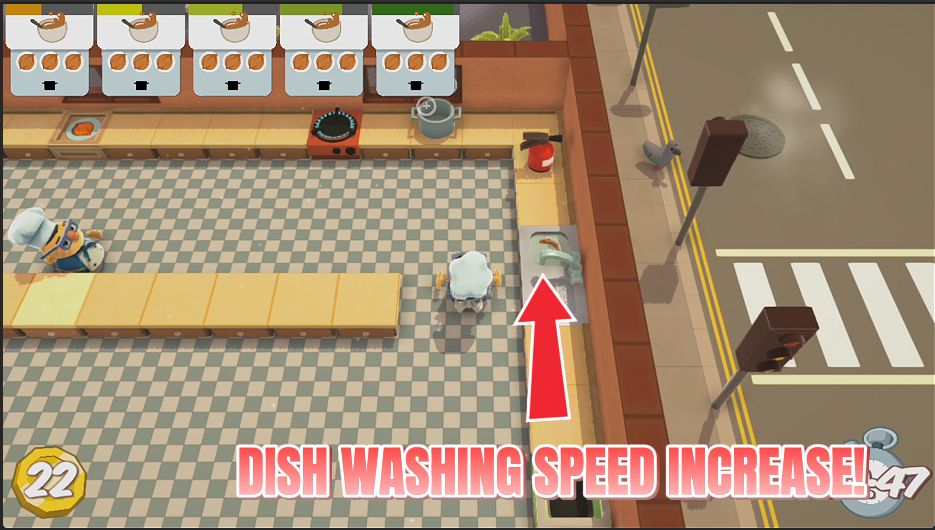
Dish Pit Hero
Scrub plates far faster so clean ones come back before you run out. The washing up stops holding the whole kitchen hostage.
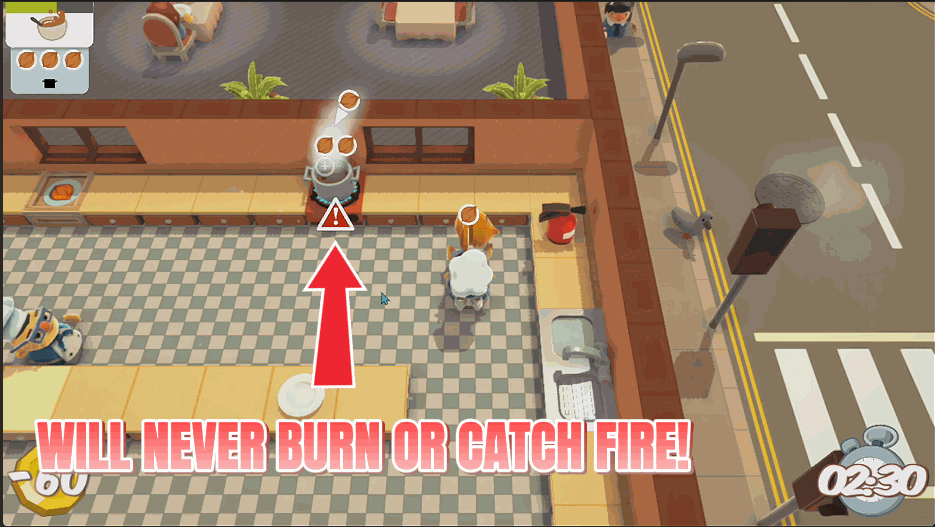
Fire Marshal
Douse every fire in the kitchen instantly, or stop things catching alight in the first place. Your run survives the burnt onions.
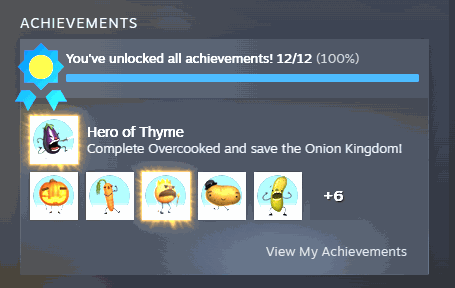
Wall of Fame
Fill out your Overcooked trophy shelf whenever you like. Pick the one you're missing and claim it, or light up the entire set in one go.



























































































































































































