Want more mods for Project: Doors Demo? Explore our entire collection!
Faster Movement & Higher Jump
"Set your own pace, from half speed to five times."
How do I install Faster Movement & Higher Jump?
Download the free ProjectMods desktop app, then install Faster Movement & Higher Jump for Project: Doors Demo in one click.
</>What does Faster Movement & Higher Jump do?
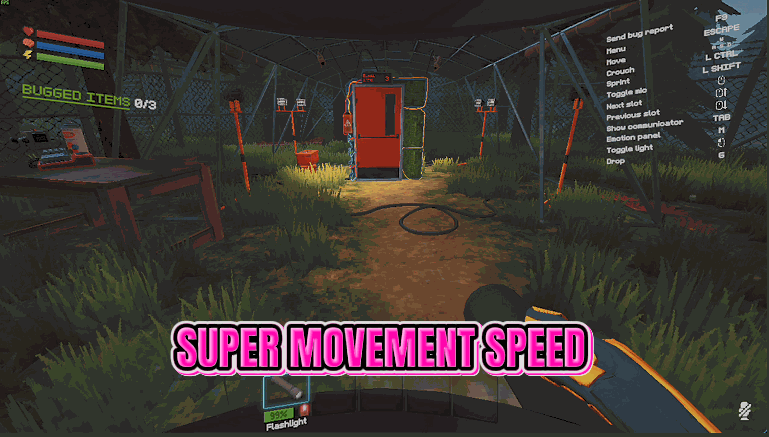
Expeditions involve a lot of walking, and the pace is the same if you're creeping past something or crossing rooms you've already cleared. Faster Movement & Higher Jump hands you the numbers. Switch on Change Movement and three settings take over. Run Speed Percent covers walking, running and crouched movement, from 50 to 500 percent of normal in steps of 5, starting at 150. Jump Height Percent goes from 50 to 500 in steps of 10 and also starts at 150. Extra Air Jumps lets you jump again before you land, from 0 to 5 times, and starts at 0, which adds none. Both percentages go below 100, so you can slow yourself down or shorten your jump as well. You still build up to speed gradually, the way the game normally does, and each jump still costs stamina. Switch Change Movement off and your walk, run and crouch speed, jump height and number of jumps return to the game's own values.
</>What is Faster Movement & Higher Jump?
Faster Movement & Higher Jump gives Project: Doors Demo three movement settings behind one switch. Change Movement turns them on. Run Speed Percent and Jump Height Percent each run from 50 to 500, and Extra Air Jumps from 0 to 5. It has no gravity setting, doesn't remove the stamina cost of running or jumping, and leaves other players' movement alone. Off restores the game's own speed, jump height and jump count.
</>Common questions about Faster Movement & Higher Jump
What does Faster Movement & Higher Jump do in Project: Doors Demo?
It changes how your character moves: speed on foot, jump height and the number of jumps you get before landing. Nothing happens until you switch on Change Movement, and the defaults of 150, 150 and 0 give you a quicker run and a taller jump with no air jumps.
Do extra air jumps use stamina?
Yes. Every jump costs stamina as normal, including the ones you make in the air, and running at a higher Run Speed Percent drains it the same way running always does. The Infinite Stamina mod keeps stamina full if you'd rather not manage it.
Why don't I move at full speed in the air?
Speed in the air is still limited by the game's own air control, so a high Run Speed Percent shows mostly on the ground. You also speed up gradually, as you do in the normal game, so a short dash may not reach the top speed you set. There is no gravity setting, so a higher Jump Height Percent or more Extra Air Jumps are the ways to get more height.
Does it change how fast my squadmates move?
No. Only your own character is affected, and the other players move as they always do unless they run the mod with their own numbers. It doesn't matter who is hosting. Nothing is written to the save, so the game is unchanged for anyone playing it without the mod.
What options does Faster Movement & Higher Jump include?
Change Movement
Changes how you move, using the three settings below: speed, jump height and extra jumps in the air. Off (the default): you move and jump as normal.
Run Speed Percent
How fast you walk, run and move while crouched, as a percent of normal, from 50 to 500. 100 is normal, 200 is twice as fast. Default 150.
Extra Air Jumps
How many more times you can jump again before you land, from 0 to 5. Default 0, which adds none.
Jump Height Percent
How high you jump, as a percent of normal, from 50 to 500. 100 is normal, 200 is twice as high. Default 150.
Faster Movement & Higher Jump is a ProjectMods mod for Project: Doors Demo that changes your own walking, running and crouched speed, your jump height and how many times you can jump before landing.
System Requirements
What features does Faster Movement & Higher Jump include?
- Run Speed Percent scales walking, running and crouched movement together, where 200 is twice as fast.
- Jump Height Percent scales your jump, where 200 is twice as high.
- Extra Air Jumps adds up to 5 more jumps before you land.
- New numbers apply within a quarter of a second while Change Movement is on.
- It works for the host, solo players and joined players, on your own character only.
Best For
- You're crossing rooms you've already cleared to reach the far side of the maze, so switch on Change Movement and set Run Speed Percent to 200 to halve the walk.
- Something sits just above a normal jump. Raise Jump Height Percent, or set Extra Air Jumps to 1 for a second jump at the top of the first.
- You want a slower, tenser expedition, so set Run Speed Percent to 50 and leave Jump Height Percent at 100.
- You only want the double jump, so set both percentages to 100 and Extra Air Jumps to 1.
More Mods for Project: Doors Demo
Easier Quota
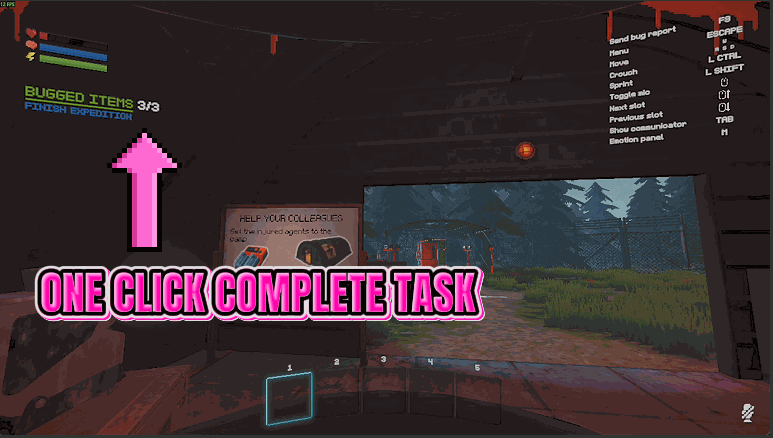
Shrink the quota of expeditions you start to as little as a tenth of normal, or count the current quota as handed in with one press. Host or solo only.
Third-Person View & Wider FOV
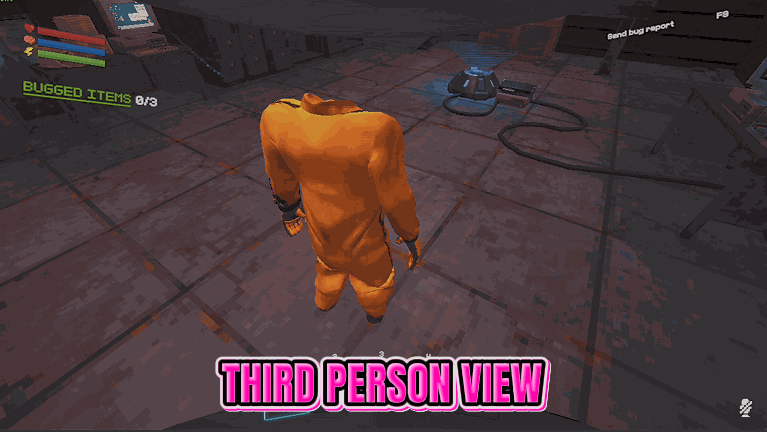
Play in third person through the game's own third-person camera, and set your field of view anywhere from 45 to 160 degrees, past the end of the game's slider.

Give Money & Free Shopping
Add up to 1,000,000 to the team's money per press, zero it out, order from the shop at no cost and sell items for up to ten times their value. Host or solo only.







