Want more mods for Project: Doors Demo? Explore our entire collection!
Give Item
"Pick an item. It lands in front of you."
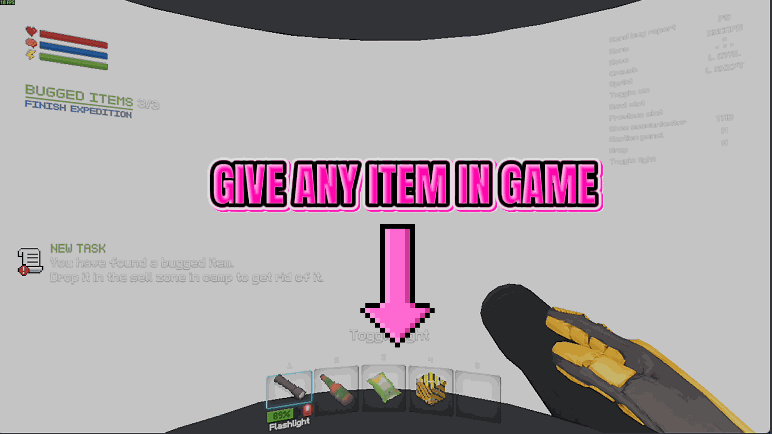
How do I install Give Item?
Download the free ProjectMods desktop app, then install Give Item for Project: Doors Demo in one click.
</>What does Give Item do?
Some expeditions hinge on one item you never find. Give Item hands you the game's own item list and a button that drops what you pick. Open Item and choose from the list, which shows every item by its in-game name and fills once you're in the camp or on an expedition. Set Amount anywhere from 1 to 20 (it starts at 1), then press Give Item. The copies land half a metre in front of you in rows of five, ready to pick up. They are real items. Everyone in your squad can pick them up, and the game counts and sells one like any other. The list leaves nothing out, so quota and objective items may be in it too. Give Item works when you host or play solo. If you joined someone else's game, the button answers that it's host only. There's nothing to switch off: items you've dropped stay where they are, and nothing is written to your profile.
</>What is Give Item?
Give Item adds an item spawner to Project: Doors Demo. Choose from the Item list, set Amount and press Give Item: the copies appear on the ground near you for anyone in the squad to pick up. It is for the host and for solo play, in the camp or on an expedition. It never puts items straight into your inventory, never works in a game you joined, and saves nothing to your profile.
</>Common questions about Give Item
What does Give Item do in Project: Doors Demo?
It drops items you choose onto the ground beside you. You pick from Item, set how many with Amount and press Give Item. It's a button, so there is nothing to switch on or off afterwards, and whatever you've already dropped stays put when you disable the mod.
Why does the Item list only say "Launch game to load the item list"?
The list is empty until a level has loaded. Start the game and go into the camp or out on an expedition, and the entries appear with their in-game names. Your character also has to be in the world for Give Item to drop anything, so pressing it from a menu gives you nothing.
Can I use it in a lobby I joined?
Not as a guest. Only the host's Give Item works, and a joined player who presses it is told it's host only. A solo game counts as hosting. Since the host's drops are there for everybody, one person with the mod can hand out items to the whole squad.
Do dropped items count towards the quota?
The game treats a dropped item as the real thing, so it counts and sells like any other. The Item list isn't filtered, which means quota or objective items may show up in it. Think before dropping one of those on an expedition you'd rather finish the normal way. Dropped items land on the ground, never straight in your inventory, so someone still has to pick each one up.
Do the items carry over to my next expedition?
No, the mod keeps nothing. Items belong to the expedition you're on and are never written to your profile, so the mod won't bring them along afterwards. Press Give Item again when you need more; it works in the camp as well as out on an expedition.
What options does Give Item include?
Item
Which item Give Item drops. The list fills with the game's items, by their in-game names, once you're in the camp or on an expedition.
Give Item
Drops the chosen item just in front of you, as many as Amount says, ready to pick up. Works when you host or play solo, in the camp or on an expedition.
Amount
How many Give Item drops at once, from 1 to 20. The default is 1.
Give Item is a ProjectMods mod for Project: Doors Demo that drops any item from the game's own list on the ground in front of you, 1 to 20 copies per press, when you host or play solo in the camp or on an expedition.
System Requirements
What features does Give Item include?
- The Item list is read from the game while it runs, so every entry carries its in-game name.
- Amount sets how many copies one press drops, and they land in rows of five so a big batch stays in one low pile.
- Stand facing a wall and the items still land on your side of it.
- What the host drops is a real item in the world that any player in the squad can pick up.
Best For
- Your squad is about to set off and everyone wants the same piece of kit. As host, pick it in Item, set Amount to the number of players and press Give Item in the camp before you leave.
- You're playing solo and want to find out what an item does, so choose it in Item, leave Amount at 1 and drop a single copy to try.
- A friend lost what they were carrying halfway through an expedition. Stand next to them, press Give Item and let them pick the replacement up off the ground.
More Mods for Project: Doors Demo
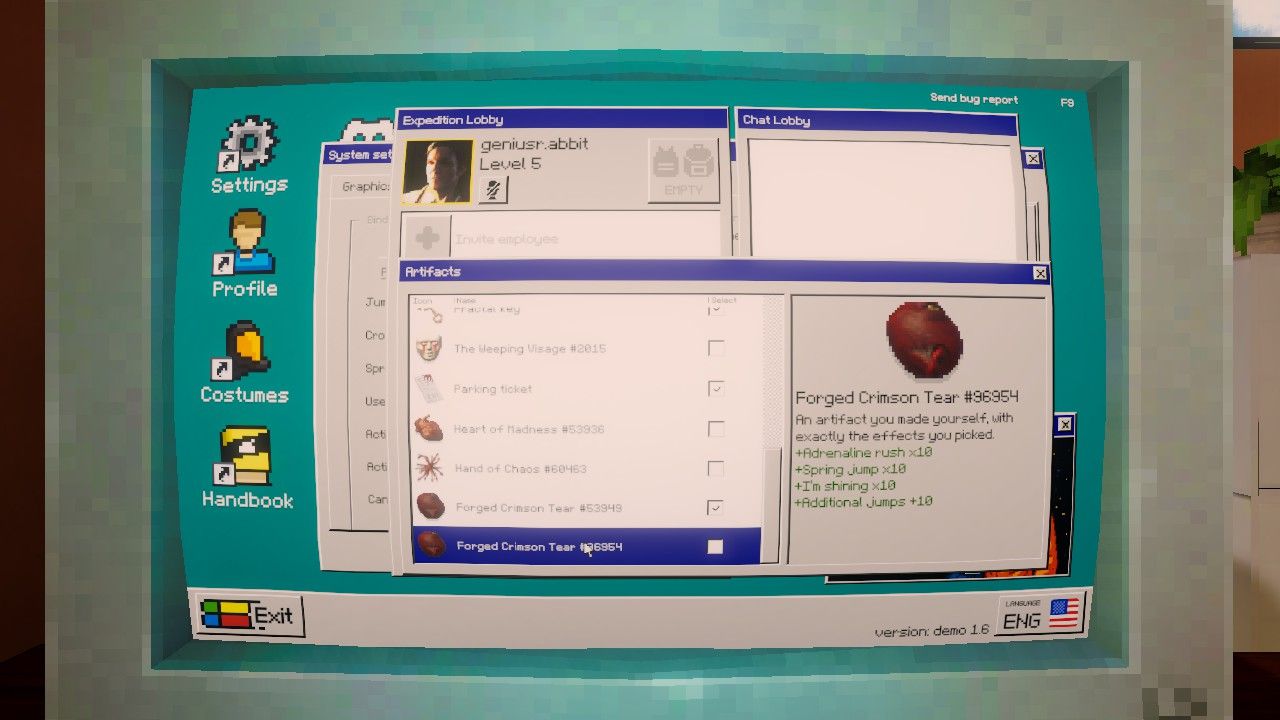
Artifact Forge
Make artifacts of your own design: pick up to eight of the game's artifact effects, set how strong each one is, choose a look, and equip it in the lobby. Keep Artifact Forge switched on to see and use your forged artifacts; with it off they stay saved but hidden.
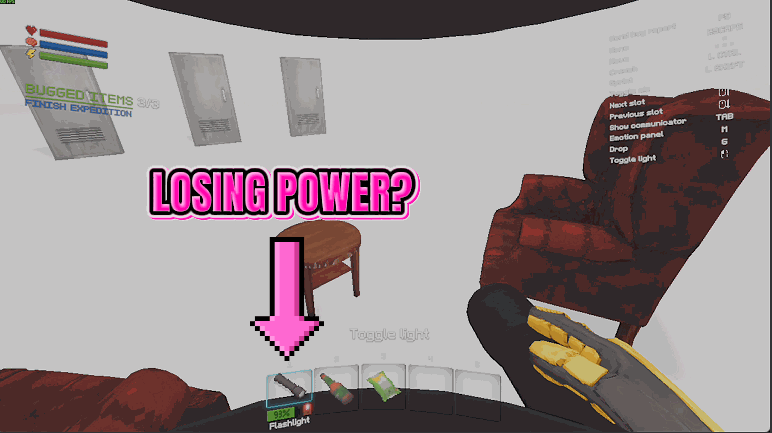
Infinite Item Charge
Charged items such as the Flashlight, the Headlamp and the EMF reader stop running down for you and your whole team, and one button refills the charged item in your hands. Works for the host or in solo play.
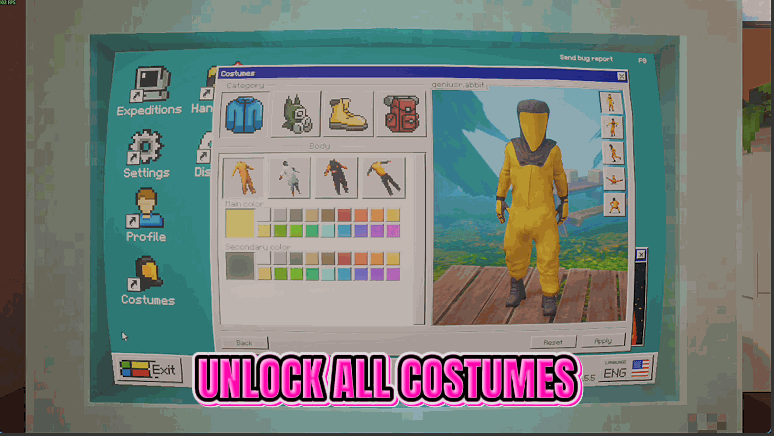
Unlock All Outfits & Emotes
Unlocks the only two things Project: Doors Demo keeps locked: its fourth body, normally a level reward, and the one emote no demo level hands out. A button each, saved to your own profile for good.







