Want more mods for Project: Doors Demo? Explore our entire collection!
More Players
"Your lobby, your headcount. Up to 32."
</>What does More Players do?
The player slider you get when you host stops where the game says it stops, and your friend group is two people bigger. More Players hands you the number. Switch on More Players Enabled and every lobby you host holds as many players as Max Players says, you included; a lobby you already have open changes size at once. Max Players runs from 2 to 32 and starts at 24. Press Check Lobby Size to find out how many players your lobby holds right now and how many are in it, before you send invites. Only the host needs the mod. Friends who join install nothing. One plain warning: lobbies above 16 players have not been play-tested, so treat anything past 16 as an experiment. Switch More Players Enabled off and your lobby goes back to the size it had before, nobody already in is removed, and the next lobby you host is the game's normal size.
How do I install More Players?
Download the free ProjectMods desktop app, then install More Players for Project: Doors Demo in one click.
</>What is More Players?
More Players resizes the co-op lobbies you host in Project: Doors Demo. Switch on More Players Enabled, set Max Players, and use Check Lobby Size to confirm the result before inviting anyone. The host's copy does all the work. Going past 16 players is not play-tested. It never changes a lobby you joined as a guest and never lets players into a run that has already started.
</>Common questions about More Players
What does More Players do in Project: Doors Demo?
It makes the lobbies you host hold the number of players you pick instead of the number the game offers. The count includes you. It stays off until you switch on More Players Enabled, saves nothing, and leaves a solo game with no lobby alone. Switch it off and the player slider on the hosting screen gets its own range and value back.
Do my friends need the mod too?
No, only the host does. Players who join install nothing and get in the normal way, as long as they're on the same game version, which is the game's own rule for listing lobbies. If a joined player does have the mod, their Check Lobby Size just reports the host's lobby.
What happens with more than 16 players?
Lobbies above 16 players have not been play-tested, so there is no promise the game stays stable or balanced up there. The lobby will have the seats Max Players says. If a big session misbehaves, lower Max Players and host again with a smaller group.
Check Lobby Size says Steam refused the new size. What now?
Steam can turn down a resize of a lobby that's already open. When that happens, leave More Players Enabled on and host a new lobby: one opened with the switch on is made at your Max Players size from the start. Press Check Lobby Size again to confirm it.
Can friends join once the expedition has started?
No. The game itself refuses players joining a run that has already started, and the mod doesn't change that. Get everyone into the lobby first, use Check Lobby Size to see how many are in, then set off. The ceiling is 32 seats; the mod doesn't go above that.
What options does More Players include?
Max Players
How many players your lobby holds while More Players Enabled is on, you included. From 2 to 32; the default is 24.
Check Lobby Size
Tells you how many players your lobby holds right now and how many are in it, so you can check before you invite friends.
More Players Enabled
Lobbies you host hold as many players as Max Players says, you included: a lobby you're already hosting changes size at once, and so does every one you open. Only the host needs this. Off: your lobby goes back to the size the game gave it; nobody already in is removed.
More Players is a ProjectMods mod for Project: Doors Demo that lets the host set a lobby's size anywhere from 2 to 32 players, with nothing for joining friends to install and lobbies above 16 players not play-tested.
System Requirements
What features does More Players include?
- More Players Enabled resizes a lobby you're already hosting on the spot, and applies to every lobby you open after that.
- Max Players counts you, so 24 means you plus 23 friends.
- Check Lobby Size reports how many players the lobby holds and how many are in it right now.
- While the switch is on, the player slider on the hosting screen is set to your Max Players value.
- Switching off removes nobody: players already in the lobby stay.
Best For
- Your friend group is one over the game's lobby size, so switch on More Players Enabled, set Max Players to your headcount and host as usual.
- You've got a lobby open and a late friend wants in. Raise Max Players by one and the open lobby resizes without rehosting.
- Before a big session, press Check Lobby Size to confirm the lobby really holds the number you set, then send the invites.
- You want an expedition for just two, so set Max Players to 2 and the lobby has no room for a third.
More Mods for Project: Doors Demo
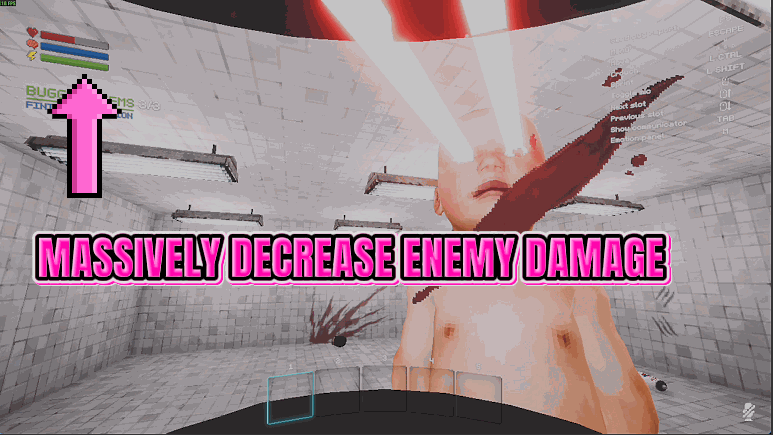
Enemy Difficulty Settings
Four percentage sliders set how fast enemies move, how hard they hit, how far they see and how well they hear while you host or play solo. Sight and hearing each reach only some enemies.
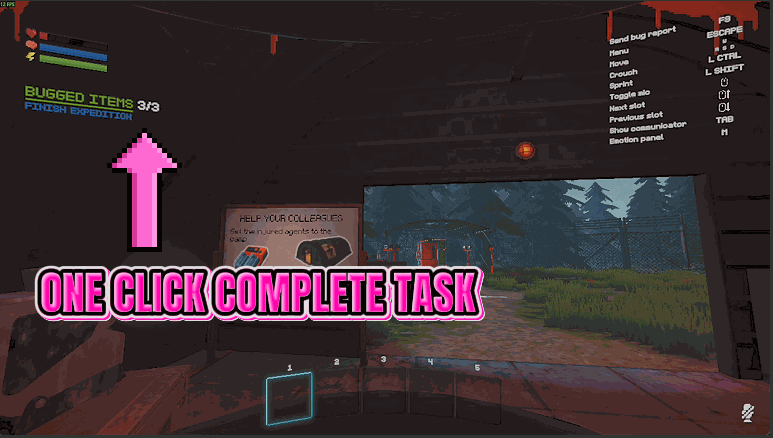
Easier Quota
Shrink the quota of expeditions you start to as little as a tenth of normal, or count the current quota as handed in with one press. Host or solo only.
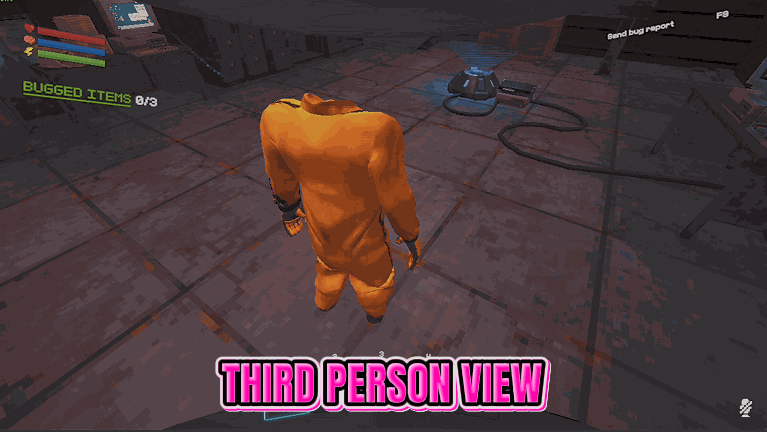
Third-Person View & Wider FOV
Play in third person through the game's own third-person camera, and set your field of view anywhere from 45 to 160 degrees, past the end of the game's slider.







