Want more mods for Raft? Explore our entire collection!
Sun Control
"Day and night are just suggestions."
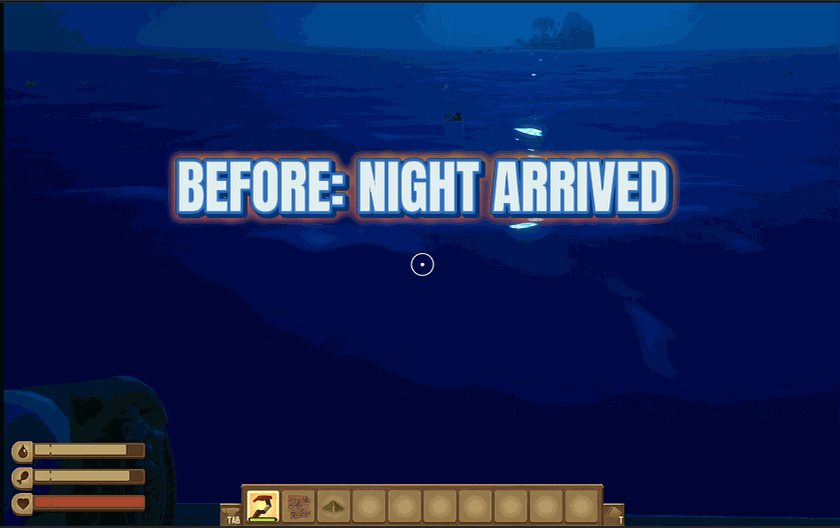
How do I install Sun Control?
Download the free ProjectMods desktop app, then install Sun Control for Raft in one click.
</>What does Sun Control do?
Raft's day/night cycle is pretty, but sometimes inconvenient. Night is dark. Dawn is brief. That perfect golden hour sunset lasts about three minutes before it's gone. Sun Controller fixes this by putting you in charge of time itself. Set the hour to whatever you want - permanent noon for maximum visibility, eternal sunset for the vibes, or frozen midnight if you enjoy suffering. Lock the time and the sun stays exactly where you put it. No more waiting for dawn. No more scrambling to finish tasks before dark. Enable auto-set and the time changes instantly as you adjust the slider. You can also read the current time from the game if you want to know exactly what hour it is before making changes. The sun answers to you now. Use this power wisely. Or don't.
</>What is Sun Control?
Raft's day-night cycle looks great but constantly disrupts gameplay — night is dark and slow, dawn is brief, and the perfect golden-hour sunset lasts about three minutes. Sun Control hands you the dial. Set the in-game hour to anything from 0 (midnight) to 24 (back to midnight) on a granular slider. Lock Time freezes the sun exactly where you put it, so eternal sunsets, perma-noons, and frozen midnights are all on the table. Use Read Time to see the current hour before adjusting, and Set Time to apply your chosen hour instantly. Built in-house by ProjectMods, the community-first game modding platform and desktop app.
</>Common questions about Sun Control
What does Sun Control do in Raft?
It gives you full control over the in-game time. Use the Time of Day slider to pick any hour (0=midnight, 12=noon, 18=sunset, 24=back to midnight), then hit Set Time to apply it instantly. Toggle Lock Time and the sun freezes exactly where you put it, so the lighting never changes — useful for permanent golden-hour content shots, eternal day for chill build sessions, or locked midnight for horror atmosphere. The Read Time action syncs the slider to the current in-game hour so you can see what time it is before adjusting. Built specifically for players who want lighting predictability and content creators who need consistent shots.
Can I freeze the sun at a specific time in Raft?
Yes. Set the Time of Day slider in Sun Control to your preferred hour (try 18 for sunset or 7 for sunrise), hit Set Time to apply, then toggle Lock Time on. The sun freezes exactly where you put it and the lighting never changes — no more rushing builds because dusk is coming. Useful for content creators who want consistent lighting across a long filming session, builders who hate working in the dark, and ambient drift sessions where you just want a vibe and don't want to manage time.
Does Sun Control let me skip night in Raft?
Yes — multiple ways. Quickest: set the Time of Day slider to 12 (noon), hit Set Time, and you skip past night instantly. Combine with Lock Time on if you want night to never come back. Or set the slider to 7 (morning) and unlock time, so you start your session in fresh daylight every time. Useful when night gameplay isn't fun for you, when filming and you only want daytime footage, or for accessibility — Raft's night is genuinely dark and some players find it hard to play through.
Will Sun Control affect Raft achievements or progression?
No. Sun Control only changes the visual lighting and time-of-day value — it doesn't touch story progression, achievements, inventory, or any other game system. Time-locked or skipped doesn't break Raft's underlying game flow because vanilla Raft doesn't gate progression behind specific times. Toggle the ProjectMods mod off and the day-night cycle resumes normal behavior immediately. Useful for players who want lighting control without committing to permanent save changes.
Can I use Sun Control for content creation in Raft?
Yes — that's one of the biggest use cases. Locked golden-hour sunset is gorgeous for build tour videos and screenshots. Eternal noon gives consistent visibility for tutorial content. Frozen midnight delivers horror atmosphere for shark-themed content. The Read Time and Set Time actions in Sun Control let you precisely time the lighting to your shot, then Lock Time freezes it so nothing changes mid-take. Pair with Sun Control sliding the hour during a take to fake a time-lapse for cinematic transitions.
What options does Sun Control include?
Time Of Day
Set the hour. 0 = midnight, 12 = noon, 18 = sunset!
Set Time!
Change the game's time to your selected hour!
Read Time!
Updates the slider to match the current in-game time.
Lock Time
Freeze time so the sun never moves!
Sun Control is a Raft mod from ProjectMods that gives you full control over the day-night cycle. Set Time of Day (0=midnight, 12=noon, 18=sunset), toggle Lock Time to freeze the sun where you put it, and use Set Time to apply changes instantly. Read Time syncs the slider to the current in-game hour. Permanent noon for visibility, eternal sunset for the vibes, locked midnight for the horror — your call.
System Requirements
What features does Sun Control include?
- Set the hour from midnight to noon to sunset. Lock it. The sun answers to you now.
- Eternal golden hour for content. Perma-noon for builds. Locked midnight for horror vibes.
- Read Time syncs the slider so you know exactly where you are before changing anything.
Best For
- Filming Raft content where consistent lighting matters more than realistic day-night cycles.
- Build sessions where night gameplay slows you down and noon visibility just works.
- Ambient drift runs that need a locked vibe — sunset, midnight, golden hour, your call.
More Mods for Raft
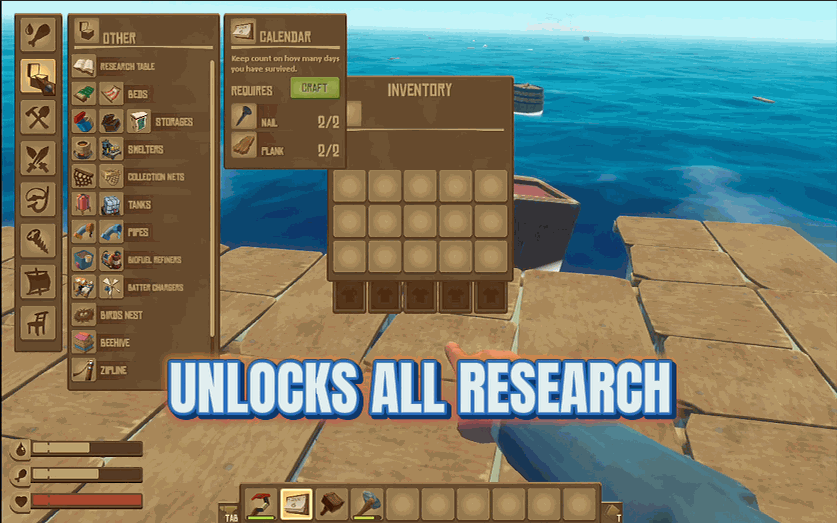
Research Complete
Instantly unlock every recipe in the game because some of us don't have time for research.
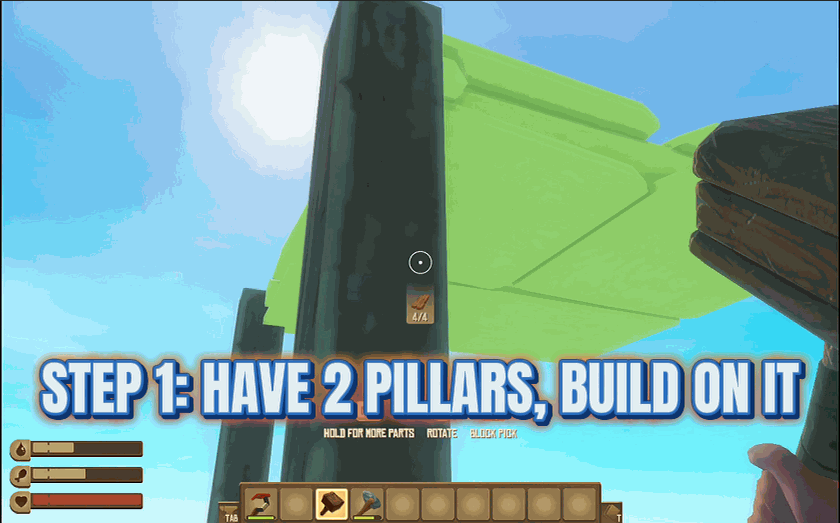
Gravity Defying Builds
Build floors and structures without needing pillars because physics is optional.
/RaftEndlessDriftRemoveLandmarks3.png)
Endless Drift (Remove Landmarks)
Stop landmarks from spawning and drift through an empty, endless ocean.







