Want more mods for Rebel Inc: Escalation? Explore our entire collection!
Fast Forward
"Slow the crisis down. Sprint the quiet bits."
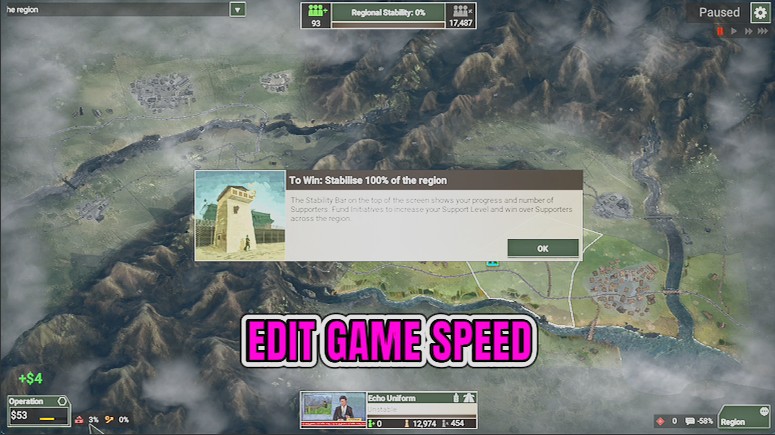
How do I install Fast Forward?
Download the free ProjectMods desktop app, then install Fast Forward for Rebel Inc: Escalation in one click.
</>What does Fast Forward do?
Rebel Inc has two speeds it never actually gives you: slow enough to read a tense moment properly, and fast enough to get through the stretch where nothing is happening. Fast Forward hands you both on one slider. Move the Game Speed slider anywhere from 50% to 800% of normal, then press Set Game Speed. Drop to 50% when insurgents are surging and you want to watch the map change zone by zone before committing anything. Run it up to 800% while you are waiting on funding to build or an initiative to finish, then bring it back down the moment something happens. Adjust and press as often as the operation demands. Long operations get shorter, tense ones get readable, and you stop tabbing away during the slow middle of a region. Built and tested for solo play - leave it off in co-op.
</>What is Fast Forward?
Rebel Inc: Escalation has long stretches where the right move is simply to wait, and the game's own fastest setting is still slower than those moments deserve. Fast Forward lifts the ceiling to 800% and drops the floor to 50%, so you choose the pace of every part of a run. From ProjectMods, the community-first PC mod manager for 400+ games.
</>Common questions about Fast Forward
What does Fast Forward do in Rebel Inc: Escalation?
Fast Forward sets the speed of the whole game clock in Rebel Inc: Escalation. Move the Game Speed slider anywhere between 50% and 800% of normal in the ProjectMods launcher, press Set Game Speed, and the simulation runs at that pace from the moment you press it. The game's own fastest setting still leaves you watching programmes finish and soldiers walk across the map in real time. Fast Forward lifts that ceiling considerably, and lowers the floor as well, so a tense stretch can be slowed down and read properly instead of blurring past while you are still deciding what to do about it.
Does speeding up the clock change what happens in the operation?
No. Fast Forward changes the pace of the simulation in Rebel Inc: Escalation, not its outcome. The same programmes finish, the same insurgent pushes come, the same prices climb — they just stop taking as long in real minutes. That is worth spelling out, because plenty of players expect a speed setting to make things sloppier or to skip events entirely. It does not: you are watching the same operation at a different pace, and every decision you make still lands the way it would have at normal speed. What changes is how much of your evening a long campaign map costs you.
Can I slow the game down as well as speed it up?
Yes, the slider goes down to 50% as well as up to 800%. Slowing Rebel Inc: Escalation below its normal speed is genuinely useful in the moments where a lot happens at once: a multi-zone insurgent push, a critical week where three programmes land together, or any point where you want to read the map properly before committing to something expensive. A run can sit somewhere above normal for most of its length and then drop to half speed for the twenty seconds that actually decide it. Whatever the slider shows when you press Set Game Speed is the pace you get, so switching between the two is a single button away.
How do I change the speed once I have already set it?
Move the Game Speed slider to the number you want and press Set Game Speed again. Whatever the slider shows at that moment is the pace the clock takes, and there is no need to restart the operation, reload a save, or leave and re-enter the map. In practice the slider works like a gear stick you reach for a dozen times in a long Rebel Inc: Escalation run: high for the walk across the map, back down for the week where three things land at once, high again once the dust settles.
When is Fast Forward most useful?
Two situations, mostly. The first is repeat runs: once you know a map's opening, the first twenty minutes of a Rebel Inc: Escalation operation are a script you have already read, and running them at 400% or more gets you to the interesting part of the campaign quickly. The second is the long stretches inside any run where the correct play is patience, such as a programme completing, a season turning, or troops crossing the map on foot. Fast Forward is also the quiet companion to the rest of the Rebel Inc: Escalation catalogue, since anything you change is easier to judge when you are not waiting real minutes to see the result.
What options does Fast Forward include?
Set Game Speed
Press to set the game clock to the speed you picked on the slider.
Game Speed
How fast the clock runs, as a percentage of normal.
Diagnose
Press to check the mod can see the game. Writes a short report you can send us if something is not behaving.
Fast Forward is a Rebel Inc: Escalation mod from ProjectMods that sets the whole game clock to any speed between 50% and 800% of normal with one press, so you can skip the quiet stretches and slow down the moments that matter.
System Requirements
What features does Fast Forward include?
- Sets the whole game clock anywhere between 50% and 800% of normal speed with a single press.
- Slow a surge right down and watch each zone flip, instead of piecing it together afterwards.
- Run through the quiet middle of an operation where you are only waiting on money to accumulate.
- Move the slider and press again as often as you like; nothing is locked in.
- Diagnose gives you a quick sanity check and a short report to send over if something looks wrong.
Best For
- Players grinding the back half of a long region where the outcome is decided but the clock is not
- Newer commanders who want a chaotic moment slowed enough to learn what actually caused it
- Streamers pacing a session: fast through setup, slow for the decisions people came to watch
- Anyone replaying a map they already solved who just wants to get to the interesting part
More Mods for Rebel Inc: Escalation
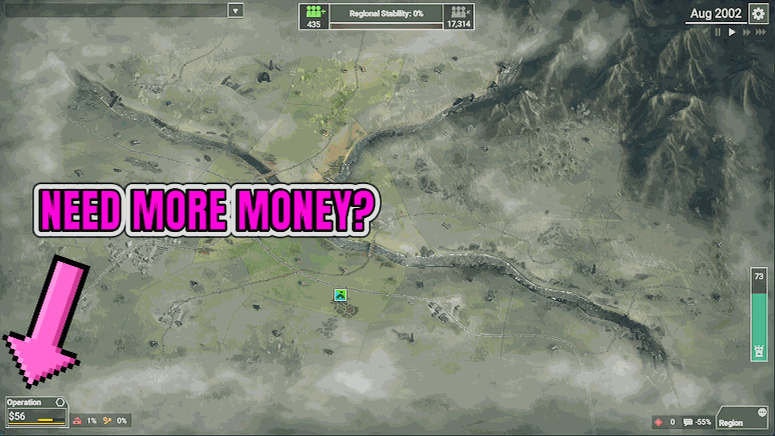
Treasury Override
Enter anything from 100 up to 10 million, press Add Funds, and it lands in your budget. Clear Funds empties it back to zero.
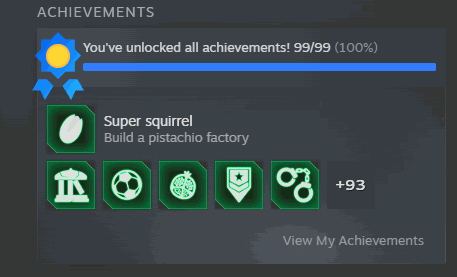
Wall of Fame
Press Unlock Everything to award every achievement in the game, or Lock Everything to clear the board and go earn them for real.
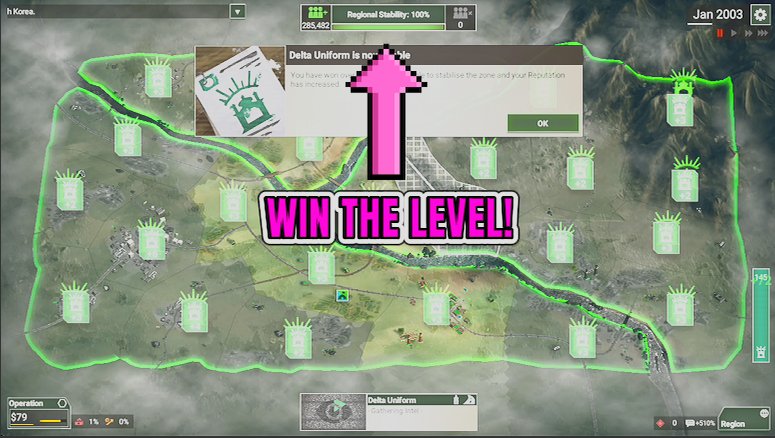
Hearts and Minds
One press swings the population of every zone behind the government, so public support stops being the thing stalling your operation.