Want more mods for Rebel Inc: Escalation? Explore our entire collection!
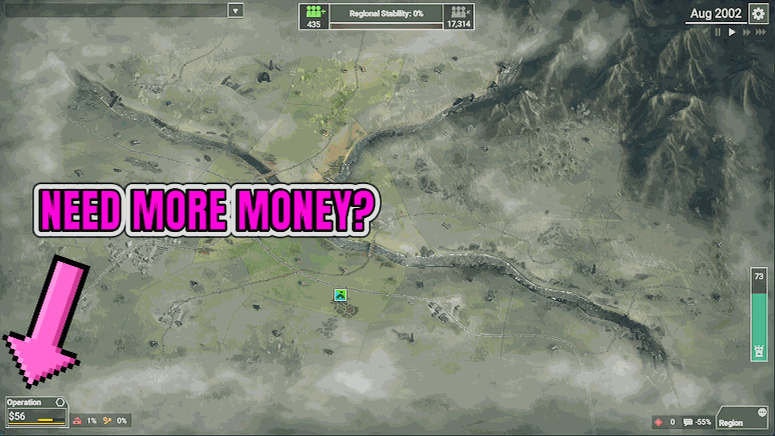
Treasury Override
"Type a number. It's in the budget."
How do I install Treasury Override?
Download the free ProjectMods desktop app, then install Treasury Override for Rebel Inc: Escalation in one click.
</>What does Treasury Override do?
Sometimes you do not want a multiplier or a clever economy tweak. You want a specific number in the budget, right now, because the thing you need to buy costs exactly that much. Type any amount between 100 and 10,000,000 into the Amount box and press Add Funds, and it is paid straight into your budget. Press it again for another helping, and again after that. There is no limit on how many times you can top up during an operation. Clear Funds does the opposite and empties the budget back to zero, which is how you set up a deliberately broke run or reset after an experiment. This is the most direct money option in the Rebel Inc set. Reach for it when you know exactly what you are short of, and reach for Clear Funds when you want to hand yourself a hard constraint on purpose.
</>What is Treasury Override?
Every plan in Rebel Inc: Escalation dies the same way: you know exactly what the region needs and you cannot afford it. Treasury Override lets you set an amount, press the button to pay it straight into your budget, and clear the account again whenever you want to start from nothing. From ProjectMods, the community-first game modding platform and desktop app for 400+ PC games.
</>Common questions about Treasury Override
What does Treasury Override do in Rebel Inc: Escalation?
Treasury Override pays money straight into your Rebel Inc: Escalation budget. Type any amount between 100 and 10,000,000 into the Amount box in the ProjectMods launcher, press Add Funds, and it lands in the budget before the next day ticks over. Every plan in Rebel Inc dies the same way, with you knowing exactly what the region needs and being unable to afford it, and this removes that wall. There is also a Clear Funds button that empties the budget back to zero, so the mod runs in both directions rather than only ever making things easier on you.
How much can I add, and can I press Add Funds more than once?
Anything from 100 up to 10,000,000 per press, and you can press Add Funds as many times as you like. Whatever is sitting in the Amount box when you press is what gets paid in, so the usual pattern is to type a modest figure and tap it a few times when you need a top-up, or to type something enormous once and stop thinking about the budget for the rest of the Rebel Inc: Escalation operation. Both work. The launcher shows your balance before and after, which is handy when you are trying to add just enough to afford one specific programme rather than blowing the run wide open.
What is the Clear Funds button for?
Clear Funds empties your Rebel Inc: Escalation budget back to zero. It sounds like an odd thing to want, but it is the button that makes the mod interesting rather than just generous. Use it to see how far you can climb back from nothing on a map you have already stabilised, to reset after an experiment so the rest of the run is played honestly, or to hand yourself a genuinely brutal opening on a region you know well. It applies the moment you press it, and like Add Funds you can use it as often as you want. The pair together make the budget something you set rather than something you suffer.
How is Treasury Override different from Deep Pockets?
Treasury Override hands you a pile of money; Deep Pockets changes the tap. Pressing Add Funds is a one-off payment into your Rebel Inc: Escalation budget of exactly the amount you typed, which is perfect when a run has stalled one programme short of working. Deep Pockets instead scales your income and budget by a percentage, so funding keeps arriving faster and you can commit to things with ongoing upkeep, like the programmes with running costs and the soldiers you have to keep paying. Most players end up using both: Deep Pockets for the pace of a long campaign, Treasury Override for the moment something specific needs buying right now.
When is adding funds the right move in a run?
Three moments come up most. Rescuing a run that stalled one initiative short of working, where the strategy was right and the accounting was not. Trying an expensive approach you would never risk on a real budget, just to find out whether it was ever viable on that map. And skipping the early scramble entirely so you can play the part of Rebel Inc: Escalation you actually enjoy. Clear Funds is there for when you want the challenge back afterwards. It pairs well with Clean Government, and it is built and tested for solo play, so leave it alone when you are in co-op.
What options does Treasury Override include?
Clear Funds
Press to empty your budget back to zero.
Amount
How much to add each time you press Add Funds.
Diagnose
Press to check the mod can see the game. Writes a short report you can send us if something is not behaving.
Add Funds
Press to pay the amount above into your budget.
Treasury Override is a Rebel Inc: Escalation mod from ProjectMods that pays any amount between 100 and 10,000,000 into your budget when you press Add Funds, and empties it again when you press Clear Funds.
System Requirements
What features does Treasury Override include?
- Type any amount from 100 up to 10,000,000 and press Add Funds to pay it straight into your budget.
- Press Add Funds as many times as you want in a single operation; every press adds another round.
- Use Clear Funds to empty the budget back to zero for a deliberately tight run or a clean reset.
- Press Diagnose if anything looks off and it writes a short report you can send straight to us.
Best For
- Players a few thousand short of the one initiative that would turn the whole operation around
- Anyone who wants exact control over the budget rather than a percentage multiplier
- Strategy players setting up a self-imposed challenge: zero the budget and see how far discipline gets them
- Streamers taking chat requests who need a specific idea funded immediately so they can get back to the map
More Mods for Rebel Inc: Escalation
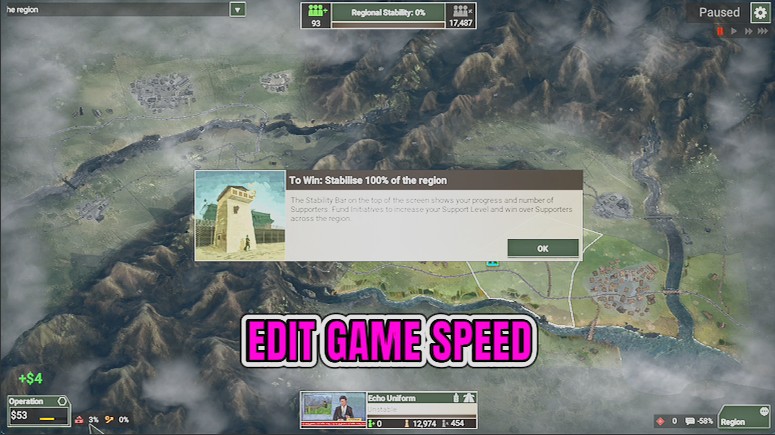
Fast Forward
Pick anything from 50% to 800% on the speed slider and press. The whole game clock jumps to that pace, and another press picks a new one.
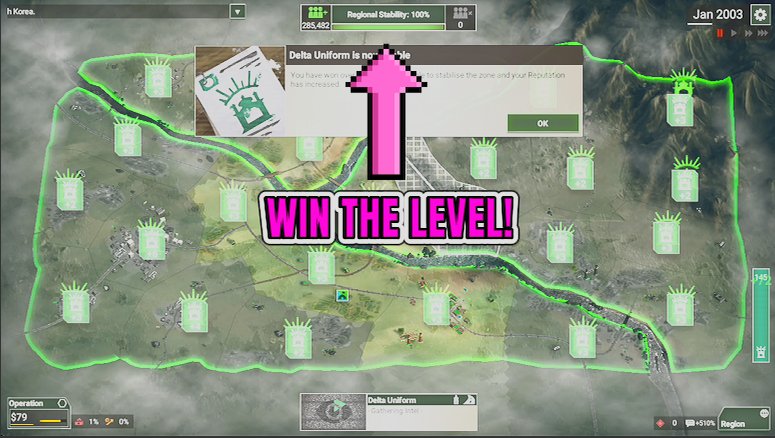
Hearts and Minds
One press swings the population of every zone behind the government, so public support stops being the thing stalling your operation.
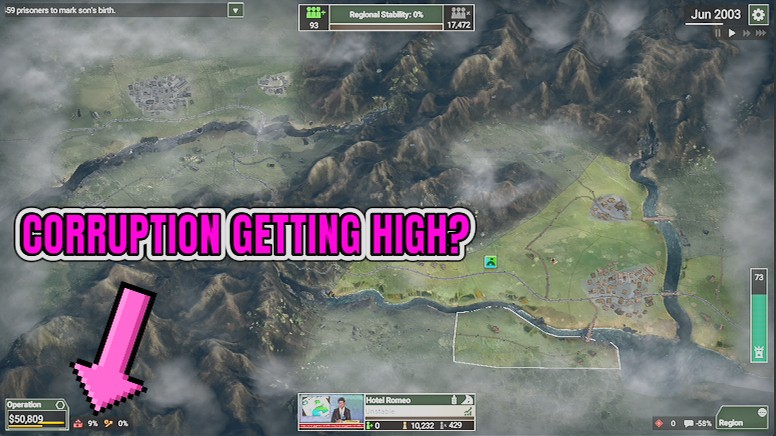
Clean Government
One press wipes corruption to zero and stops the drift that pushes it back up, so your funding stops leaking mid-operation.