Want more mods for Shift At Midnight? Explore our entire collection!
Punch The Clock
"Some nights you just want to go home."
How do I install Punch The Clock?
Download the free ProjectMods desktop app, then install Punch The Clock for Shift At Midnight in one click.
</>What does Punch The Clock do?
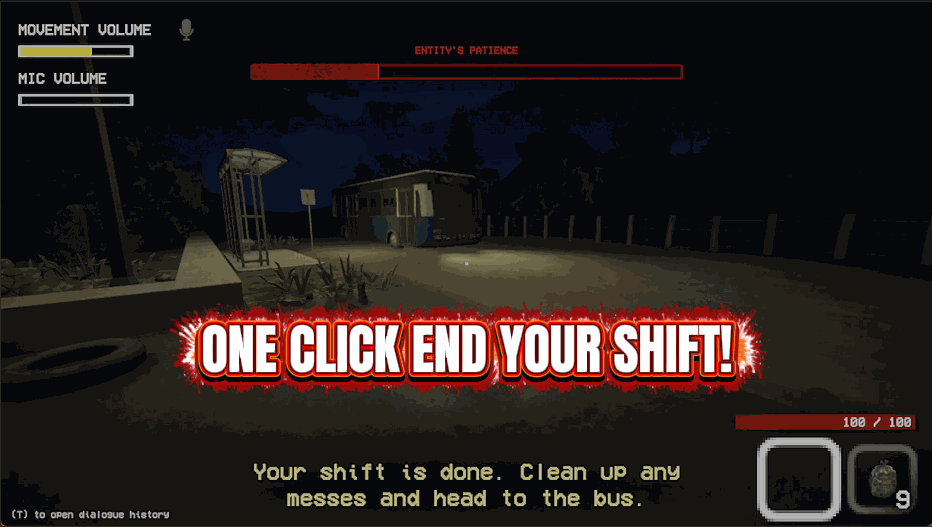
Punch The Clock is for when you do not want to work the whole shift. One button ends the night you are on and rolls you into the next one. The other sends you straight to a night of your choosing. That second one is the real time-saver. If you want to see what the later nights throw at you, or you are showing a friend a specific one, you can be there in a couple of seconds instead of working your way up to it. It uses the game's own way of moving between nights, so everything that should be set up for the night you land on gets set up properly.
</>What is Punch The Clock?
Punch The Clock is for the nights you do not want to work in full. One button ends the night you are on and rolls you into the next one. The other sends you straight to a night of your choosing, which is the real time-saver: if you want to see what the later nights throw at you, or you are showing a friend a specific one, you can be there in a couple of seconds rather than working your way up to it. It moves between nights the same way the game does itself, so everything that should be set up for the night you land on is set up properly rather than half-loaded, and you arrive to a night that behaves the way it is supposed to.
</>Common questions about Punch The Clock
What does Punch The Clock do in Shift At Midnight?
Punch The Clock is a premium mod for Shift At Midnight for the nights you would rather not work in full. One button, End This Night, finishes the night you are on and rolls you into the next. The other, Jump To Night, sends you straight to whatever night you pick. That second one is the real time-saver: if you want to see what the later nights throw at you, or you are showing a friend a specific one, you can be there in a couple of seconds instead of grinding your way up to it. It moves between nights the same way the game does itself.
What is the difference between End This Night and Jump To Night?
In Punch The Clock for Shift At Midnight, End This Night simply wraps up the night you are currently on and moves you into the next one, while Jump To Night sends you directly to any night you choose. End This Night is for when you have had enough of the current shift and want to move on in order. Jump To Night skips the sequence entirely, so you set the night you want and go straight there. One is a step forward, the other is a leap to anywhere, so between them you can either advance a night at a time or hop instantly to the exact night you care about.
When I jump to a later night, does it set up properly?
Yes, when you jump to a later night with Punch The Clock, that night sets up properly in Shift At Midnight because the mod moves between nights the same way the game does itself. Rather than trying to rebuild the sequence by hand, which could fire the night's setup steps out of order or leave it half-loaded, it simply asks the game to make the jump. So you arrive to a night that behaves exactly as it is supposed to, with everything in place, instead of a broken version of it. That reliability is the reason you can safely skip ahead to any night and expect it to play correctly.
What does the Night Number setting do in Punch The Clock?
The Night Number setting in Punch The Clock is where you choose which night you want to jump to in Shift At Midnight. Set it to the night you are curious about, then press Jump To Night and you are taken straight there. It is a simple dial that pairs with the Jump To Night button, so the number picks the destination and the button makes the trip. Want to see a specific later night, revisit an earlier one, or land on the exact night a friend is asking about? Set Night Number to it and go. End This Night, by contrast, needs no number since it just closes whatever night you are on.
Why would I jump straight to a later night?
Jumping straight to a later night with Punch The Clock is worth it in Shift At Midnight whenever you do not want to grind through every earlier night to get somewhere. Maybe you want to see what the late nights throw at you, you are making a video about a particular one, or you are showing a friend a specific night without making them play up to it. Instead of working through the whole sequence, you set the night and arrive in a couple of seconds. Because it uses the game's own way of moving between nights, the one you land on is set up correctly and plays exactly as intended.
What options does Punch The Clock include?
Night Number
Which night to jump to.
Jump To Night
Press to go straight to that night.
End This Night
Press to finish the night you are on right now.
Punch The Clock ends the current night on the spot in Shift At Midnight, or sends you straight to any night you choose.
System Requirements
What features does Punch The Clock include?
- End the night you are on and roll straight into the next one.
- Jump directly to any night you pick, without working up to it.
- Moves between nights the same way the game does, so everything loads properly.
- Reports which night you landed on.
Best For
- Seeing what the late nights throw at you without grinding through the early ones.
- Showing a friend a specific night straight away.
- Skipping a night that has gone wrong instead of playing it out.
More Mods for Shift At Midnight
Whoops
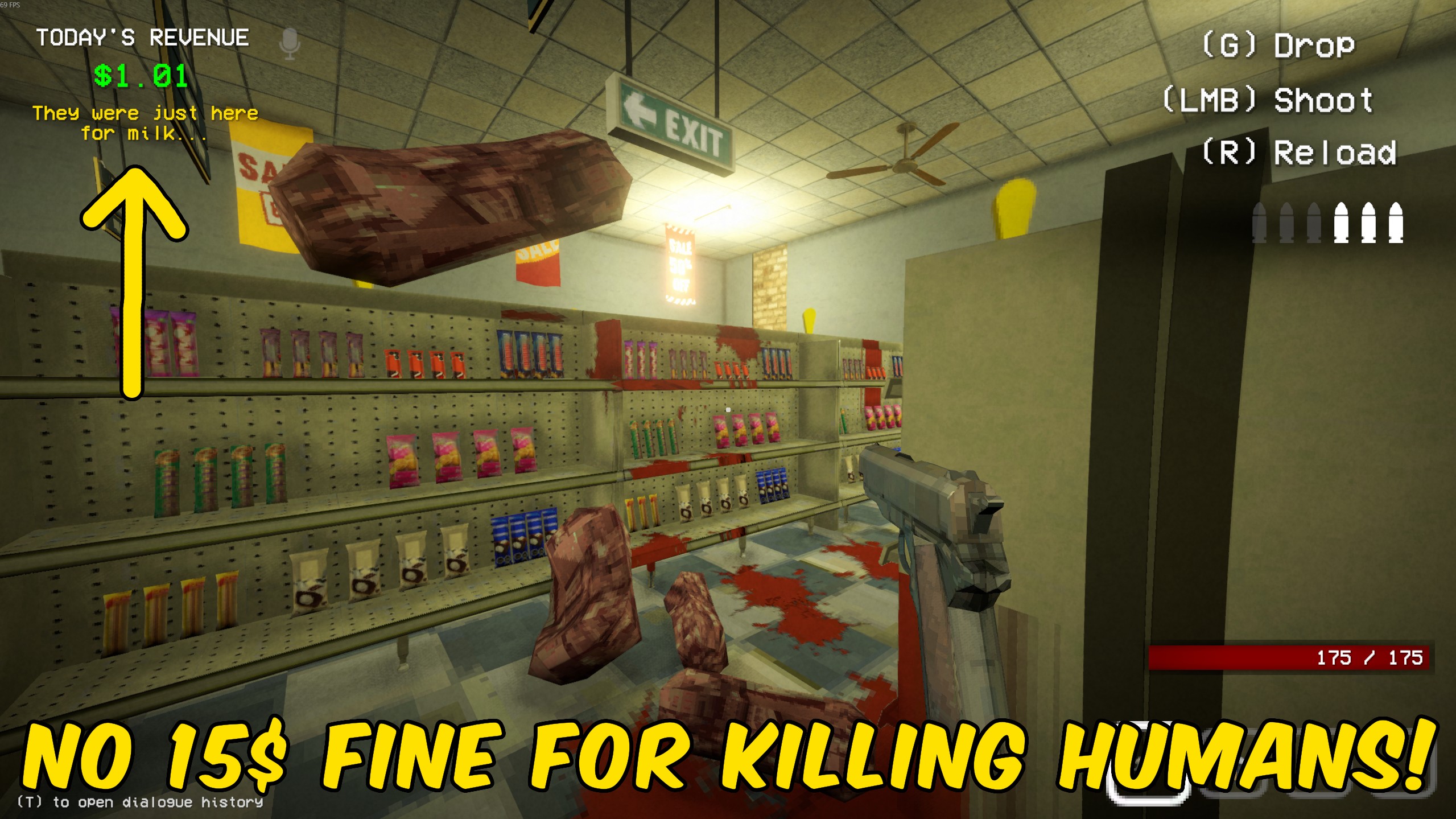
When you kill a real customer instead of an imposter, shows a warning popup and skips the usual $15 till hit.
Nightproof
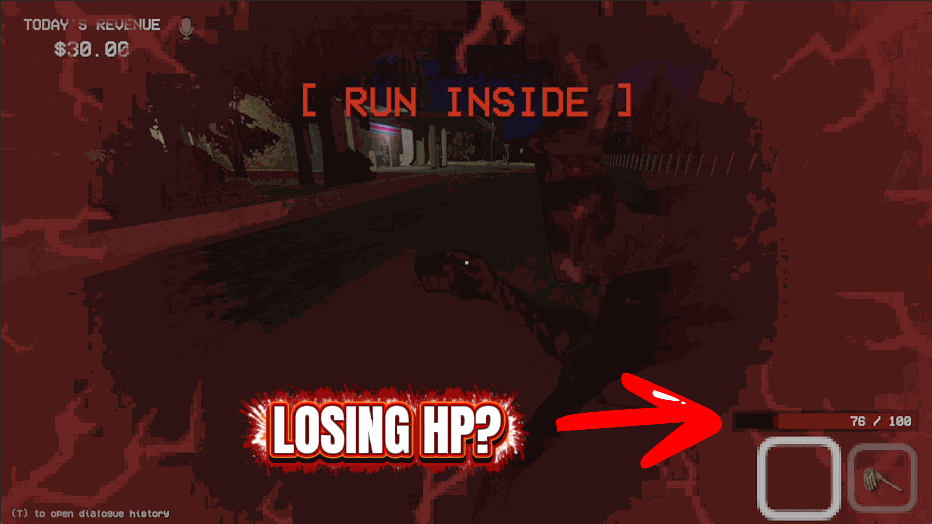
Keeps you on your feet all night. Damage gets undone, fires go out and nothing keeps you down.
Register Overflow
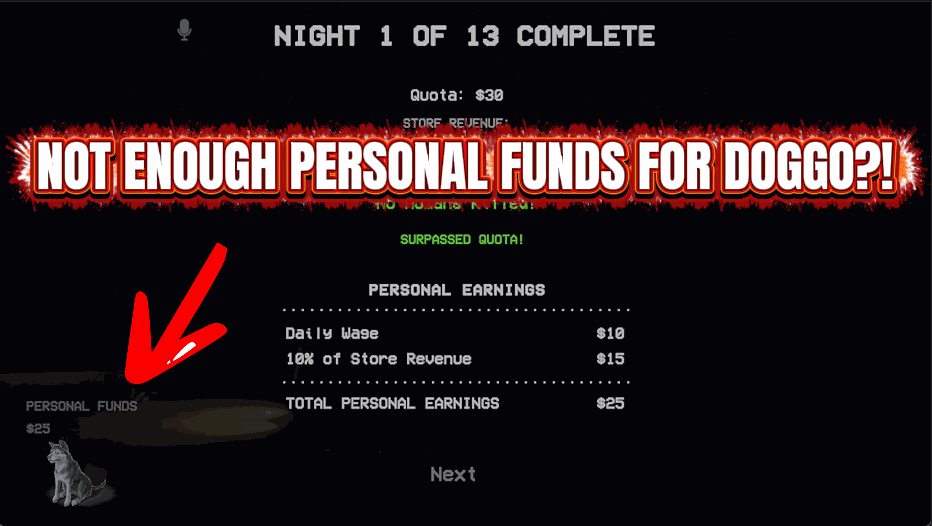
Tops up the store till, your token jar and your personal wallet by whatever amount you set. Top up your wallet from the end-of-day screen, where the game counts your takings.







