Want more mods for Stonewards? Explore our entire collection!
Wall of Fame
"Every trophy on the shelf, no thousand-hour grind."
How do I install Wall of Fame?
Download the free ProjectMods desktop app, then install Wall of Fame for Stonewards in one click.
</>What does Wall of Fame do?
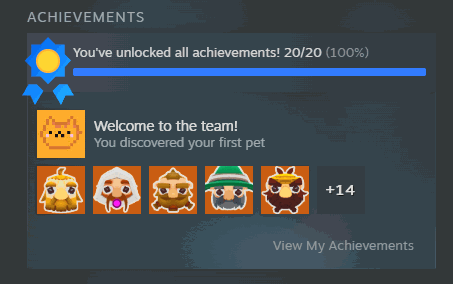
Some of Stonewards' achievements ask for a serious commitment: deep runs, perfect defenses, long collection chains. Wall of Fame lets you fill the shelf on your own terms. Press Refresh List to pull in every achievement the game has, then pick one and award it, or hand yourself the whole set in one go. The mod updates both places that matter, so your Steam profile and the game's own achievement screens agree with each other instead of showing two different stories. Changed your mind? Clear Everything puts them all back to locked so you can earn them properly, and nothing stops you unlocking a single stubborn one while leaving the rest to play for. Every award is reported honestly. The mod checks with Steam afterwards and tells you the real number that went through, rather than claiming success and leaving you to find out later.
</>What is Wall of Fame?
Some Stonewards achievements ask for deep runs, perfect defenses and long collection chains. Wall of Fame lets you fill the shelf on your terms: refresh the list, award one or award the lot, and both your Steam profile and the game's own achievement screens agree. Clear Everything puts them back to locked. Free tier on the ProjectMods desktop app.
</>Common questions about Wall of Fame
What does Wall of Fame do in Stonewards?
Wall of Fame awards Stonewards achievements on your terms. Press Refresh List to pull in every achievement the game has, then pick one and award it, or hand yourself the whole set in one go. It updates both places that matter, so your Steam profile and the game's own achievement screens agree with each other instead of showing two different stories. Clear Everything puts them all back to locked if you would rather earn them properly. Some of the game's achievements ask for deep runs and long collection chains, and this is the shortcut. Free tier from ProjectMods.
Why is the achievement list empty when I first load in?
The list only fills when you ask it to, so press Refresh List and it populates. Steam is not always ready the second you load into Stonewards, so Wall of Fame waits instead of showing you a half-finished list. One press fills the dropdown with every achievement the game has. If the list ever looks short, or you have been playing for a while, press it again and it rebuilds from what Steam currently reports. It is the first thing to try if Select Achievement, Award Selected or Award Everything are not behaving.
Does it update my Steam profile as well as the in-game record?
Both. Wall of Fame updates Steam and the Stonewards achievement screens together, so the two agree rather than one showing a trophy the other does not know about. It also checks with Steam afterwards and reports the real number that went through, instead of claiming success and leaving you to find out later that half of them did not take. That honesty is worth having with Award Everything in particular, where you are handing over a whole set at once and cannot reasonably count them yourself.
Can I award a single achievement instead of all of them?
Yes. Wall of Fame keeps the two buttons separate. Award Selected hands over just the one you picked in the dropdown, which is the tool for that single stubborn Stonewards achievement you were never going to finish, whether it is the long collection chain or the run you keep failing by one wave. Award Everything is the other button, and it does exactly what it says, reporting how many went through afterwards. Nothing stops you mixing the two: unlock one now, play for the rest, and come back later if you change your mind. Refresh List has to be pressed first so the dropdown has something in it.
What does Clear Everything do?
It sets every Stonewards achievement back to locked, so you can earn them for real. That makes Wall of Fame a two-way switch: award the lot to see what is in the game, decide you would rather chase them properly, and put the shelf back to empty. It is also useful if you only wanted one and pressed the wrong button. Because the mod keeps Steam and the in-game record in step, clearing them clears both rather than leaving your profile out of sync with the game.
What options does Wall of Fame include?
Award Everything
Awards every achievement in the game and tells you how many went through.
Clear Everything
Sets every achievement back to locked so you can earn them for real.
Award Selected
Awards the one achievement you picked above.
Refresh List
Loads every Stonewards achievement into the list above.
Select Achievement
Pick which achievement to award. Press Refresh List first to fill this in.
Wall of Fame awards any Stonewards achievement, or every last one at once, keeping your Steam profile and the in-game record in step, and it can clear them again. Free tier from ProjectMods.
System Requirements
What features does Wall of Fame include?
- Pull in every Stonewards achievement with Refresh List, then award the one you want or the whole set.
- Update both your Steam profile and the game's own achievement screens, so the two finally agree.
- Reset everything back to locked with Clear Everything when you would rather earn them properly.
- Unlock a single stubborn one and leave the rest of the list to play for.
- See the real number that actually went through, instead of a vague success message.
Best For
- Completionists sitting on one achievement that asks for a very specific hundred-hour run.
- Players whose achievement never registered even though they clearly did the thing, wanting the shelf to match.
- Anyone tidying up a Steam profile who does not fancy replaying a game they already finished.
- Players who want to read every achievement name before deciding which ones are worth chasing for real.
- Creators covering everything the game has to offer who need the whole list visible on camera.
More Mods for Stonewards
Deep Pockets
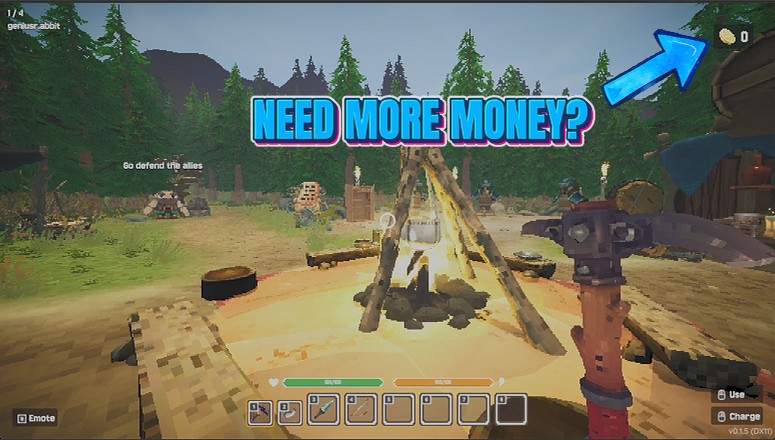
Top up the currency you keep between runs and spend it on permanent upgrades right away, instead of grinding the same early maps to afford them.
Royal Guard
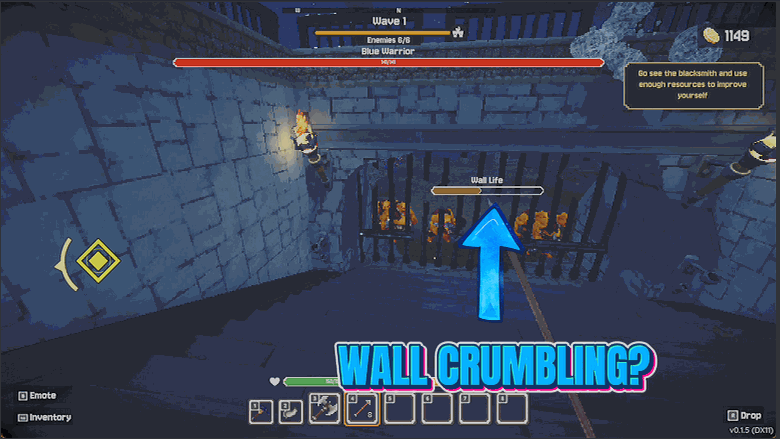
Make the king and your walls indestructible, so a run never ends because one monster slipped past you while you were mining.
Quarry King
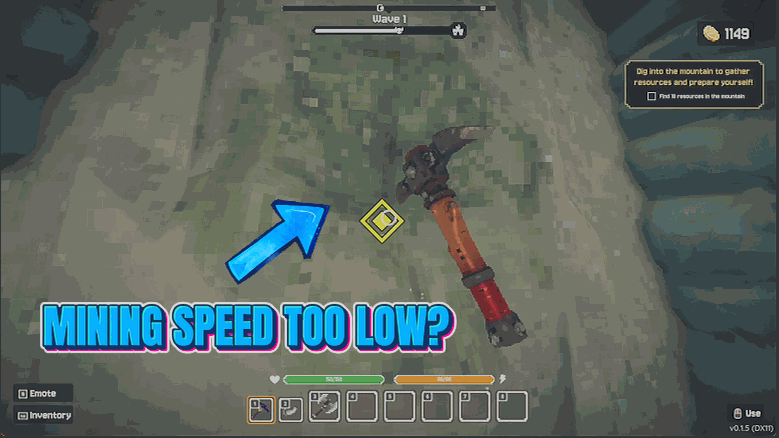
Tear through stone far faster and pull more out of every block you break, so the mining half of a run stops eating all your time.