Want more mods for Subnautica? Explore our entire collection!
Instant Kill
"Turn every weapon into a one-hit kill or wipe out nearby creatures instantly."
How do I install Instant Kill?
Download the free ProjectMods desktop app, then install Instant Kill for Subnautica in one click.
</>What does Instant Kill do?
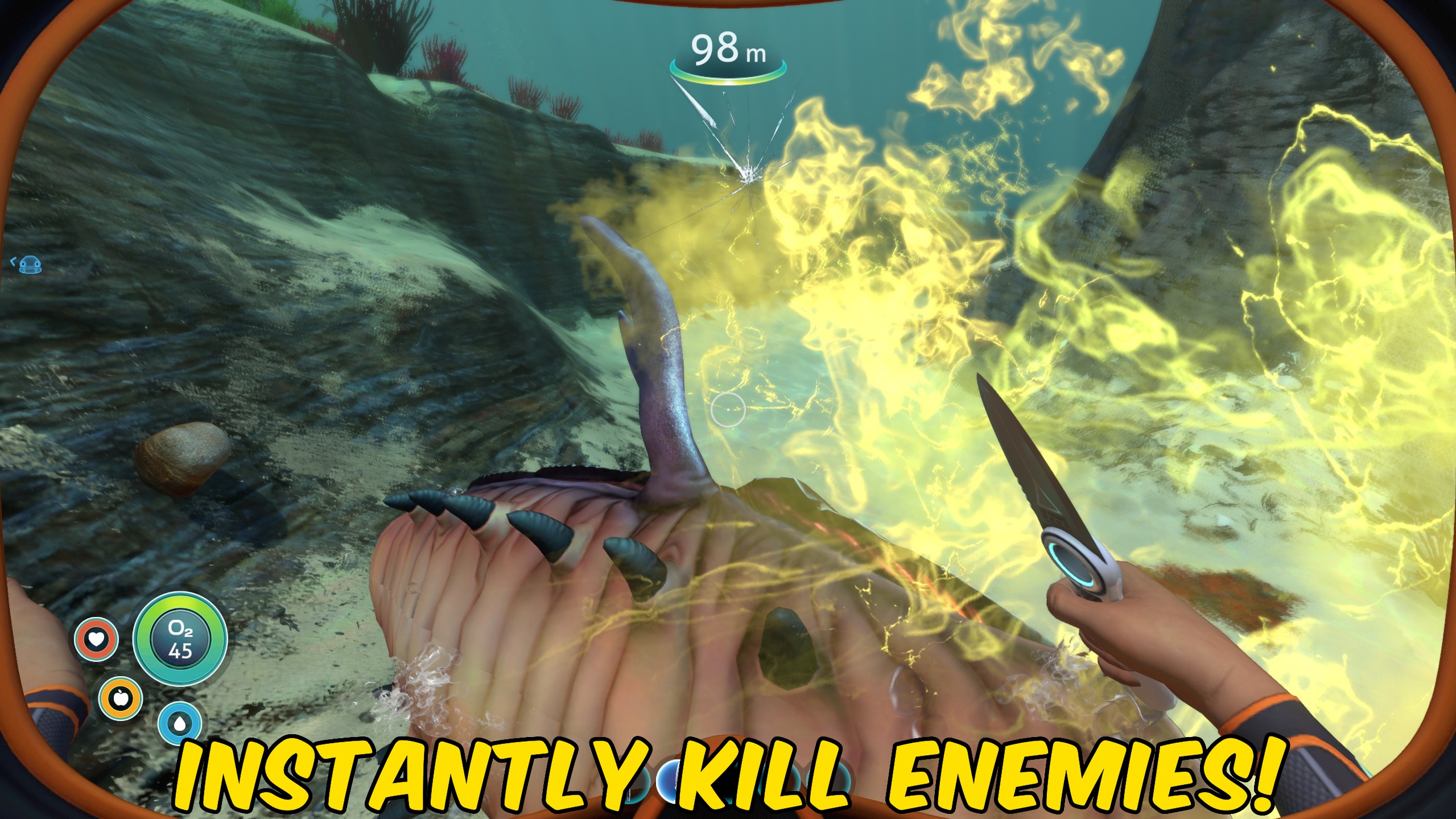
Make Subnautica's most dangerous creatures far easier to handle with overwhelming damage and an instant area-clear option. Boost your weapon damage high enough to kill creatures in a single hit, whether you are dealing with hostile wildlife, clearing a dangerous route, or confronting a leviathan. For faster cleanup, use the nearby kill function to eliminate every loaded creature around you with one button press. It is ideal for removing threats from an active biome, clearing creatures around a base or vehicle, and quickly ending encounters with Reaper Leviathans, Sea Dragons, and other hostile wildlife.
</>What is Instant Kill?
Instant Kill is a Subnautica combat mod that adds one-hit creature damage and a button-triggered nearby creature wipe. Increase weapon damage to instantly defeat individual targets, or remove all loaded creatures in the surrounding area at once. Use it to clear hostile biomes, deal with leviathans, protect exploration routes, or quickly remove wildlife around bases and vehicles.
</>Common questions about Instant Kill
Can this mod kill leviathans instantly?
Yes. The increased weapon damage can one-hit leviathans, including Reaper Leviathans and Sea Dragons.
Can I kill multiple creatures at once?
Yes. The nearby kill function eliminates every loaded creature within the surrounding area with one button press.
Does Instant Kill only affect weapons?
No. It includes both increased weapon damage for individual targets and a separate function that kills nearby loaded creatures instantly.
Can I use it to clear creatures around my base?
Yes. Activate the nearby kill function to remove loaded wildlife surrounding your base, vehicle, or current location.
What options does Instant Kill include?
Clear Nearby Creatures
Immediately defeat living creatures currently nearby.
Instant Kill Enabled
Make damage instantly lethal to creatures. Turn off to restore normal damage values.
Instant Kill lets you one-hit creatures with boosted weapon damage or kill every nearby loaded creature at once with a button press.
System Requirements
What features does Instant Kill include?
- Increase weapon damage enough to kill creatures and leviathans in a single hit.
- Kill every nearby loaded creature instantly with the press of a button.
Best For
- Clear Reaper Leviathans, Sea Dragons, and hostile wildlife from dangerous exploration routes.
- Remove creatures around bases, vehicles, wrecks, and resource-gathering areas.
More Mods for Subnautica
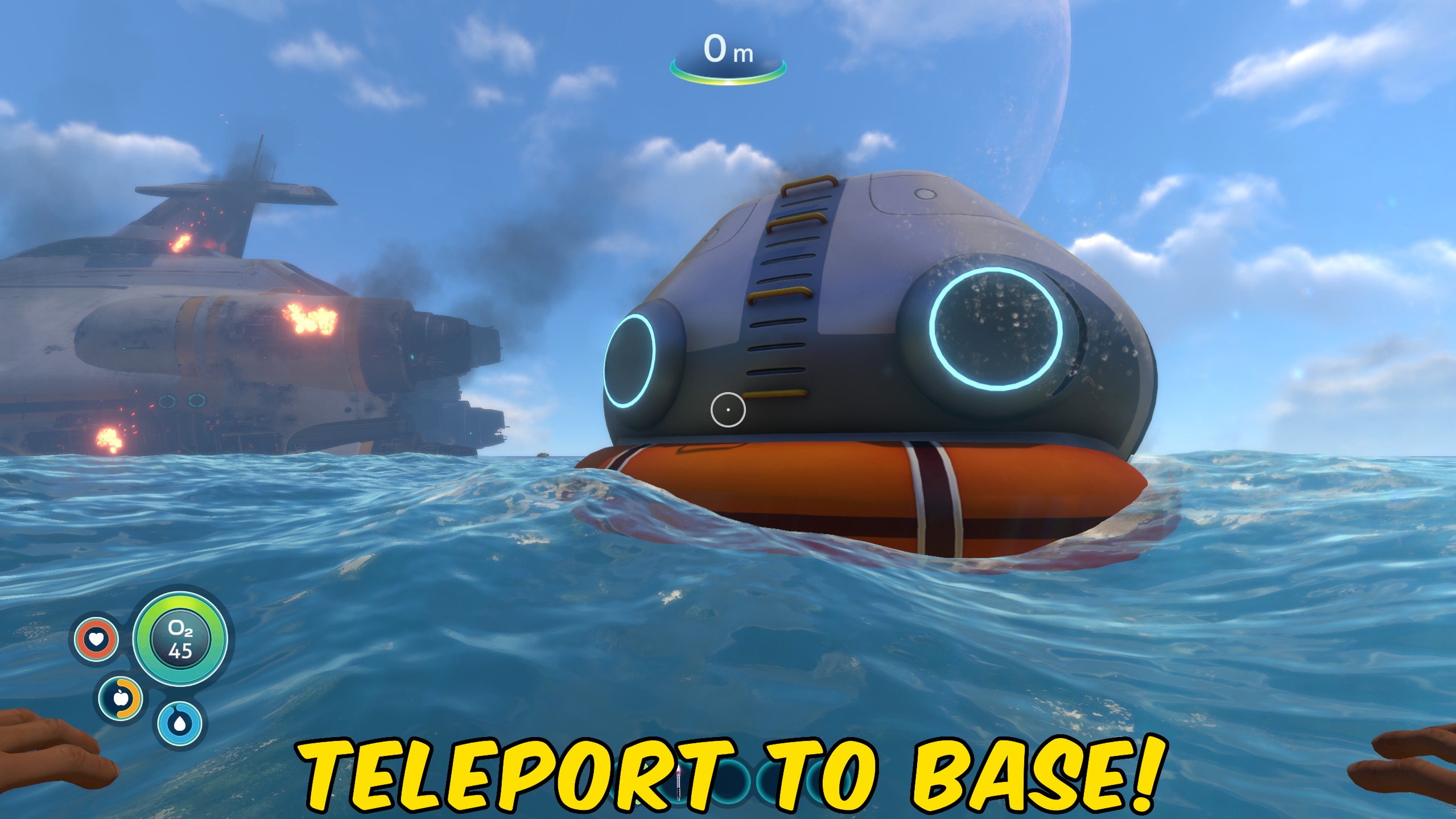
Teleport Hub
Teleport to the loaded Lifepod, Cyclops, Seamoth, Prawn Suit, or nearest player-built base in Subnautica.
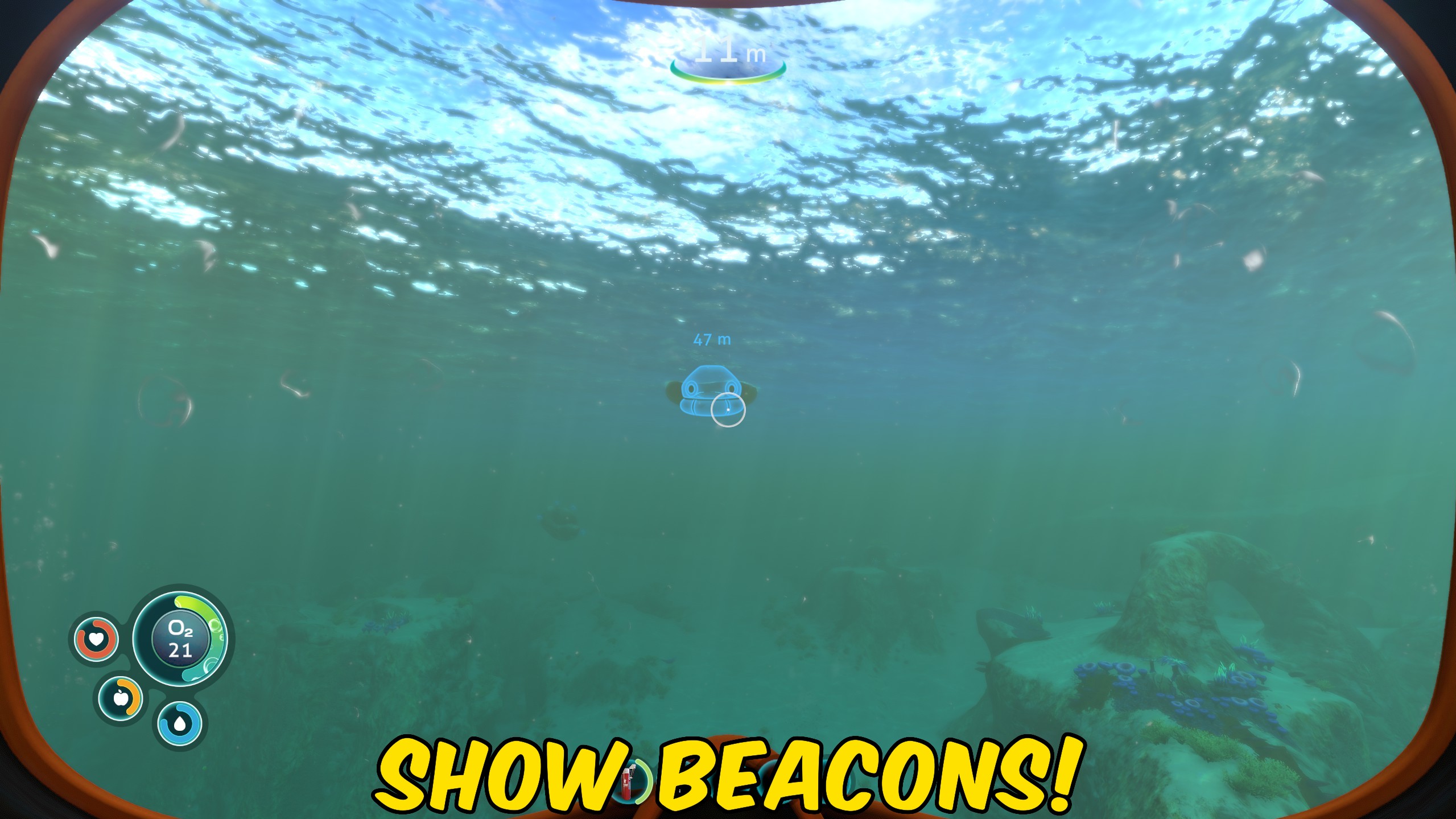
Reveal All Beacons and Signals
Reveal or hide all currently loaded Subnautica beacon and signal markers with a single action.
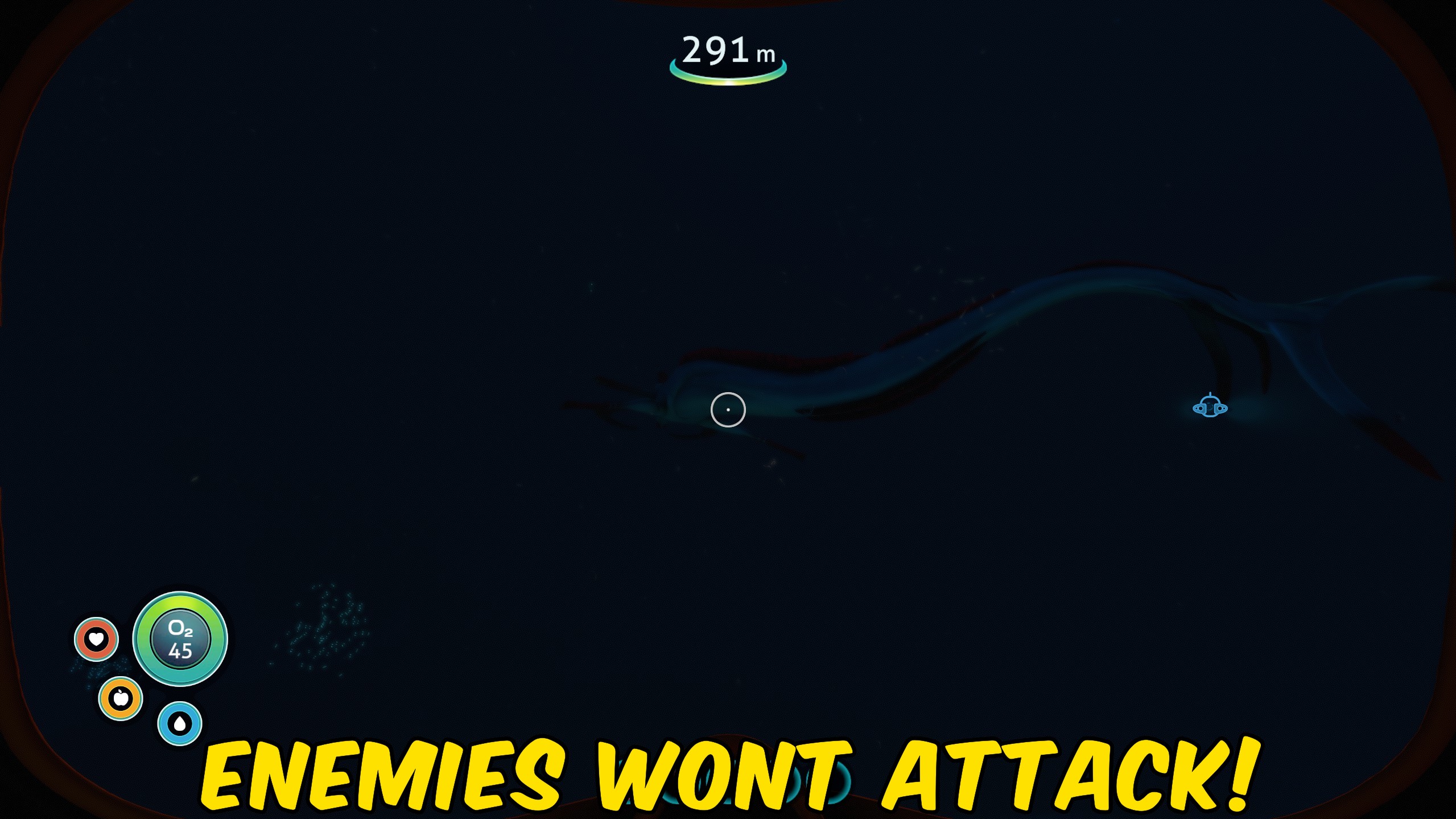
Creature Pacifier
Pacifies loaded Subnautica creatures and prevents their normal sight-based aggression from targeting the player.







