Want more mods for Supermarket Simulator? Explore our entire collection!
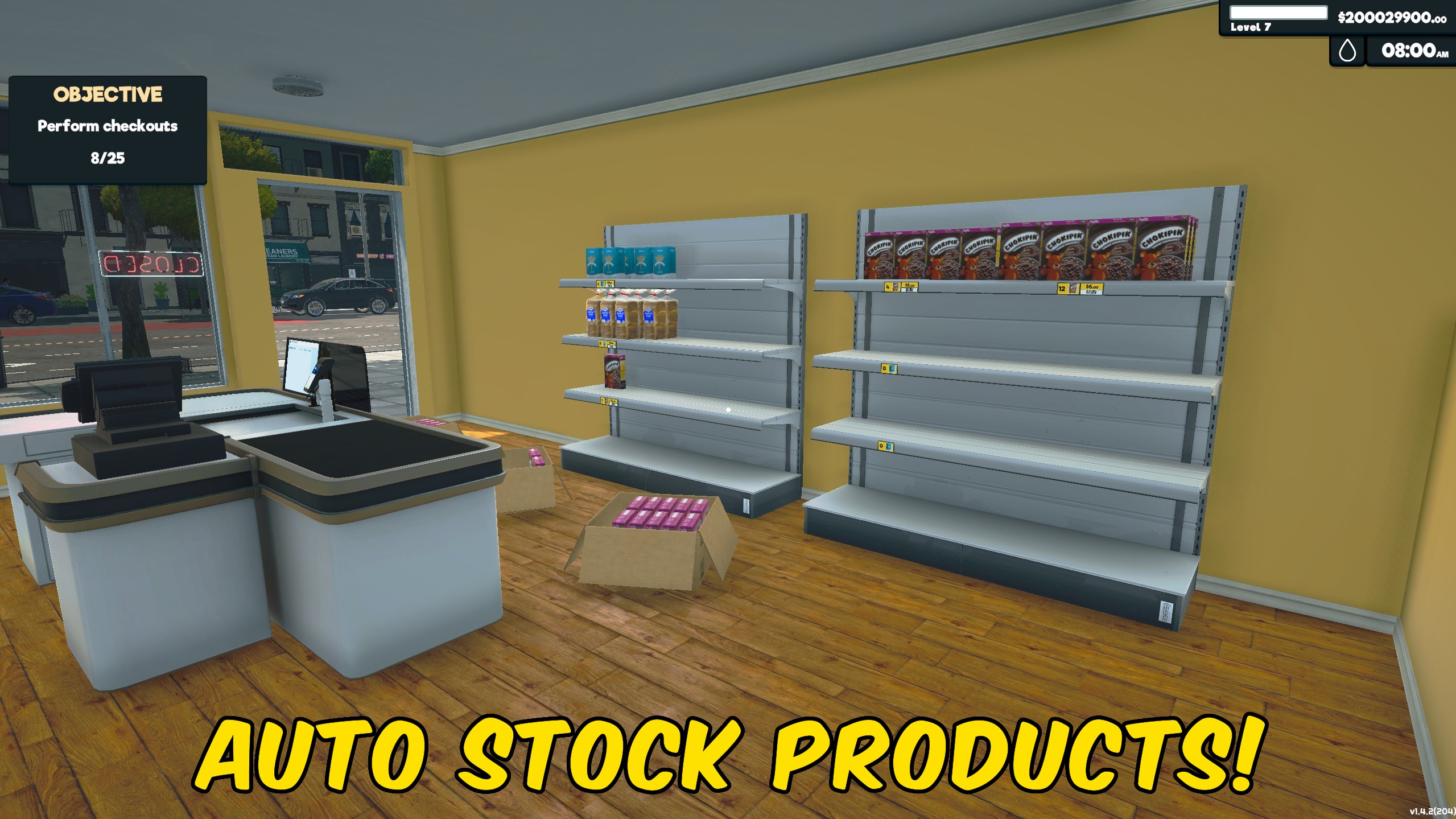
Auto Stock Shelves
"Top up labeled or already-stocked shelves from product boxes automatically."
How do I install Auto Stock Shelves?
Download the free ProjectMods desktop app, then install Auto Stock Shelves for Supermarket Simulator in one click.
</>What does Auto Stock Shelves do?
Auto Stock Shelves keeps your Supermarket Simulator displays supplied by moving products from available boxes onto shelves that already show that product or carry its label. Turn it on after loading your store and it will regularly look for existing displays that still have room. The mod follows the same product-placement flow used during normal shelf stocking, so box contents and shelf quantities update together. It fills matching labeled or partially stocked slots without claiming blank empty shelves or changing product labels. Use it during busy store days to reduce repetitive restocking work, or leave it running while you focus on customers, ordering, pricing, and expansion. Turn Enabled off whenever you want to return to fully manual shelf stocking.
</>What is Auto Stock Shelves?
Auto Stock Shelves is a Supermarket Simulator restocking mod that transfers products from boxes onto shelves that already have that product or its label. It reduces manual refill work during busy days without placing items onto blank empty displays, and helps keep stocked products available while you concentrate on customers and store management.
</>Common questions about Auto Stock Shelves
Where does the mod get products from?
It uses products from available boxes loaded in the current store.
Will products go onto empty shelves?
Only if that shelf already has a label for the same product. Blank empty spaces stay empty.
Can I stop automatic stocking?
Yes. Turn Enabled off to stop moving products automatically.
Does it order products when boxes run out?
No. It only stocks products already available in boxes.
What options does Auto Stock Shelves include?
Enabled
Top up shelves that already have a product or label from available boxes. Blank empty shelves stay empty. Turn off to stop automatic stocking.
Enable Auto Stock Shelves to top up shelves that already have a product or label from boxes in your store.
System Requirements
What features does Auto Stock Shelves include?
- Tops up shelves that already have the same product or its label.
- Leaves blank empty shelf spaces untouched.
- Stops automatic stocking immediately when disabled.
Best For
- Keep labeled displays supplied while handling customers, prices, and product orders.
- Reduce repetitive shelf restocking during large or busy store sessions.
More Mods for Supermarket Simulator
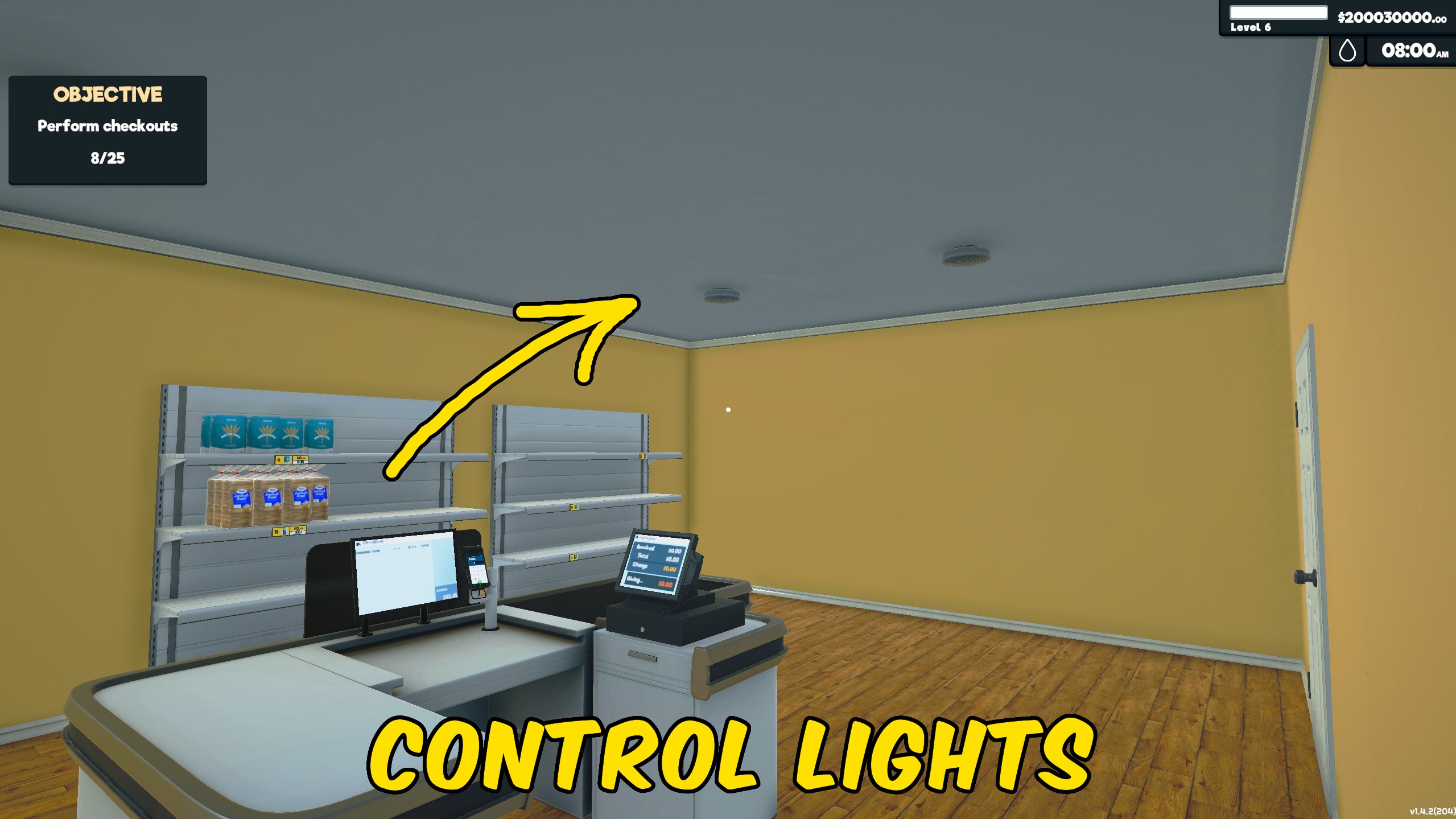
Light Manager
Controls all store and storage lights together, letting you illuminate or darken the entire supermarket with one switch.
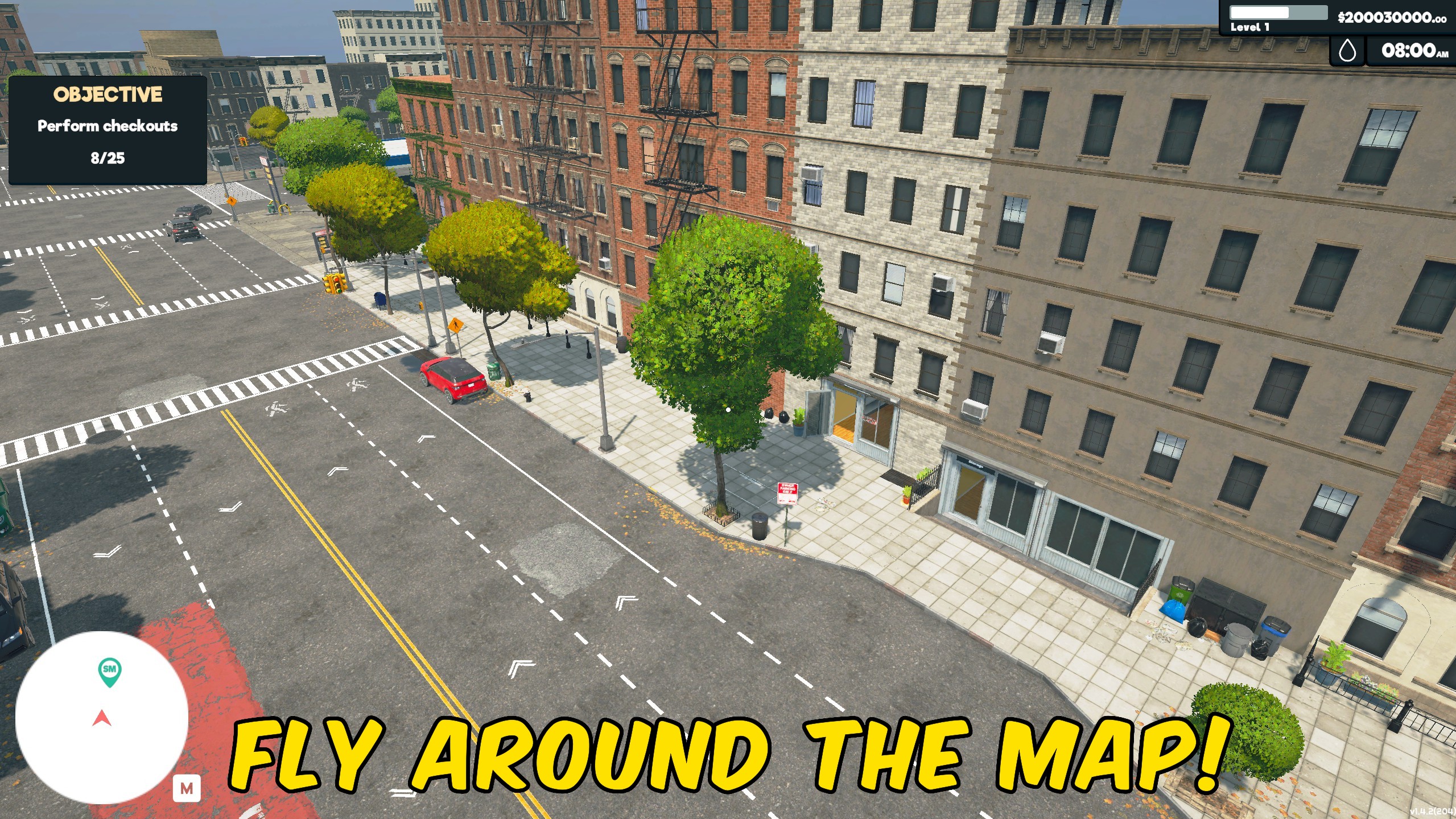
Fly
Fly around your supermarket to inspect layouts, reach new viewpoints, and explore the store from above.
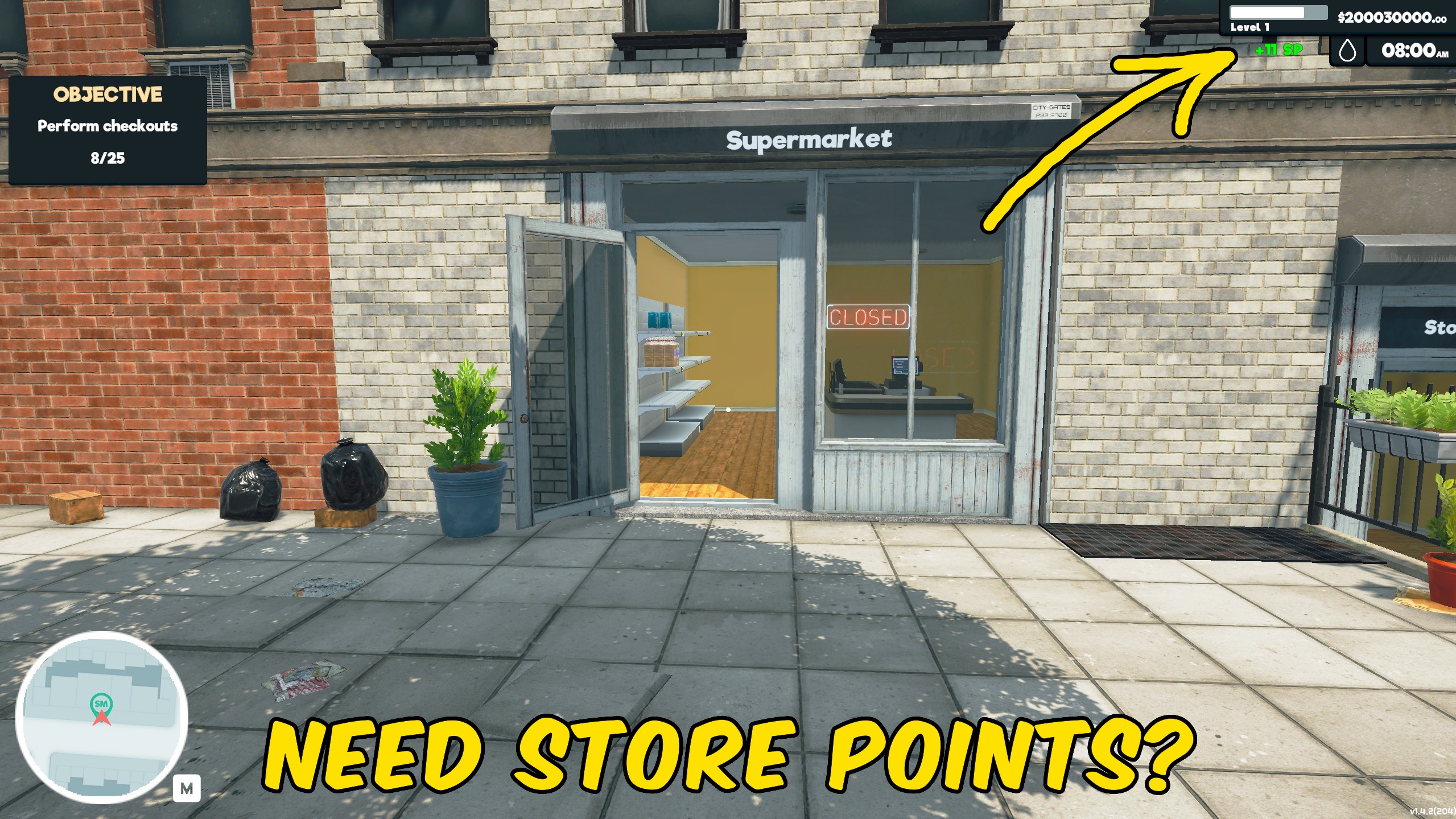
Give Store Points
Add Store Points instantly to speed up progression through Supermarket Simulator’s normal systems.







