Want more mods for Supermarket Simulator? Explore our entire collection!
Fly
"Take to the air and move around your supermarket from a completely new perspective."
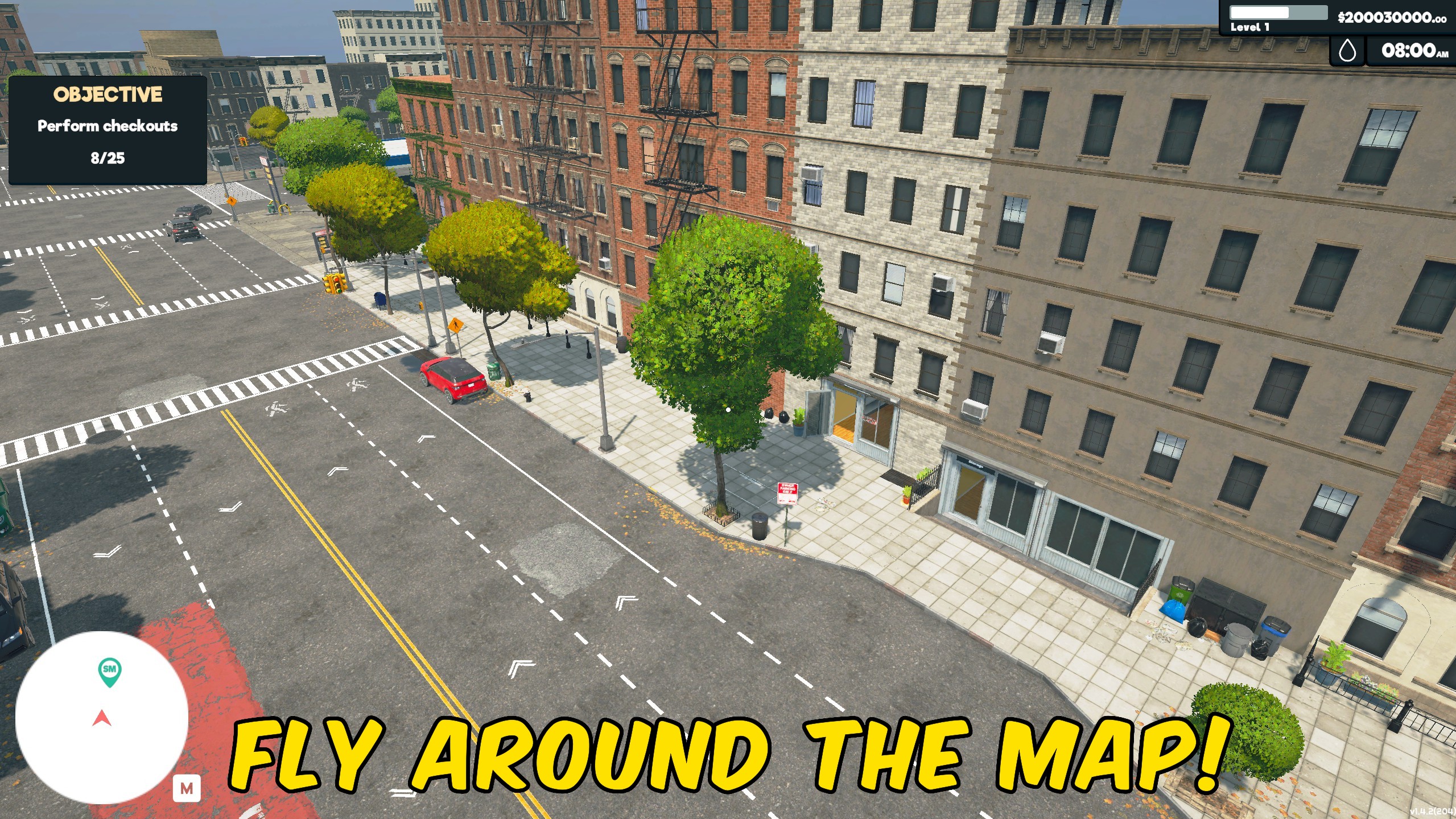
How do I install Fly?
Download the free ProjectMods desktop app, then install Fly for Supermarket Simulator in one click.
</>What does Fly do?
Leave the shop floor behind and explore Supermarket Simulator from the air. Fly adds aerial movement, letting you rise above shelves, counters, customers, and stock to see your supermarket from angles the normal walking view cannot provide. Use it to inspect your layout from above, move between areas without following the usual floor-level routes, or get a clearer look at how your store is arranged. The elevated perspective is especially useful when planning shelf placement, reviewing customer flow, checking busy sections, or capturing screenshots of a finished supermarket. Flying also offers a faster, more flexible way to move around the store during setup, testing, and general management. Whether you are checking the sales floor, looking over storage areas, or simply exploring the environment from a new height, the mod turns movement into a more open experience. Enable it when you want aerial freedom, then return to normal movement whenever you are ready to manage the store from the ground again.
</>What is Fly?
Fly adds aerial player movement to Supermarket Simulator, allowing you to rise above the store and travel through the environment from an elevated perspective. It can help with viewing store layouts, checking shelf placement, observing customer movement, moving between sections, exploring the map, and capturing overhead screenshots. The mod changes how the player moves rather than altering money, stock, employees, customers, or store progression.
</>Common questions about Fly
What does the Fly mod do in Supermarket Simulator?
It lets your character leave the ground and move around the supermarket from the air.
Can I use it to view my store from above?
Yes. Flying provides an elevated view of shelves, aisles, counters, customers, and the overall layout.
Does it help with store planning?
Yes. The overhead perspective can make it easier to review spacing, shelf placement, and customer routes.
Can I use it to move around faster?
Yes. Aerial movement can help you travel between different store sections without following the usual walking paths.
Does it add money or stock?
No. It changes player movement only and does not modify money, products, inventory, or progression.
Does it change customers or employees?
No. Customer and employee behaviour remains unchanged.
Can I use it for screenshots?
Yes. It is useful for overhead store images, layout showcases, and wider screenshots.
Can I return to normal movement?
Yes. Disable the flying feature to continue moving around the store normally.
What options does Fly include?
Shift Speed
Flight speed while holding Left Shift.
Fly Speed
Normal flight speed.
Noclip
Pass through walls and objects while flying.
Fly Enabled
Lets you fly around the map.
Fly lets you leave the ground and move through Supermarket Simulator from the air, making it easier to inspect your store, reposition yourself, and explore from above.
System Requirements
What features does Fly include?
- Leave the ground and move through the supermarket from the air.
- View shelves, counters, aisles, and customers from an overhead perspective.
- Travel between store sections without relying only on floor-level routes.
- Inspect store layouts and placement choices from clearer elevated angles.
- Explore the supermarket environment from viewpoints unavailable during normal movement.
- Capture aerial screenshots and wider views of completed store designs.
Best For
- Inspect your supermarket layout from above before rearranging shelves or counters.
- Review crowded aisles and customer movement from a clearer vantage point.
- Move quickly between the sales floor, storage areas, and other sections.
- Capture overhead screenshots of finished stores and detailed layouts.
- Explore the environment beyond the usual ground-level perspective.
- Check placement and spacing while building or expanding your supermarket.
More Mods for Supermarket Simulator
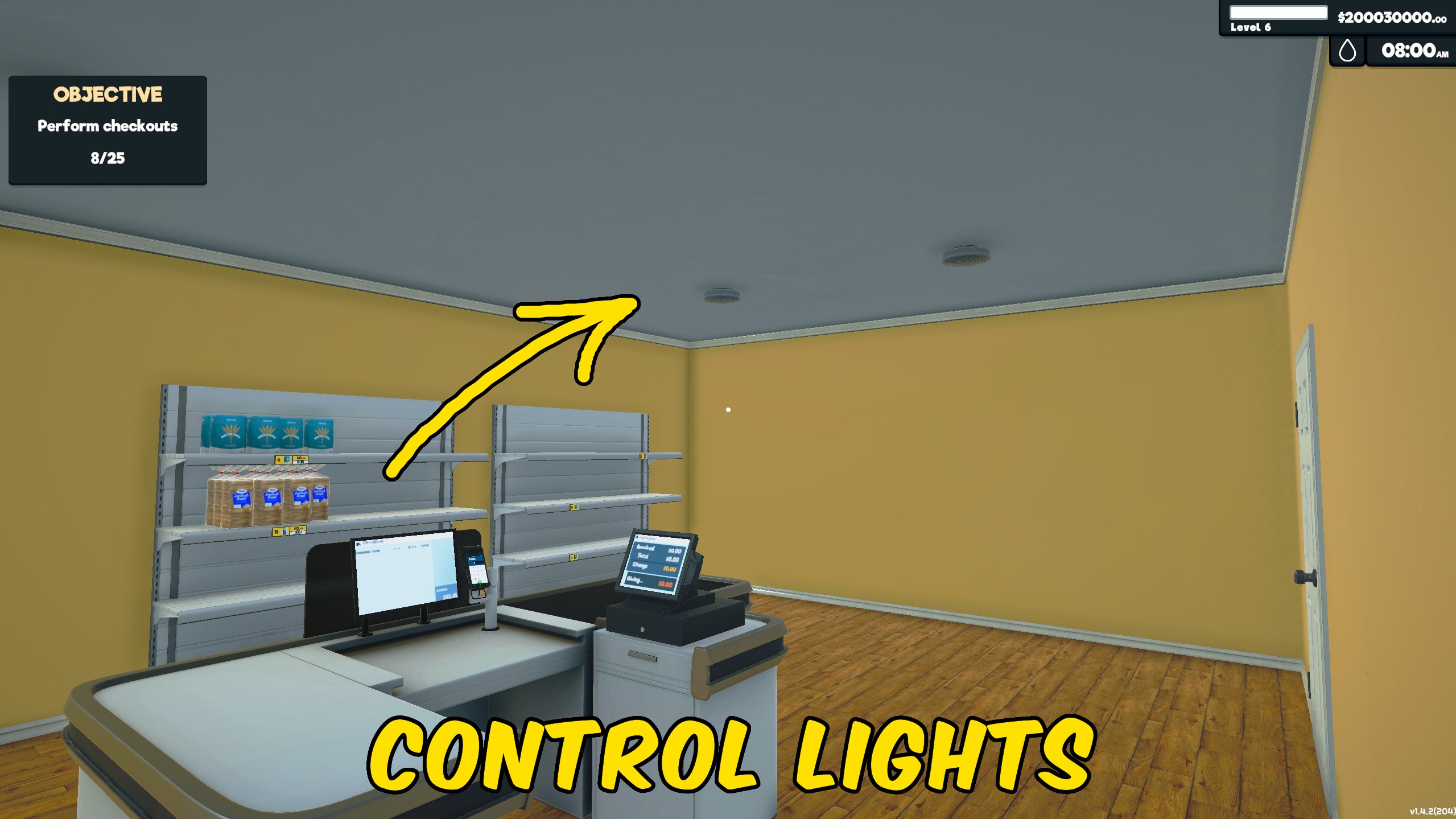
Light Manager
Controls all store and storage lights together, letting you illuminate or darken the entire supermarket with one switch.
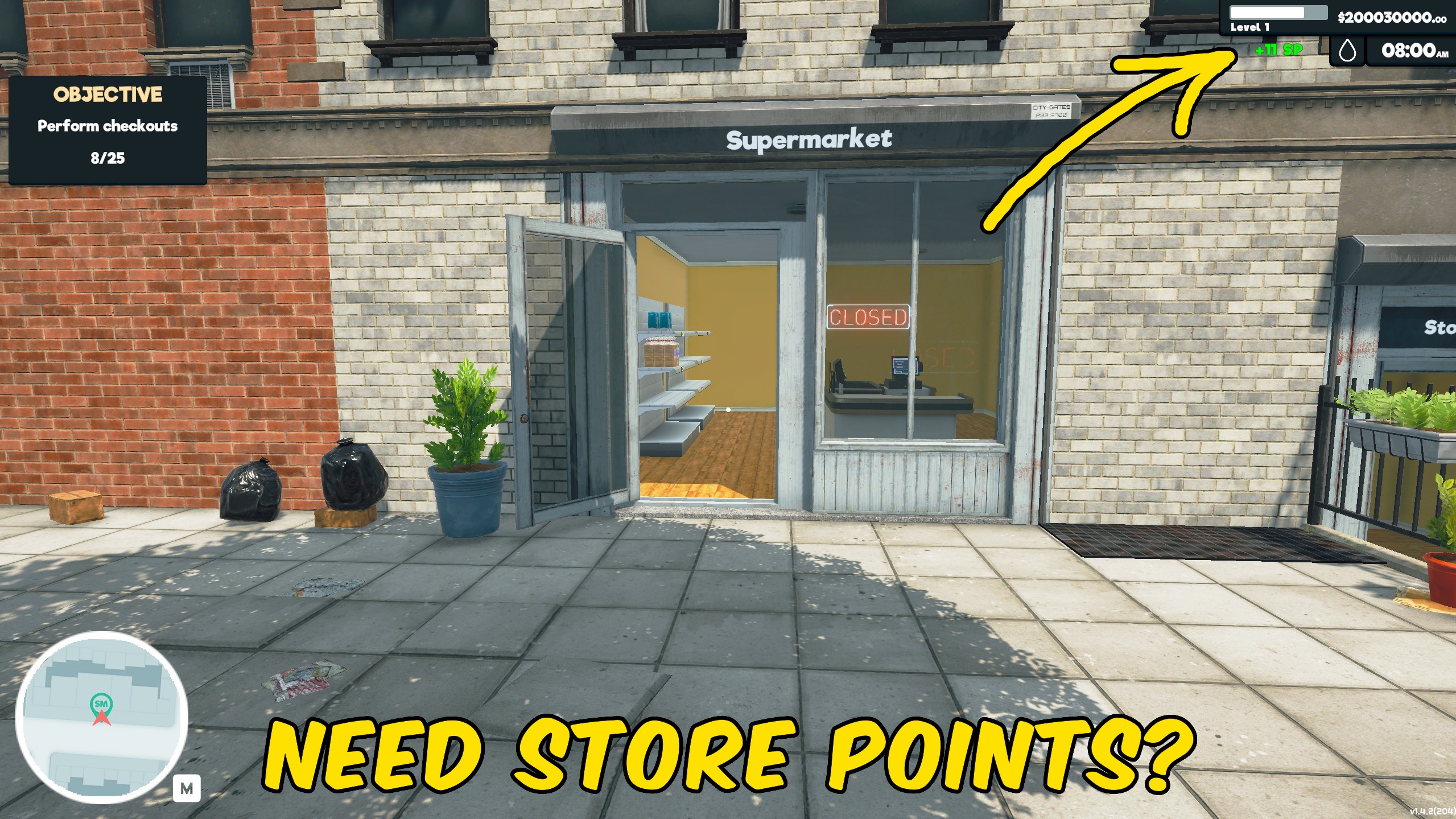
Give Store Points
Add Store Points instantly to speed up progression through Supermarket Simulator’s normal systems.
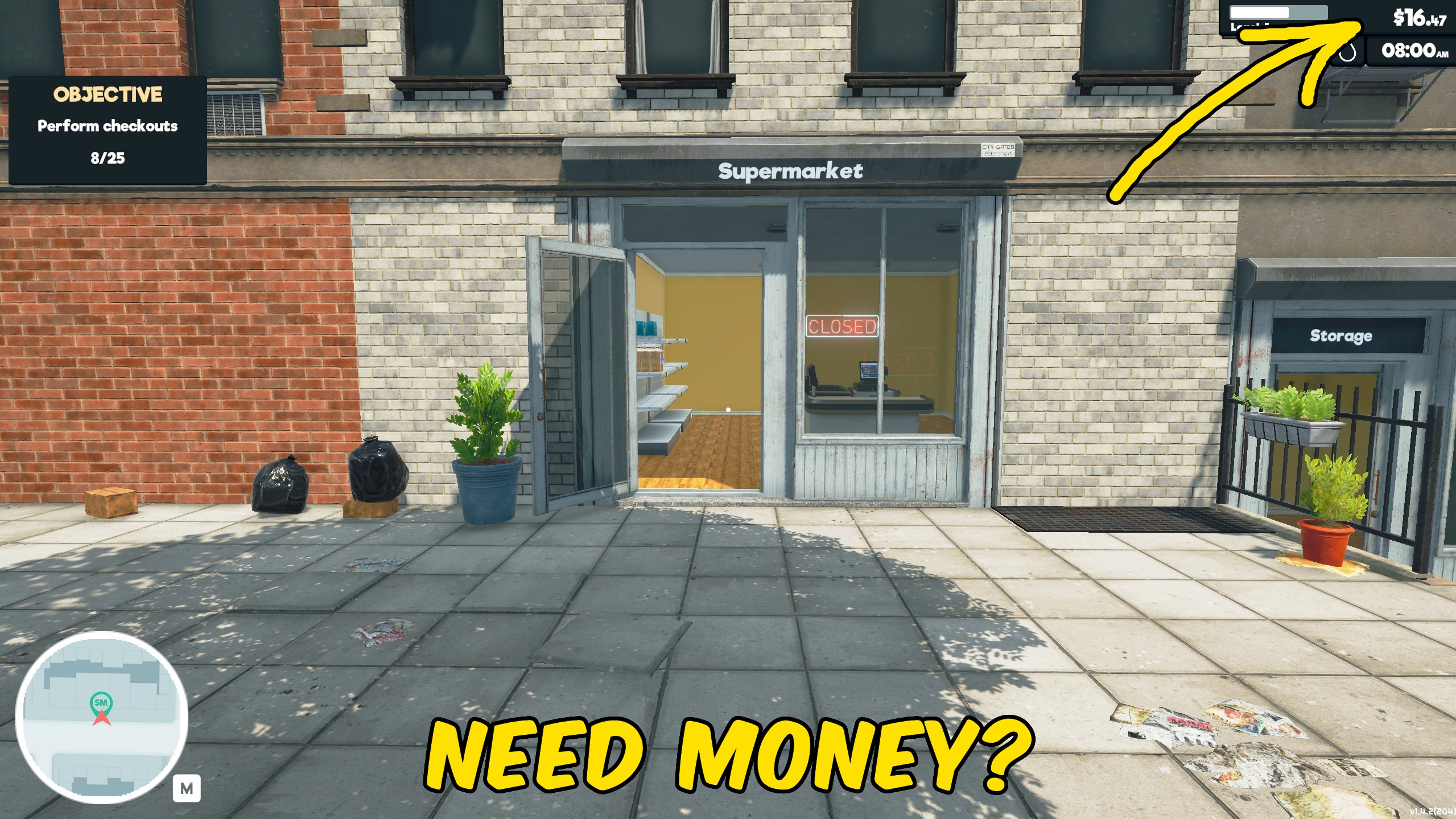
Give Money
Add money instantly to your Supermarket Simulator balance for stock, upgrades, expansion, and faster progression.







