Want more mods for Supermarket Simulator? Explore our entire collection!
Give Money
"Add money instantly and keep building your supermarket without waiting for profits to stack up."
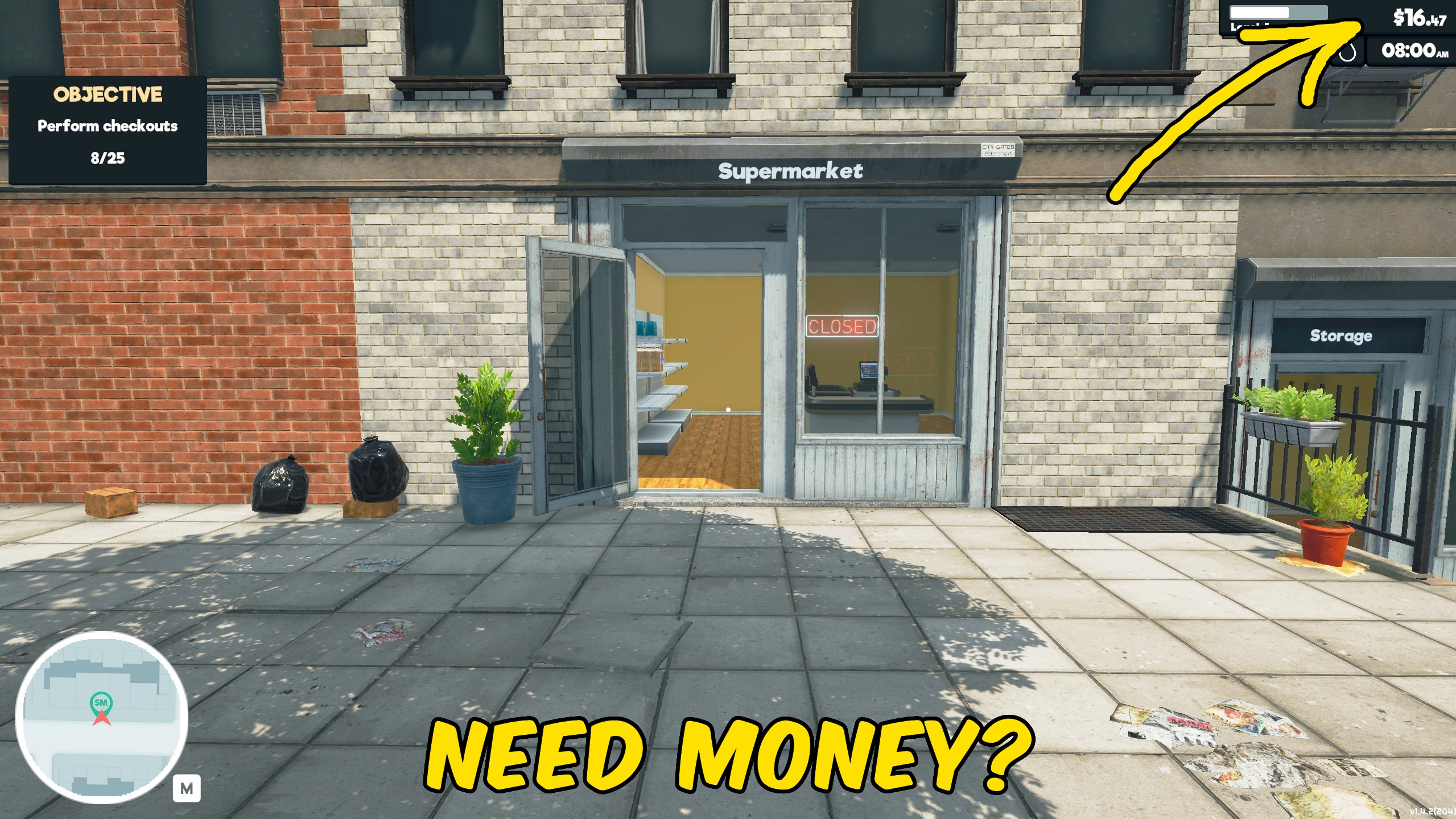
How do I install Give Money?
Download the free ProjectMods desktop app, then install Give Money for Supermarket Simulator in one click.
</>What does Give Money do?
Keep your supermarket moving with instant access to additional funds. Give Money adds cash directly to your balance, letting you continue building, stocking, and expanding without waiting for another full cycle of sales. Use the added money to order products, purchase store equipment, improve your layout, cover operating costs, or move forward with larger expansion plans. It is especially useful when testing new store designs, rebuilding after an expensive change, or setting up a developed supermarket without repeating the early-game cash grind. The mod changes your available funds rather than automating the store itself. Product ordering, shelf placement, pricing, staffing, and day-to-day management remain under your control. Whether you need a financial boost for one purchase or want more freedom while designing your ideal supermarket, Give Money lets you focus on the parts of store management you enjoy most.
</>What is Give Money?
Give Money is a Supermarket Simulator resource mod that adds funds directly to the player's available balance. The extra cash can be used through the game's normal systems for product orders, equipment, furniture, operating expenses, and store expansion. It is useful for faster progression, layout testing, rebuilding, creative store design, and reducing the time spent waiting for sales income. The mod affects available money only and does not automatically manage stock, customers, employees, or store operations.
</>Common questions about Give Money
What does Give Money do in Supermarket Simulator?
It adds funds directly to your available supermarket balance.
What can I spend the added money on?
You can use it through the normal game systems for stock, equipment, furniture, operating costs, and store expansion.
Does it give me infinite money?
It adds money to your balance rather than permanently preventing funds from decreasing.
Does it automatically buy products or equipment?
No. You still choose what to order and purchase through the normal store menus.
Does it change product prices or customer spending?
No. It changes your available funds only.
Can I use it to expand my store faster?
Yes. The added balance can be spent on progression and expansion through the game's normal systems.
Is it useful for testing store layouts?
Yes. Extra funds let you purchase equipment and rebuild layouts without waiting for more sales income.
Does it manage employees, stock, or customers?
No. Staffing, inventory, pricing, customers, and daily operations remain unchanged.
What options does Give Money include?
Reset Money
Set your money to zero.
Money Amount
How much money to add.
Give Money
Add the chosen amount.
Give Money adds funds directly to your Supermarket Simulator balance so you can spend them on stock, equipment, expansion, and store management.
System Requirements
What features does Give Money include?
- Add money directly to your current supermarket balance.
- Use the funds through the game's normal purchasing and management systems.
- Buy stock without waiting for additional customer sales.
- Purchase shelves, counters, equipment, and other store upgrades sooner.
- Fund store expansion and larger layout changes.
- Recover quickly after expensive purchases or redesigns.
- Test different store setups without repeating the early-game income grind.
- Keep full control over ordering, pricing, placement, and daily management.
Best For
- Buy additional stock when your current balance is too low.
- Expand the supermarket earlier and test larger store layouts.
- Purchase new shelves, counters, equipment, and furniture.
- Rebuild or redesign the store without waiting to earn back the cost.
- Set up a developed supermarket for screenshots, videos, or demonstrations.
- Recover funds after an expensive mistake or unwanted purchase.
- Skip repetitive early-game income building on a new save.
- Experiment with different management strategies using a larger budget.
More Mods for Supermarket Simulator
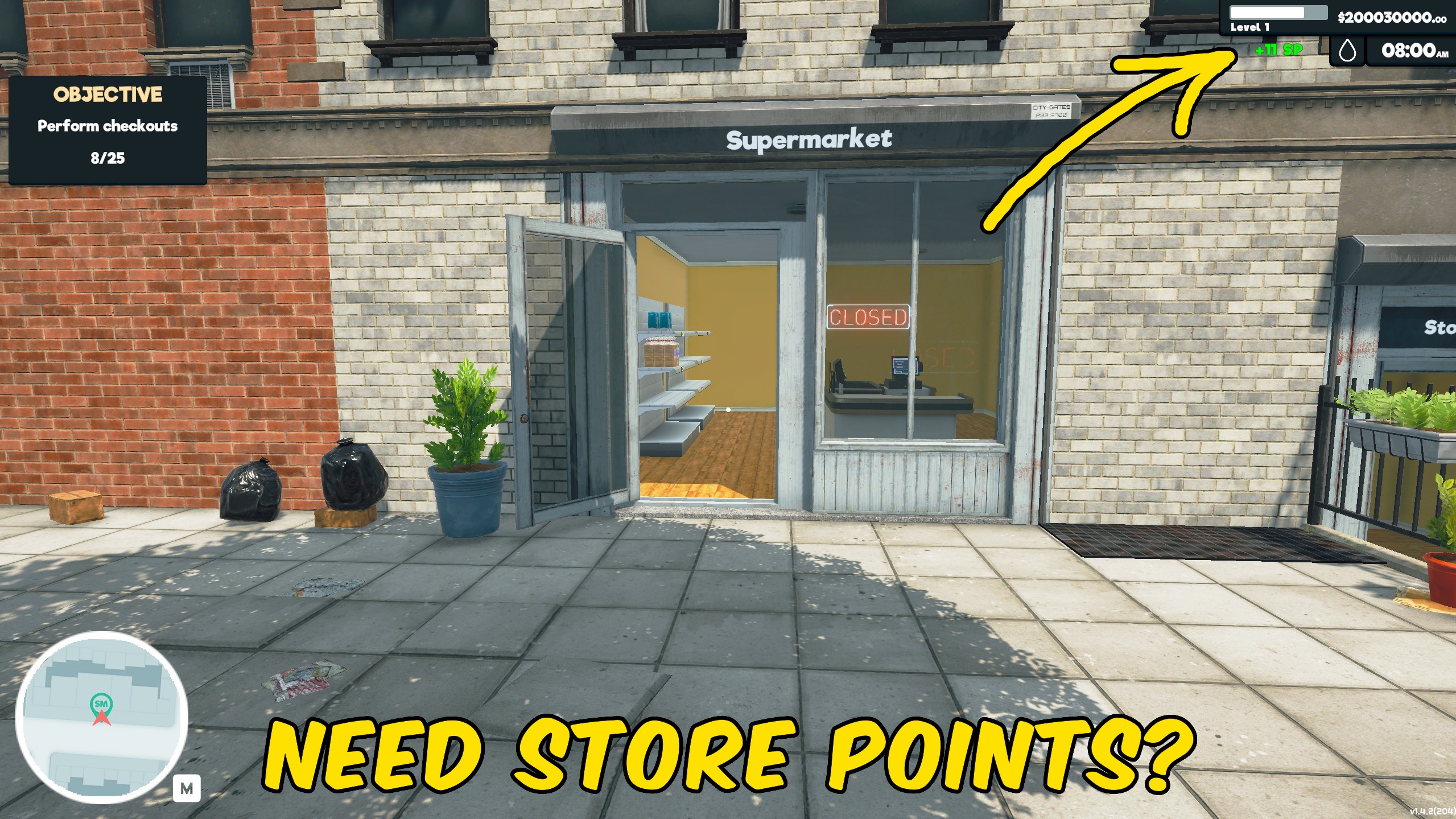
Give Store Points
Add Store Points instantly to speed up progression through Supermarket Simulator’s normal systems.
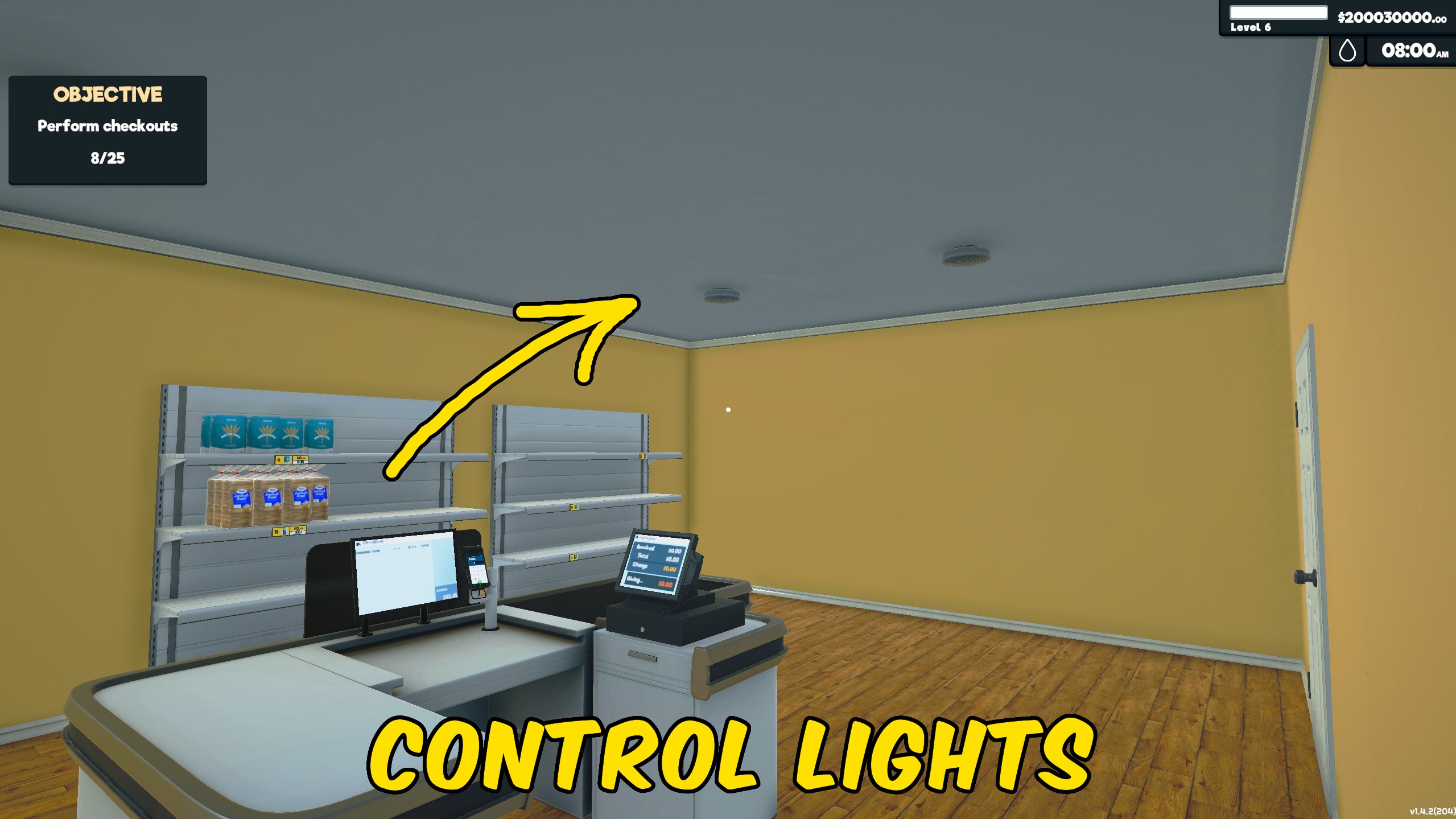
Light Manager
Controls all store and storage lights together, letting you illuminate or darken the entire supermarket with one switch.
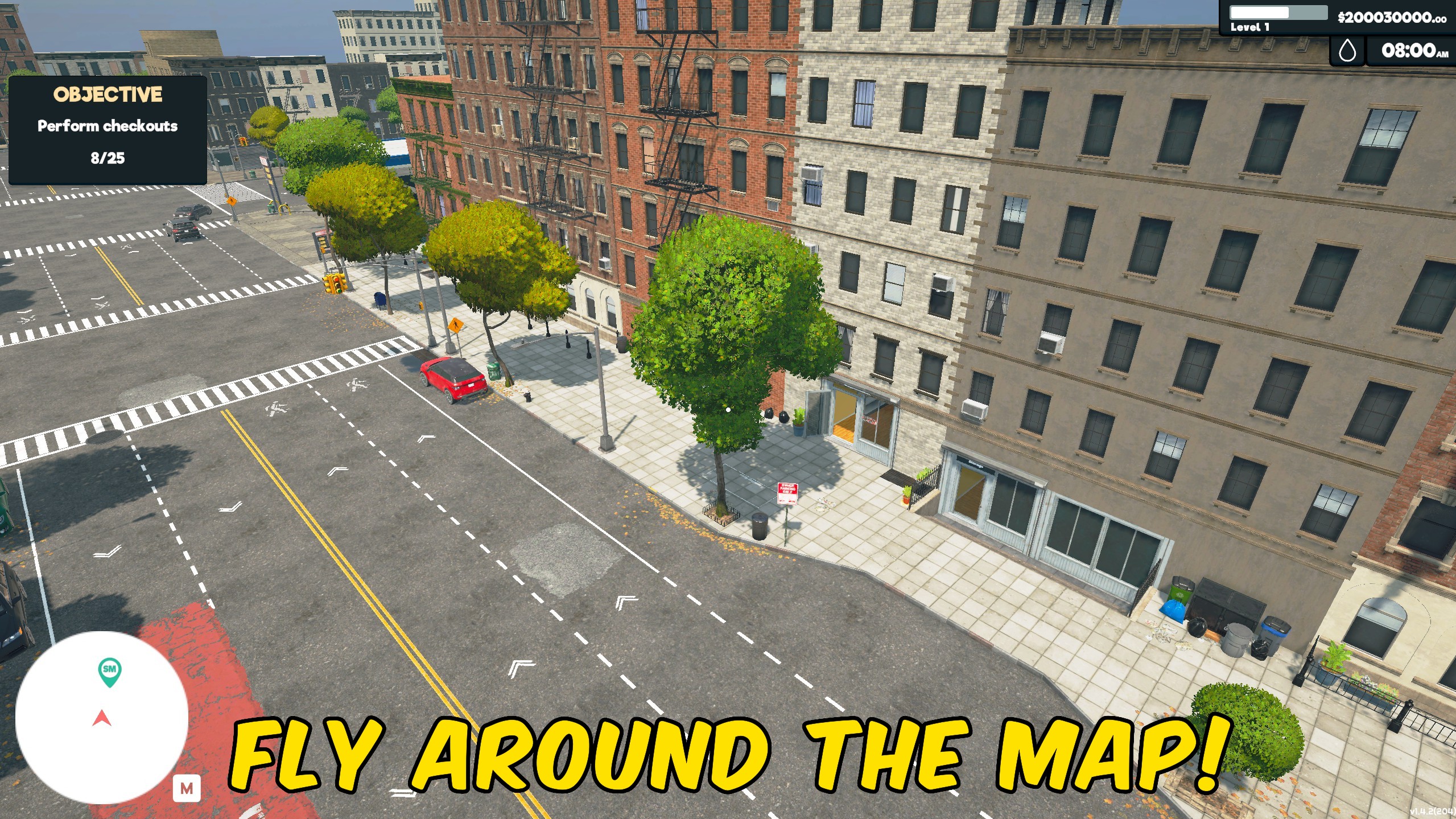
Fly
Fly around your supermarket to inspect layouts, reach new viewpoints, and explore the store from above.







