Want more mods for Supermarket Simulator? Explore our entire collection!
Light Manager
"Switch every store and storage light on or off at once."
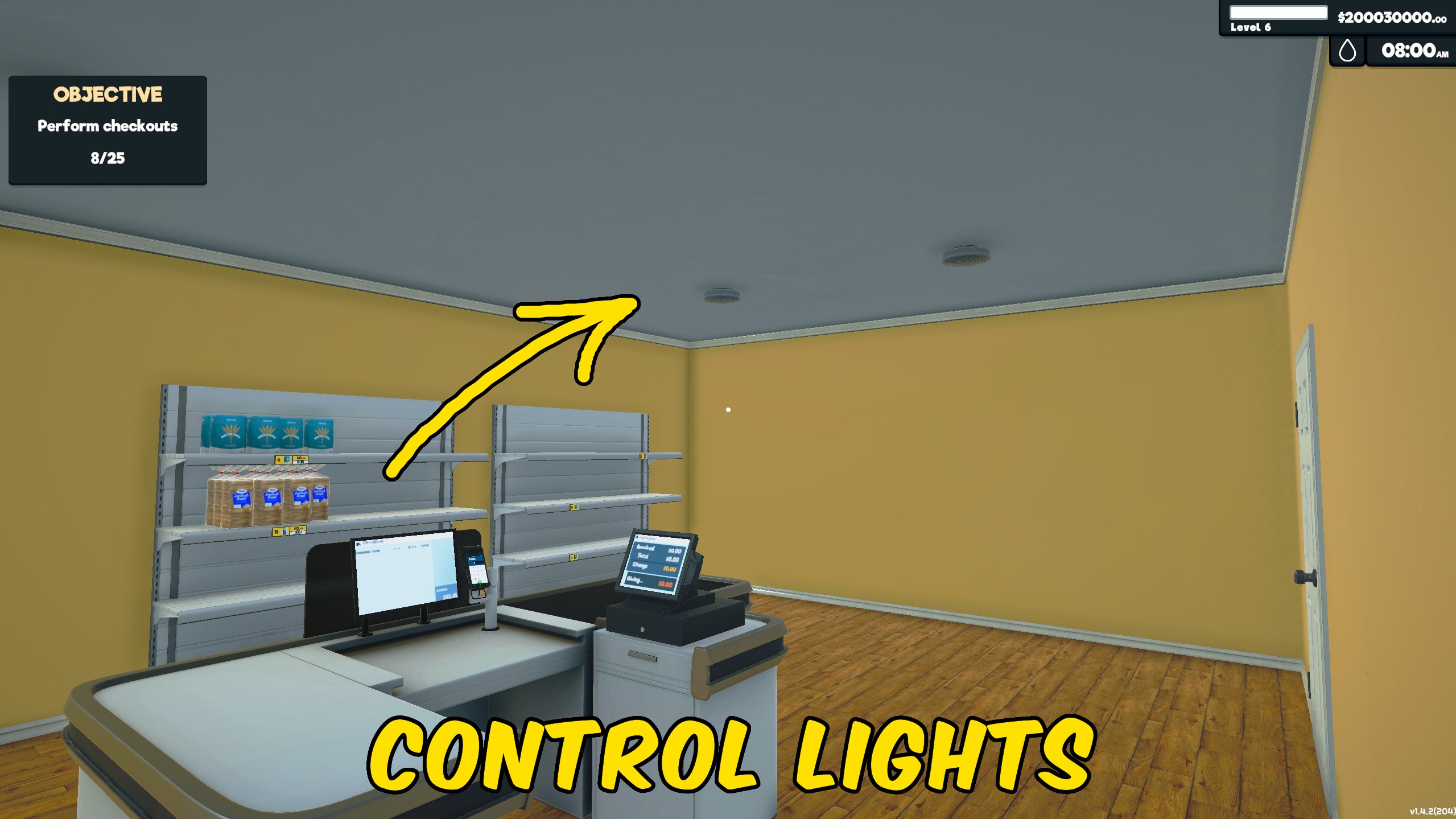
How do I install Light Manager?
Download the free ProjectMods desktop app, then install Light Manager for Supermarket Simulator in one click.
</>What does Light Manager do?
Light Manager gives you one switch for every interior store and storage light in Supermarket Simulator. Turn Lights On to illuminate both areas together, or turn it off to switch them all off immediately. This saves you from walking between separate switches when opening the store, closing for the night, arranging furniture, or checking how the supermarket looks under different lighting. Newly purchased sections continue to use the same store and storage light controls. Load into your store before changing the option. The setting applies as soon as the switch changes, so there is no extra action button or permanent background process to manage.
</>What is Light Manager?
Light Manager is a Supermarket Simulator lighting mod that controls the supermarket and storage-area lights together. It provides a quick way to brighten the whole store, turn everything off after closing, test interior designs under different lighting, and avoid visiting individual switches.
</>Common questions about Light Manager
Which lights does Light Manager control?
It controls the interior lights in both the main store and storage areas.
How do I turn every light on?
Load into your store and turn the Lights On option on.
Can I turn all lights off again?
Yes. Turn Lights On off and both store and storage lights will switch off.
Does the change happen immediately?
Yes. The lights update as soon as the option is changed.
What options does Light Manager include?
Lights On
Turn every store and storage light on or off together. You must be in-game first.
Use the Lights On switch to control all store and storage lights at the same time.
System Requirements
What features does Light Manager include?
- Controls every store interior light at the same time.
- Includes all storage-area lighting in the same switch.
- Applies lighting changes immediately when toggled.
Best For
- Light the entire supermarket quickly when opening for customers.
- Switch everything off or preview store designs under darker lighting.
More Mods for Supermarket Simulator
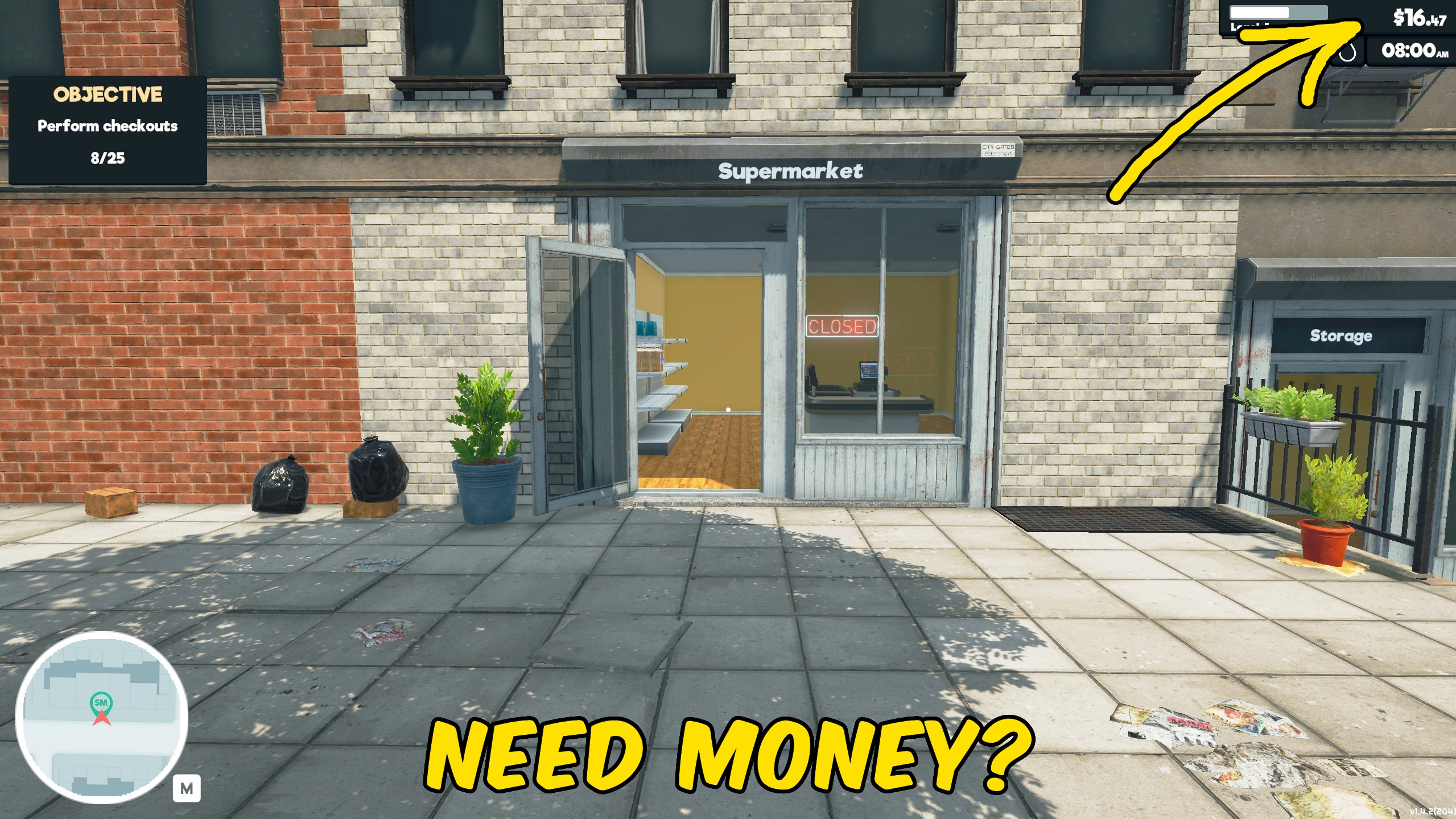
Give Money
Add money instantly to your Supermarket Simulator balance for stock, upgrades, expansion, and faster progression.
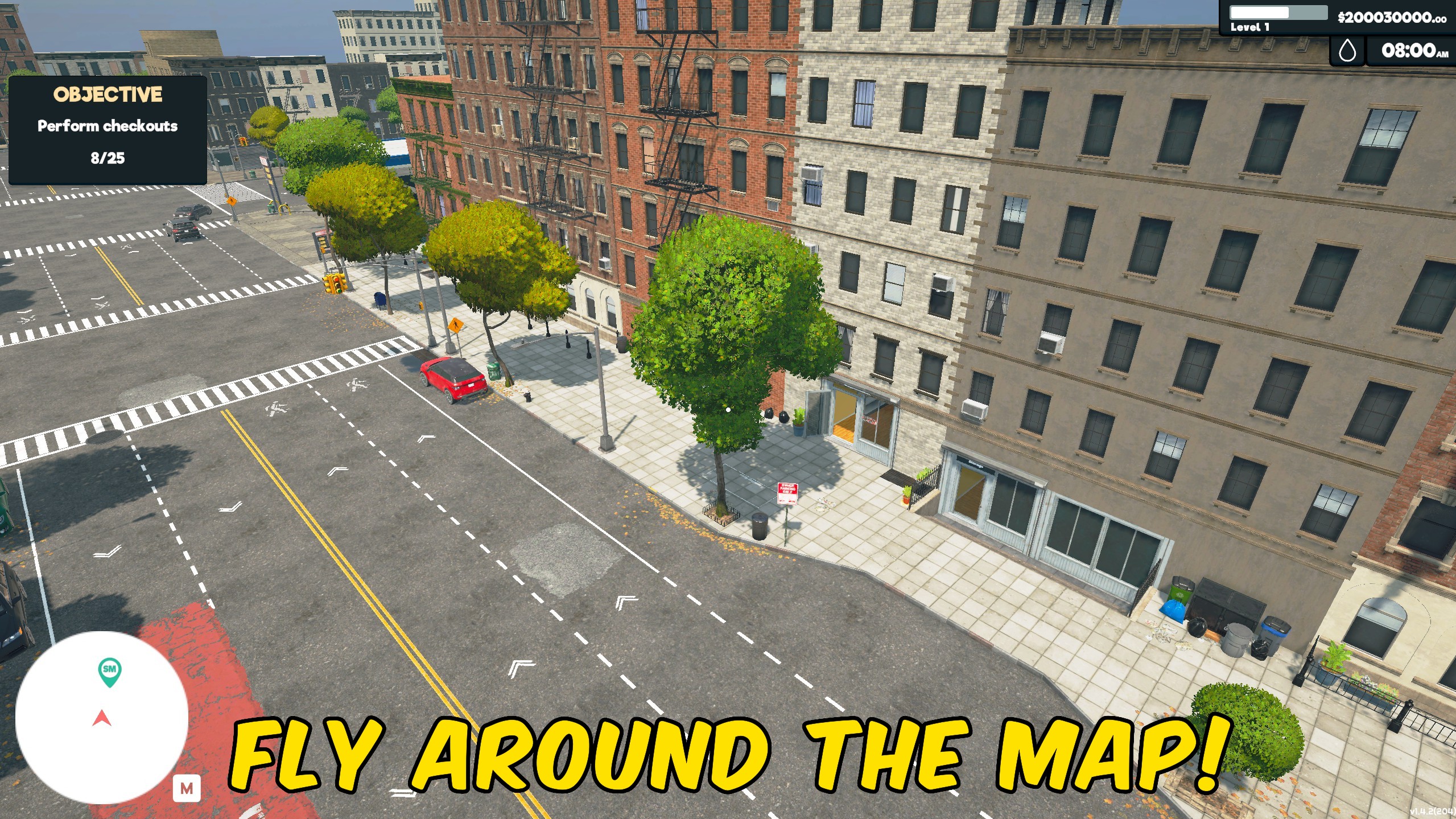
Fly
Fly around your supermarket to inspect layouts, reach new viewpoints, and explore the store from above.
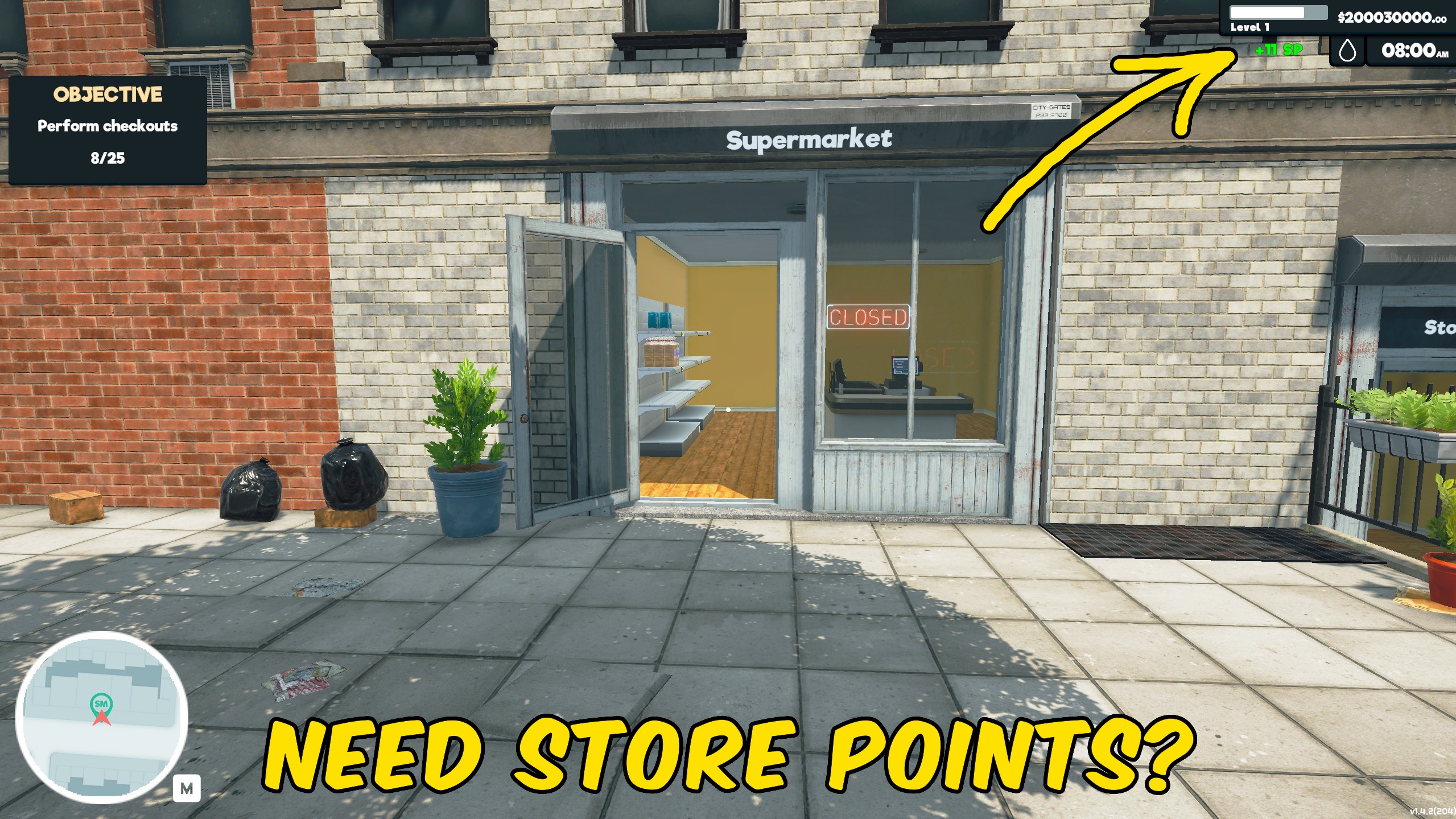
Give Store Points
Add Store Points instantly to speed up progression through Supermarket Simulator’s normal systems.







