Want more mods for Wobbly Life? Explore our entire collection!
In-Game Chat
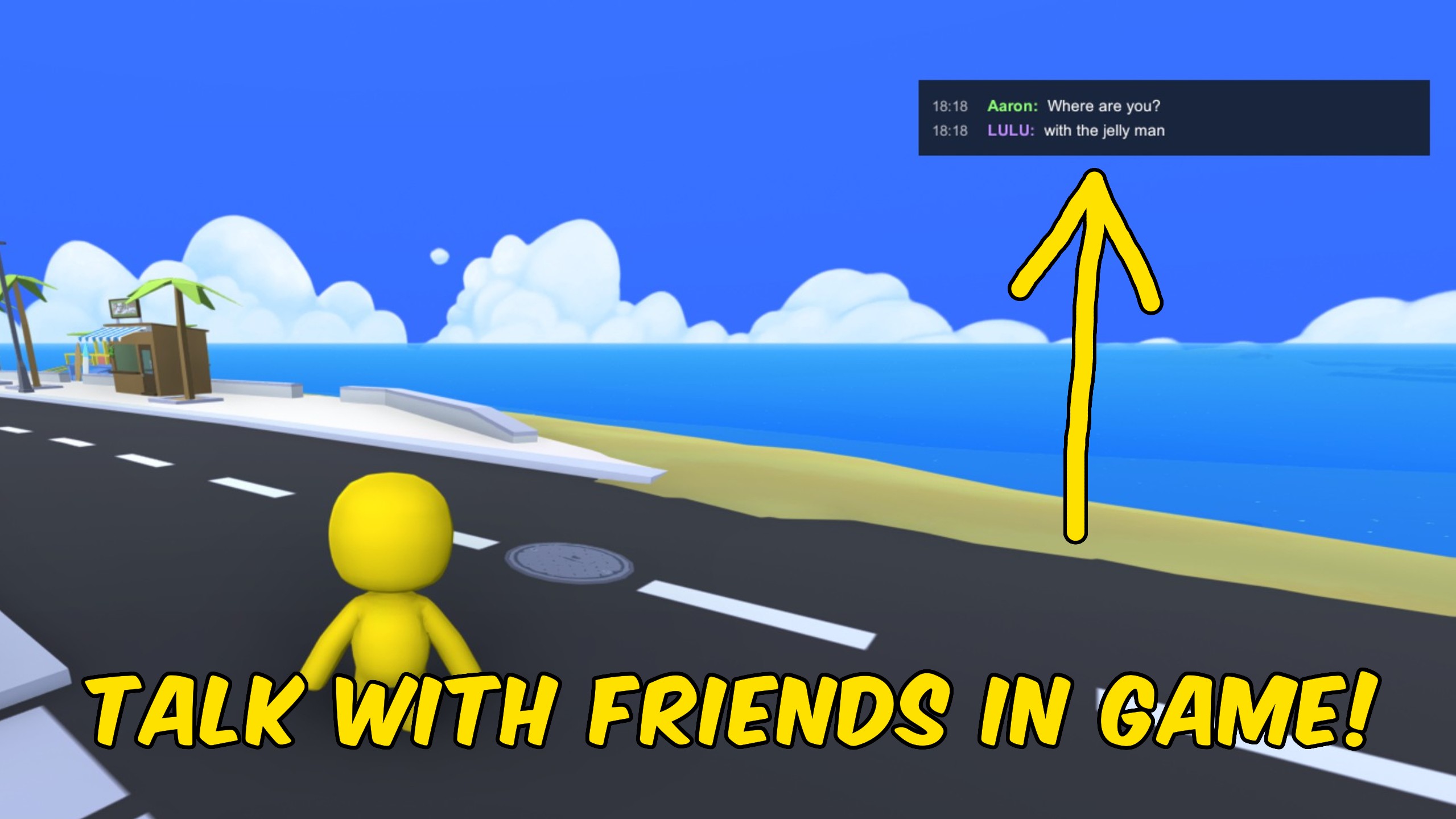
"Press Enter to chat with friends in your Wobbly Life lobby."
How do I install In-Game Chat?
Download the free ProjectMods desktop app, then install In-Game Chat for Wobbly Life in one click.
</>What does In-Game Chat do?
In-Game Chat gives your Wobbly Life lobby a simple shared chat overlay so friends can talk without leaving the game. The chat stays hidden until you press Enter. Type your message, press Enter to send, or press Esc to Cancel. Host and joined players can both send and receive as long as everyone has the mod installed and Chat Enabled is turned on. Solo sessions still work for local typing practice, and the overlay sits in the upper-right corner.
</>What is In-Game Chat?
In-Game Chat is a Wobbly Life multiplayer HUD mod for lobbies that want quick text talk during jobs, exploring, or chaotic sandbox play. It keeps the chat hidden by default, opens with Enter, shows sender names, syncs through the lobby when host and clients all have the mod, and clears messages automatically after a word-based timer so the screen stays readable.
</>Common questions about In-Game Chat
Do all players need the mod?
Yes. Only players with In-Game Chat installed and enabled will see the messages.
How do I open and send chat?
Press Enter to open the chat box, type your message, then press Enter again to send. Press Esc to cancel.
Can clients send messages too?
Yes. Host and joined players can both send and receive when the mod is running on each side.
How long do messages stay on screen?
Longer messages stay a bit longer based on word count, with a minimum of a few seconds and a hard maximum so they always clear.
What options does In-Game Chat include?
Chat Enabled
Turn chat on or off. When off, Enter no longer opens the chat box and new messages are ignored.
How to use
Press Enter to open chat, type, then Enter to send. Esc cancels. Everyone needs the mod to see messages.
Enable In-Game Chat, press Enter to type, press Enter again to send, and every player with the mod sees the message with your name before it auto-fades.
System Requirements
What features does In-Game Chat include?
- Hidden-by-default chat that opens with Enter and sends with Enter again.
- Shared messages for host and clients when everyone has the mod enabled.
- Sender name plus message text in an upper-right overlay that auto-fades.
Best For
- Calling out meetup spots or jobs while exploring with friends.
- Coordinating silly plans in a multiplayer lobby without switching to Discord.
More Mods for Wobbly Life
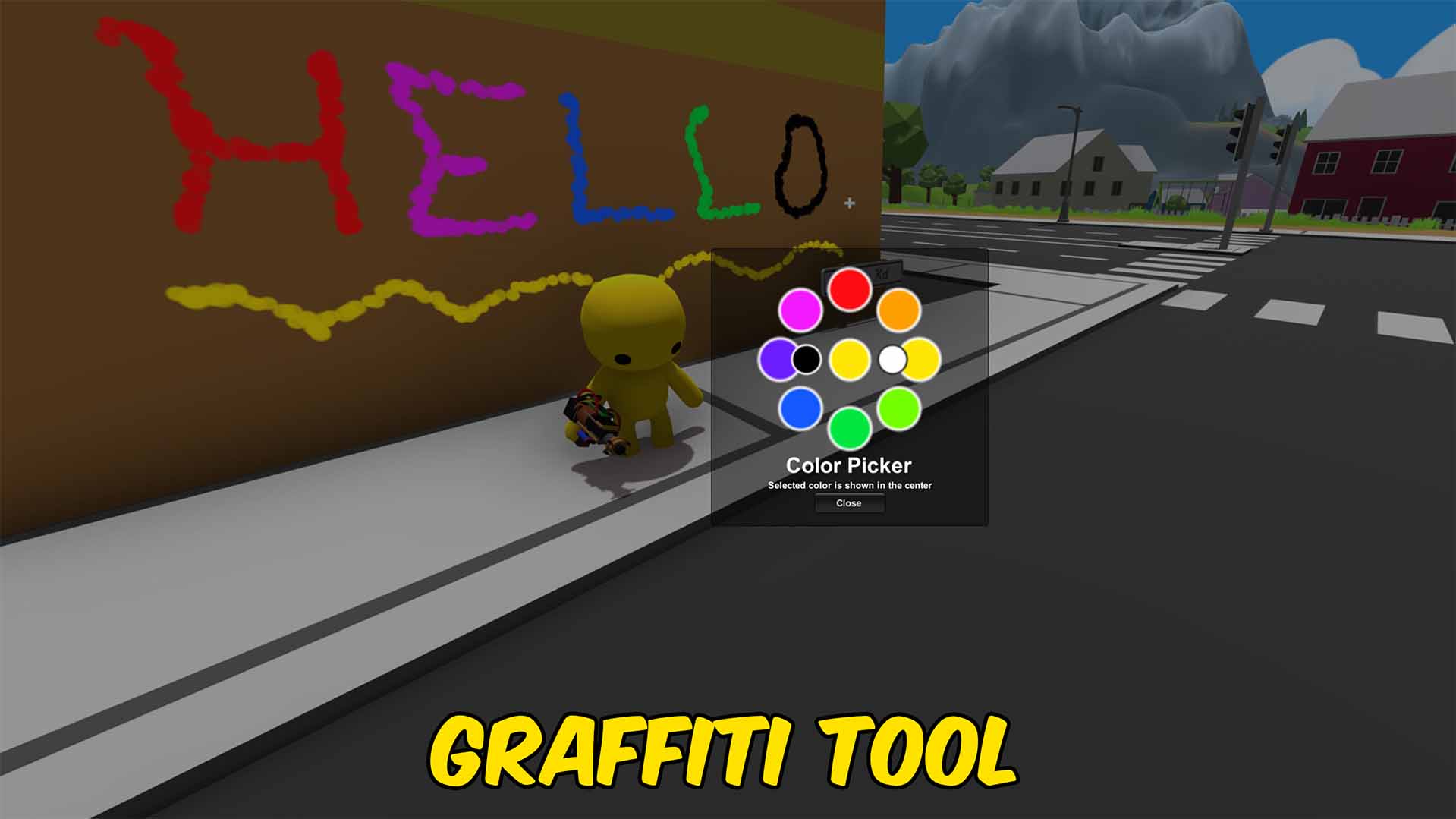
Graffiti Tool
Spray colored graffiti decals onto most surfaces, then clear them when you are done.
/WobblyLifeOutbreak1.jpg)
Outbreak! (Zombie Mode)
Drop shambling green zombies into your peaceful town — they chase you, send you flying, and drag you down. Pick your mode, fight back with anything, and cure it all with one button.
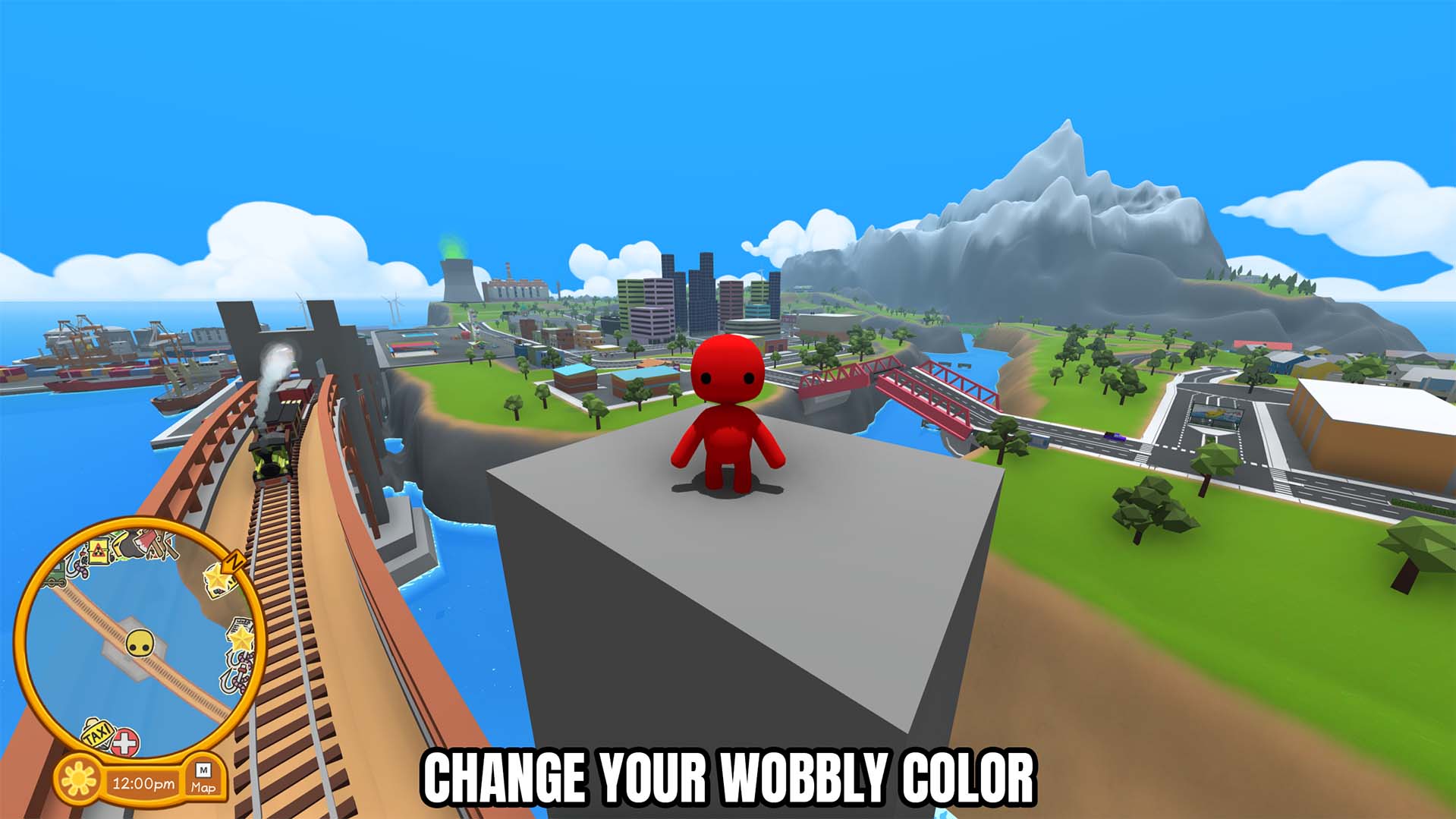
Set Player Color
Choose a custom color for your Wobbly and share the new appearance with everyone in the current multiplayer lobby.







