Want more mods for Wobbly Life? Explore our entire collection!
Layered Clothing
"Stack hats, tops, and bottoms to create completely layered Wobbly outfits."
/WobblyLifeFashionHoarderWearMultipleOutfits1.jpg)
How do I install Layered Clothing?
Download the free ProjectMods desktop app, then install Layered Clothing for Wobbly Life in one click.
</>What does Layered Clothing do?
Layered Clothing removes the normal one-item replacement behavior from Wobbly Life outfits. Choose another hat, top, bottom, or outfit piece in the wardrobe and the previous piece remains attached, allowing large stacked combinations and chaotic custom looks. The wardrobe preview also keeps every selected layer visible while you build the outfit. Layers last for the current session and are cleared when the character or game reloads. Wobbly Life still saves only the latest normal item in each slot, so layered combinations do not permanently alter the standard outfit save. Multiplayer clothing updates continue through the game's normal outfit synchronization. Other players using Layered Clothing can preserve and display the same layers as updates arrive, while players without the mod may only see the latest item for each slot.
</>What is Layered Clothing?
Layered Clothing is a Wobbly Life outfit mod for stacking multiple hats, shirts, bottoms, and costume pieces on one character. It supports unlimited session-based combinations and lets other mod users preserve synchronized layers in multiplayer. Use it for oversized hat stacks, mixed costumes, creator outfits, funny combinations, and experimental character designs.
</>Common questions about Layered Clothing
Do layered outfits save permanently?
No. Wobbly Life saves only the latest normal item in each slot, so extra layers last for the current session.
Can I wear more than ten hats?
Yes. The mod does not impose a layer limit.
Will other players see my layers?
Players using Layered Clothing can preserve the synchronized layers. Players without it may only see the latest normal item.
How do I add another layer?
Open a wardrobe and select another item for the same clothing slot while the option is enabled.
What options does Layered Clothing include?
Layered Clothing Enabled
Keep existing clothing attached when another item is selected for the same slot.
Enable Layered Clothing, then select more wardrobe items. Each new piece stays attached instead of replacing the previous one.
System Requirements
What features does Layered Clothing include?
- Keeps previous clothing attached when another item is selected.
- Supports multiple hats, tops, bottoms, and outfit pieces in one session.
- Allows unlimited layers rather than a fixed ten-item cap.
- Lets other players with the mod display synchronized clothing layers.
Best For
- Stack ten or more hats on one Wobbly.
- Combine clothing pieces that normally occupy the same slot.
- Create temporary multiplayer costumes and event outfits.
More Mods for Wobbly Life
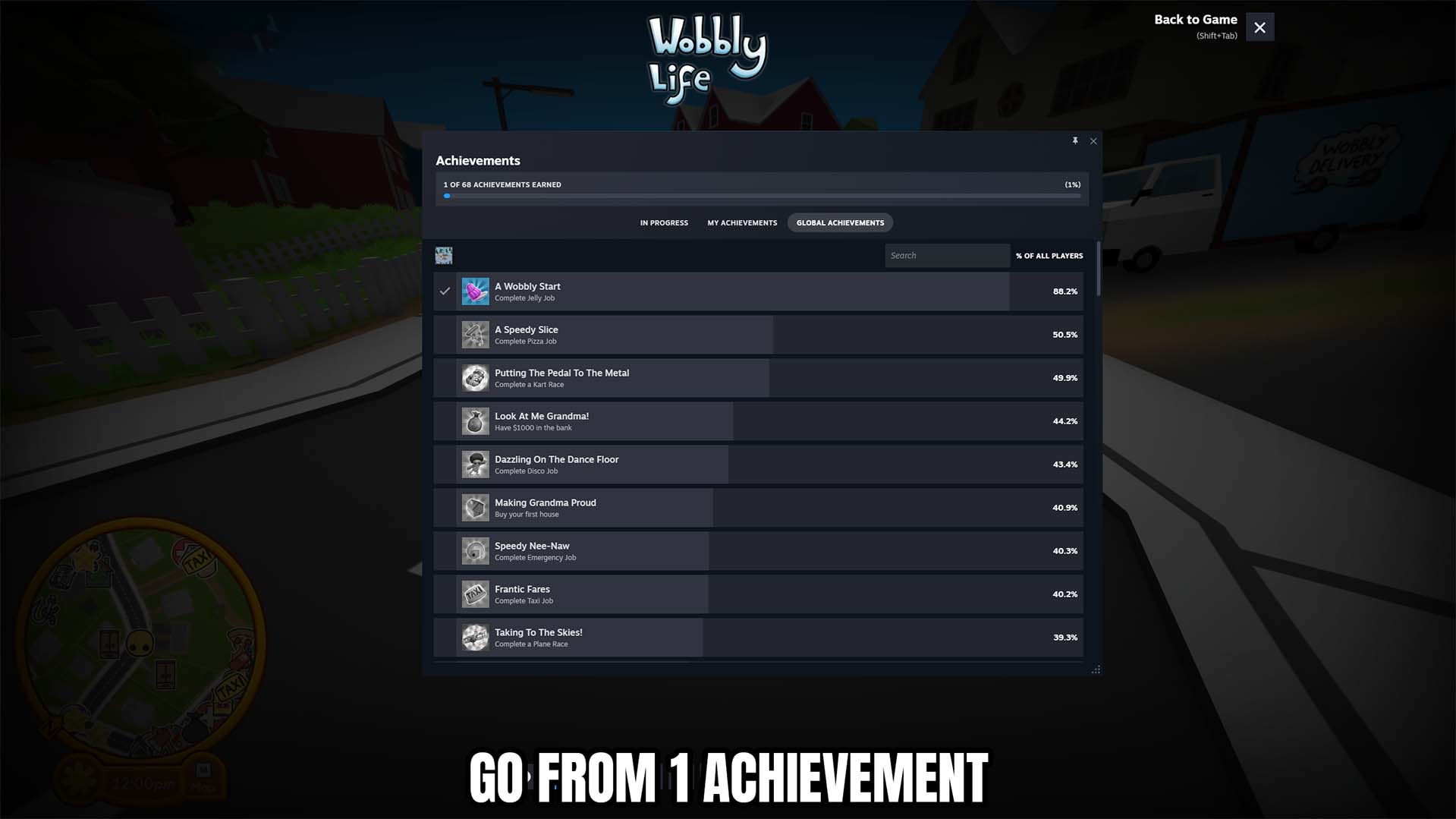
Achievement Unlocker
Unlock any selected Wobbly Life achievement, complete all 68 achievements at once, or lock the full collection for a fresh start.
/WobblyLifePhotographerKitFirstPersonCam1.jpg)
Through My Eyes (First Person Cam)
Switch from the usual follow camera to a true first-person view, right from your wobbler's head. Look around with the mouse, take in the world at ground level, and grab immersive shots you can't get any other way. Flip it off to snap straight back to normal.
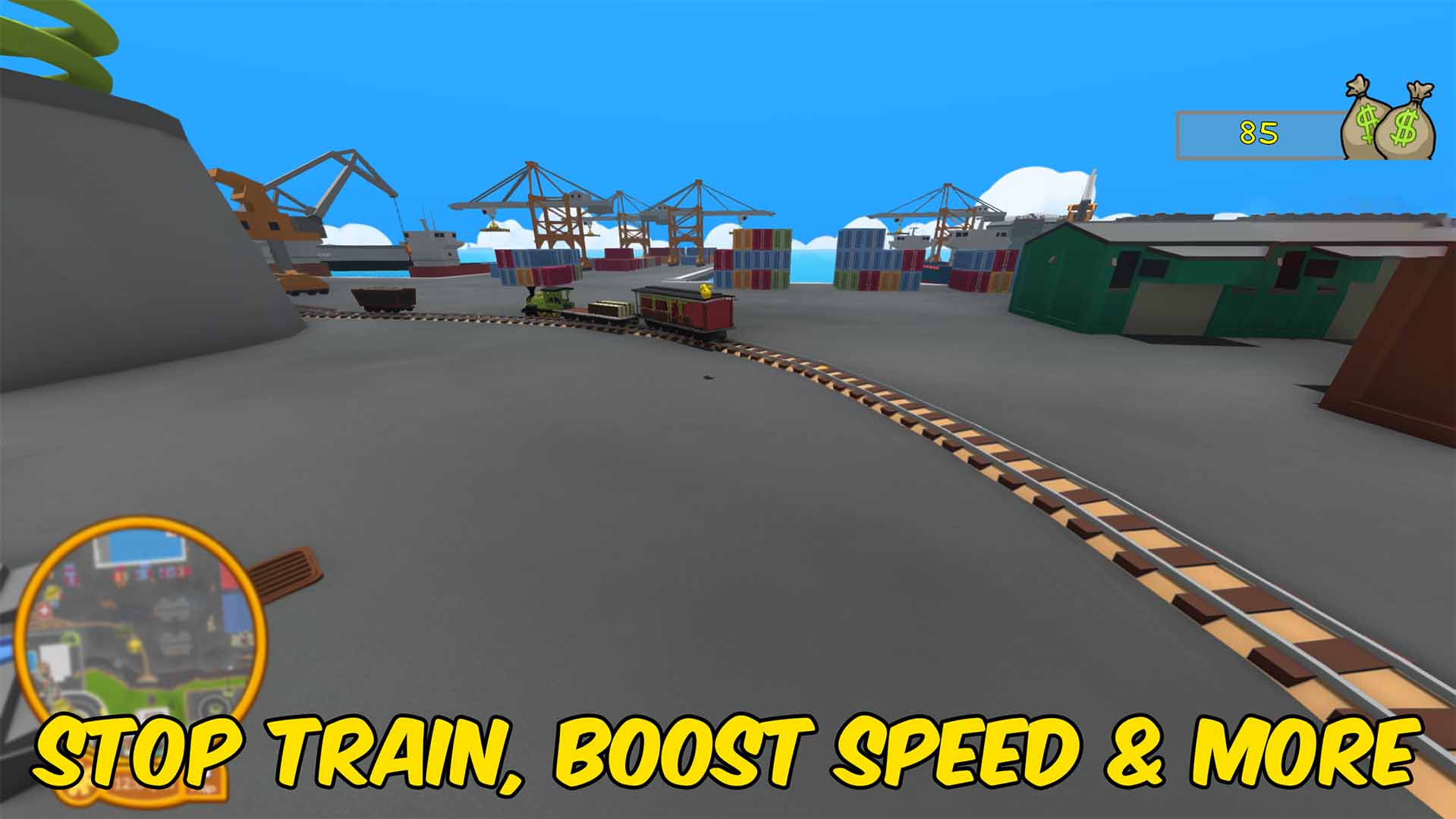
Train Control
Disable train AI, remote-drive trains with a throttle slider, tune top speed and acceleration, and stop trains or sound the horn as host.







