Want more mods for Wobbly Life? Explore our entire collection!
Through My Eyes (First Person Cam)
"See Wobbly Island through your wobbler’s eyes with a true first-person camera."
/WobblyLifePhotographerKitFirstPersonCam1.jpg)
How do I install Through My Eyes (First Person Cam)?
Download the free ProjectMods desktop app, then install Through My Eyes (First Person Cam) for Wobbly Life in one click.
</>What does Through My Eyes (First Person Cam) do?
Step out from behind your wobbler and experience Wobbly Island from their point of view. Through My Eyes (First Person Cam) replaces the standard third-person follow camera with a true first-person perspective positioned directly inside your character’s head. Enable First Person View and everything is shown from your wobbler’s eye level. Walk through buildings, explore the island, ride around, and capture immersive screenshots or video clips from angles the normal camera cannot reach. Mouse movement continues to control where you look, so aiming and exploring feel natural while the new perspective is active. Your wobbler’s body automatically hides in first person, keeping the screen clear instead of filling the view with the inside of the character model. Turn the option off at any time to return immediately to the standard Wobbly Life follow camera. Use it for POV gameplay, ground-level photography, cinematic sequences, roleplay footage, exploration videos, and first-person reactions to Wobbly Life’s physics-driven chaos. Pair it with Screenshot Mode to remove the HUD and capture cleaner first-person images and footage.
</>What is Through My Eyes (First Person Cam)?
Through My Eyes (First Person Cam) adds a true first-person perspective to Wobbly Life by moving the camera into your wobbler’s head. It replaces the usual third-person follow view while enabled, supports normal mouse-controlled looking, and automatically hides the player model so it does not obstruct the screen. The camera can be toggled off instantly to restore the standard view. It is ideal for immersive exploration, POV gameplay, cinematic recording, screenshots, roleplay videos, and content captured from your character’s eye level.
</>Common questions about Through My Eyes (First Person Cam)
Does this add a true first-person view to Wobbly Life?
Yes. The camera is placed directly inside your wobbler’s head, showing the world from the character’s point of view.
Can I look around with the mouse?
Yes. Mouse movement controls where you look normally while First Person View is enabled.
Will my character model block the camera?
No. Your wobbler’s body is automatically hidden while using the first-person camera.
Can I switch back to third person?
Yes. Turn First Person View off to return immediately to the standard Wobbly Life follow camera.
Does it change how my wobbler moves?
No. It changes the camera perspective while your character continues to move and look around using the usual controls.
Can I use it for screenshots and videos?
Yes. It is well suited to POV screenshots, immersive gameplay clips, cinematics, roleplay footage, and first-person content.
Does it remove the HUD?
No. Use Screenshot Mode alongside it when you want clean first-person footage without the interface.
Is this a detached free camera?
No. The view stays attached to your wobbler’s head and follows the character from a first-person perspective.
What options does Through My Eyes (First Person Cam) include?
First Person View
Switch to a true first-person view from your wobbler's own head - on foot or behind the wheel. Look around with the mouse and take in the world through their eyes, with your own hands, body, and whatever you're carrying still in view. Turn it off to snap back to the normal follow camera.
Field of View
How wide the first-person view is. Higher feels roomier and more natural up close; lower zooms in tighter. Only applies while First Person View is on.
Through My Eyes (First Person Cam) places the camera inside your wobbler’s head for a true first-person view, hides your character model, and lets you look around normally with the mouse.
System Requirements
What features does Through My Eyes (First Person Cam) include?
- Switch from the standard follow camera to a true first-person view positioned inside your wobbler’s head.
- Look around naturally with normal mouse movement while walking and exploring.
- Hide your wobbler’s body automatically so the character model does not block the camera.
- Return instantly to the normal third-person view by switching First Person View off.
- Capture eye-level screenshots and POV footage that cannot be framed with the standard follow camera.
- Combine it with Screenshot Mode to remove the HUD from first-person photos and recordings.
Best For
- Explore Wobbly Island from your character’s point of view.
- Record immersive first-person gameplay, reactions, and cinematic sequences.
- Capture ground-level screenshots from inside buildings, vehicles, and busy scenes.
- Create POV videos, roleplay footage, machinima, and social media clips.
- Experience Wobbly Life’s movement and physics from a closer, more personal perspective.
- Pair it with HUD removal for clean first-person thumbnails and promotional footage.
More Mods for Wobbly Life
/WobblyLifeNewtonSDayOffGravityEditor1.jpg)
Newton's Day Off (Gravity Editor)
Bend gravity to your will. Crank it up, switch it off, flip it upside-down, or send everything flying sideways - then your wobbler flips to match so you can take in the mayhem. Instant presets for Moon, Space, Reverse, and Heavy, or dial in your own.
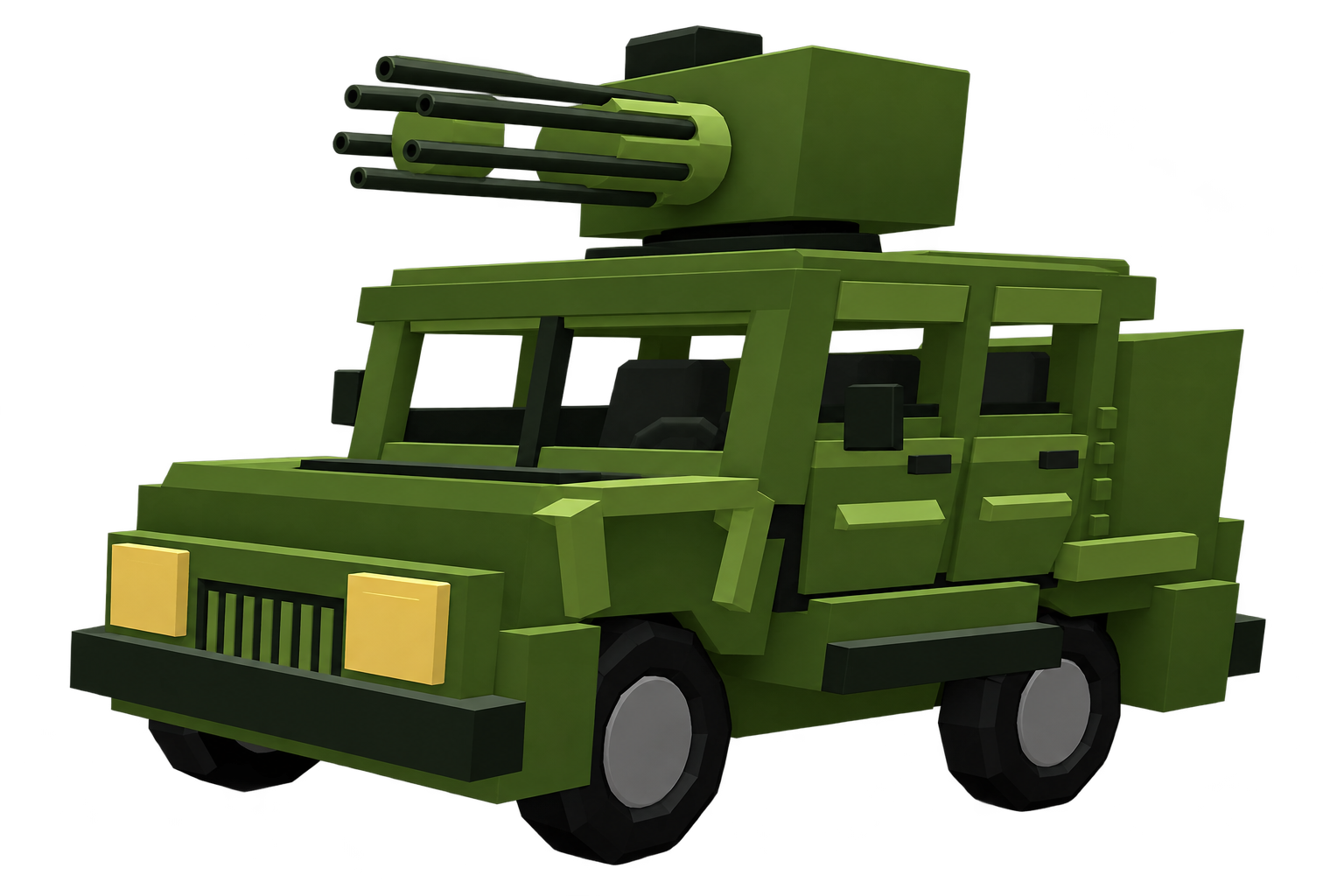
Wobbly Humvee (Minigun)
A heavy off-road Humvee fitted with a seven-barrel GAU-8 rotary cannon, full-auto tracers, and rapid explosive ammunition.
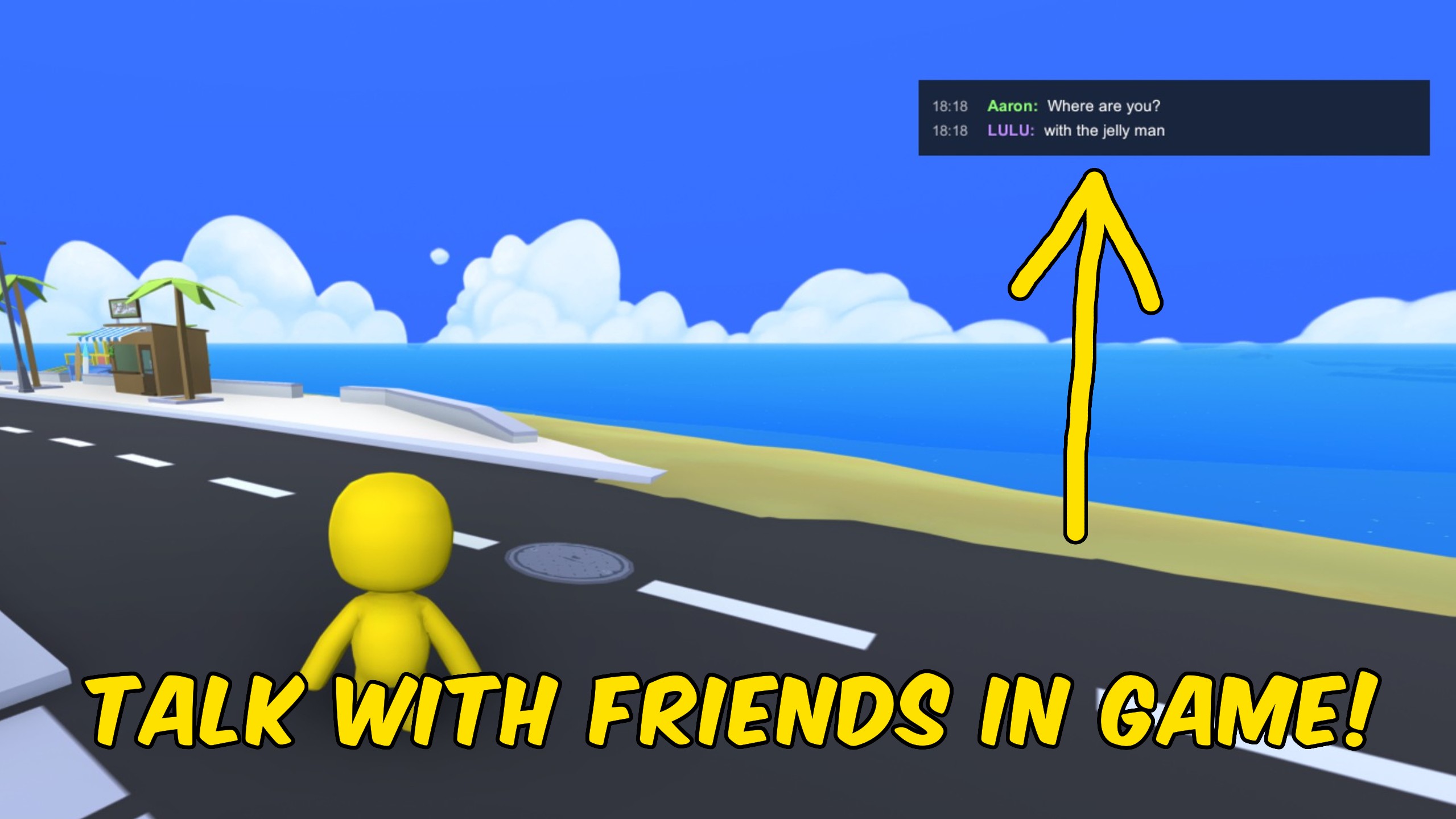
In-Game Chat
Add an in-game chat overlay for Wobbly Life multiplayer. Press Enter to type, Enter again to send, and messages appear for everyone running the mod.







