Want more mods for Zad Archery? Explore our entire collection!
Fast Hands
"Shoot sooner, walk quicker, reach further."
How do I install Fast Hands?
Download the free ProjectMods desktop app, then install Fast Hands for Zad Archery in one click.
</>What does Fast Hands do?
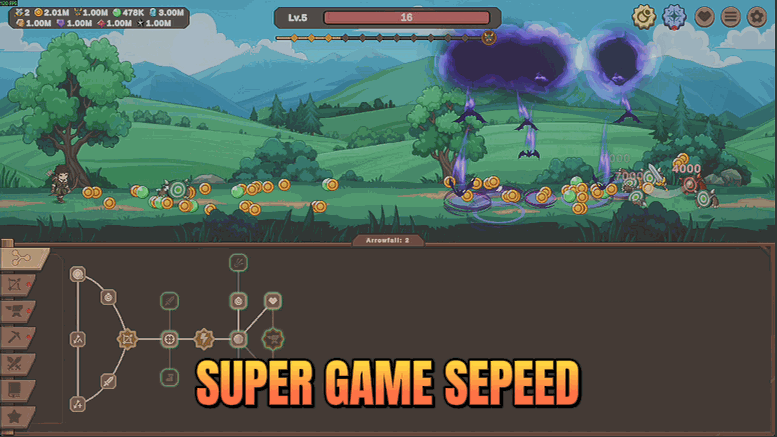
The early hours of Zad Archery are spent waiting: waiting on the next shot, waiting to walk to the next pack, waiting for a monster to wander into range. Fast Hands removes all three waits. Attack Speed sets how quickly you loose arrows. Move Speed sets how quickly your archer crosses the field between packs. Attack Range sets how far away you can start shooting, which quietly matters more than either of the others because monsters die before they ever reach you. Each slider is separate, so you can leave two alone and push one. Drag them while the game is running and the change lands immediately. The game keeps its own ceiling on how far an arrow will fly, so the range slider stops helping once you reach it.
</>What is Fast Hands?
The early hours of Zad Archery are spent waiting: on the next shot, on the walk to the next pack, on a monster wandering into range. Fast Hands gives you three sliders for attack speed, move speed and attack range, and the change lands while you play. Free-tier in ProjectMods, the community-first game modding platform for 400+ games.
</>Common questions about Fast Hands
What does Fast Hands do in Zad Archery?
Fast Hands removes the three things you spend the early hours of Zad Archery waiting on. Attack Speed sets how quickly you loose arrows. Move Speed sets how quickly your archer crosses the field between packs. Attack Range sets how far away you can start shooting, which quietly matters more than either of the others because monsters die before they ever reach you. A Quick Draw switch sits above the three and turns the whole set on or off, and each slider is independent, so you can push one and leave the others at normal.
Which of the three sliders makes the biggest difference?
Of the three Fast Hands sliders, Attack Range more often than not. Firing faster and walking faster both shorten a Zad Archery run, but starting your shots from further out changes the fight itself: packs take damage the whole way in and frequently die before anything reaches you, so the damage you never take is worth more than the seconds you save. Attack Speed is next, because it scales with everything else your build does. Move Speed is the quality-of-life one, and it matters most in long sessions where the walking between packs is the boring part.
Why does the Attack Range slider stop helping past a point?
Because Zad Archery keeps its own maximum range and will not fire beyond it no matter what the slider says. Once you reach that ceiling, pushing Attack Range higher does nothing at all, which is worth knowing so you are not left wondering why the last stretch of the slider feels dead. It is not a fault in Fast Hands, it is the game holding its own limit. Attack Speed and Move Speed have no such ceiling, so if range has stopped responding on your save, those are the two sliders still worth moving.
Do the sliders take effect while I am playing?
Yes. Drag any of the three Fast Hands sliders while Zad Archery is running and the change lands immediately, which is how you find the settings you actually like rather than guessing between runs. That is particularly useful for Move Speed, where the gap between comfortable and ridiculous is quite narrow and depends on how zoomed out you play. The Quick Draw master switch behaves the same way: flip it off mid-run and your archer goes straight back to its normal firing rate, walking speed and range without anything left over.
Can I use just one slider and leave the others alone?
That is the intended way to use it. Each of the three sliders in Fast Hands is independent, so a common Zad Archery setup is to push Attack Range on its own, leave Attack Speed at normal so damage per shot still feels like it means something, and give Move Speed a modest bump for the walking. Players pushing monster levels tend to do the opposite and open all three. Because Fast Hands only changes how fast and how far you act, it stacks cleanly with the damage mods, and with Time Lapse when you want the whole run to move quicker.
What options does Fast Hands include?
Quick Draw
Master switch for all three sliders below.
Attack Range
How much further you can start shooting from. The game keeps its own maximum range, so this stops helping once you hit it.
Move Speed
How much faster your archer crosses the field.
Attack Speed
How much faster you loose arrows, compared to normal.
Fast Hands is a free-tier ProjectMods mod for Zad Archery with three sliders covering attack speed, move speed and attack range, so you fire sooner, cross the field quicker and start shooting from further out.
System Requirements
What features does Fast Hands include?
- Sets how quickly you loose arrows, so the early game stops being one long wait between shots.
- Speeds up how fast your archer crosses the field from one pack to the next.
- Extends how far out you can start shooting, up until the game's own maximum range takes over.
- Three separate sliders, so you can push one to the roof and leave the other two alone.
- Changes land while the game is running, so drag, watch, and adjust until it feels right.
Best For
- Early hours where every pack means a slow walk across the field and an even slower first shot.
- Players who want monsters dead before they ever arrive, which is mostly a range problem rather than a damage one.
- Grinding one monster level repeatedly and wanting the whole loop to feel brisk instead of patient.
- Anyone who finds the draw speed fine but the walking pace maddening, and only wants to touch that one slider.
More Mods for Zad Archery
Deep Quiver
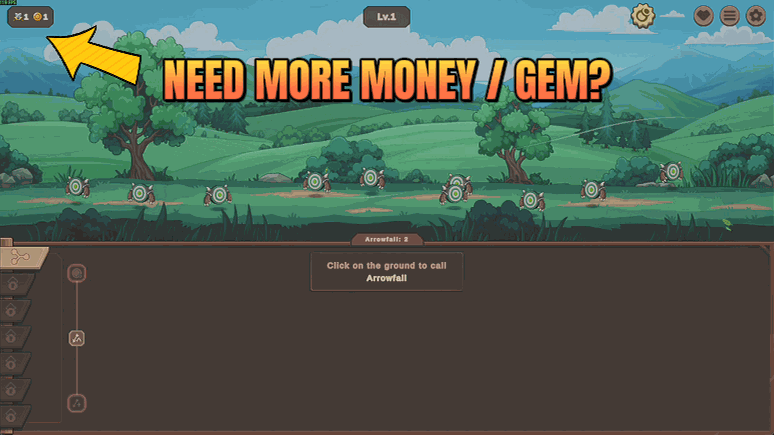
Top up gold, all five monster gems, portal and guardian currency, and every mining ore. Type the number you want and press once.
Cooldown Cutter
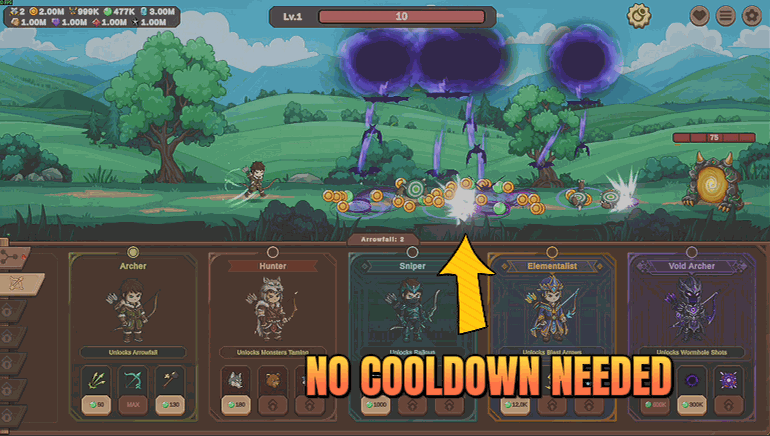
Your job skills are always off cooldown, so you can fire them back to back instead of watching the dials refill.

Golden Hour
More golden monsters, more chests, more orbs, more drops and better rolls on all of it.







