Want more mods for Choo-Choo Charles? Explore our entire collection!
Accessibility
"A steady camera, brighter nights, clearer colours."
How do I install Accessibility?
Download the free ProjectMods desktop app, then install Accessibility for Choo-Choo Charles in one click.
</>What does Accessibility do?
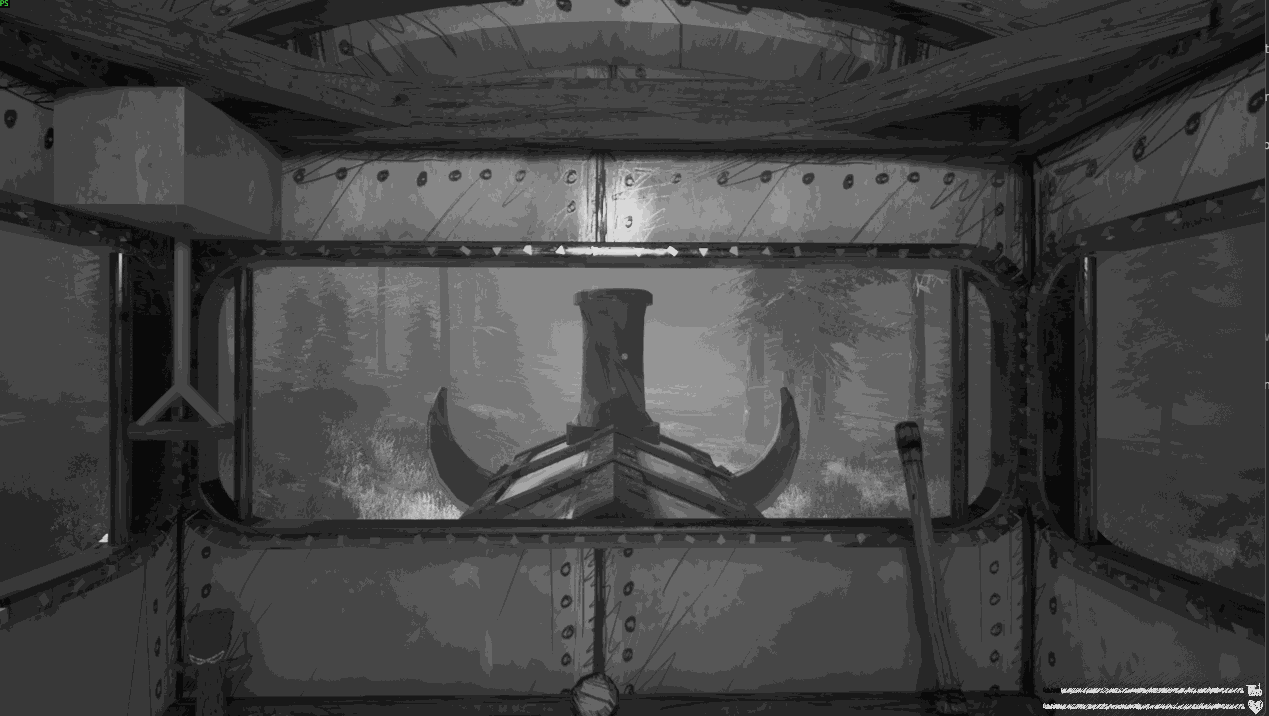
Nights on the island are dark, and the camera shakes with almost everything you do. That's hard going if shake makes you queasy, the dark swallows the screen or certain colours blur together. Accessibility hands you three options that don't depend on each other. No Camera Shake holds the camera steady when you walk, sprint, jump, land, swim, climb, take damage or ride the moving train, and through Charles's jumpscare. Brighter Nights lifts the dark parts of the picture on top of the game's own Brightness setting, and Brightness Boost Percent sets how hard, from 10 to 100 in steps of 5, starting at 50. Colour Filter offers Red-Green (Green-Weak), Red-Green (Red-Weak), Blue-Yellow and Greyscale, and Filter Strength sets how far colours shift, from 10 to 100 in steps of 10, starting at 100. The three colour-blind filters reach the HUD and menus too; Greyscale takes the colour out of the world and leaves the HUD and menus as they are. Each option puts back only what it changed. Turn one off and the shakes return, the picture goes back to the game's own brightness, or the colours go back to normal.
</>What is Accessibility?
Accessibility makes Choo-Choo Charles easier on the eyes. No Camera Shake holds the view steady. Brighter Nights lifts dark tones, with Brightness Boost Percent setting the strength. Colour Filter shifts colours for green-weak, red-weak or blue-yellow sight, or turns the world greyscale. It never removes Charles's jumpscare, never changes the game's lights, weather or fog, and leaves the game's own Brightness, Camera Shake and FOV settings alone.
</>Common questions about Accessibility
What does Accessibility do in Choo-Choo Charles?
It adds three comfort options you can use separately or together: a camera that doesn't shake, brighter dark areas and a colour filter for colour-blind players. The two sliders only matter while their option is on. Brightness Boost Percent needs Brighter Nights, and Filter Strength needs a filter chosen in Colour Filter.
Does No Camera Shake remove Charles's jumpscare?
No. The jumpscare still happens, the camera still turns to face him and you still die. Only the shaking during it is taken out. After a death or a load, the steady camera takes hold again within a quarter of a second, with no need to flip the switch.
Does Brighter Nights make daytime brighter too?
Yes, a little. It lifts the dark tones of the whole picture whatever the time of day, and bright areas change least. It doesn't touch the game's lights, weather, fog or time of day. Brightness Boost Percent sets how strong the lift is: 10 is slight, 50 is where it starts and 100 is the strongest. Because it adds to the game's own Brightness setting, you can leave that where you like it and use the slider only for the extra lift in dark scenes. You'll also see it at the main menu, and the same goes for the Colour Filter.
Is there a greyscale, high-contrast or text size option?
Greyscale, yes. Set Colour Filter to Greyscale and the world loses its colour, while the HUD and menus keep theirs. Filter Strength sets how much colour goes: 100 removes it all, 50 leaves about half. There is no high-contrast mode, and nothing that changes text size or the scale of the HUD. The other three choices in Colour Filter push apart the colours you mix up instead of removing colour.
Will my game settings be different after I switch these options off?
No. The mod never changes the game's own Brightness, Camera Shake or FOV settings, and it writes nothing to your save. Brighter Nights sits on top of whatever Brightness you have set, so turning it off leaves the picture exactly as it was before.
What options does Accessibility include?
Filter Strength
How strong the Colour Filter is, from 10 (a slight shift) to 100 (the full shift, or no colour at all with Greyscale). Lower it if colours look too strong. Default 100.
Colour Filter
Shifts colours so the ones you mix up stand further apart. The three colour-blind settings reach everything on screen, the HUD and menus included: Red-Green (Green-Weak) is the most common, Red-Green (Red-Weak) is for reds that look dark, Blue-Yellow is for mixing up blue with green, or yellow with pink. Greyscale removes colour from the world; the HUD and menus keep theirs. Off leaves the game's colours as they are. Default Off.
No Camera Shake
Holds the camera steady: no shake from walking, sprinting, jumping, taking damage, the moving train or Charles's jumpscare. Switch it off and the game's shakes return. Off by default.
Brightness Boost Percent
How strongly Brighter Nights lifts the dark parts of the picture, from 10 (a slight lift) to 100 (the strongest). Default 50.
Brighter Nights
Lifts the dark parts of the picture so nights, tunnels and Nightmare Mode are easier to see in. It works on top of the game's own Brightness setting and goes away completely when switched off. Off by default.
Accessibility is a ProjectMods mod for Choo-Choo Charles that adds three separate comfort options: a camera with no shake, a brightness lift for dark scenes, and a colour filter for green-weak, red-weak or blue-yellow colour vision, with a greyscale choice as well.
System Requirements
What features does Accessibility include?
- No Camera Shake removes the shake from walking, sprinting, jumping, landing, swimming, climbing, taking damage, the moving train and Charles's jumpscare.
- Brighter Nights adds to whatever the game's Brightness is set to, at a strength from 10 (slight) to 100 (strongest).
- Colour Filter has four filters plus Off: Red-Green (Green-Weak), Red-Green (Red-Weak), Blue-Yellow for mixing up blue and yellow, and Greyscale.
- Filter Strength has ten levels. The three colour-blind filters reach the HUD and menus as well as the world; Greyscale changes the world only.
Best For
- The moving view while sprinting leaves you queasy after a few minutes, so switch on No Camera Shake and the camera stays steady on foot and aboard the train.
- A Nightmare Mode run is too dark to read even with the game's Brightness turned up, so switch on Brighter Nights and raise Brightness Boost Percent toward 100.
- Red and green things on screen look alike to you, so set Colour Filter to Red-Green (Green-Weak) and lower Filter Strength if the shift looks too strong.
- You only want a gentle lift at night without washing out the picture, so switch on Brighter Nights and pull Brightness Boost Percent down to 10 or 20.
More Mods for Choo-Choo Charles
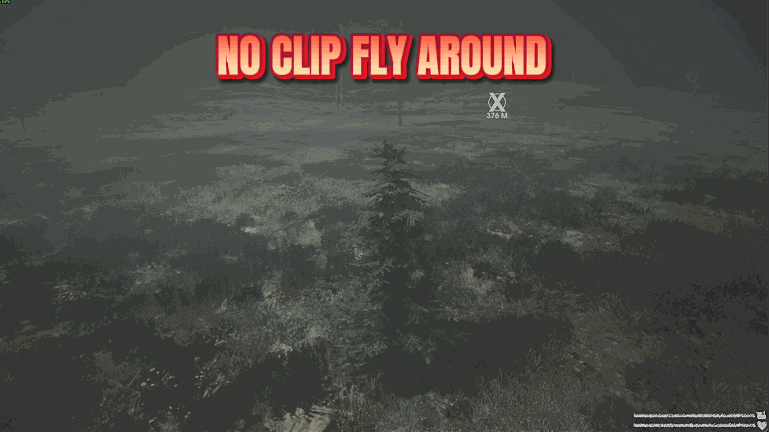
Fly & Noclip
Fly around the island with W A S D, Space and Ctrl at a speed you set, hold Shift for a faster one, and switch on Noclip to pass through walls, rocks, the train and the ground.
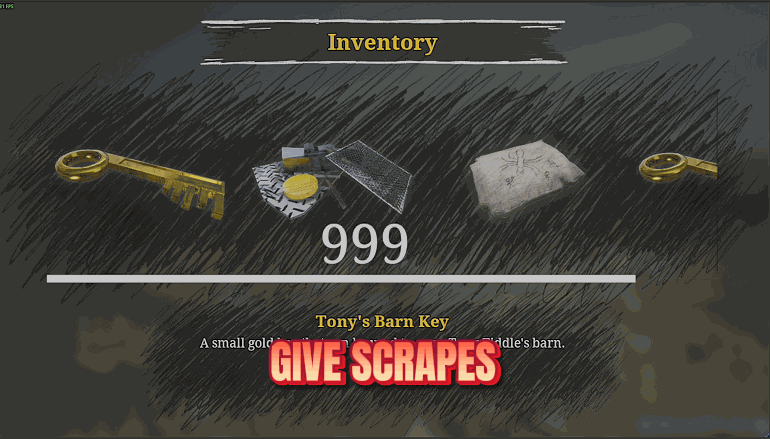
Give Scraps
Add 1 to 999 scraps to your count with one press, up to the game's limit of 999, or reset your scraps to exactly 0.
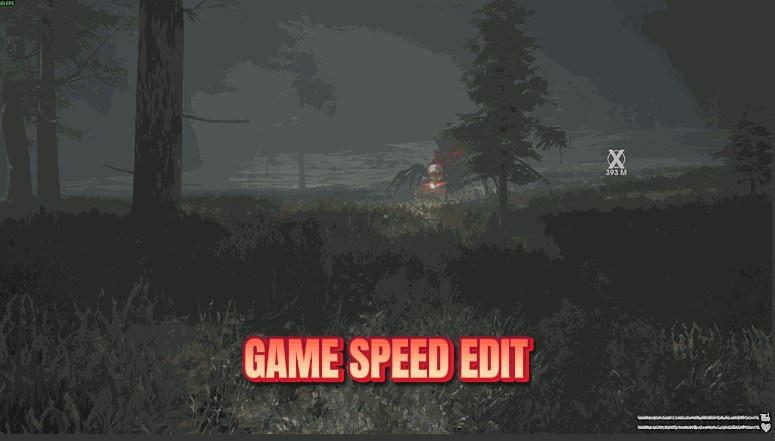
Game Speed
Run the whole game from 25% to 300% of normal speed. You, your train, Charles and the cultists all slow down or speed up together.







