Want more mods for Graveyard Keeper 2 Demo? Explore our entire collection!
Coffin Coffers
"Bury your money troubles, not your budget."
How do I install Coffin Coffers?
Download the free ProjectMods desktop app, then install Coffin Coffers for Graveyard Keeper 2 Demo in one click.
</>What does Coffin Coffers do?
You start Graveyard Keeper 2 with a purse so light it rattles, and everything worth buying costs more than you have. Coffin Coffers fixes that in one press. Type in a number, hit the button, and the money is yours - no grinding, no waiting on a vendor to restock, no selling off things you actually wanted to keep. The amount is completely up to you. Nudge yourself a few hundred to cover one purchase you cannot quite afford, or hand yourself a fortune and go furnish the whole graveyard in an afternoon. If you would rather feel the pinch again, the Reset Money button empties your purse right back out, so you can try a tight-budget run without starting a whole new save. There is a catch the game itself puts on you: your purse has a limit, and anything past it simply will not fit. Flip on Raise Spending Ceiling and that limit goes away, so the big numbers stick instead of vanishing. Every press tells you exactly what you had and what you have now, so you are never guessing whether it worked.
</>What is Coffin Coffers?
Coffin Coffers gives you money on demand in Graveyard Keeper 2 Demo - type an amount, press Give Money, and it lands in your purse with the new total reported back. Raise Spending Ceiling lifts the carry limit so big sums stick, and Reset Money empties the purse again when you want the struggle back. From ProjectMods, the community-first PC mod manager for 400+ games.
</>Common questions about Coffin Coffers
What does Coffin Coffers do in Graveyard Keeper 2 Demo?
Coffin Coffers hands you money in Graveyard Keeper 2 Demo whenever you want it. You type in an amount, press Give Money, and that sum lands in your purse straight away, with the mod reporting what you had before and what you have now. There is a Reset Money button that empties the purse again if you want the tight-budget feeling back, and a Raise Spending Ceiling switch that lifts the limit on how much you can carry, so genuinely large piles stay put instead of spilling over. Everything runs from the mod card while you play.
What does the Raise Spending Ceiling switch do?
Raise Spending Ceiling lifts the cap Graveyard Keeper 2 Demo normally puts on how much money you can carry. Without it, anything above that limit simply will not fit in your purse, so a huge handout from Coffin Coffers gets trimmed the moment it lands. Switch it on and the ceiling goes away, which is what you want if you are handing yourself a fortune rather than topping up by a few hundred. Turning it back off puts the normal limit back, so nothing about it is locked in permanently.
What happens if I press Reset Money by mistake?
Reset Money empties your purse in Graveyard Keeper 2 Demo back to nothing, and it is meant as a deliberate choice rather than an accident waiting to happen. If you do press it by mistake, the fix is the button right next to it: set an amount and press Give Money to put yourself back where you were. Nothing else in your game is affected. Your items, your buildings, your graveyard and your progress all stay exactly as they were, because Coffin Coffers only ever moves the number in your purse up or down.
How much money can I give myself at once?
That is entirely your call. The Amount box in Coffin Coffers takes whatever number you type, and each press of Give Money hands you that sum again, so you can nudge yourself a few hundred to cover one purchase or hand over a fortune in a single press. The practical limit is what Graveyard Keeper 2 Demo lets your purse hold, which is exactly why Raise Spending Ceiling exists - with that on, the big numbers stay rather than being trimmed down. Every press reports your total before and after so you can see precisely what landed.
Why would I use Coffin Coffers during a demo run?
Because Graveyard Keeper 2 Demo is a slice of a much bigger game and most people want to see all of it before the full version arrives. Money gates a good chunk of that: vendors, materials you have not gathered yet, the parts of the village you would otherwise grind toward. Coffin Coffers removes the earning stage so you can go and look at what the money actually buys. It also makes a tidy testbed - hand yourself a pile, furnish the graveyard in one evening, then press Reset Money and replay the same save on a shoestring.
What options does Coffin Coffers include?
Reset Money
Empties your purse back to nothing, for when you want the struggle back.
Amount
How much money you get each time you press Give Money.
Give Money
Drops the amount above straight into your purse and tells you your new total.
Raise Spending Ceiling
Lifts the limit on how much money you can carry, so huge amounts actually stay in your purse. Turn it off and the normal limit comes back the next time your money changes.
Coffin Coffers is a Graveyard Keeper 2 Demo mod from ProjectMods that drops any amount of money straight into your purse on demand, with a switch that raises your spending ceiling so large sums stay there instead of spilling over.
System Requirements
What features does Coffin Coffers include?
- Type any number, press Give Money, and that exact amount lands in your purse.
- Lift the carry limit with one switch so the really big piles actually stay with you.
- Empty your purse back to nothing with Reset Money whenever you want the struggle back.
- Read your before and after totals on every press, so you always know it worked.
Best For
- Demo players who want to furnish the whole graveyard in one evening instead of saving up for it.
- Anyone eyeing a purchase they cannot quite afford who would rather not sell off gear they wanted to keep.
- Builders checking what the expensive end of the demo's shop list actually gets them before the full game arrives.
- Streamers pricing up a big spending spree on camera without a long earning montage first.
- Players who want the tight-budget feeling back partway through, without starting a whole new save.
More Mods for Graveyard Keeper 2 Demo
Natural Talent
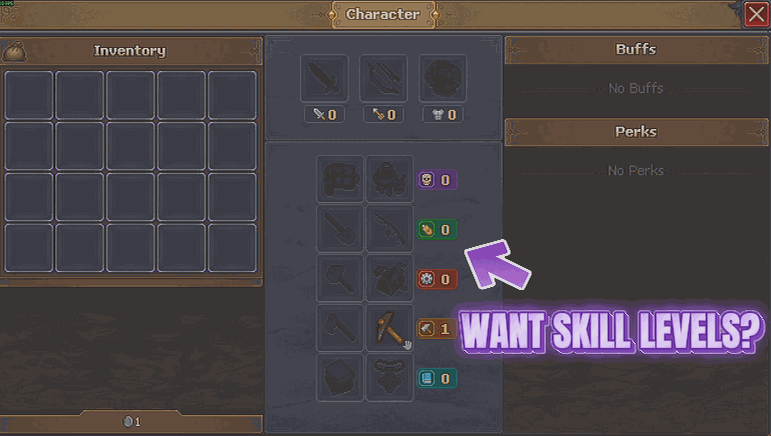
Raises all five of your skill lines to whatever mastery level you pick, so the jobs that need a steady hand stop turning you away.
Thin Air
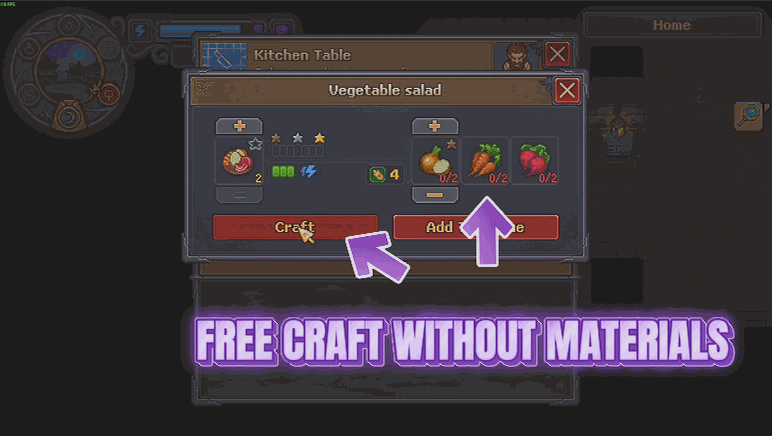
Recipes and buildings stop charging you for materials, and everything still comes out exactly as it always did. Craft and build what you want without the shopping trip first.
Flash of Genius
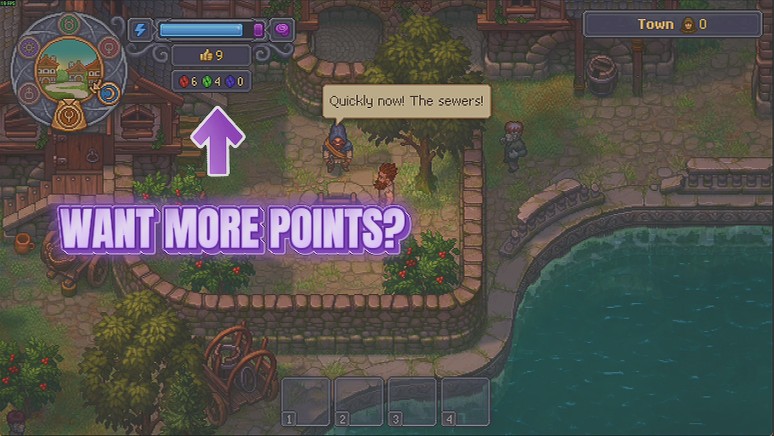
Hand yourself red, green and blue tech points on demand, one colour at a time or all three at once, so you can go straight to the part of the tech tree you actually care about.







