Want more mods for Graveyard Keeper 2 Demo? Explore our entire collection!
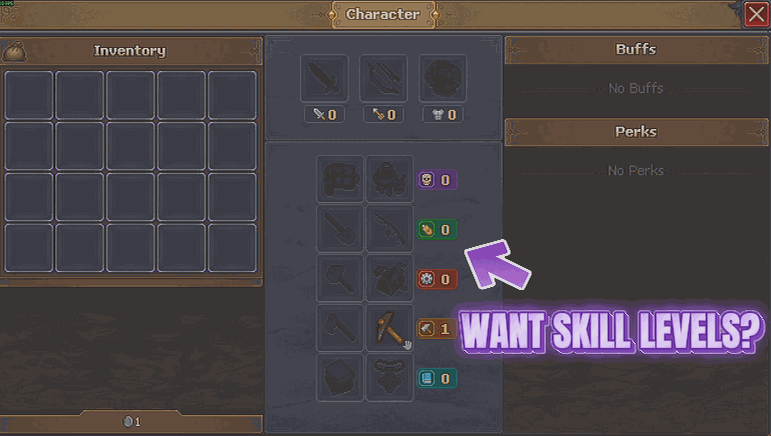
Natural Talent
"Born good at everything. Sorry."
How do I install Natural Talent?
Download the free ProjectMods desktop app, then install Natural Talent for Graveyard Keeper 2 Demo in one click.
</>What does Natural Talent do?
Plenty of the best work in Graveyard Keeper 2 is gated behind how good you are at it. Walk up to a job you are not skilled enough for and the game simply will not let you start. Natural Talent fixes that by raising every one of your five skill lines to a level you choose - pick a number, press the button, and the whole spread comes up to match. It only ever raises. If one line is already further along than the level you picked, it is left exactly where it is, so you never lose progress you earned the slow way. Set it low for a gentle nudge past a single blocked job, or set it high and stop thinking about skill requirements altogether. There is a Reset Branches button too, which drops all five lines back to zero. Handy if you want to see how the early game feels again without starting a whole new save, or if you overshot and want to walk it back. Either way it is your call and it takes one click.
</>What is Natural Talent?
Natural Talent brings every one of your five skill lines in Graveyard Keeper 2 Demo up to a level you pick, so work that is gated behind mastery stops turning you away. It only ever raises, leaving anything already higher untouched, and Reset Branches drops all five back to zero when you want the early game back. From ProjectMods, the community-first PC mod manager for 400+ games.
</>Common questions about Natural Talent
What does Natural Talent do in Graveyard Keeper 2 Demo?
Natural Talent raises all five of your skill lines in Graveyard Keeper 2 Demo to a level you choose. Set a number in Mastery Level, press Boost All Branches, and the whole spread comes up to match. Plenty of the best work in the game is gated behind how good you are at it - walk up to a job you are not skilled enough for and the game simply will not let you start - and this removes that wall in one press. Reset Branches drops all five lines back to zero if you would rather have the climb back.
What level should I set Mastery Level to?
Ten is comfortably past anything the Graveyard Keeper 2 Demo actually asks of you, so it is the safe answer if you never want to think about skill requirements again. Lower numbers are genuinely useful though: set it just above whatever a single blocked job needs and you get past that one wall while the rest of the game keeps its shape. Because the button only ever raises, you can start low, carry on playing, and come back to nudge it higher later without ever having to undo anything or reload the save.
Does it lower a skill line that is already above the level I pick?
No, it only ever raises. If one of your five lines in Graveyard Keeper 2 Demo is already further along than the Mastery Level you set, Natural Talent leaves it exactly where it is, so you never lose progress you earned the slow way. That is what makes it safe to press on a save you care about - the worst case is that nothing changes for a line that was already ahead. The only thing that reduces your skills is Reset Branches, which is a separate button you have to choose deliberately.
What is Reset Branches for?
Reset Branches drops all five skill lines back to zero in Graveyard Keeper 2 Demo. It covers two situations: you overshot with a high Mastery Level and want to walk it back, or you want to feel the early game again without starting a whole new save. Because Boost All Branches works any time, resetting is never permanent - empty the lot, play the opening stretch again, and bring yourself back up whenever you want. It is the reason Natural Talent suits people who want to experiment with pacing rather than only those who want the gates gone.
Why raise skills instead of earning them in a demo run?
Because the demo is a short slice of the game, and earning all five lines the slow way eats most of the time you have in it. Natural Talent lets you see what the higher-tier work in Graveyard Keeper 2 Demo actually looks like rather than reading about it. It also pairs neatly with Enlightenment, which opens the tech tree, and Thin Air, which stops recipes charging materials - between them you can look at the whole shape of the crafting game in one evening and then decide which parts you want to earn properly.
What options does Natural Talent include?
Boost All Branches
Brings all five skill lines up to the level you picked. Anything already higher is left alone.
Mastery Level
How skilled you want to be in every line. Ten is comfortably past anything the demo asks for.
Reset Branches
Drops all five skill lines back to zero for a fresh start.
Natural Talent is a Graveyard Keeper 2 Demo mod from ProjectMods that raises all five of your skill lines to a mastery level you choose, so the jobs that need a steady hand stop refusing to start.
System Requirements
What features does Natural Talent include?
- Raise all five skill lines to a mastery level you pick, with one press.
- Leave earned progress alone, because anything already above your chosen level stays exactly where it is.
- Nudge it low to clear one blocked job, or set it high and stop reading skill requirements.
- Drop all five lines back to zero with Reset Branches when you want the early game back.
Best For
- Players turned away from a job they want to do because one skill line is two levels short.
- Anyone who wants to see the demo's higher-tier work without grinding five separate lines to reach it.
- Demo players curious how the early game feels again after a reset, without starting a whole new save.
- Creators demonstrating skilled work in a video without an hour of practice off camera first.
More Mods for Graveyard Keeper 2 Demo
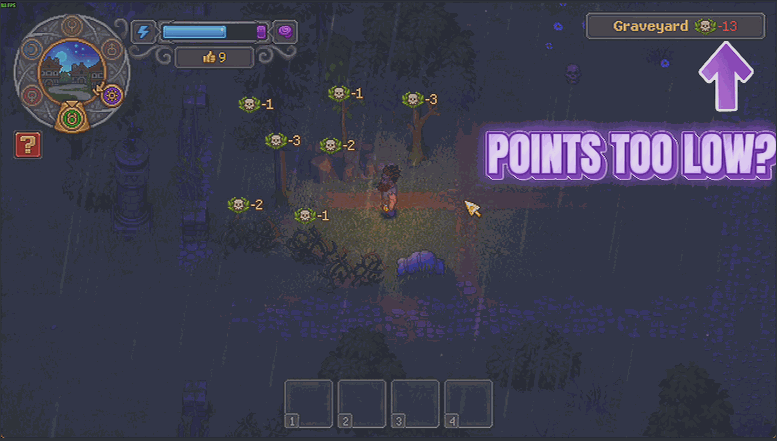
Five Star Cemetery
Set the quality score you want your graveyard to reach and it gets there in one press. There is a button for every other area too, and one to put everything back exactly as you built it.
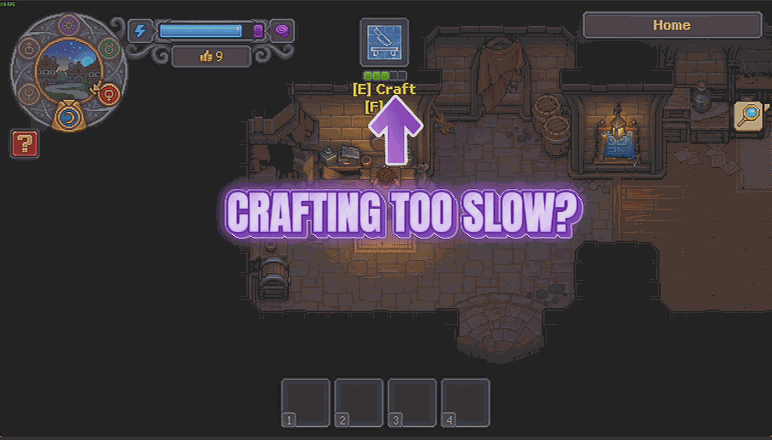
Snap Craft
Crafting and crops finish in a fraction of the time, with a speed dial you set yourself. Same recipes, same results, just without the standing around.
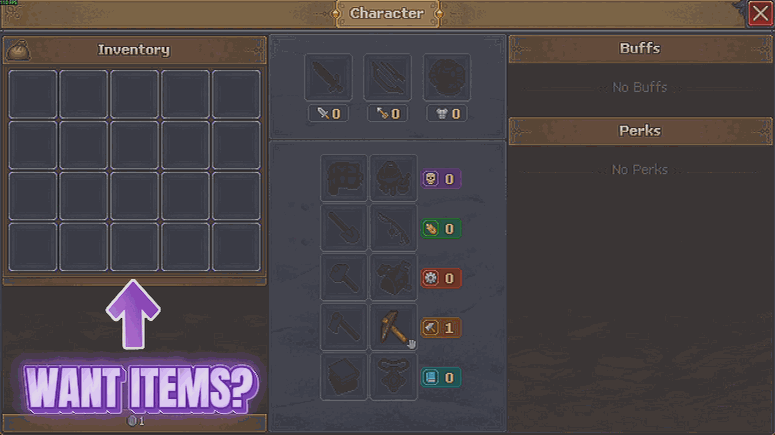
Grave Goods
Pick anything the game has from a searchable list, choose how many, and it goes straight into your bag. Tools, food, materials, bodies, the lot.







