Want more mods for Graveyard Keeper 2 Demo? Explore our entire collection!
Snap Craft
"Stop watching the bar. Start playing the game."
How do I install Snap Craft?
Download the free ProjectMods desktop app, then install Snap Craft for Graveyard Keeper 2 Demo in one click.
</>What does Snap Craft do?
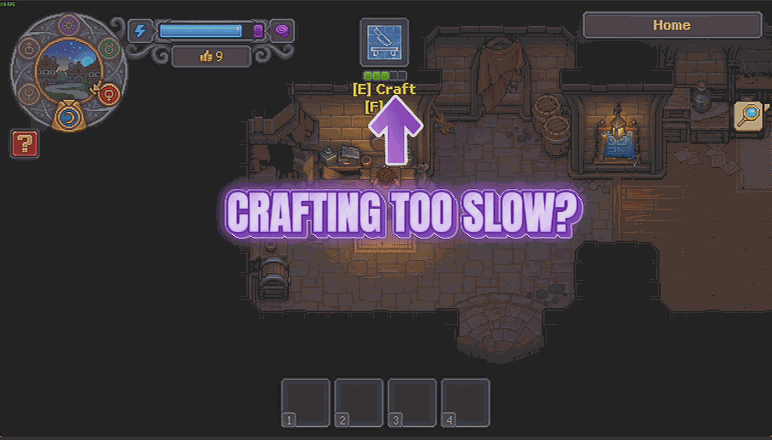
Graveyard Keeper 2 loves to make you wait. Drop something on a workbench and go do the washing up. Plant a row of seeds and come back in a week. Snap Craft keeps every recipe and every harvest exactly as the game wrote it, and simply stops making you wait for it. Two switches, so you decide where the patience goes. Turn on the Instant Crafting switch and workbenches, furnaces, tables and every station in between race to the finish. Turn on the Instant Crop Growth switch and whatever you planted ripens on fast-forward instead of on the calendar. Leave one off and it behaves completely normally, so you can speed up the grind you hate and keep the bit you actually enjoy. The speed dial runs from a gentle 2x nudge all the way to 100x, where a job is done about as fast as you can let go of the button. Quality still counts, harvests still roll the way they always did, and flipping a switch back off returns you to stock timings on the spot. It removes the waiting, not the game.
</>What is Snap Craft?
Snap Craft stops Graveyard Keeper 2 Demo making you wait. Two separate switches cover crafting stations and crop growth, so you can speed up the grind you hate and keep the part you enjoy, with a dial from a gentle nudge to a hundred times. Quality still counts. From ProjectMods, the community-first PC mod manager behind mods for Timberborn, Two Point Campus and 400+ more games.
</>Common questions about Snap Craft
What does Snap Craft do in Graveyard Keeper 2 Demo?
Snap Craft makes crafting and crops finish far faster in Graveyard Keeper 2 Demo without changing what they produce. Turn on Instant Crafting and workbenches, furnaces, tables and every other station race to the finish instead of making you drop something off and go do the washing up. Turn on Instant Crop Growth and whatever you planted ripens on fast-forward rather than on the calendar. A Speed dial controls how dramatic the effect is. Every recipe and every harvest stays exactly as the game wrote it - it removes the waiting, not the game.
What is the difference between the two switches?
They cover different halves of the waiting. Instant Crafting speeds up the stations in Graveyard Keeper 2 Demo - workbenches, furnaces, tables and everything in between - while Instant Crop Growth handles the garden, so planted rows ripen on fast-forward instead of taking in-game days. They are deliberately separate because people hate different parts of the wait. Leave one off and that half behaves completely normally, which means you can blitz through crafting queues while still growing crops at the pace the game intended, or the exact reverse if your patience runs the other way.
Does speeding things up change quality or what a harvest gives me?
No. Snap Craft keeps every recipe and every harvest in Graveyard Keeper 2 Demo exactly as written - quality still counts, harvests still roll the way they always did, and the outputs are identical to what you would get waiting the full time. The only thing that changes is how long you stand there. That is the whole point: take out the dead time and leave the crafting and farming exactly as they are, so a fast-forwarded run gives you what a patient one would, and anything you make from those materials later turns out the same too.
How high should I set the Speed dial?
Around ten keeps a brisk but readable pace, and it is a good place to start. The dial runs from a gentle two times nudge all the way up to a hundred, where a job in Graveyard Keeper 2 Demo is done about as fast as you can let go of the button and you will genuinely miss it if you blink. Lower settings are worth trying if you still want to see progress happening rather than just having things appear finished. You can move the dial mid-session, and flipping either switch back off returns to stock timings on the spot.
Why use Snap Craft rather than just playing the demo slowly?
Because Graveyard Keeper 2 Demo is a limited slice of a much bigger game and its crafting chains run deep, so a single evening can disappear into waiting rather than doing. Snap Craft compresses the waiting and leaves the decisions intact, which is what you want when you are trying to see how far the crafting actually goes before the full game arrives. It sits well with Graveyard Shift for endless energy and Heirloom Tools for gear that never gives up - together those three turn a chore list into one continuous build session.
What options does Snap Craft include?
Instant Crop Growth
Everything you have planted ripens on fast-forward instead of on the calendar. Turn it off and your garden goes back to taking its time.
Speed
How much quicker things finish. Around 10 keeps a brisk, readable pace. Push it to 100 and you will miss it if you blink.
Instant Crafting
Workbenches, furnaces, tables and every other station race to the finish instead of making you wait. Turn it off for normal timings.
Snap Craft is a free ProjectMods mod for Graveyard Keeper 2 Demo that speeds up crafting stations and crop growth on a dial you control, keeping every recipe and harvest exactly as the game wrote it.
System Requirements
What features does Snap Craft include?
- Finish crafts in a fraction of the time at workbenches, furnaces, tables and every other station.
- Ripen everything you have planted on fast-forward instead of waiting on the in-game calendar.
- Dial the speed from a gentle 2x nudge up to 100x, where you will miss it if you blink.
- Speed up only the half you are tired of, since the two switches work independently.
- Keep every recipe and harvest exactly as written, so the waiting goes but the results do not.
Best For
- Players who enjoy planning a workshop but not standing next to it while the bar fills.
- Gardeners who planted a row of seeds and would rather not spend a week of in-game days elsewhere.
- Anyone with a demo session measured in hours who wants to reach the interesting crafts inside it.
- Creators filming a crafting walkthrough who need the results on camera, not the timers.
More Mods for Graveyard Keeper 2 Demo
/GraveyardKeeper2DemoGraveyardShift1.png)
Graveyard Shift (Endless Energy)
Your energy never runs dry, so chopping, mining, smithing and every other bit of graft can keep going as long as you want. No more trudging off to find food halfway through a job.
Enlightenment
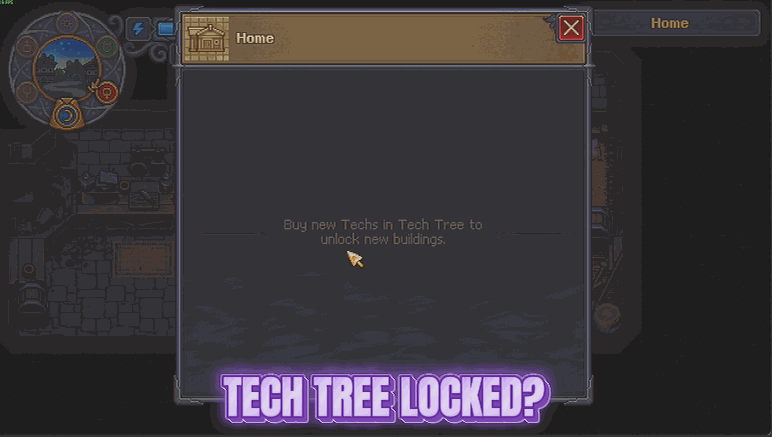
Opens the entire tech tree and fills your alchemy folio in one click, so every craft, building and brew the demo has to offer is ready the moment you want it.
Coffin Coffers
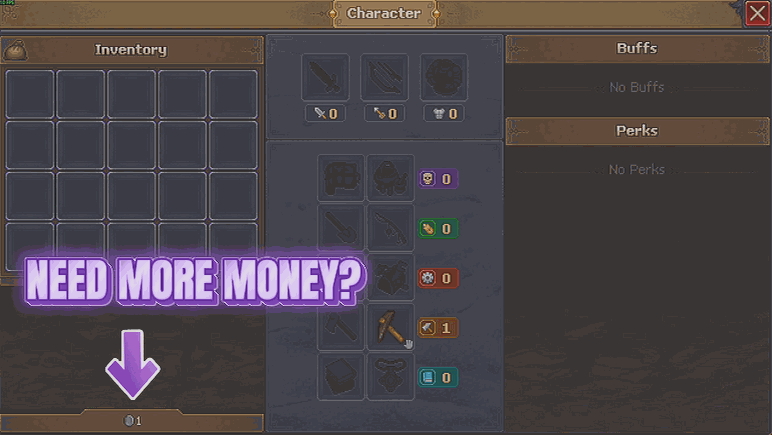
Drop as much money into your purse as you like, whenever you like. There is also a switch that lifts the limit on how much you can hold, so the really big piles actually stay put.







