Want more mods for Graveyard Keeper 2 Demo? Explore our entire collection!
Enlightenment
"Skip the studying. Keep the knowledge."
How do I install Enlightenment?
Download the free ProjectMods desktop app, then install Enlightenment for Graveyard Keeper 2 Demo in one click.
</>What does Enlightenment do?
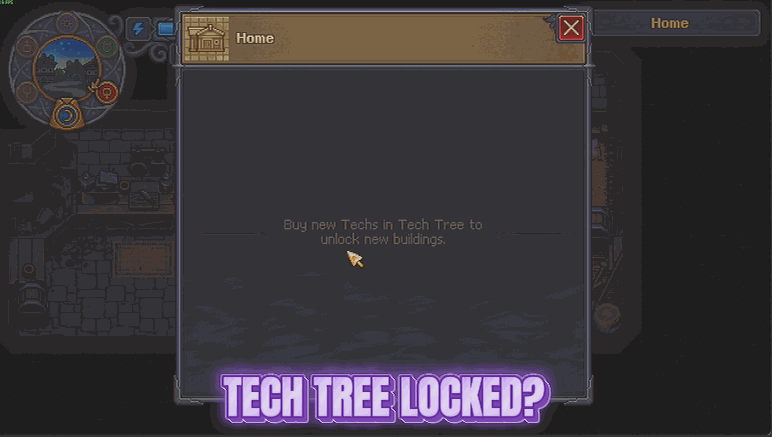
Graveyard Keeper 2 Demo hands you a beautiful sprawl of a tech tree and then makes you earn it one tech point at a time. Enlightenment skips straight to the good part. One click opens every branch the demo has, along with everything those branches teach you: the crafts, your own buildings, the town buildings, the perks. No hunting for tech points, no staring at a locked node wondering how far away it is. The alchemy folio gets the same treatment. Every formula the demo has is written down and waiting, so you can walk up to the bench and actually experiment instead of brute-forcing combinations to find out what a recipe does. If you only want one half of that, there are separate buttons for the tree and the folio - or one button that does the lot. It is built for the way people actually play a demo: you have a limited slice of the game and you want to see all of it before you decide. Enlightenment gets you to the interesting decisions on your first evening instead of your fifth. Everything it gives you sticks with your save, and it only ever opens up what the demo itself actually contains.
</>What is Enlightenment?
Enlightenment opens the entire tech tree in Graveyard Keeper 2 Demo in one press - crafts, your own buildings, town buildings and perks included - and fills your alchemy folio with every formula the demo has. Separate buttons let you take just the tree or just the folio, or do both at once. Built by ProjectMods, the community-first PC mod manager for 400+ games.
</>Common questions about Enlightenment
What does Enlightenment do in Graveyard Keeper 2 Demo?
Enlightenment opens everything there is to learn in Graveyard Keeper 2 Demo. One press of Open Every Tech Branch unlocks the whole tech tree along with what those branches teach you - the crafts, your own buildings, the town buildings and the perks - so there is no hunting for tech points and no staring at a locked node wondering how far off it is. Fill the Alchemy Folio does the same for alchemy, writing every formula the demo contains into your folio. Enlighten Me runs both in a single press for people who just want the lot.
What is the difference between the three buttons?
They split the job so you can take as much or as little as you want. Open Every Tech Branch handles the tech tree in Graveyard Keeper 2 Demo and everything it teaches: crafts, your own buildings, town buildings and perks. Fill the Alchemy Folio is separate and only touches alchemy, writing every formula the demo has into your folio so nothing at the bench is guesswork. Enlighten Me is the shortcut that runs both at once. Most people press Enlighten Me, but the separate buttons matter if you want the crafting tree open while still discovering alchemy the slow way.
Does Enlightenment unlock content that is not in the demo?
No. Enlightenment only ever opens up what Graveyard Keeper 2 Demo actually contains. The demo is a slice of the full game, so the tech tree and the alchemy folio it hands you are the demo's tree and the demo's formulas - it cannot conjure branches, recipes or buildings the demo does not have, and it does not try. What you get is everything the demo has, immediately, rather than everything the finished game will have. Everything it does open stays with your save rather than needing to be pressed again each session.
Can I open the tech tree without filling the alchemy folio?
Yes, and that is exactly why the buttons are separate. Press Open Every Tech Branch on its own and your tech tree in Graveyard Keeper 2 Demo opens up while alchemy stays exactly as you left it, so the bench is still something to experiment with. Press Fill the Alchemy Folio on its own and the reverse is true. Enlighten Me is there for when you want both without pressing twice. The split matters because the two halves of the game appeal to different people, and Enlightenment does not force you to skip the part you were enjoying.
Why would I use Enlightenment on a demo save?
Because a demo is a limited slice and most people want to see all of it before deciding on the full game. Graveyard Keeper 2 Demo hands you a sprawling tech tree and then makes you earn it one tech point at a time, which is fine across a long campaign and frustrating across an evening. Enlightenment gets you to the interesting decisions on your first night instead of your fifth, so you can look at what the crafts, the perks and the town buildings actually do. It pairs well with Flash of Genius if you would rather work the tree with a topped-up supply of points.
What options does Enlightenment include?
Fill the Alchemy Folio
Writes every alchemy formula into your folio so nothing at the bench is a mystery.
Open Every Tech Branch
Opens the whole tech tree and hands you everything it teaches - crafts, buildings, town buildings and perks included.
Enlighten Me
Does both at once. One press and there is nothing left to discover.
Enlightenment is a ProjectMods mod for Graveyard Keeper 2 Demo that opens every branch of the tech tree and writes every alchemy formula into your folio, so nothing in the demo is left waiting behind a locked node.
System Requirements
What features does Enlightenment include?
- Open every branch of the tech tree in one press, including crafts, your own buildings, town buildings and perks.
- Fill your alchemy folio with every formula the demo has, so the bench stops being a guessing game.
- Choose the tree, the folio, or both at once with separate buttons for each job.
- Keep everything it opens on your save, limited to what the demo itself actually contains.
Best For
- Demo players with one evening who want to see the whole spread before deciding on the full release.
- Crafters who would rather experiment at the alchemy bench than brute-force combinations to learn what a recipe does.
- Builders who know exactly which building they want and do not fancy hunting tech points to reach it.
- Content creators making a demo overview who need every craft and town building on screen in one session.
More Mods for Graveyard Keeper 2 Demo
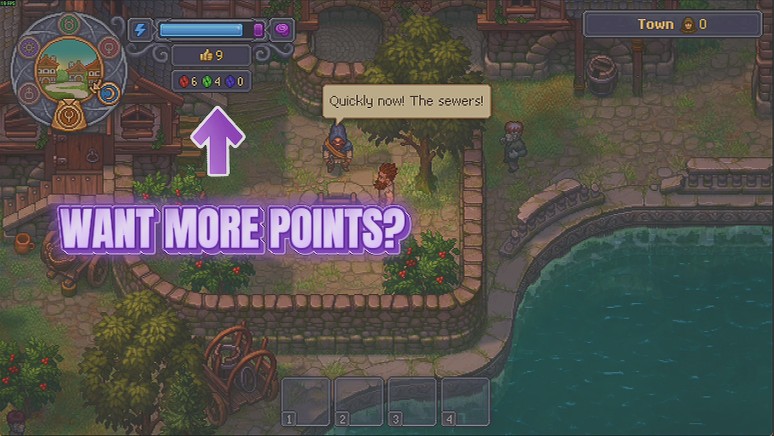
Flash of Genius
Hand yourself red, green and blue tech points on demand, one colour at a time or all three at once, so you can go straight to the part of the tech tree you actually care about.
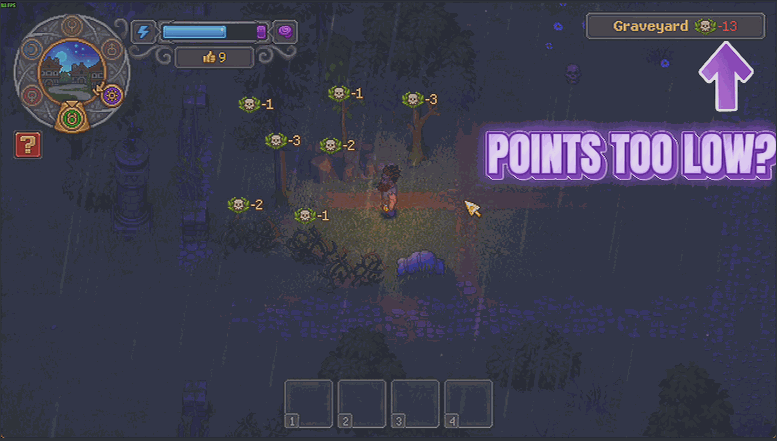
Five Star Cemetery
Set the quality score you want your graveyard to reach and it gets there in one press. There is a button for every other area too, and one to put everything back exactly as you built it.
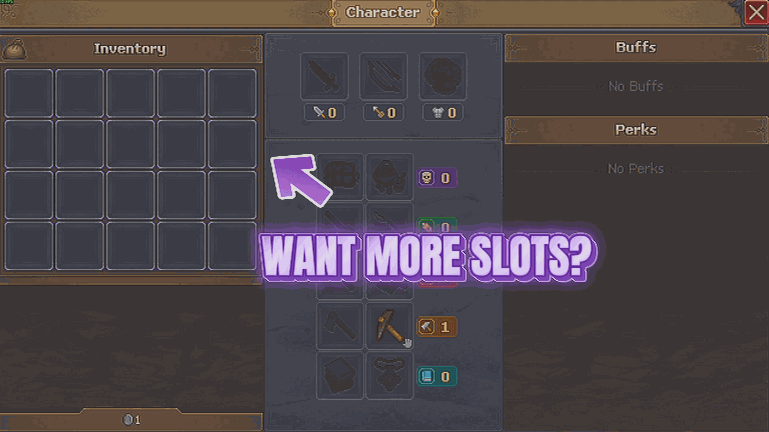
Hoarder's Habit
Gives your bag and your tool belt a lot more room, so a good gathering run does not end with you standing in a field deciding which logs to abandon. Pick how many slots you want on each.







