Want more mods for Graveyard Keeper 2? Explore our entire collection!
Snap Craft
"Waiting is for people with time."
How do I install Snap Craft?
Download the free ProjectMods desktop app, then install Snap Craft for Graveyard Keeper 2 in one click.
</>What does Snap Craft do?
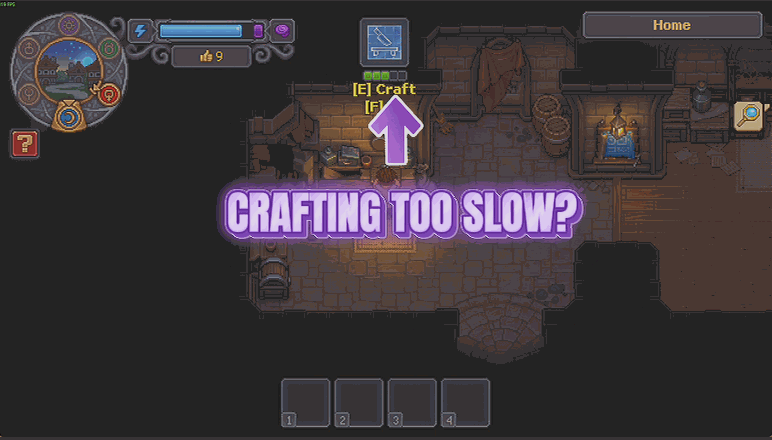
Graveyard Keeper 2 is largely a game about queues. Something is in the furnace, something else is on the bench, and the garden is still thinking about it. Snap Craft takes the waiting out of all three. Instant Crafting sends workbenches, furnaces, tables and every other station racing to the finish instead of making you stand there watching. Instant Crop Growth puts everything you have planted on fast-forward rather than on the calendar. The Speed slider sets the pace: around 10 keeps things brisk and readable, and at 100 you will miss it if you blink. The two switches are separate, so you can hurry the workshop along and leave the garden to take its time, or the other way round. Timing is the only thing it touches. A bed still hands you exactly what that bed was always going to hand you, a recipe still turns out what the recipe says, and the quality that comes off a station is untouched. It simply arrives sooner. It will not empty a finished station for you either, so the goods are ready faster but collecting them is still your walk. Nothing goes into your save, so flicking a switch back off puts the very next craft on its normal timing. Good for a build you have already planned and simply want standing, for finding out whether a production line works before committing a week to it, and for anyone whose evening keeps ending with three things half-finished.
</>What is Snap Craft?
Graveyard Keeper 2 asks you to wait on a lot of things: benches, furnaces, tables, and a garden that takes its own sweet time. Snap Craft has two switches, one for crafting and one for crop growth, and a shared speed slider that runs from a brisk readable pace around 10 up to 100 where you will miss it if you blink. Timing is all it changes, so what a bed or a recipe hands you at the end stays exactly the same. Free-tier mod from ProjectMods.
</>Common questions about Snap Craft
What does Snap Craft do in Graveyard Keeper 2?
Snap Craft removes the waiting from production in Graveyard Keeper 2. Instant Crafting makes workbenches, furnaces, tables and every other station race to the finish instead of making you stand around, and Instant Crop Growth does the same for everything you have planted, ripening it on fast-forward instead of making you come back days later. A shared Speed slider decides how fast that actually is. The two switches are independent, so you can hurry the workshop while leaving the garden on its normal schedule, or the other way round, depending on which wait is bothering you.
What does the Speed slider do?
It decides how much quicker things finish in Graveyard Keeper 2, and it applies to whichever of Snap Craft's two switches you have turned on. Around 10 keeps a brisk, readable pace where you can still see things happening and follow what is being produced. Push it to 100 and you will miss it if you blink. Having it on a slider rather than a simple on and off matters, because a workshop where everything completes instantly is harder to follow than one running ten times faster, and some people want the speed without losing the sense of a production line working.
Does Snap Craft make my harvests bigger?
No. Snap Craft is purely about time. Instant Crop Growth ripens what you have planted on fast-forward instead of making you come back days later, so a Graveyard Keeper 2 garden stops being something you visit next week and starts being something you can actually work with in one session. What the bed hands you when you pick it is untouched, and so is the quality of anything that comes off a station. If you want the pick itself to be worth the walk, Green Thumb is the premium mod in the ProjectMods catalogue that makes fewer of the squares you work come up empty and scales the size of the harvest. The two cover opposite halves: Snap Craft shortens the wait, Green Thumb improves what is at the end of it.
Which workstations does Instant Crafting cover?
All of them. Instant Crafting applies across workbenches, furnaces, tables and every other station in Graveyard Keeper 2 rather than singling out a category, which matters because the production chains in this game run through several different station types before anything finishes. Speeding up one and not the others would just move the bottleneck. Picking the recipe and feeding the station is still entirely down to you, and so is collecting the finished goods afterwards. Snap Craft only changes how long the station takes to get through the job, and turning the switch off restores the usual timings immediately.
Why would I use Snap Craft?
Because the crafting chains in Graveyard Keeper 2 are long, and a lot of a session is spent waiting on something you already know the outcome of. Snap Craft compresses that so you can spend the time on the graveyard, the church or the story instead. It works particularly well alongside Set and Forget, the premium mod in the ProjectMods catalogue that has stations finish their own batches and file the output away: one removes the waiting, the other removes the walking back. Leave the slider low if you still want to watch the line work.
What options does Snap Craft include?
Instant Crop Growth
Everything you have planted ripens on fast-forward instead of on the calendar. Turn it off and your garden goes back to taking its time.
Speed
How much quicker things finish. Around 10 keeps a brisk, readable pace. Push it to 100 and you will miss it if you blink.
Instant Crafting
Workbenches, furnaces, tables and every other station race to the finish instead of making you wait. Turn it off for normal timings.
Snap Craft is a free-tier Graveyard Keeper 2 mod from ProjectMods that races workstations and planted crops to the finish, on a speed slider you control.
System Requirements
What features does Snap Craft include?
- Workbenches, furnaces and tables race to the finish instead of making you stand and wait
- Everything you have planted ripens on fast-forward instead of making you come back days later
- One slider takes you from brisk and readable to far too fast to follow, whichever suits
- The two switches work on their own, so you can hurry the workshop and leave the garden alone
- Timing is all it touches, so turn a switch off and those crafts or crops are straight back to normal
Best For
- A build you have already planned out and simply want standing before you log off
- Testing whether a production line actually works before committing a week of materials to it
- Evenings that keep ending with three things half-finished and nothing to show for it
- Pairs with Green Thumb if you want the harvest bigger as well as faster
More Mods for Graveyard Keeper 2
Dead Man Walking
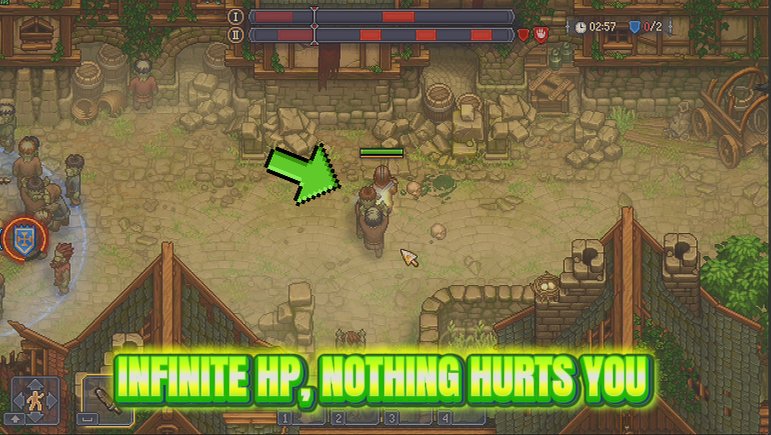
Your health stops going down. A fight that goes wrong, a corner of the map you are not ready for - none of it takes you down, and one switch puts everything straight back to normal.
Green Thumb
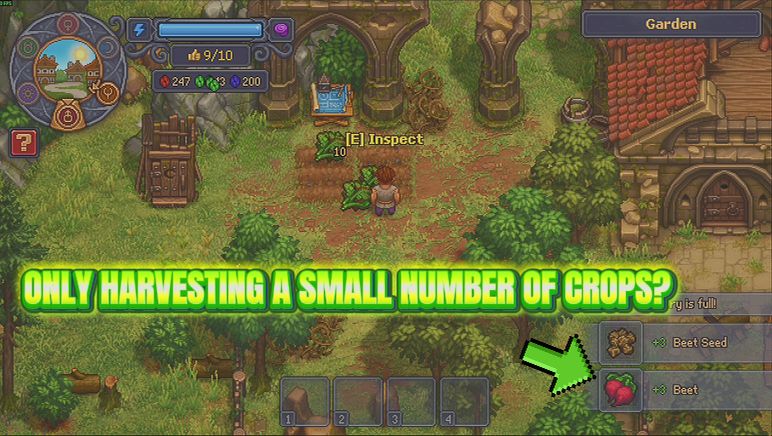
Fewer squares come up empty while you work a bed, more of your crop lands at silver and gold, and a slider decides how big the pile is when you pick it.
/GraveyardKeeper2GraveyardShift1.png)
Graveyard Shift (Endless Energy)
Keeps your Energy full so the work never stops for a nap or a sandwich. One switch off and it drains exactly as it did before.

















































































































































































