Want more mods for Military Base Tidy Up? Explore our entire collection!
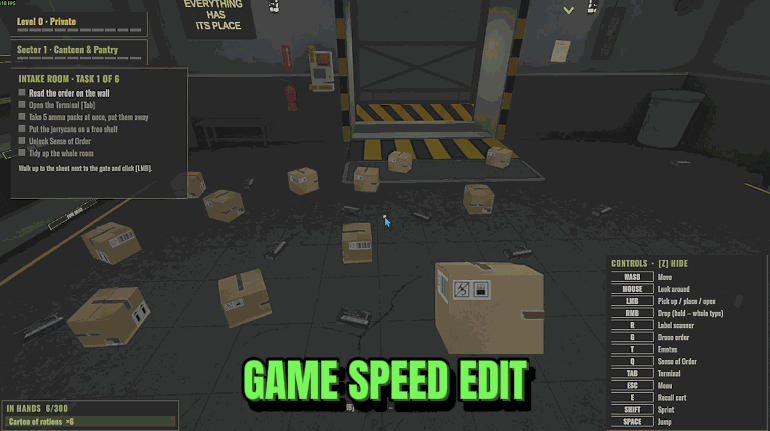
Game Speed
"Slow it to a quarter. Or run it at 4x."
How do I install Game Speed?
Download the free ProjectMods desktop app, then install Game Speed for Military Base Tidy Up in one click.
</>What does Game Speed do?
Some stretches of a tidy are long walks and long waits for drones, and some moments need a slower hand. Game Speed hands you one dial for the whole game. Switch on Change Game Speed, then set Game Speed Percent from 25 to 400 in steps of 5 (default 200). 100 is normal, 200 is twice as fast, 50 is half speed. Everything moves together: you, your drones and the loose items. The pause menu, the main menu and loading screens always run at normal speed, and your chosen speed comes back when you resume. In solo play the shop, terminal and upgrade menus still freeze time while they're open. Switching Change Game Speed off puts normal speed back at once.
</>What is Game Speed?
Game Speed changes how fast Military Base Tidy Up runs. Turn on Change Game Speed and pick Game Speed Percent between 25 and 400 (default 200). It works for the host or a solo game, and the drones and loose items change speed for everyone in it. The pause menu, main menu and loading screens stay at normal speed, and it does nothing when you're a guest.
</>Common questions about Game Speed
What does Game Speed do in Military Base Tidy Up?
It speeds up or slows down the whole game while you're in a level as host or solo, anywhere from a quarter of normal speed to four times as fast. You set the pace with Game Speed Percent once Change Game Speed is on.
What do guests notice when the host speeds the game up?
Your drones and every loose item speed up for everyone, but guests keep walking at their normal speed while the host's own walking speeds up. Deliveries of store orders run on each player's own game, so they arrive faster on the host's screen while guests see the delivery drone at its normal pace. Guests don't need the mod for any of this. A guest who switches Change Game Speed on in someone else's game changes nothing, and a message in the launcher says so; the speed is always the host's to set.
Why does the game drop to normal speed when I pause?
Pausing always drops the game back to normal speed, and so does sitting on the main menu or a loading screen. Resume and your Game Speed Percent comes straight back. In solo play the shop, terminal and upgrade menus also freeze time while open, as they do without the mod.
Is the speed saved with my game?
No. Game speed isn't stored in your save, so a save made at 400% loads like any other. Each session runs at whatever Change Game Speed and Game Speed Percent are set to in the launcher at that moment, and switching it off returns normal speed at once.
What options does Game Speed include?
Change Game Speed
Runs the game at Game Speed Percent when you host or play solo: you, the drones and package deliveries all move faster or slower. Normal speed comes back in the pause menu, on the main menu and when you switch it off. A guest's game stays at normal speed.
Game Speed Percent
How fast the game runs while Change Game Speed is on: 100 is normal, 50 is half speed, 400 is four times as fast. From 25 to 400, default 200.
Game Speed is a ProjectMods mod for Military Base Tidy Up that runs the game anywhere from 25% to 400% of normal speed for the host or a solo player; guests keep walking at normal pace and see deliveries arrive at normal speed.
System Requirements
What features does Game Speed include?
- One percent slider covers quarter speed through four times speed, in steps of 5.
- You, your drones and the loose items all change pace together, so nothing falls out of step.
- Store orders arrive sooner on the host's screen at higher speeds.
- Pausing drops back to normal speed, and resuming picks your chosen speed up again.
- As a guest it does nothing, and the launcher tells you so if you switch it on.
Best For
- Your drones are working through a cluttered sector, so set Game Speed Percent to 300 and they clear it three times as fast.
- A tricky stretch needs a steadier hand, so drop Game Speed Percent to 50 and the loose items tumble at half pace while you work.
- You're waiting on a package as host, so raise Game Speed Percent to 400 and the Delivery lands sooner on your screen.
- You host friends who'd rather keep their own walking pace, so set Game Speed Percent to 150: your drones and every loose item speed up for the whole group while each guest still walks at normal speed.
More Mods for Military Base Tidy Up
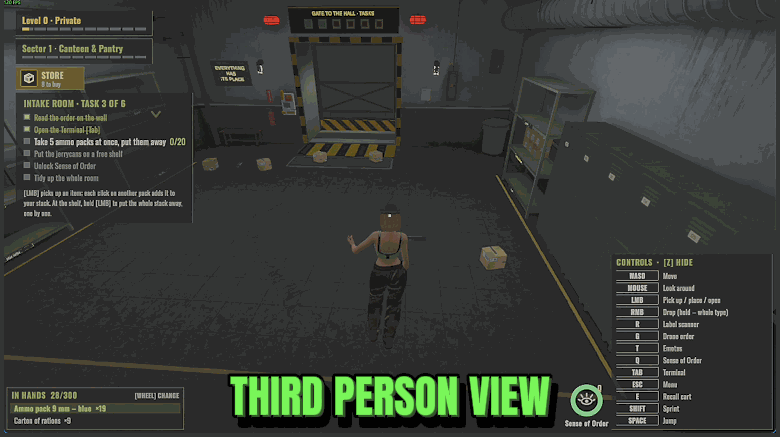
Third Person Camera
Swap the first-person view for a camera 2 to 8 m behind your survivor, with walls pulling it in. You still aim and pick up from your own eyes, and it only changes what you see.

More Players
Raises the player limit of games you host from 4 to as many as 8, you included. Only the host needs it; friends join with your game code as usual.
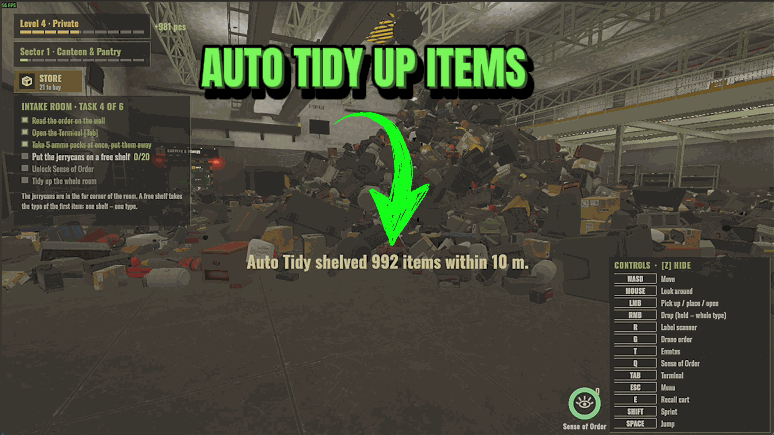
Auto Tidy
Four buttons that shelve items for you, from what you hold up to the whole unlocked base, on racks the game allows, with the same XP and supply vouchers as by hand. Host or solo play only.







