Want more mods for Military Base Tidy Up? Explore our entire collection!
Give Vouchers
"Restock your wallet. Or empty it."
How do I install Give Vouchers?
Download the free ProjectMods desktop app, then install Give Vouchers for Military Base Tidy Up in one click.
</>What does Give Vouchers do?
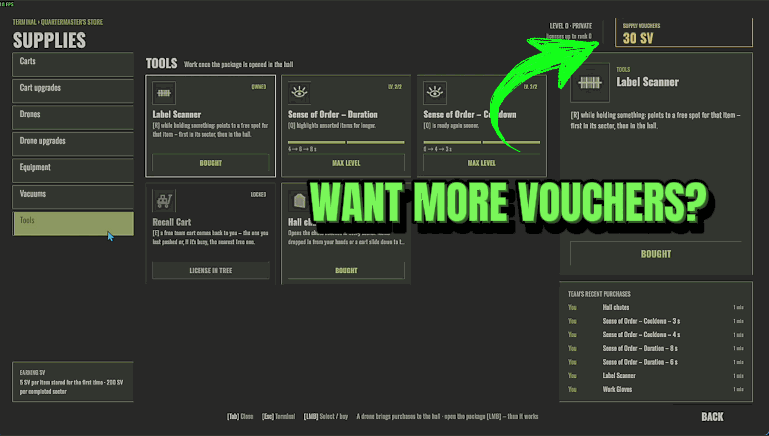
Supply Vouchers trickle in: 5 SV for each item you store for the first time and 200 SV per finished sector, while the Quartermaster's Store and the Skill Tree keep asking for more. Give Vouchers hands you the balance you want. Set Money Amount anywhere from 0 to 10,000,000 SV (default 10,000, in steps of 1,000) and press Give Money. The HUD, the store and the Skill Tree show the new total at once, with a +SV message in the game. Reset Money takes your balance to exactly 0 SV for an earn-it-yourself start. Free Shopping is a switch, off by default. While it is on, every item in the Quartermaster's Store costs 0 SV, though Skill Tree prices stay as they are. Switch it off, or turn the mod off, and every store price comes back at once. Vouchers you gave or cleared stay in the save like earned ones. Give Money and Reset Money work for the host or a solo player; Free Shopping works solo, or for the host while nobody else has joined.
</>What is Give Vouchers?
Give Vouchers changes your Supply Vouchers balance in Military Base Tidy Up. Set Money Amount and press Give Money to add that many SV, press Reset Money to drop to 0, or switch on Free Shopping so store items cost 0 SV. It never discounts skills, never gives SV to other players, and only the host can change the balance in co-op. Given SV also count against the Quartermaster achievement.
</>Common questions about Give Vouchers
What does Give Vouchers do in Military Base Tidy Up?
It changes your Supply Vouchers balance and the store's prices. Give Money adds the Money Amount you set, Reset Money clears the balance, and Free Shopping makes Quartermaster's Store items cost nothing while it is on. All three need a loaded level, and the balance you leave is saved with the game.
Does Give Money affect the Quartermaster achievement?
Yes, it pushes it further away. Quartermaster unlocks once you have spent 50,000 SV in the shop, and every SV that Give Money adds is taken off the spending the game has counted so far. Until the achievement is earned, you need to spend that many more SV in the store first. Reset Money works the other way round: the SV it clears count as spent, so clearing a large balance can unlock Quartermaster on the spot.
Why can't my friends see the vouchers I added?
Other players see the new balance only after they rejoin. Give Money and Reset Money change the balance on the host's game, and a guest who presses either button gets a reply that only the host can. The mod can't send vouchers to another player directly.
Why did Free Shopping stop when someone joined my game?
Free Shopping pauses itself while other players are in the game, and the store shows its normal prices again. It runs in a solo game, or for the host while nobody else has joined. Anything you bought for 0 SV before that stays bought.
Is there an undo if I press Reset Money by mistake?
No, neither button has an undo, and the new balance is saved with the game, so it stays after a reload, a rejoin or turning the mod off. To get your vouchers back, set Money Amount close to what you had and press Give Money. Give Money stops at 2,047,483,647 SV in total, so a balance can never tip over the top.
What options does Give Vouchers include?
Reset Money
Sets your Supply Vouchers to exactly 0 SV. Works for the host or a solo player.
Money Amount
How many Supply Vouchers (SV) Give Money adds each time you press it, from 0 to 10,000,000. Default 10,000.
Give Money
Adds Money Amount SV to your Supply Vouchers, up to 2,047,483,647 SV in all. The store, the skill tree and the HUD show the new balance straight away. Vouchers given are taken off the store spending the game keeps track of, so if you haven't earned the Quartermaster achievement yet, you need to spend that much more in the store before it unlocks. Works for the host or a solo player.
Free Shopping
While on, everything in the Quartermaster's Store costs 0 SV. Skills in the skill tree keep their prices. Turn it off and prices go back to normal. Works in a solo game, or for the host before anyone else joins. Default off.
Give Vouchers is a ProjectMods mod for Military Base Tidy Up that adds Supply Vouchers, clears them to 0 SV or makes store items cost 0 SV; host or solo, Skill Tree prices unchanged, and given SV push Quartermaster further off.
System Requirements
What features does Give Vouchers include?
- Money Amount sets each Give Money press from 0 to 10,000,000 SV in steps of 1,000, starting at 10,000.
- Give Money keeps adding until the balance reaches 2,047,483,647 SV, and the HUD, the store and the Skill Tree update straight away.
- Reset Money puts the balance at exactly 0 SV.
- Free Shopping drops every Quartermaster's Store price to 0 SV while it is on and puts each price back the moment it goes off.
Best For
- You want to kit out the base from the store on day one, so set Money Amount to 100,000, press Give Money once and shop as usual.
- You are restarting a save as a no-spending challenge, so press Reset Money and earn every SV back by tidying.
- You want to try store gear before committing vouchers to it, so switch on Free Shopping in a solo game, buy what you want to test, then switch it off.
- Free Shopping doesn't touch Skill Tree prices, so when a skill is out of reach, raise Money Amount to cover the gap and press Give Money.
More Mods for Military Base Tidy Up
Game Speed
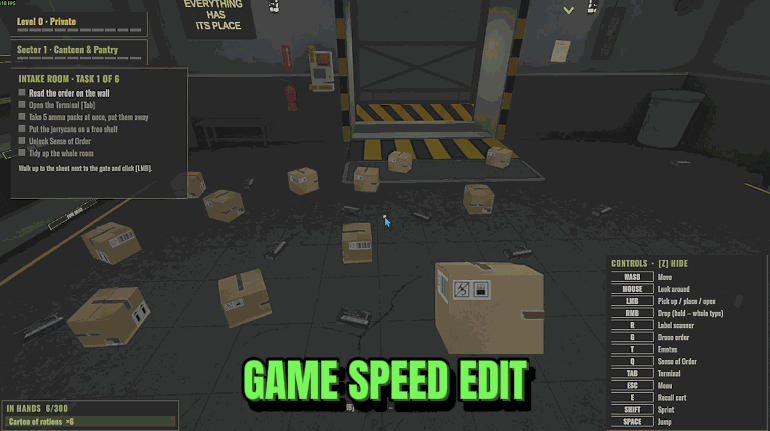
Runs the whole game from 25% to 400% of normal speed when you host or play solo, so you, your drones and loose items all speed up or slow down together.
Third Person Camera
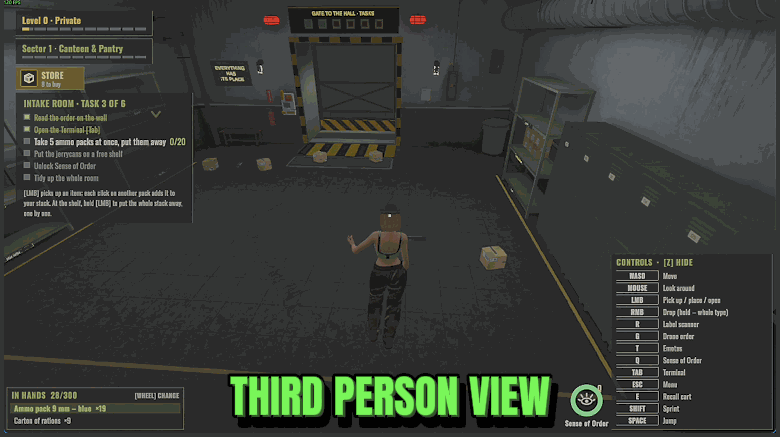
Swap the first-person view for a camera 2 to 8 m behind your survivor, with walls pulling it in. You still aim and pick up from your own eyes, and it only changes what you see.
Teleport
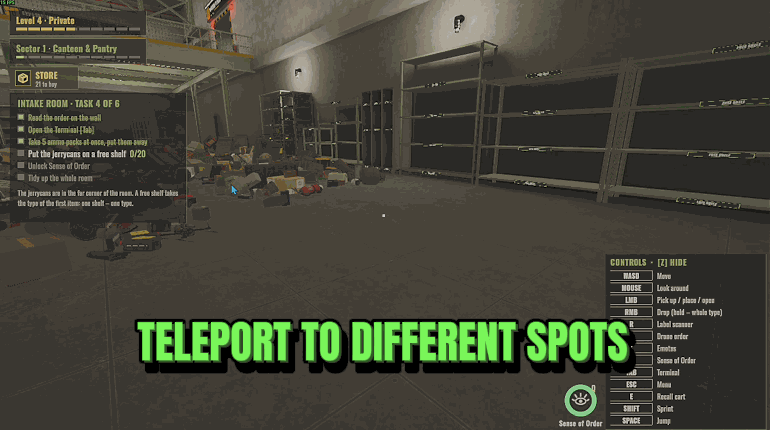
Save one spot per map and return to it, or jump straight to the delivery pad or the Main Hall chute outlet, each with a launcher button. Moves only you, plus the items in your hands.







