Want more mods for Otherworld Legends? Explore our entire collection!
Hall of Legends
"Every statue standing, every chest open."
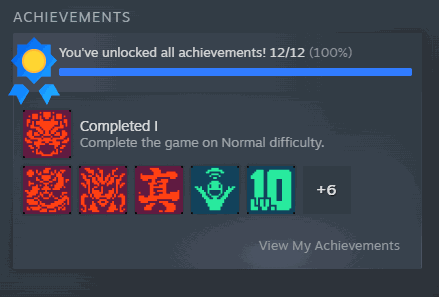
How do I install Hall of Legends?
Download the free ProjectMods desktop app, then install Hall of Legends for Otherworld Legends in one click.
</>What does Hall of Legends do?
Otherworld Legends keeps two achievement lists, and they don't have to agree with each other. There's your Steam profile, and there's the achievement hall back in the hub - the one that actually matters in-game, because that's what opens the statues and the reward chests sitting behind them. Hall of Legends marks the lot complete in both places from a single press. That second half is the part people miss. A Steam profile full of green ticks doesn't put one chest in your hub. Doing both means the rewards land where you can walk over and collect them, and the two screens stop contradicting each other. When it's done it reads the finished count back and shows you the real number, so you can see it landed instead of taking our word for it. No run needed - press it from the main menu and get on with your day. It's safe to run again later, so when a content update drops a fresh batch of achievements you press once more and you're current. And what it marks stays marked: most mods only change things while the game is running, but achievements are part of your permanent collection, so the hall and your profile stay filled in after you close the game. Hall of Legends is on the free tier, so it's available as soon as you install it.
</>What is Hall of Legends?
Otherworld Legends hides plenty of achievements behind runs nobody repeats on purpose. Hall of Legends clears the whole board in one press from the main menu, filling in the in-game hall — statues and reward chests included — and your Steam profile together, then reports the real completed count. On the ProjectMods free tier.
</>Common questions about Hall of Legends
What does Hall of Legends do in Otherworld Legends?
Hall of Legends marks every Otherworld Legends achievement as earned in two places at once: the in-game achievement hall in the hub, which is what opens the statues and the reward chests behind them, and your Steam profile. Press Unlock All Achievements from the main menu and both are filled in together — no run required. The two are separate records that do not update each other, so filling in only one leaves the hall and your profile disagreeing for the rest of the save. Afterwards it reads your completed count back and reports that real number rather than a cheerful guess.
Does Hall of Legends fill in my Steam profile as well as the in-game hall?
Both, together, in the same press. The in-game Otherworld Legends hall is what the game itself checks when it hands out rewards, and your Steam profile is what shows on your public page. They are two separate records that do not talk to each other, which is why Hall of Legends marks both: your badge count on Steam matches the hall in the hub, and the hall matches what Steam shows. If either side refuses an achievement, the count reported back afterwards will be lower than the total, which is your signal that something did not take.
Do the statues and reward chests in the hub actually open?
Yes — that is the main reason to fill in the in-game hall rather than just the Steam side. Otherworld Legends puts statues and reward chests behind achievement completion in the hub, and those go by the game's own record, not your Steam page. Hall of Legends marks that record, so the statues open and the chests behind them become collectable the next time you walk through. This is the practical payoff most players are after: not the badges on a profile page, but the rewards sitting in the hub that the badges were gating all along.
Can I press Unlock All Achievements again after a content update?
Yes, and you should. When Otherworld Legends adds achievements in a content update, Hall of Legends does not know about them until you press Unlock All Achievements again — so run it once more after any update that adds content and the new entries get filled in alongside everything already marked. Pressing it on achievements that are already complete does nothing harmful. Worth knowing: what it marks stays marked. Most mods only change things while the game is running, but achievements are part of your permanent collection, so the hall and your Steam profile stay filled in after you close the game.
When is Hall of Legends actually worth using?
Two situations come up constantly. The first is rebuilding after a save loss — you have already earned the achievements once and nobody wants to farm the same boss for a second week to get the hub rewards back, so Hall of Legends puts the board back where it was. The second is setting up a fresh Otherworld Legends save for a video or a stream, where you need the statues and reward chests available on camera rather than a hall full of empty slots. It is also the answer to the handful of achievements everyone has that depend on a drop they have never once seen appear.
What options does Hall of Legends include?
Unlock All Achievements
Press once to mark every achievement complete, in your hall and on your Steam profile. Safe to press again later after a content update.
Hall of Legends is a free-tier ProjectMods mod for Otherworld Legends that marks every achievement complete in both the in-game hall and your Steam profile, opening the statues and reward chests behind them.
System Requirements
What features does Hall of Legends include?
- Marks every achievement complete in the hub's achievement hall and on your Steam profile together
- Opens the statues and the reward chests the achievement hall keeps locked behind them
- Reads the finished count back afterwards and shows you the real number
- What it marks stays marked, and you can press it again after a content update to pick up newly added achievements
- Runs from the main menu with no run in progress, and sits on the free tier
Best For
- Completionists who want the hall's reward chests without a hundred hours of very specific challenges
- Returning players whose Steam profile and in-game hall disagree about what they've finished
- Players who ground the hard achievements out once already and have zero interest in a second lap
- Anyone chasing the statue rewards for what they do to a run rather than for bragging rights
More Mods for Otherworld Legends
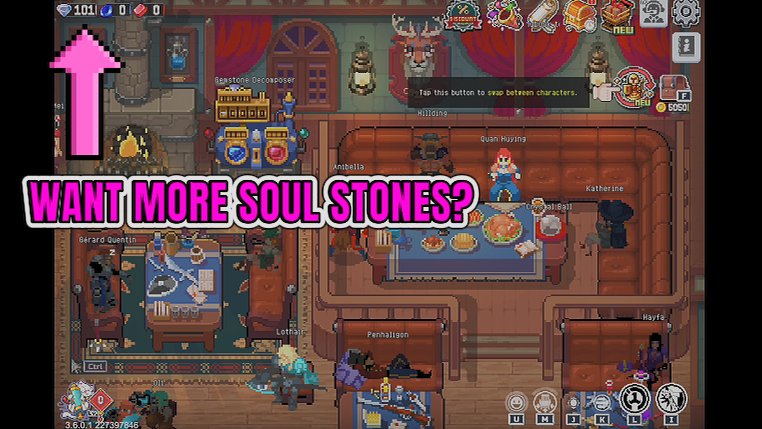
Soul Harvest
Drops Soul Stones into your profile for the hub's talent trees, and tops up Weapon Upgrade Tickets, Reborn Cards, Probation Tickets and Fertiliser in one press.
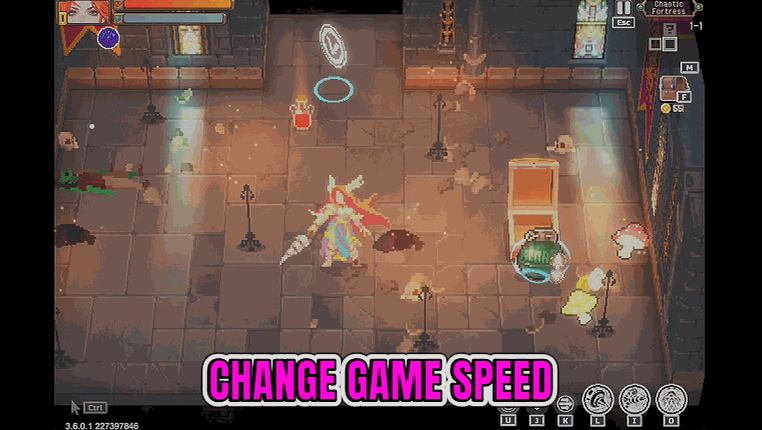
Tempo Master
A speed dial for the whole game, from a quarter speed up to eight times. Rush the floors you've cleared a hundred times, slow the ones that matter.
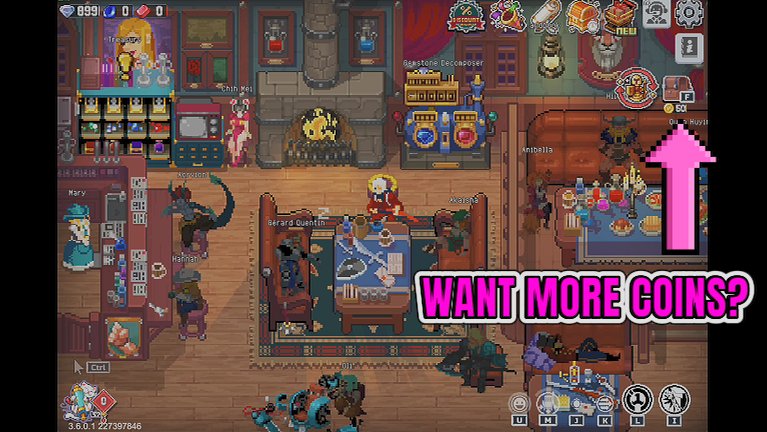
Coin Flood
Drops coins into your purse mid-run so the relic and weapon shops stop deciding your build. Coins belong to the run - spend them before it ends.







