Want more mods for TCG Card Shop Simulator? Explore our entire collection!
Give Items
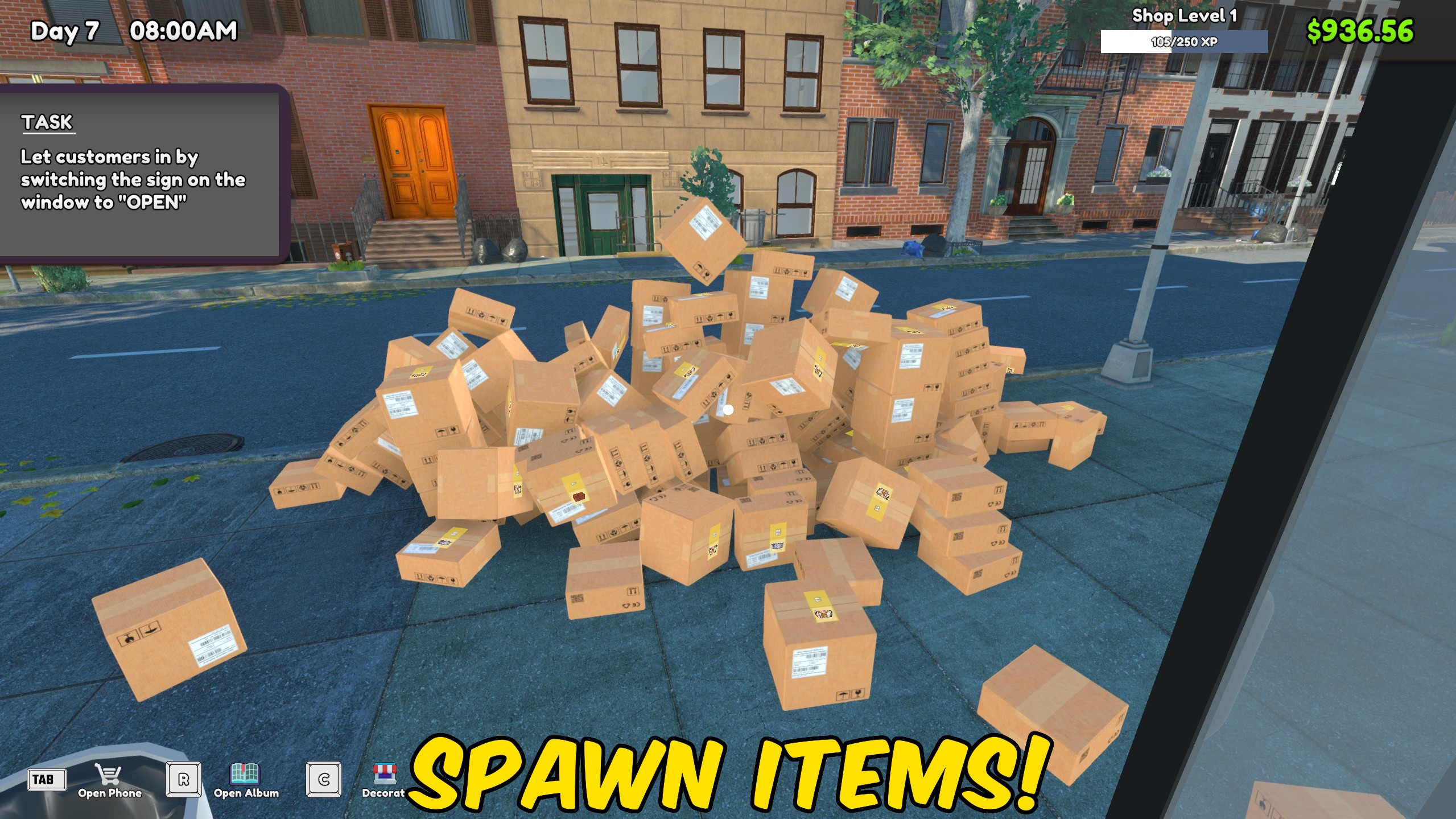
"Choose any shop product and spawn a ready-to-open stock box."
How do I install Give Items?
Download the free ProjectMods desktop app, then install Give Items for TCG Card Shop Simulator in one click.
</>What does Give Items do?
Give Items loads the products available in your current game and presents them with the names players see in the shop. Choose a product, set the quantity, and spawn it in a standard or large stock box. The two box actions make it useful for both small restocks and larger shelf-filling jobs. The requested amount is kept within the selected box's capacity so the resulting stock stays usable. Extra cleanup controls let you delete the item currently in your hand and remove empty product boxes around the store. Refresh the list after loading into your shop before choosing what to spawn.
</>What is Give Items?
This TCG Card Shop Simulator item spawner provides a human-readable product dropdown, quantity control, normal and large stock boxes, held-item deletion, and empty-box cleanup. It is ideal for restocking a specific product, testing shelves, replacing missing stock, or preparing a shop layout without placing a full order.
</>Common questions about Give Items
Why do I need to press Refresh Items?
The product list is loaded after you enter your shop so it matches the items available in the game.
Can I spawn a large product box?
Yes. Choose the product and amount, then press Spawn a Large Box.
What happens if the amount is larger than the box?
The amount is limited to the selected box's capacity.
What does Delete Held Item remove?
It removes the first item currently held in your hands.
What options does Give Items include?
Spawn a Large Box
Spawn a large box containing the selected product.
Select Item
Choose the product you want to spawn.
Spawn Selected Item Box
Spawn a standard box containing the selected product.
Amount
Choose how many products to place inside the spawned box.
Instructions
Refresh the product list after entering your shop.
Refresh Items
Load the available shop products into the item list.
Remove Empty Boxes
Remove empty product boxes from the shop.
Press Refresh Items in your shop, choose a product and amount, then spawn a normal or large box.
System Requirements
What features does Give Items include?
- Populate the item dropdown with player-facing product names from the running game.
- Spawn a normal or large product box with a chosen quantity.
- Delete the held item or remove empty boxes from the shop.
Best For
- Restock one product immediately when its shelf runs empty.
- Spawn stock while testing shelf layouts, warehouse space, or store organization.
More Mods for TCG Card Shop Simulator
Fame & Shop XP Manager
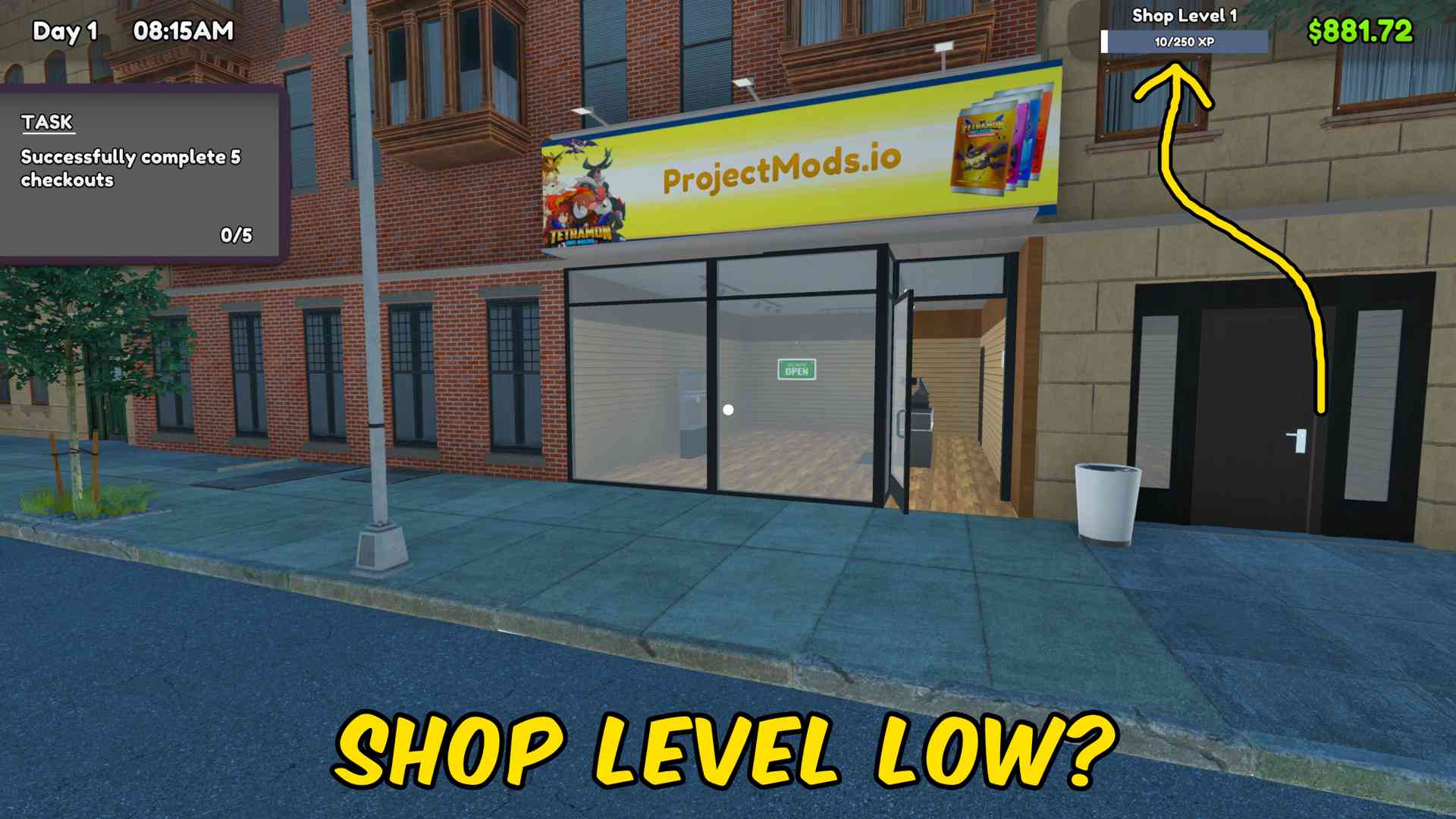
Add fame or shop XP in any chosen amount, with separate controls to reset either progression value to zero.
Price Manager
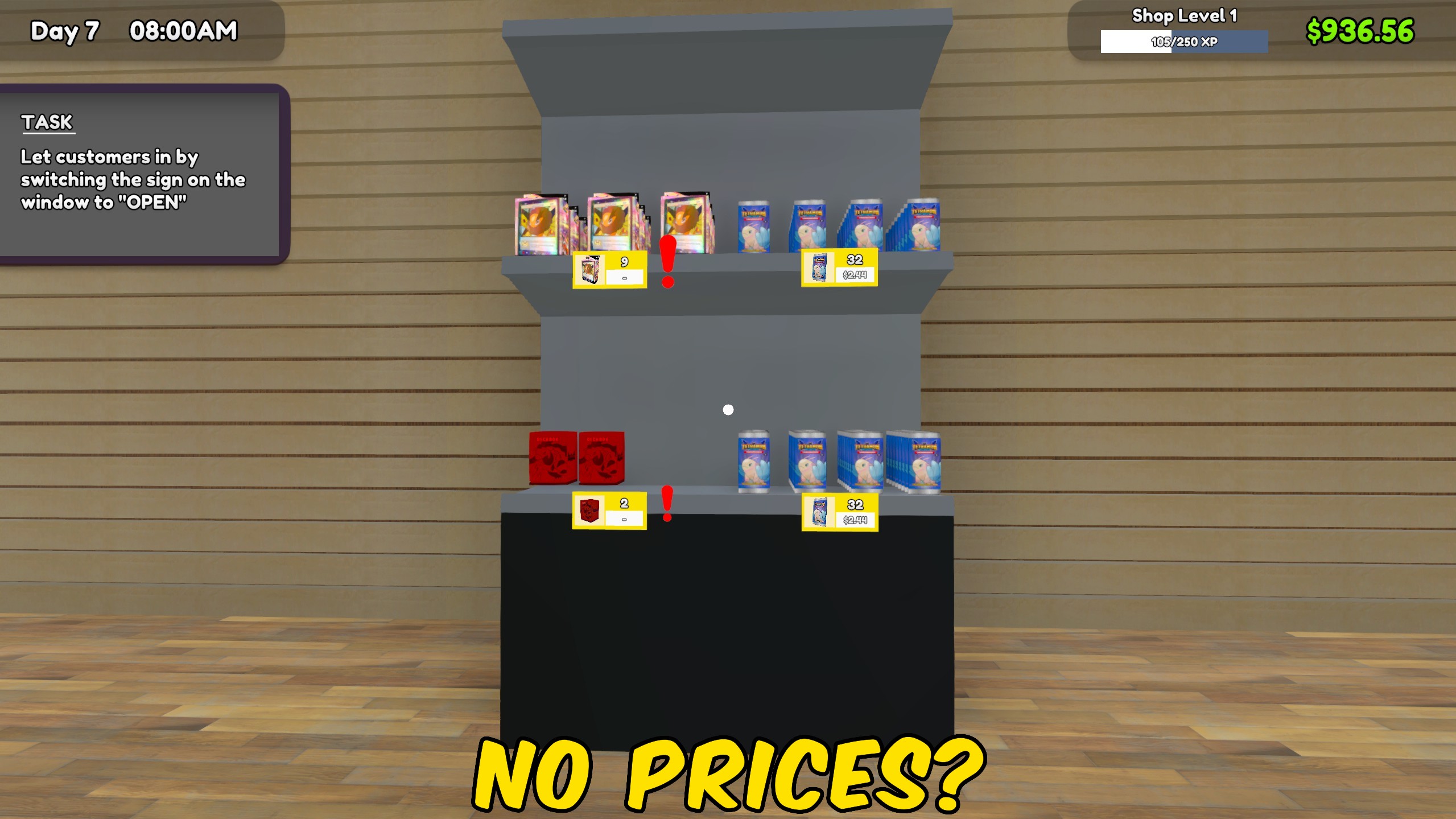
Match every product or card to market price, or apply a chosen market percentage across the entire shop.
Give Money
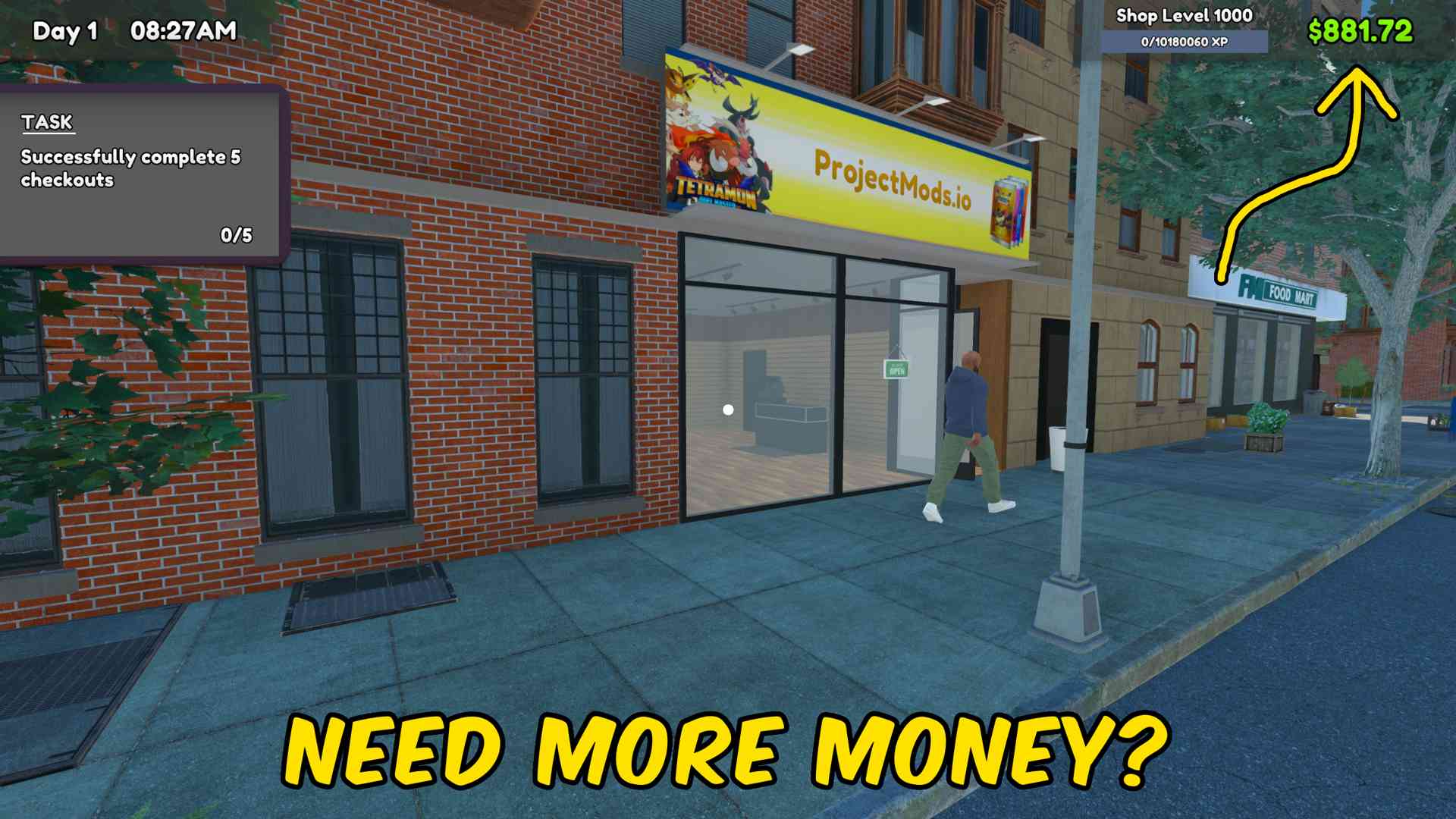
Add any chosen amount of money to your TCG Card Shop Simulator balance, or reset your cash to zero.







