Want more mods for Two Point Campus? Explore our entire collection!
Open Campus
"Every item on the shelf, no waiting."
How do I install Open Campus?
Download the free ProjectMods desktop app, then install Open Campus for Two Point Campus in one click.
</>What does Open Campus do?
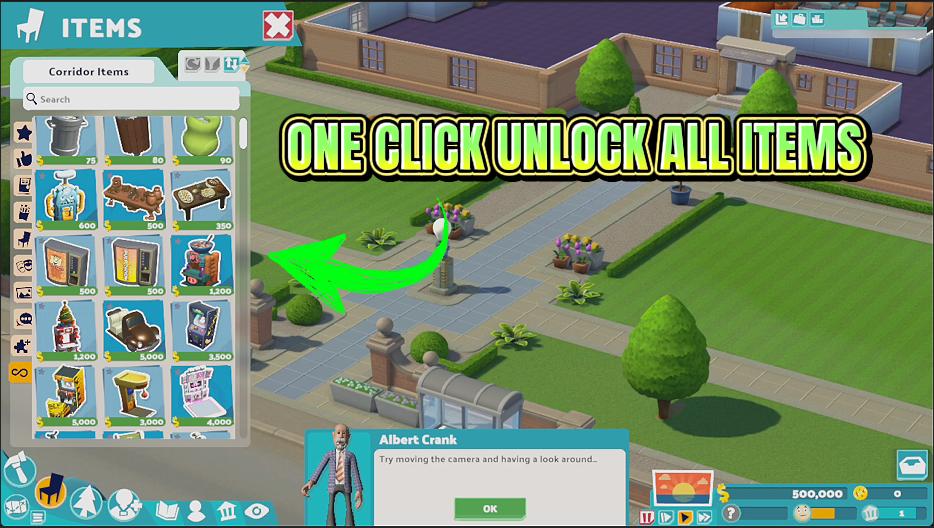
Two Point Campus keeps a large slice of its item catalogue behind slow progression and saved-up Kudosh. Open Campus opens that catalogue for the campus you are running, in a single press. That matters most if you enjoy the decorating side of the game. Instead of designing around whichever items happen to be available, you get to place what you actually pictured, from the good desks to the daft ornaments, without saving up for each one first. It reports exactly how many items it opened, so you always know what changed rather than taking it on trust. If everything is already unlocked it will tell you that too.
</>What is Open Campus?
Two Point Campus locks a big slice of its item catalogue behind career progress and saved-up Kudosh. Open Campus, from ProjectMods, the community-first PC mod manager, opens every item on your loaded campus in a single press and reports the real count it unlocked, so you can build the look you pictured instead of the one you can afford.
</>Common questions about Open Campus
What does Open Campus do in Two Point Campus?
Open Campus is a one-press action for Two Point Campus that opens every item available on the campus you currently have loaded. Two Point Campus normally drip-feeds its item catalogue as you make career progress and save up Kudosh, so a lot of the good stuff sits greyed out for hours. Open Campus removes that wait for the campus you are running, so the full list of placeable objects is there the moment you go looking for it. When it finishes, it tells you the real number of items it newly opened, so you know exactly what changed rather than guessing.
What sort of items does Open Campus open up?
Everything on the item list for your current campus in Two Point Campus, the decorative and the functional side both. That covers furniture like desks, chairs and bookcases, the comfort and entertainment objects your students queue up for, outdoor pieces like benches, planting and lighting, and the purely silly ornaments you put down because they made you laugh. Open Campus does not pick favourites or filter by category; if the campus you have loaded can place it, the action opens it. The point is that you design around what you actually want rather than around whichever handful of items happened to be affordable that term.
Does Open Campus unlock campuses or DLC content as well?
No. Open Campus is deliberately narrow: it opens items on the campus you have loaded in Two Point Campus, and nothing beyond that. It does not open other campuses, and it does not hand you paid DLC content, so anything that came with an add-on you have not bought stays exactly where it was. If it is the campus list you are after, that is a different ProjectMods mod for Two Point Campus called Grand Tour, which is the one that deals with campuses. Keeping the two jobs separate means you can take one without the other, and it makes the count Open Campus reports genuinely mean items rather than a mix of things.
What does the Unlock Everything action tell me when I press it?
Unlock Everything is the single action Open Campus gives you in Two Point Campus, and it reports back rather than leaving you guessing. Press it and it opens every item still locked on your current campus, then tells you the real number it just opened, not a canned message but the actual count. Press it again on a campus where nothing is left to open and it says so plainly instead of pretending it did something. That matters more than it sounds: it is how you tell the difference between the mod having already done its job and the mod not having taken effect, so you are never left staring at the build menu wondering.
Why does Open Campus do nothing on the Two Point Campus world map?
Because Open Campus works on a campus, and on the world map there is not one loaded yet. The action needs a campus actually running in front of it to know which item list it is opening, so pressing it from the map screen has nothing to act on. Load into the campus you want to decorate first, then use it, and the count it reports will be for that campus. This is also why it fits the way most people play Two Point Campus: you unlock items for the campus you are currently building out, keep the rest of your career progress intact, and go straight to placing the pieces you actually pictured.
What options does Open Campus include?
Unlock Everything
Unlocks every item available on this campus, then tells you how many were newly opened.
Open Campus is a Two Point Campus mod from ProjectMods that opens the whole item catalogue for the campus you currently have loaded in one press, then tells you how many items it newly unlocked.
System Requirements
What features does Open Campus include?
- Opens every item available on the campus you are currently running, in a single press
- Reports the real number of items it just opened, so you know exactly what changed
- Covers decorative and functional gear alike, from the smart desks to the properly daft ornaments
- Skips the Kudosh saving, so you place what you pictured instead of what you could afford
- Tells you straight when your campus is already fully stocked, rather than leaving you guessing
Best For
- Campus decorators who already have a look in their head and do not want to design around whatever happens to be affordable
- Returning players starting a fresh campus who earned all this once already and would rather skip doing the whole grind again
- Content creators filming a campus tour or a build showcase who need the full item catalogue open before recording starts
- Players loading an established save who want the rest of the catalogue available before the next big expansion push
- Builders chasing a themed campus where every piece of decor matches, without waiting for each one to become available
More Mods for Two Point Campus
Tuition Windfall
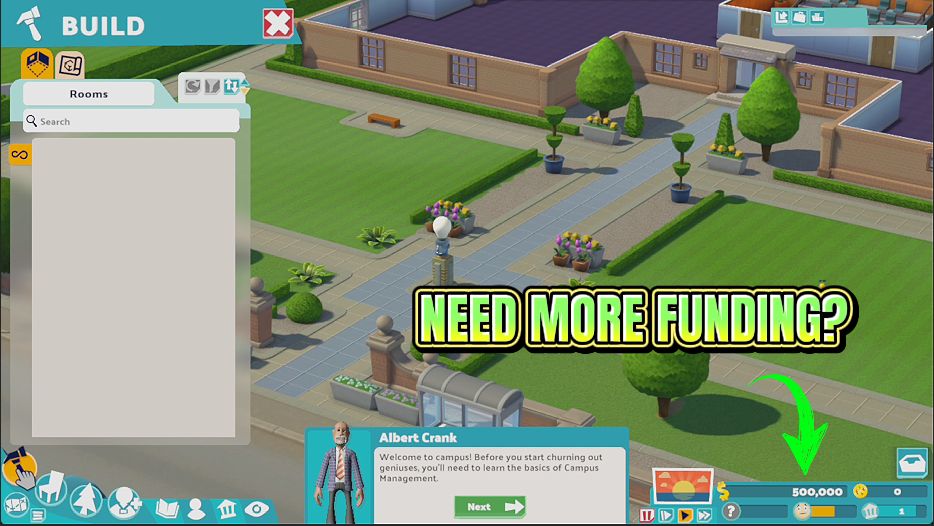
Drop any amount of cash straight into your campus funds, or wipe your balance back to zero.
Course Credit
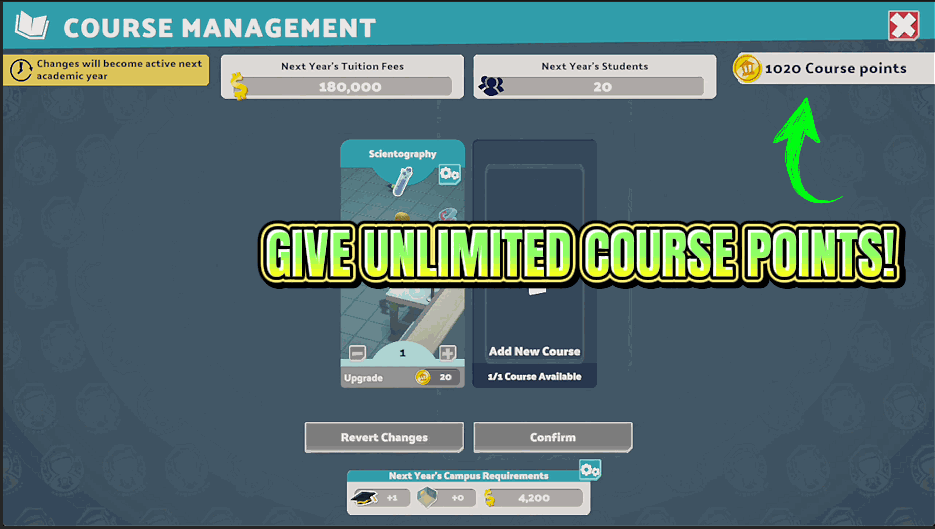
Adds course points so you can bring in new courses whenever you like.
Grand Tour
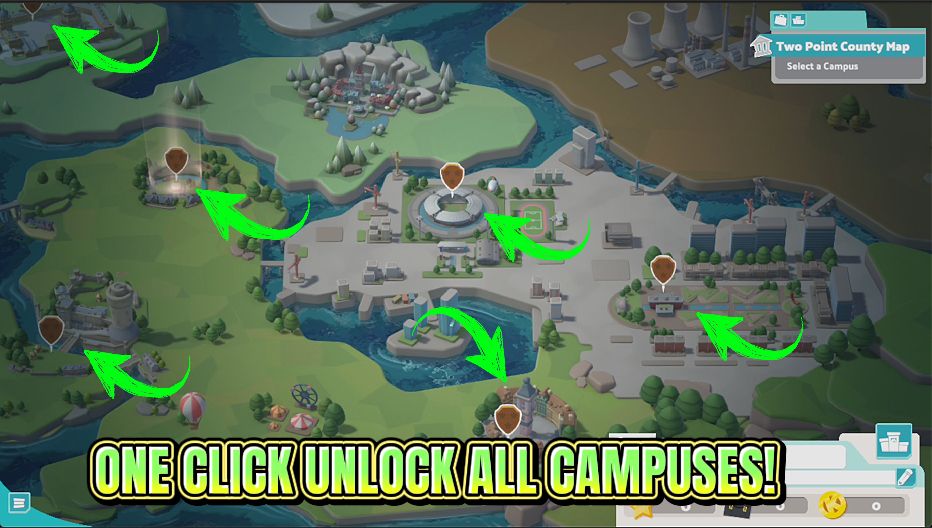
Opens every campus in the game so you can play them in any order you like.







